We remain fully operational. Our teams are working around the clock to ensure your deliveries continue safely.

Descargar la aplicación


Servicios al cliente
Sobre nosotros
Copyright © 2025 Desertcart Holdings Limited
Descargar la aplicación


Buy anything from 5,000+ international stores. One checkout price. No surprise fees. Join 2M+ shoppers on Desertcart.
Desertcart purchases this item on your behalf and handles shipping, customs, and support to Bolivia.
🎯 Elevate your mobile gaming—because second place is just the first loser.
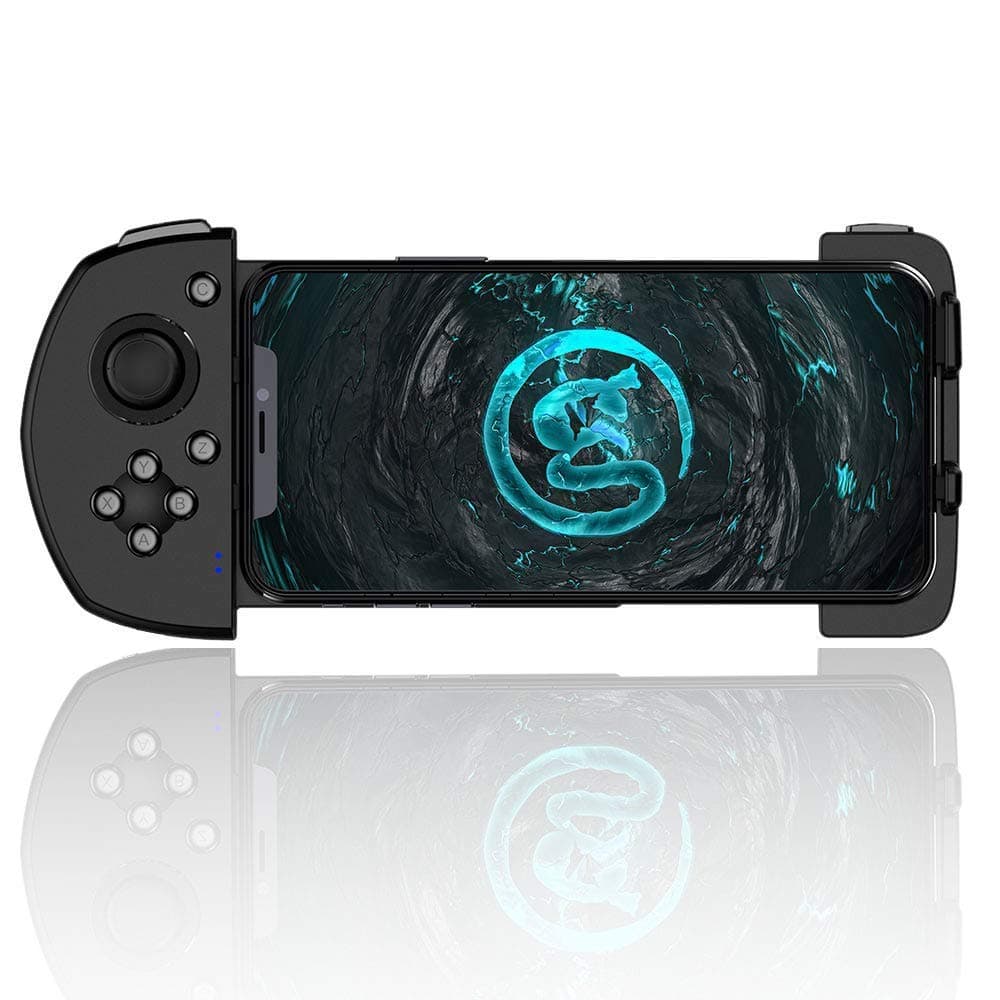
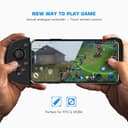
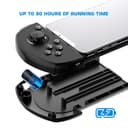
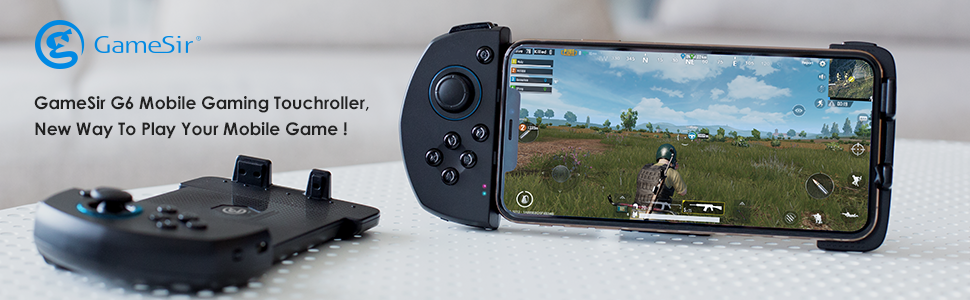
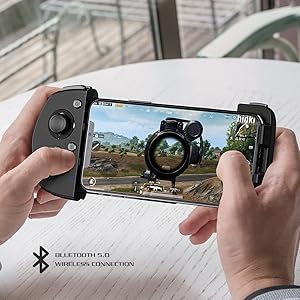
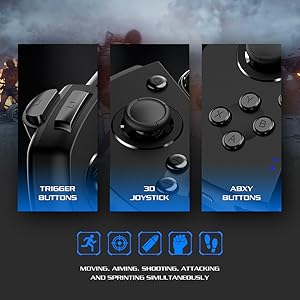
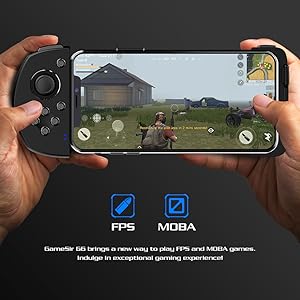
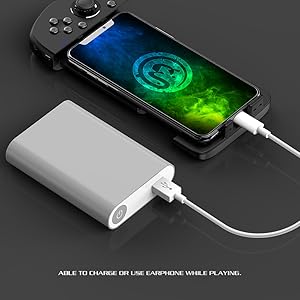
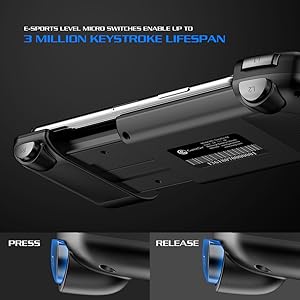
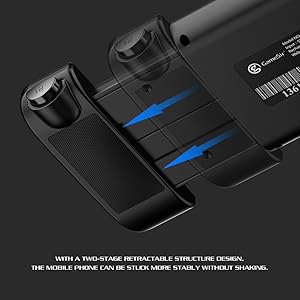
The GameSir G6 is a wireless mobile game controller designed for iPhone and Android devices under 6.57 inches. Featuring a professional layout with 10 configurable buttons, a 3D joystick, and a unique four-finger control scheme, it delivers precision and speed for FPS and MOBA games. Powered by a Nordic 52832 chip, it offers up to 80 hours of battery life and connects via Bluetooth 5.0 for low latency gameplay. Its retractable design and compatibility with the GameSir World app make it a versatile choice for serious mobile gamers.
| ASIN | B07PWCWQ4Z |
| Additional Features | MIF, Wireless Bluetooth |
| Best Sellers Rank | #153,689 in Video Games ( See Top 100 in Video Games ) #1,240 in PC Gamepads & Standard Controllers #1,913 in GEM Box Microconsole |
| Brand Name | GameSir |
| Button Quantity | 10 |
| Color | Black |
| Compatible Devices | Android |
| Connectivity Technology | Bluetooth |
| Controller Type | Joystick |
| Customer Reviews | 3.4 3.4 out of 5 stars (98) |
| Hardware Platform | pc |
| Included Components | Built-In Battery |
| Item Dimensions | 8.07 x 4.72 x 1.57 inches |
| Item Weight | 220 Grams |
| Manufacturer | GameSir |
| Package Quantity | 1 |
| Power Source | Battery Powered |
| UPC | 754909920586 |
| Warranty Description | No |
R**.
Good quality
This little controller had that PS Vita vibe to it which I like. Built quality is good and able to hold on to my Pixel 3xl with a Quadlock case. The downside is the instructions, this shows that it only works for IOS but on the box it shows compatible withAndroid 7.0 and up. With a few research I have found that pressing y and power button together puts the S6 to paring mode (IOS). Granted my phone can still pair with it at this state. The Denise is when you try to map your buttons. Any button you press would have a "?" on it. To pair it properly for Android, you would have to press b and power together. Now when your mapping your buttons it will register. Other that this small hiccup, it's a nice controller for the price and will definitely buy again.
T**Z
Gamble your money
It started functioning great in the first 2 hours. After that, the joystick began to malfunction. I have been trying to fix it because it was an amazing controller. Guess I was an unlucky customer. Took this picture to see if someone knows how I can stop the joystick from doing that because it’s suppose to stop but the line keeps going and resets. You might be lucky or be like me and get a defective one.
J**R
This is the one !
This is my third mobile gaming controller. The first one was mechanical, returned, the second one was dual joystick, returned, this one was an absolute game changer for me! I strictly use this for call of duty mobile, I can’t speak on other games. The mechanical controller was goofy, slow, and loud. The dual joystick controller had a delay for shooting with the right trigger and I was nowhere near as accurate using the right joystick to aim with as I was with my thumb, I was better off with no controller, personally. this one seemed to make sense on paper - and It delivered !! I love the combination of moving with the joystick and button functions on the left and aiming with my thumb while shooting with the right trigger. You have to download an app to make it work and it took a second to get it to function correctly. At first some of the buttons weren’t functioning as they should and all I had to do was enlarge the buttons a little bit in game and they worked perfectly. The only issue I have with it is that occasionally the joystick will stick in game, like it will only go forward and backward for a bit and I have to release the joystick and it’s good. I think this happens when you are using the joystick along with touching the screen and pushing a button at the same time? Not sure yet. I just got done using it for the first time and played for two hours and the battery is still good. My phone does get hot after a bit so I would remove the controller between matches to allow some cool down time which worked well enough. For what it’s worth, I’m using this controller on an iPhone X. I hope this review helps someone, I am very happy with the purchase. Hopefully the controller holds up well!
K**H
Huge Headache to Install on Android
Not easy to install. You need current adb debugger software on computer, or the activate mapper wont work. Nice that no stupid guide says this... Thats if you're activating thru a PC, not the separate purchased USB stick(site will seem like you can only use the usb stick, this is false). I have no clue about the stick, but its not required at all. Then mine won't allow simultaneous use of the controller and touch screen. It stops the controller, then on second press on touch screen the touch screen works. Soon as I use controller, touch screen is off and only controller can be used. Seems to be a software issue of gamesir. With troubleshooting being to try a bunch of mixmatched apk files to a3 mapper file. Then most the trouble shooting is all in Chinese. There is also at least 3 different pairing modes for it. One is power+a, power+b,power+y. They all make a different color. Some work better depending on your use. Which makes no sense! then no guide properly explains, which one to even do... The pink light seems to be for Apple phones... The red light seems to be android phones. But the blue/blue light also works with android. Like I said... Not Easy at all!!! highly confusing. Super lack luster instructions. Customer guides aren't much better. I'm very much more tech savvy, than an average user and this thing is frustrating to get to work correctly. Good Luck! Took me 4 hours to just get the mapper to work. Since all guides offer poor instructions, not to mention highly confusing instructions that omit basic things. Now I've spent another 2 hours trying to get the touch screen and controller to work at same time in COD mobile. Which I'm sure will work eventually.... Just be nice if Gamesir could provide better software and much much better instructions. You also have to reinstall the controller, everytime you reboot your phone. Meaning the connect it to PC, usb debugger mode, mapper activate part again. Every single time. Wish they'd just make a for root version. Since they say "for non root" on their own videos.... Well wheres the root version??? Be way less a headache. The controller itself, feels nice, looks nice. Very compact. Little mushy on buttons, but highly serviceable. Thats why I even gave it stars.... The stick is better than most third-party controller such as ipegas. The main draw back is installation.... From what I read, the IOS software and install is better.
K**.
Fun, but no Android yet.
My review is detailed in the video, and while I find it to be a neat controller, more development needs to be done to include full Android support. Once this change has been made and I've a chance to try it out with more games, I may give it a more favorable rating.
V**S
Fast and responsive
A good upgrade from T6 to G6. I haven't had trouble using it from IOS and it's just sad that Androids aren't compatible for this product. Even though you can connect it to your Android phone, it still won't give you the experience they intend to give you. Overall, for iOS users, I recommend this product to enhance your experience through gaming.
J**S
I gave it a star for the arrival of the product, other than than and after speaking with the supplier etc etc it is simply impossible to get it connected properly to my phone. It now sits up on the shelf to simply annoy me each time I look at it.
M**U
I so wanted this to work but unfortunately with the latest ios ver 16 it does not work, I tried everything updating the firmware and changing ios accessibility but nothing works. It just keeps touching randomly anywhere on the screen. Have to return this
R**L
Not compatible for IOS 14
R**A
Cant connect Always saying enable mapping but there is no option for that. And no costumer support so dont buy it.
Z**D
Great product
Trustpilot
Hace 1 mes
Hace 2 días