We remain fully operational. Our teams are working around the clock to ensure your deliveries continue safely.

Descargar la aplicación


Servicios al cliente
Sobre nosotros
Copyright © 2025 Desertcart Holdings Limited
Descargar la aplicación
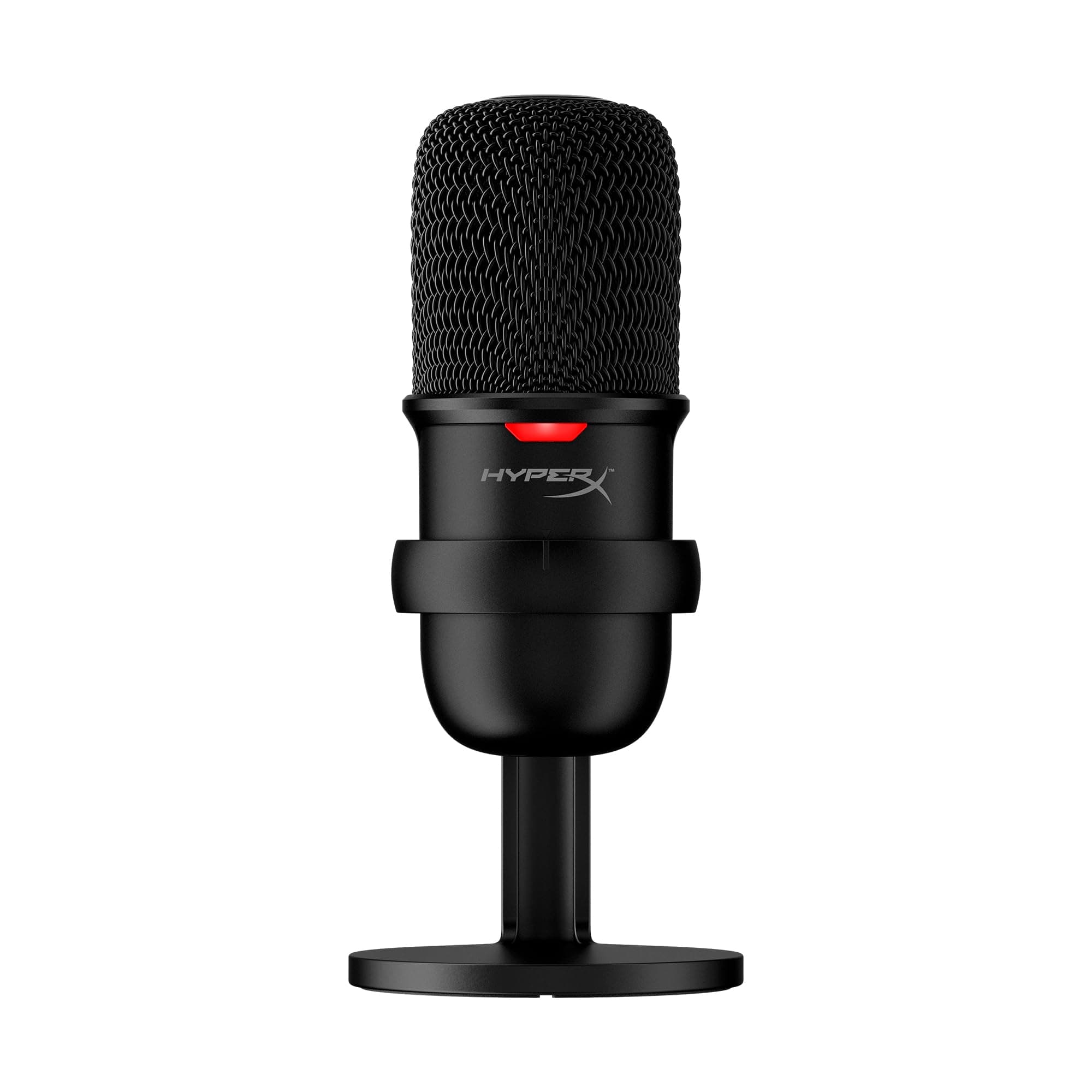
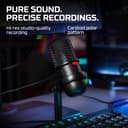
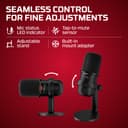

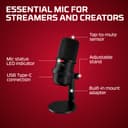
🎧 Elevate your voice, own your space—stream like a pro with HyperX SoloCast!
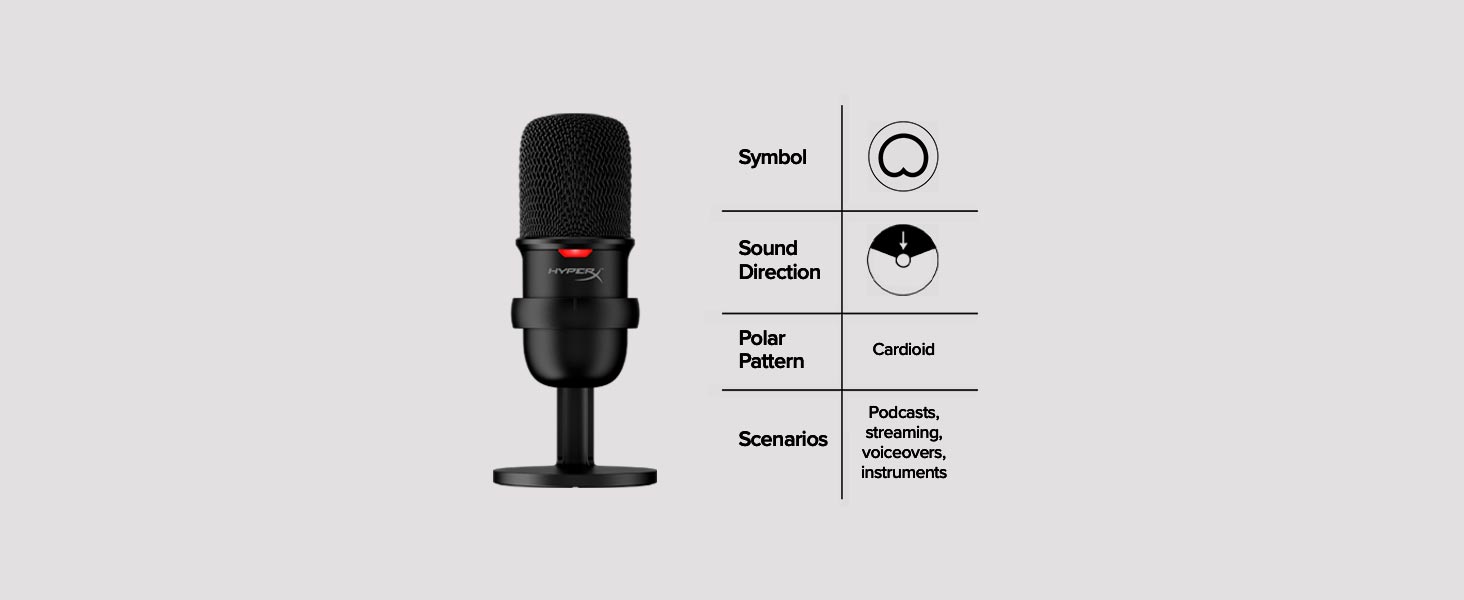
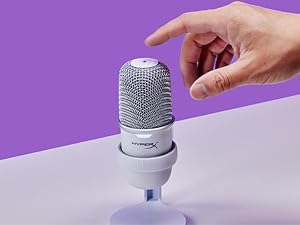
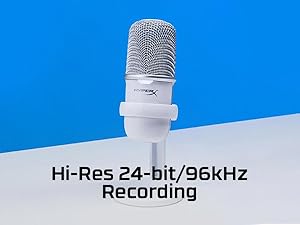
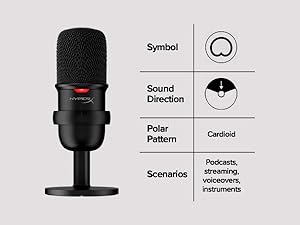
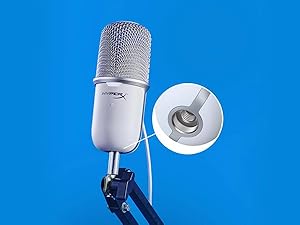
The HyperX SoloCast is a sleek, USB-C condenser microphone designed for gamers, streamers, and professionals seeking studio-grade 24-bit/96kHz audio. Featuring a cardioid polar pattern for focused voice capture, a tap-to-mute sensor with LED indicator for seamless control, and a flexible stand compatible with boom arms, it delivers plug-and-play simplicity and crystal-clear sound across PC, Mac, PS4, and PS5 platforms.









| ASIN | B08KFL3SFV |
| Antenna Location | Indoor |
| Audible Noise | 74 Decibels |
| Best Sellers Rank | #192 in Musical Instruments ( See Top 100 in Musical Instruments ) #5 in Multipurpose Condenser Microphones #9 in Computer Microphones |
| Brand | HyperX |
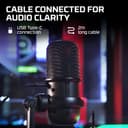
| Built-In Media | Microphone, Stand, USB Type-C to USB-A Cable (2M) |
| Color | Black |
| Compatible Devices | Mac, PS4, PS5, Personal Computer |
| Connectivity Technology | USB |
| Connector Type | USB |
| Customer Reviews | 4.6 4.6 out of 5 stars (21,056) |
| Enclosure Material | Plastic |
| External Testing Certification | Não aplicável |
| Global Trade Identification Number | 00196188049495 |
| Hardware Platform | Mac, PC, PS4 & PS5 |
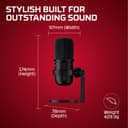
| Item Dimensions | 6.85 x 3.82 x 3.07 inches |
| Item Type Name | Multipurpose Condenser Microphone |
| Item Weight | 261 Grams |
| Manufacturer | HP Inc. |
| Maximum Frequency | 96 KHz |
| Mfr Part Number | 4P5P8AA |
| Microphone Form Factor | Gooseneck or Boundary |
| Model Name | SoloCast |
| Model Number | HMIS1X-XX-BK/G |
| Number of Channels | 1 |
| Polar Pattern | Cardioid |
| Power Source | Usb Microphone,Usb Condenser |
| Signal-to-Noise Ratio | 95 dB |
| Special Feature | Washable |
| UPC | 196188049495 |
| Unit Count | 1.0 Count |
| Warranty Description | 2 year manufacturer |
J**T
A Game-Changer for Virtual Meetings - Crisp, Clear Audio Every Time!
I recently upgraded my home office setup with the HyperX SoloCast Mic, and I'm thoroughly impressed. The quality of this microphone is top-notch - it doesn't feel cheap or flimsy at all. The build is solid, and you can tell HyperX put thought into designing a product that's both functional and durable. The sound quality is exceptional, and I've received tons of compliments on my audio during virtual meetings on Zoom, Google Meet, and Microsoft Teams. My voice comes through clear and crisp, without any distracting echo or distortion. But what really impressed me is how well the mic isolates my voice - it doesn't pick up any background noises, whether it's the hum of my computer, the occasional bark from next door, or the sound of my kids playing in the background. It's like having a professional recording studio in my home office! Setup was a breeze - literally plug-and-play. I connected it to my laptop, selected it as my default microphone, and I was good to go. No fuss, no muss. I've been using it daily for a few weeks now, and I haven't experienced any audio feedback noises or issues. The packaging was also impressive. Everything was well-protected, and the included accessories were exactly what I needed to get started. If you're in the market for a reliable, high-quality microphone for virtual meetings or streaming, I highly recommend the HyperX SoloCast. It's worth every penny - trust me, you won't regret it!
J**U
Great desk microphone with clear sound and solid build.
Setup was plug-and-play and worked immediately without any issues. My voice comes through clear and natural for calls and casual recording, with minimal background noise for a desktop mic. The build feels sturdy, the base stays firmly in place, and it doesn’t take up much desk space. Overall, this is a reliable and easy upgrade for meetings, gaming, or everyday use, especially for the price.
D**T
Good mic for average Joe Gamer
Solidly built and good sound quality- great value for the money! I do tend to knock it over onto my keyboard with my clumsy ham hands....
G**I
Good Audio and quality, but dont intall the software
I have been using this microphone for over a month now and I am amazed the clear sound it has. Note that is not premium audio device and does not have pop filter or shock mount so if you are planning to record music or podcast this microphone is not for you. Otherwise it is good. The build quality is good. Its made of metal. Touch mute button is sensitive and accurate. The reason I am giving 4/5 is the software. It randomly lowers sensitivty. Also microphone design is exeptionally good. You can rotate it they way you want to. Also, you can change cheap cable it comes with, because on the back it has type-c port. You can simply plug the microphone in and you are good to go, so... + points for it. In conlusion the mic is good and deffinetly worth buying.
C**E
Works Awesome
The clarity is awesome, same with recording quality. The looks are decent just like a funny Bean! Functionality has a decently long USB. Its plug and play. It has weight and its almost entirely metal with a touch capacitive button on top for mute.
L**F
Does the Job, and Does it Well
Plugs in and is ready to go, pretty much. It's a solid mic with decent quality, and even when it's not on sale I think the price is reasonable for what you get. I also appreciate the ability to mute the mic itself, for when I forget to mute myself on call. If you wanna keep things simple this is an awesome choice.
T**L
I can't get it to work on Windows 11. On Windows 10 it has marginal sound quality.
Update: Leaving my previous review in case it helps someone else. After a weekend of troubleshooting I figured out how to get it to work. It took a bunch of back and forth between my Windows 10 (W10) machine and my Windows 11 (W11) machine but it is now working. W10 installed a different driver than W11 was installing. On a whim I uninstalled the driver and I plugged the mic into a USB 2.0 port and it installed the same driver W10 installed. Now it works. If I plug it into a USB 3.0 it will stop working and all I get are pops and clicks, the original driver gets installed again. It's working so I don't have to return it. Sound is much better as well, overall crisp, clean and what I expected. In spite of the hassle of getting it to work I'm changing my 1 star to a 5 star, because I think in the end it is W11 causing the headache and not the mic. As for the sound quality, for some reason W10 defaults to the lowest quality, I didn't notice that before, if I bump it up to studio quality it sounds awesome! (Well as awesome as my voice can sound). On my W11 machine I bumped the audio quality up and it also sounds good. Old review (feel free to ignore) It's 2025 and I feel like I'm in the 90s trying to troubleshoot this thing. On windows 11 it will not work. I have spent hours trying to get it to work and it jut won't. It'll detect just fine. Mute button turns on and off the light. It just won't pick up any audio. I have spent so long looking at Windows Task Manager uninstalling and re-installing drivers it really isn't funny. Uses generic drivers so there isn't even any software that will help trouble shoot it. I've tried different USB ports, nothing. I got it to "work" randomly and got pops and clicks out of it on an audio test with OBS/Discord/Windows settings when I spoke into it. Keep in mind my voice was only coming through every few syllables, but the pops and clicks were pretty constant, even when I stopped talking. Thinking I was dealing with faulty hardware I used a second machine (My Windows 10 Test machine) and it worked first try. Sound was significantly less quality than the ~$5 no name mic my kids use, but it did work. This was supposed to augment my Logitech headset for streaming and podcasting but it is unusable on my main Windows 11 machine. Just to make sure it wasn't my machine I plugged my kids mic in and it worked first try, no hassle. A semi pro/hobbyist mic should not require this much troubleshooting in 2025. It just shouldn't. I don't know much else I can try to get this thing to work with Windows 11, but after perusing forums until 2 AM last night I will spend some more time today and tomorrow over the weekend and if I can't get it resolved, back it goes. It blows me away that a cheap no name mic I bought for my kids works better and easier out of the box.
L**H
Best mic!
Great mic!, definitely covers all your needs, whether you need it to pick up just your voice or everything in the background, its all adjustable, it is nice and bottom heavy so you dont really have to worry about it toppling over all the time, and its super super easy to set up and theres no driver or extra app needed to use it
M**N
Ik ontving helaas een gebruikt exemplaar, maar hij was compleet en functioneert goed. Ik moest hem alleen wel schoonmaken, want hij was een beetje vies. Prima microfoon met erg mooi en warm geluid. Je moet hem wel heel dichtbij hebben voor het perfecte geluid, denk aan max 15cm afstand. Als je hem verder weg houdt, wordt het geluid beduidend zachter en ga je (vanwege gain) steeds meer achtergrondgeluiden horen. Als je de meegeleverde standaard gebruikt, staat hij dus eigenlijk altijd te ver weg om echt beter te zijn dan bijvoorbeeld de ingebouwde microfoon van je laptop. Werkt zonder drivers etc. gelijk op een Mac en is beschikbaar in al mijn apps zoals Teams, Slack, en QuickTime.
A**R
Fantastic sound for a good price 👍
L**O
En julklapp till min lillebror. Han har inte klagat så jag antar att den funkar som den ska😁
D**.
O HyperX SoloCast é um microfone excelente. A qualidade de áudio é super limpa, o que faz toda a diferença para comunicação, seja jogando ou em chamadas com os amigos. É realmente plug and play: você conecta no PS5, Xbox ou PC e já está pronto para usar, sem precisar configurar nada complicado. Além de ser muito fácil de usar, ele funciona super bem e melhorou bastante minha experiência de comunicação durante os jogos. Recomendo para quem procura um microfone simples, eficiente e com ótimo custo-benefício. É isso, produto muito bom!
M**R
I got the mic for my ps5 and the sound quality is amazing and pairs perfectly well with my ps5. There is no noise cancellation though as it is a condenser but if you are on pc you can easily adjust it’s settings through a software.
Trustpilot
Hace 1 mes
Hace 4 días