We remain fully operational. Our teams are working around the clock to ensure your deliveries continue safely.

Descargar la aplicación


Servicios al cliente
Sobre nosotros
Copyright © 2025 Desertcart Holdings Limited
Descargar la aplicación
Buy anything from 5,000+ international stores. One checkout price. No surprise fees. Join 2M+ shoppers on Desertcart.
Desertcart purchases this item on your behalf and handles shipping, customs, and support to Bolivia.
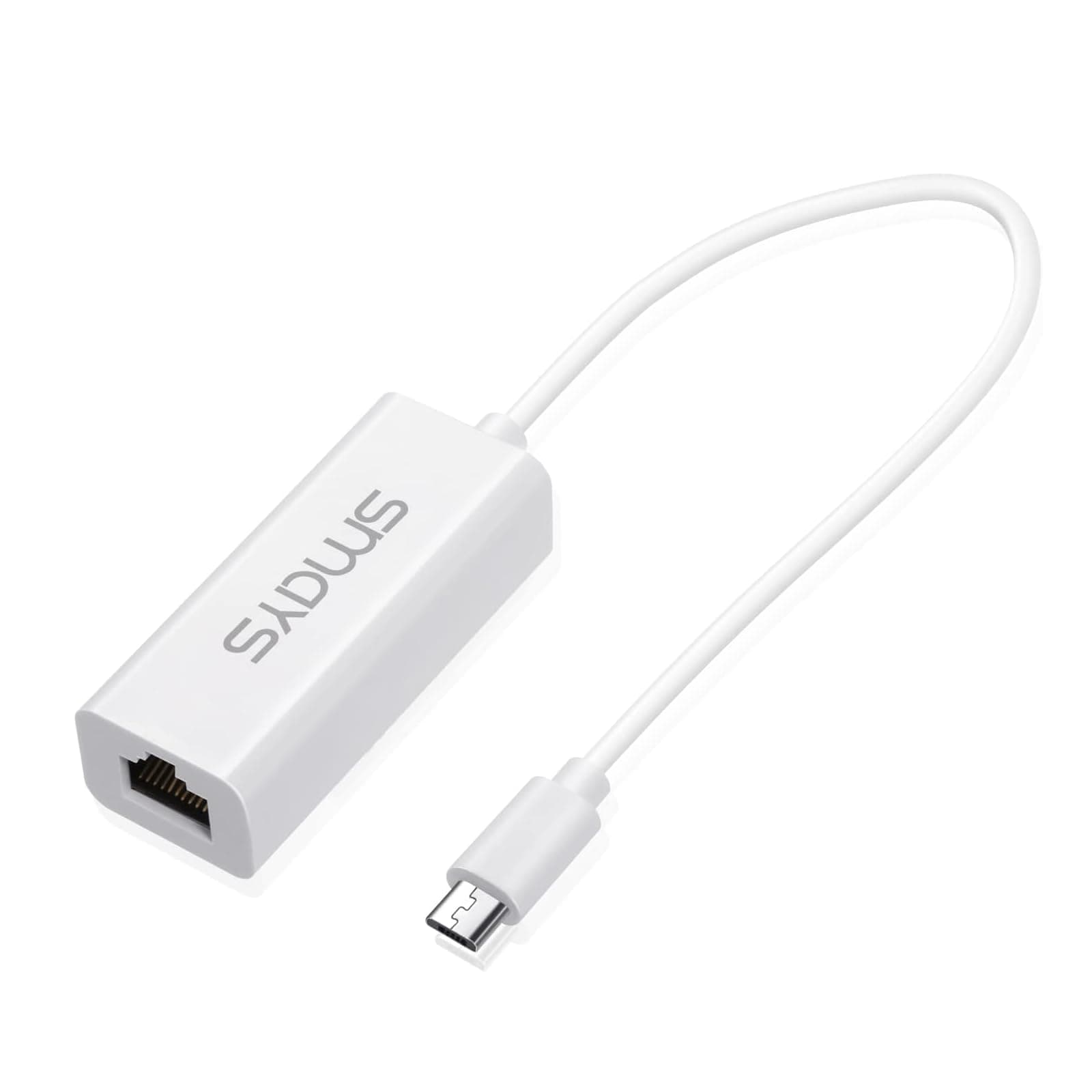
🌐 Cut the WiFi lag—wired speed meets micro USB magic!
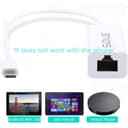
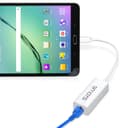
The Smays Realtek RTL8152 Micro USB Ethernet Adapter transforms your micro USB-enabled devices into wired network powerhouses, delivering reliable 10/100 Mbps speeds. Compatible with a broad range of Windows, Mac, Android, and Raspberry Pi devices, it offers true plug-and-play convenience without driver hassles. Perfect for professionals craving stable, fast internet on tablets, mini PCs, and ultrabooks, this compact adapter ensures you never miss a beat in connectivity.
| ASIN | B009XU6N54 |
| Brand | SMAYS |
| Color | Micro USB Micro-b Ethernet Adapter |
| Compatible Devices | Google Nexus 10, Google Nexus 6, Google Nexus 7 2012 model, Google Nexus 9, Google Nexus Player, HP Stream 7, Raspberry Pi 2, Raspberry Pi Zero, irilu tablet, surface pro |
| Compatible Operating System Family | Windows |
| Customer Reviews | 4.3 4.3 out of 5 stars (976) |
| Data Link Protocol | Ethernet, IEEE 802.3, USB |
| Data Transfer Rate | 100 Megabits Per Second |
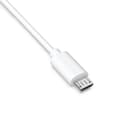
| Hardware Interface | Micro USB 2.0 Type B |
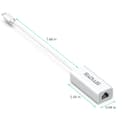
| Item Dimensions L x W x H | 9.5L x 2.1W x 1.5H centimeters |
| Item Weight | 0.02 Kilograms |
| Manufacturer | SMAYS |
| Mfr Part Number | SMAYS-MICRO-USB-8152-W |
| Model Number | SMAYS-MICRO-USB-8152-W |
| UPC | 609528925088 |
M**N
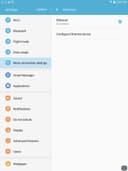
Since I have only a DSL connection (Ethernet RJ45) at home, I was looking for an alternative to having to go to a public WiFi location. One option would be to get a router, but that is more complicated. I wondered whether it would be possible just to connect the DSL Ethernet RJ45 to the Micro USB input on my Chromo Android 4.2.2. tablet. I read a lot of contradictory information about whether this was possible. However, I purchased one of these Smays connectors and everything worked perfectly! It is simplicity itself. Simply connected your DSL Ethernet RJ45 jack (male) into the Smays connector and plug the other end into the female Micro USB port on your tablet. There are only two simple requirements for this type of connection to work. 1) Your Android tablet and its operating system must support an Ethernet connection. Some do, some don't. To check, go into the native Settings app on your Android and turn the "Wireless" option on. Under that option, select "More." Alternatives other than WiFi that are supported by your Android will be displayed. If "Ethernet" is included in that list, your tablet supports the simple kind of connection that I have described with the Smays adapter cable. 2) You must have a female Micro USB port on your tablet. Almost all do. This port is used with a power cable to charge the tablet and with a USB/Micro USB adapter to exchange files between your tablet and your computer. Of course, when you have your DSL connection attached to the Smays adapter cable, it isn't attached to your computer. If you wanted both to be connected to the internet at the same time, you would have to use a router. An inexpensive router (Netgear seems to be the best) starts at $30 and involves some setup. So, if you want to be connected to the internet only occasionally to download files to your tablet (like TXT or PDF files to read, or MP3 files to listen to), the Smays adapter cable is an inexpensive and easy option.
A**E
Plug And Play
L**E
Works great with my Raspberry Pi Zero
M**T
Utilisé pour connecter une tablette sous Androïd à internet sans wifi ... fonctionne parfaitement !
S**O
Avevo provato prima altri prodotti simili meno costosi ma alla prova dei fatti erano USB 1.1 e quindi pur avendo una rete a 100 Mbit/s la banda era limitata a 12 Mbit/s (1,5 MByte/s circa). Questo invece monta una vera interfaccia USB 2.0 in grado di arrivare fino a 480 Mbit/s, quindi non ho più alcun problema.
Trustpilot
Hace 2 días
Hace 3 semanas