We remain fully operational. Our teams are working around the clock to ensure your deliveries continue safely.

Descargar la aplicación


Servicios al cliente
Sobre nosotros
Copyright © 2025 Desertcart Holdings Limited
Descargar la aplicación
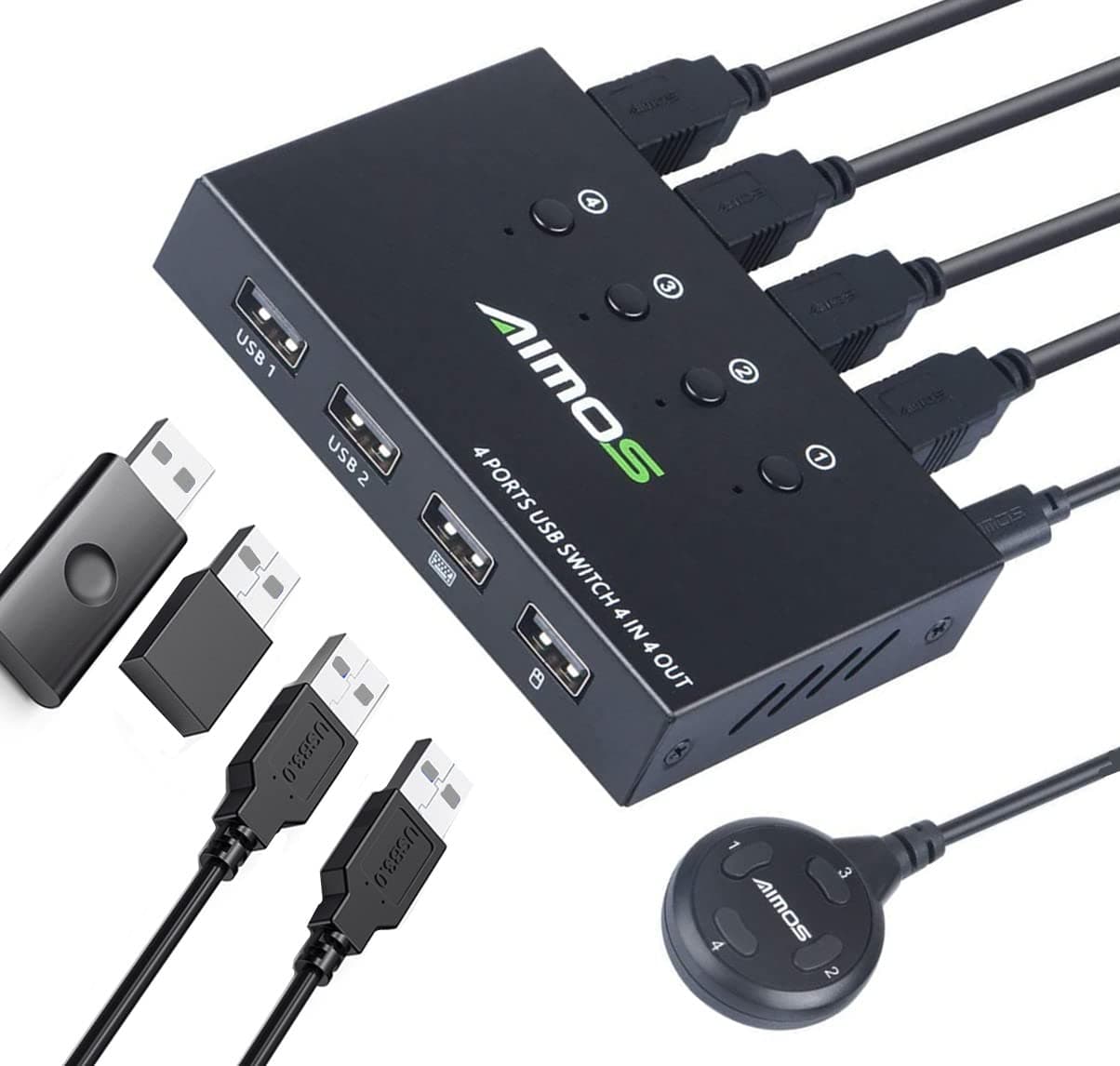
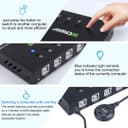
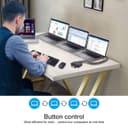
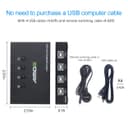
🔄 Master your multi-PC setup with effortless USB sharing!
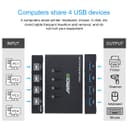
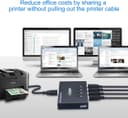
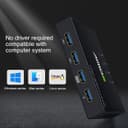
The AIMOS USB Switch Selector is a compact, metal-encased 4-port USB 2.0 KVM switch that enables seamless sharing of up to 4 USB devices across 4 computers. Supporting plug-and-play compatibility with Windows, Mac, and Linux, it offers fast 4800 Mbps data transfer and dual switching via push buttons or a remote cable, making it an essential productivity booster for multitasking professionals.
| ASIN | B085915CTB |
| Actuator Type | Push Button |
| Best Sellers Rank | #85,717 in Computers ( See Top 100 in Computers ) #176 in KVM Switches |
| Brand | AIMOS |
| Brand Name | AIMOS |
| Circuit Type | 4-way |
| Color | 4x4 USB sharing Switch |
| Connector Type | Usb |
| Connector type | Usb |
| Contact Material | Metal |
| Contact Type | Normally Closed |
| Contact type | Normally Closed |
| Control Method | Touch |
| Controller Type | Push Button |
| Current Rating | 2 Amps |
| Current rating | 2 Amps |
| Customer Reviews | 3.9 out of 5 stars 768 Reviews |
| International Protection Rating | IP54 |
| Item Dimensions | 10.2 x 6.5 x 2 centimeters |
| Item Weight | 9 g |
| Manufacturer | AIMOS |
| Material Type | Metal |
| Model | AUB085915CTB |
| Mounting Type | Panel Mount |
| Number of Items | 1 |
| Number of Positions | 4 |
| Operating Voltage | 5 Volts |
| Operating voltage | 5 Volts |
| Operation Mode | Manual |
| Operation mode | Manual |
| Specification Met | IP54 |
| Switch Type | Push Button |
| Terminal | Button |
| UPC | 788125932153 |
| Unit Count | 1.0 Count |
C**S
Funciona como lo esperaba
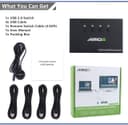
La instalación fue fácil, viene con cuatro cables para las cuatro computadoras que se pueden conectar al dispositivo (de momento sólo he utilizado dos pero funcionan correctamente). El teclado y el ratón funcionan bien, tengo un adaptador USB de audio conectado a un tercer puerto y mi computadora (con Linux) lo reconoce, manda el audio correctamente. Lo he probado en una laptop con Windows 10 y una computadora de escritorio con Pop OS Linux 20.04 y en ambas los dispositivos funcionan correctamente. La carcasa es de metal y se siente de buen peso, los cables no desbalancean el concentrador. Der tamaño es bastante compacto. Los focos que indican la computadora activa de repente no se ven bien si no lo ves por encima. El control externo funciona al igual que los botones integrados. En general es un gran producto.
A**Q
Great little tool: 4 in and 4 out.
A**R
Straight forward, easy to setup, and better than other options out there
A**A
Indispensable para los que usamos más de un equipo a la vez
Aceptable, es una vuelta opción para no tener varios teclados ocupando espacio en el escritorio
W**L
Great for PC and Mac
Trustpilot
Hace 3 días
Hace 2 días