We remain fully operational. Our teams are working around the clock to ensure your deliveries continue safely.

Descargar la aplicación


Servicios al cliente
Sobre nosotros
Copyright © 2025 Desertcart Holdings Limited
Descargar la aplicación
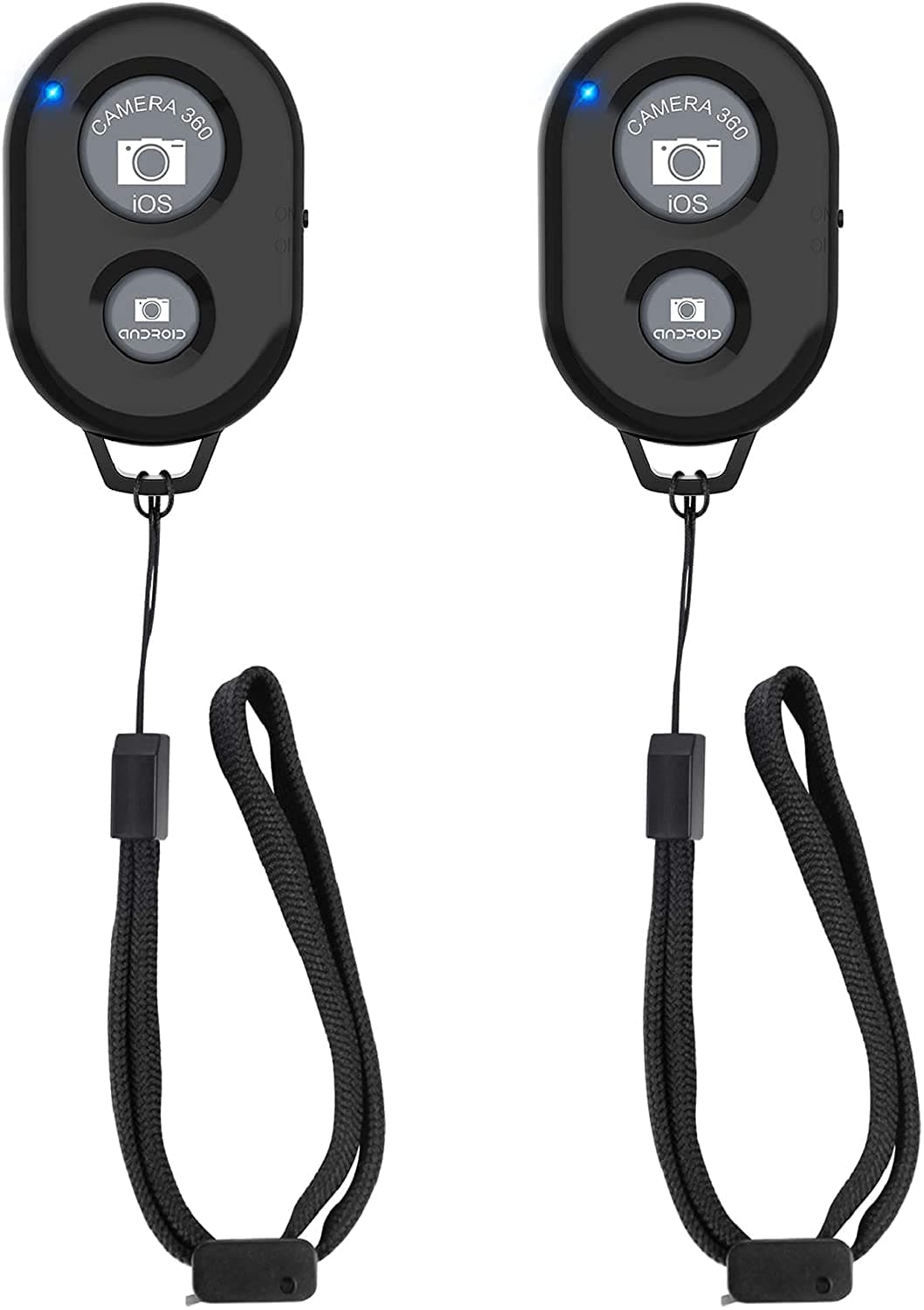
📸 Capture every moment, no strings attached!
The Zttopo Bluetooth Camera Remote Shutter (2 Pack) offers a rechargeable, ultra-portable solution for hands-free photo and video capture on iOS and Android devices. With a 33-foot wireless range, broad compatibility including the latest iPhones and Samsung Galaxy models, and seamless integration with Instagram and Snapchat, it’s the must-have accessory for millennial pros who demand convenience and style in every shot.


| ASIN | B07MR1PHPZ |
| Additional Features | Rechargeable |
| Battery Type | Lithium |
| Best Sellers Rank | #1,598 in Mobile Phones & Communication Products ( See Top 100 in Mobile Phones & Communication Products ) #7 in Mobile Phone Photo & Video Kits |
| Brand | Zttopo |
| Built-In Media | remote |
| Button Quantity | 2 |
| Color | Black+Black |
| Compatible Devices | Camera, Cellphone |
| Connectivity Technology | Bluetooth |
| Controller Type | Button Control |
| Customer Reviews | 4.5 4.5 out of 5 stars (8,390) |
| EU Spare Part Availability Duration | 1 Years |
| Item Weight | 20 Grams |
| Manufacturer | Zttopo |
| Maximum Number of Supported Devices | 1 |
| Maximum Range | 33 Feet |
| Mfr Part Number | ZP-BTR |
| Model Name | ZP-BTR |
| Model Number | ZP-BTR |
| Number of Batteries | 1 Lithium Metal batteries required. (included) |
Y**R
ممتاز مع الايباد وسريع وسهل الاستخدام مما يوفر الراحة بعدم لمس الشاشة
S**.
غير متوافق مع الايفون على برنامج تك توك
R**I
ممتاز
M**M
A simple and easy device. Do what it's meant to be. Bluetooth Connects easily with my android. Great for use in mobile photo clicks. The band provides additional support from fall. Good at this price point.
P**T
These things work flawlessly, and have a good range, the only real “downside” is if you forget to turn it off, it will just sit there and drain the battery
L**Z
UPDATED 8-22-24 I have just learned that this remote works works with TikTok! This is the main reason that I bought it, but I could not get it to work and I figured it out because I bought a ring remote and followed their directions and then I thought, what if I do this with this remote and it worked. You have to go into Accessibility make sure AssistiveTouch is on and after selecting Assistive Touch, go down towards the bottom and make sure “use game controller” is on. The manufacturer should update their instructions, but this is a good remote, so don’t hesitate to buy. First of all, this isn’t even the product that has the 7000+ reviews that has almost 5 stars. It specifically says in the description that you can use this remote for scrolling TikTok. You cannot, please read reviews that talk about this feature. It does not work and I’ve set this remote up exactly as instructed. This is why I bought it. WAIST OF MONEY.
R**Y
I got this to use with phone /tablet _iphone_kindle.. etc holder. With the pains of getting older it makes it so nice to just be able to read my books as easy as watching TV. No page turning (or holding device ) it's not only helped with my shoulder pain but also helped with getting me a little more sleep
Trustpilot
Hace 2 semanas
Hace 2 días