
Descargar la aplicación


Servicios al cliente
Sobre nosotros
Copyright © 2025 Desertcart Holdings Limited
Descargar la aplicación
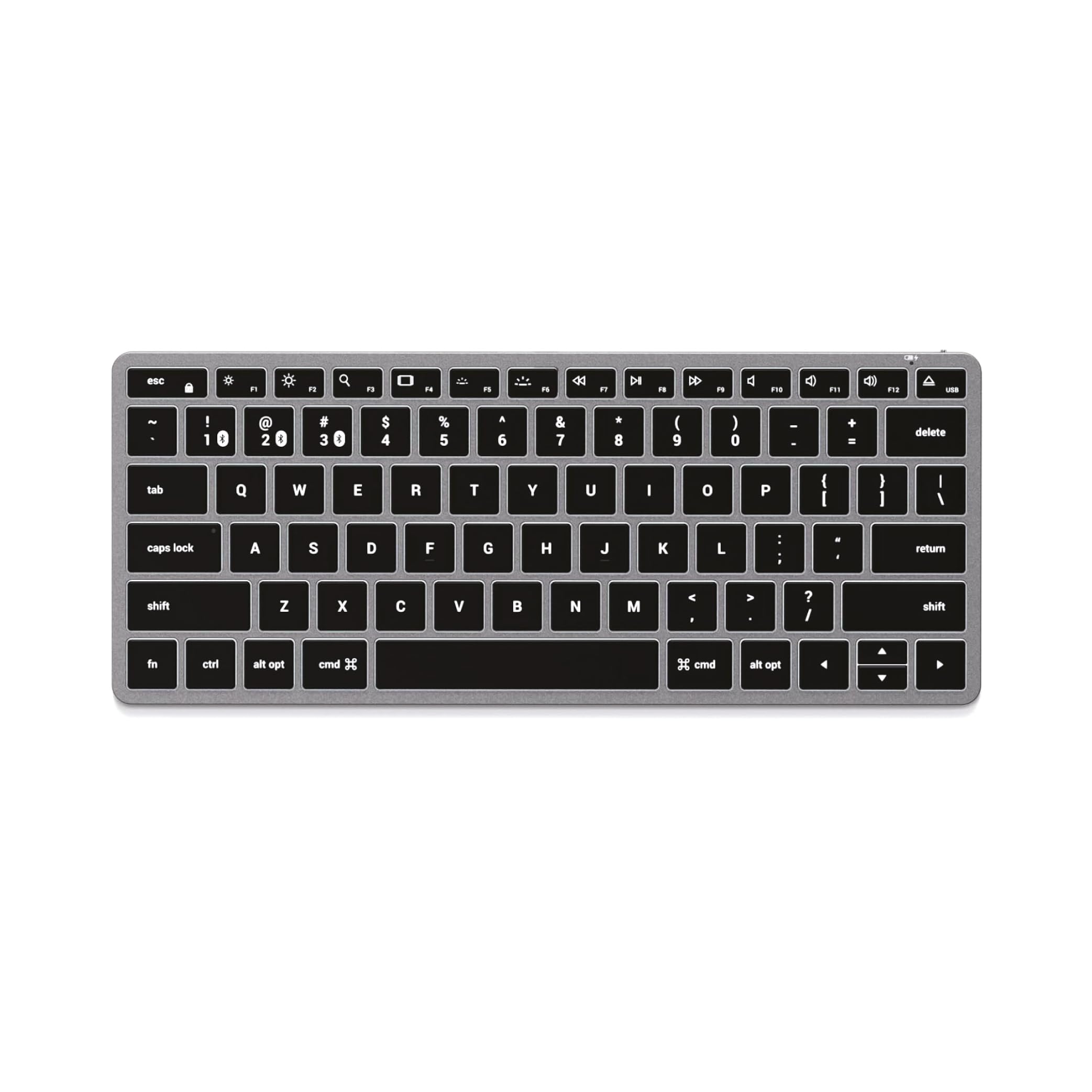
⌨️ Elevate your Apple setup with the keyboard that keeps pace with your multitasking lifestyle.
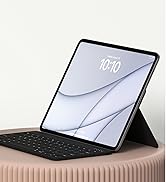
The Satechi Slim X1 Bluetooth Wireless Keyboard is a premium, ultra-slim keyboard optimized exclusively for Apple MacOS devices. Featuring a full QWERTY layout with Mac-specific function keys, multi-device Bluetooth connectivity for up to three devices, and adjustable backlit keys with 10 brightness levels, it combines style and functionality. Its rechargeable USB-C battery and sleek aluminum design make it the perfect companion for professionals seeking a seamless, portable typing experience across MacBooks, iPads, and more.



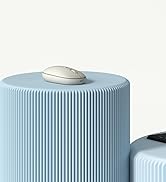

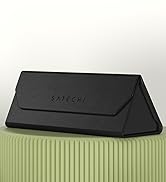

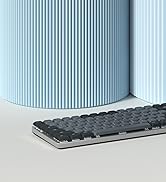
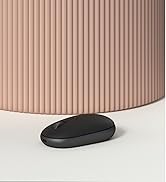
| ASIN | B08Q2CB7DZ |
| Are Batteries Included | No |
| Batteries | 1 Lithium Polymer batteries required. |
| Best Sellers Rank | #1,480 in Computers ( See Top 100 in Computers ) #27 in Computer Keyboards |
| Brand | SATECHI |
| Color | Space Grey |
| Customer Reviews | 4.3 4.3 out of 5 stars (2,325) |
| Date First Available | 23 January 2021 |
| Hardware Platform | Smartphone |
| Item Weight | 290 g |
| Item model number | ST-BTSX1M |
| Lithium Battery Energy Content | 3.7 Watt Hours |
| Lithium Battery Packaging | Batteries contained in equipment |
| Lithium Battery Weight | 0.54 Grams |
| Manufacturer | Satechi |
| Number Of Lithium Ion Cells | 1 |
| Number of Lithium Metal Cells | 1 |
| Operating System | macOS, iPadOS, iOS |
| Power Source | Battery Powered |
| Product Dimensions | 30.3 x 14.8 x 3.7 cm; 290 g |
| Voltage | 0.1 Volts |
| Wattage | 3.7 Watt-hours |
M**I
Great product
Seamless connection and switching between devices. Really a great device and finishing is spectacular. It’s so slim, I won’t leave it in office just because most of my staff eyes are in this keyboard ha ha.
M**H
Best quality
The quality is amazing, its like apple quality and even better . I am using it for windows and it works great Only 2 buttons that I couldn't remap The fn and usb .
M**S
Amazing keyboard love it - bought 2 of them!
I have bought bad keyboard before - this one is very sleek, elegant, and everything works well. The charge life is amazing. It is fully bluetooth always connects fine and is perfect. I live at 2 diff homes so I bought 2 of these and put them in each. Both working perfectly :)
M**D
Great Product
I got one on sale. The price was less than half. It is definitely excellent for the price I paid. Recommended.
T**T
Top quality, fully loaded, Windows compatible
Box and packaging feels top quality, the keyboard itself feels aluminum top quality with easy keys, backlit. I had not noticed it was intended for iOs only and when I saw the box I was scared a bit. No worries, works perfectly with Win10, even the function keys. Type C charging a pleasant surprise, as well as the option to go wired if needed. Top top item at great price
R**T
Keys are not responsive for the price
This is one not the one if you are MAC user and used to soft touch of MAC keys. It also skips the letters and make to very very prone to incorrect spellings and need to fix the words again and again. You really need to punch hard of each key. Generates lot of sound. Not worth.
S**N
Perfect and best value for money
Bad things - Little slow on connection (when pairing every time my macbook is started) - No indication of remaining battery time
S**.
Slim design
Amazing keyboard, smooth button touch and slim design, recommended
G**H
Super jakość, dobrze się sprawdza z kilkoma urządzeniami na raz
D**C
As a long-time fan of the now defunct Apple A1243 wired keyboard, I have been disappointed with the latest iterations of the Apple Magic Keyboards. The minuscule key travel provided by the new scissor-switch keys has long left me disappointed. Finally, Satechi comes along incorporates the all-important missing tactile elements of the original A1243 and includes functionality such as backlighting and multiple device compatibility. Then on top of that, they have the nerve to offer all this for about $100 less than Apple. This is a TKO. The keys provide just enough extra travel and tactile feedback that makes for that satisfying typing experience I have long missed. Not to mention the backlight has 9 levels of brightness. I just leave the keyboard plugged in so I don’t have to worry about the battery drain. As someone who interacts with a keyboard for a living, these are tools not to skimp on. Ergonomics plays an important factor in my day-to-day life, and this is a great addition. Satechi hit one out of the park here. Pros: ☺ Tactile feedback ☺ Backlighting ☺ 4 Bluetooth devices paired ☺ Premium aluminum finish ☺ Value compared to the competition Cons: ☹ The provided attachable “adjustable height” feet seem sort of like a bit of an afterthought. Granted this is still better than Apple not providing anything at all. The A1243 had the two USB ports incorporated which provided some lift. Overall: If you are looking for a keyboard with excellent feedback for a scissor switch, a plethora of options, and premium aesthetics this is an excellent choice. I have little negative to say about it... Highly Recommend
M**.
This Satechi BT keyboard is pretty much identical in size, shape and material as the Apple Magic Keyboard, but not quite as nice or finished as well, but hey I do like the much lower price. The bluetooth connection is good and persistent, but not always as 'instant on' as the Apple version when you wake your MacBook up.
S**S
Did not expected such great keyboard with outstanding battery life
B**U
This is a very high quality, great keyboard. Having tried both the X3 and the W3, I would say that this (the X3 bluetooth version) is slightly better the W3 (the wired-only version) in a couple of ways, but also worse in one way which may matter to you. In terms of ways in which the X3 is better, firstly the W3 has only 3 brightness levels where the X3 has 10. (Although in fairness the 3 levels on the W3 are still well chosen, and the darkest not too bright.) Secondly (and slightly weirdly), on the W3 then £ and # symbols are printed the wrong way round on the 3 key. Since this is basically a US layout keyboard, the # symbol should be printed at the top of the key, not to the side, corresponding to the symbol accessed when pressing shift, as is done on all the other numeric keys on the W3, and indeed as is done on this keyboard, the X3, which has the same layout!) Related to this, I slightly prefer this keyboard, the X3's, key labelling over the W3, as on the X3 they don't include the ALT (€ and £) symbols on the 2 and 3 keys at all; I prefer this as omitting these symbols makes the keyboard look just a little neater and less cluttered. The one major downside to the X3, if you're the kind of person who regularly uses Del/F2/F12 to break into the BIOS menu, is that the X3, *even when used in wired mode* cannot consistently do this, and (not always, but often, half the time or more) causes the BIOS to report that there is no keyboard attached. (The W3, as would be expected of a natively wired-mode keyboard, has not such problems.) To point out one more (minor) imperfection shared by the X3 and the W3, the lighting on these keyboards is just not quite as beautiful as the lighting on a real Mac laptop keyboard - specifically, there are small overly bright spots here and there around the keys, where the light shows through too much, rather then the really uniform lighting around the keys on real Mac laptop keyboards. Nevertheless in build quality, in looks, and even in the above-mentioned quality of the lighting, this and the W3 are _way_ better than any of the (several) other illuminated external keyboards for the Mac which I have tried recently.
Trustpilot
Hace 3 semanas
Hace 2 semanas