We remain fully operational. Our teams are working around the clock to ensure your deliveries continue safely.

Descargar la aplicación


Servicios al cliente
Sobre nosotros
Copyright © 2025 Desertcart Holdings Limited
Descargar la aplicación
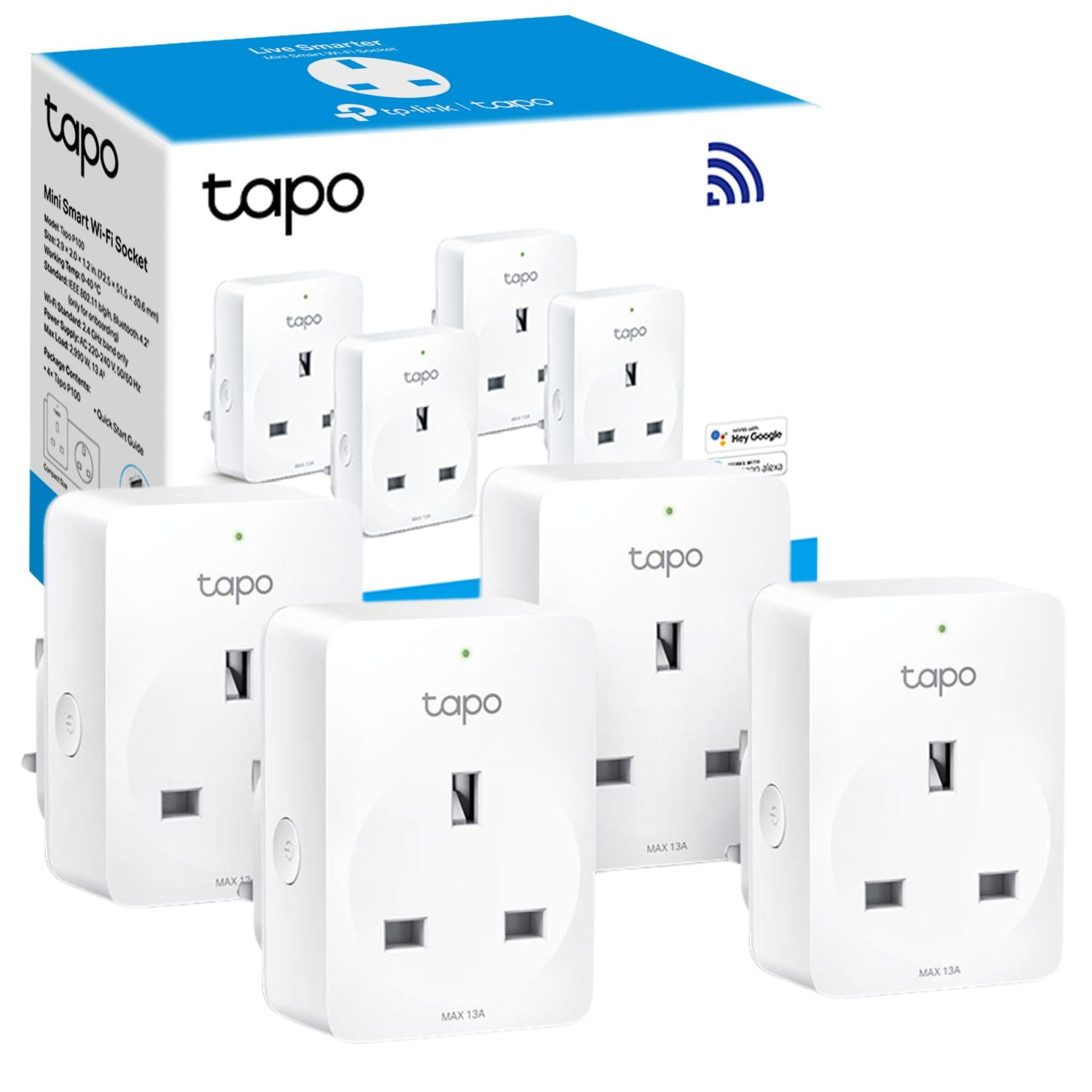
🔌 Power up your lifestyle with smart control at your fingertips!
The Tapo TP-Link Smart Plug P100 (4-Pack) is a compact, Wi-Fi-enabled smart outlet that supports up to 13 Amps and works seamlessly with Amazon Alexa and Google Home for voice control. No hub is required, allowing direct connection to any Wi-Fi router. With remote access via the Tapo app, users can schedule, timer, and control devices from anywhere, enhancing convenience, security, and energy efficiency in the modern smart home.
| ASIN | B0875CTMGH |
| Amperage | 13 Amps |
| Best Sellers Rank | #9,336 in Tools & Home Improvement ( See Top 100 in Tools & Home Improvement ) #33 in Smart & Remote Controlled Plugs |
| Brand | Tapo |
| Brand Name | Tapo |
| Color | White |
| Colour | White |
| Connector Type | Type A or Type B |
| Connector type | Type A or Type B |
| Customer Reviews | 4.7 out of 5 stars 17,012 Reviews |
| Included Components | Smart Wi-Fi Plug -Tapo P100*4 |
| Item Dimensions D x W x H | 4D x 5.1W x 7.2H centimeters |
| Item Type Name | Smart Plug |
| Item Weight | 0.37 Kilograms |
| Manufacturer | TP-Link |
| Material | Plastic |
| Material Type | Plastic |
| Number Of Wires | 3 |
| Number of Poles | 1 |
| Plug Type | Type A or Type B |
| Product Grade | new |
| Product dimensions | 4D x 5.1W x 7.2H centimeters |
| Specification Met | CE, CSA, NEMA, UL, cUL, cULus |
| Unit Count | 1 Count |
| Voltage | 240 Volts |
K**N
Works well with Alexa
Simple to set up, fairly easy to integrate with Alexa once you find the right menu and assign to the right room / device. My kids’ minds were blown when I renamed Alexa to “Ghost” and asked to turn off the lights. Worth it just for that.
N**G
Can make all your dumb appliances to SMART!!
Highly recommended smart plug for almost all appliance you have. Can easily time it or switch on/off by voice command. Another good thing is if you forgot to switch off or unplug any of your connected appliances, you can just switch off remotely via app.
P**M
Always works. Highly responsive
App is easy to use, sockets were all enabled in 30 seconds each. We've started automating things in the house we didn't even know we could do!
N**I
Seems good
Further feedback subject to use.So far, seems good.
A**Y
very good product as advertised
no matter what TP link has very stable products, I installed this unit in one minute. strongly recommended for those who like to save energy.
H**O
Works seamlessly
I added more devices to my home and all my lamps are now on a daily schedule and works extremely well and is also un to see how it works, every time.
I**I
Great Plugs!
Really good plugs! the app (Tapo) is super simple and initiative, the enrollment of plugs is very straight forward, and the integration with Alexa is really helpful. Highly recommended
H**D
Great!
Love the ease to work with this
Trustpilot
Hace 2 semanas
Hace 2 semanas