
Descargar la aplicación


Servicios al cliente
Sobre nosotros
Copyright © 2025 Desertcart Holdings Limited
Descargar la aplicación


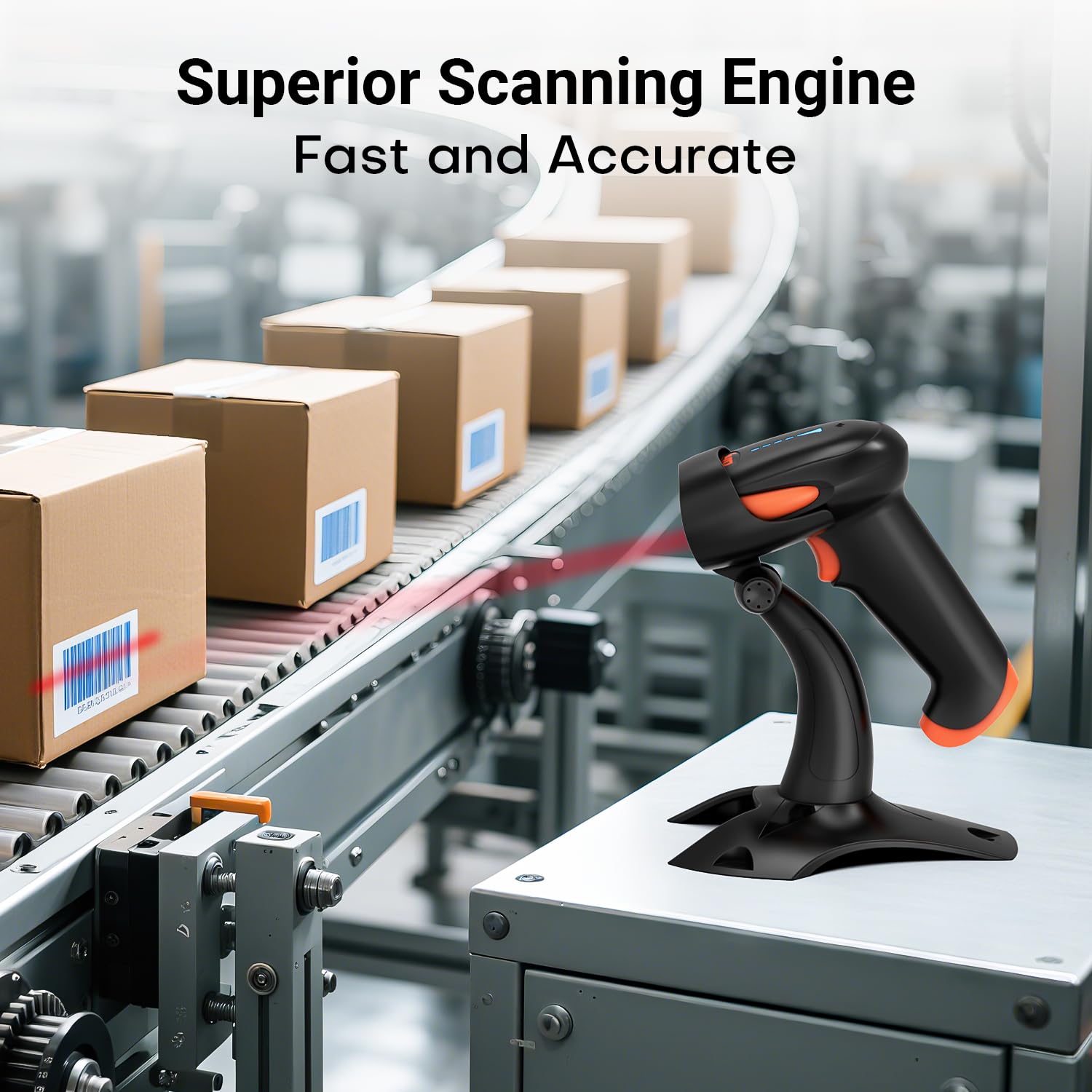
🚀 Scan Smarter, Work Faster — Never Miss a Beat!
The Tera Wireless 1D 2D QR Barcode Scanner HW0002 is a versatile, professional-grade device featuring a patented battery level indicator, 3-in-1 connectivity (Bluetooth, 2.4GHz wireless, USB wired), and advanced CMOS imaging technology. Designed for durability with a shockproof silicone cover and equipped with vibration alerts, it supports a wide range of barcode symbologies and is compatible with all major operating systems and devices, making it an essential tool for efficient, uninterrupted scanning in dynamic work environments.


| ASIN | B07T5KG5JC |
| Best Sellers Rank | #86,238 in Office Products ( See Top 100 in Office Products ) #280 in Barcode Scanners |
| Brand | Tera |
| Brand Name | Tera |
| Compatible Devices | Desktop, Laptop, Smartphone, Tablet |
| Connectivity Technology | Bluetooth, USB Cable |
| Country of Origin | USA |
| Customer Reviews | 4.2 out of 5 stars 565 Reviews |
| Global Trade Identification Number | 04262380670853, 04262380674035 |
| Item Dimensions D x W x H | 8.4D x 12.2W x 22.4H Centimeters |
| Item Height | 8.8 Inches |
| Item Weight Unit of Measure | 10.5 Ounces |
| Manufacturer | Tera |
| Operating Voltage | 5 Volts |
| Power Source | Battery Powered |
| Product Dimensions | 8.4D x 12.2W x 22.4H Centimeters |
| Scan Rate | 300 fps |
R**K
no back up service you cannot contact tera
unable to obtain a operating manual Tera web page does not work supposed to operate hands free will not ,setting barcode unavailable in quick start manual
B**N
Good product,
it's very good tools
L**O
Funcional
Funcional y moderno
S**R
Superb 3 in 1 barcode scanner very useful in this price
Working perfectly read all instructions and everything works flawless tried 2.4ghz wireless, Bluetooth, wired all Working perfectly, tried different settings 👌
R**R
Simple Keyboard Input Device, and works with Linux!
This device works as a simple keyboard input device, and as such, works with Linux and any other operating system supplied with a simple keyboard USB input driver. GETTING SCANNED DATA Do not be deceived as I was, thinking I had to use "cat" on a device file or use some additional special program for reading the keyboard input data provided by this scanner! Simply open your favorite text editor, such as VI/VIM or even terminal, or if you must office word processor, and click the barcode scanner after connected with the supplied with the barcode scanner's supplied 2.4Ghz USB wireless device. USEFUL SETTINGS Some useful settings will be turning off the vibration notification, turning down the scanner's beep volume, adding or removing the carriage return terminator at the end of the scanned barcode. All these settings and more, can easily be switched using the barcode scanner's manual and scanning the setting's associated QR or bar code. Best to keep these settings on-hand and/or duplicated at your designated scanning areas. MAKING USE OF THE DATA TODO Although the text/ASCII alphanumeric characters are easily attained, doesn't seem to be any popular inventory database system for consumers, except Grocy and Gcstar. Both seem to have limitations, with Grocy being more easily adapted for inventorying anything. LINUX The USB wireless device is a 2.4Ghz(?) USB wireless device having a 0581:011C USB vendor/product code. The USB device will provide a /dev/input/event device file, linked to something similar as /dev/input/by-path/pci-0000:00:1a.0-usb-0:1.3:1.0-event-kbd device file. TODO: One will likely need to convert the binary serial data to text for use within a script? PROS Easily configured and utilized barcode scanner, operating system agnostic! CONS 1) The accuracy is likely slightly off sometimes, likely due to the scanner trying to read more than one barcode type at once. So likely best, if you're using consistently one type of barcode, use a scanner for that specific type of barcode rather than a multiple type barcode scanner. 2) Seems like a cheap grade of plastic is used for the exterior, or not as commercial/durable grade plastic used. 3) The plastic holder appears to be readily mountable or used on a desktop, however the plastic holder does not seem to be designed to be mounted to a wall! Or, if holder is mounted to a wall, it's going to haphazardly stick-out from the wall by nine or more inches! This is likely a significant oversight during engineering? 4) Made in China. On the flip, I rarely give good ratings for explicitly made Chinese products. This product, so far, just works with a few exceptions. 5) Not many barcode scanners can read all of the available types of barcodes on the market. Think this one of the very few on the market currently. 6) Performing a search for scripting or software making use of barcode data for database inventory for consumers seems to be significantly lacking. My guess, most are sitting back and waiting for the stores to implement a system of providing consumers already scanned barcodes, and automagically transferred to their private home inventory database. This would be by far much easier, than having to re-scan every item purchased again and again and again! Just send us consumers a list of the barcode scanned alphanumeric characters via Email, and have our home inventory database automatically read in the data. Then consumers only need to negate the item once they use or pull the item from their inventory.
Trustpilot
Hace 2 meses
Hace 2 semanas