Some deliveries may take a little longer than usual due to regional shipping conditions.

Descargar la aplicación


Servicios al cliente
Sobre nosotros
Copyright © 2025 Desertcart Holdings Limited
Descargar la aplicación


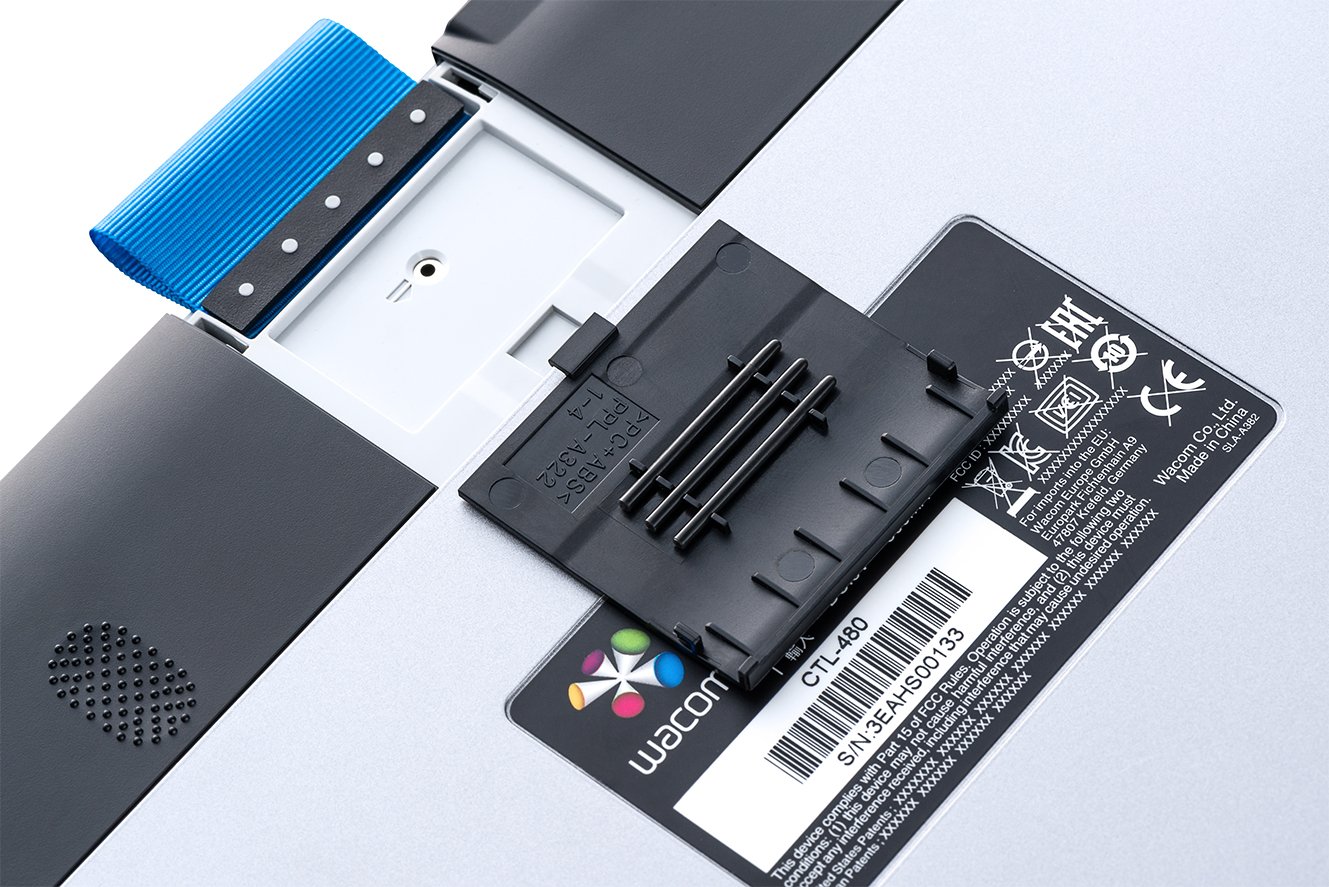
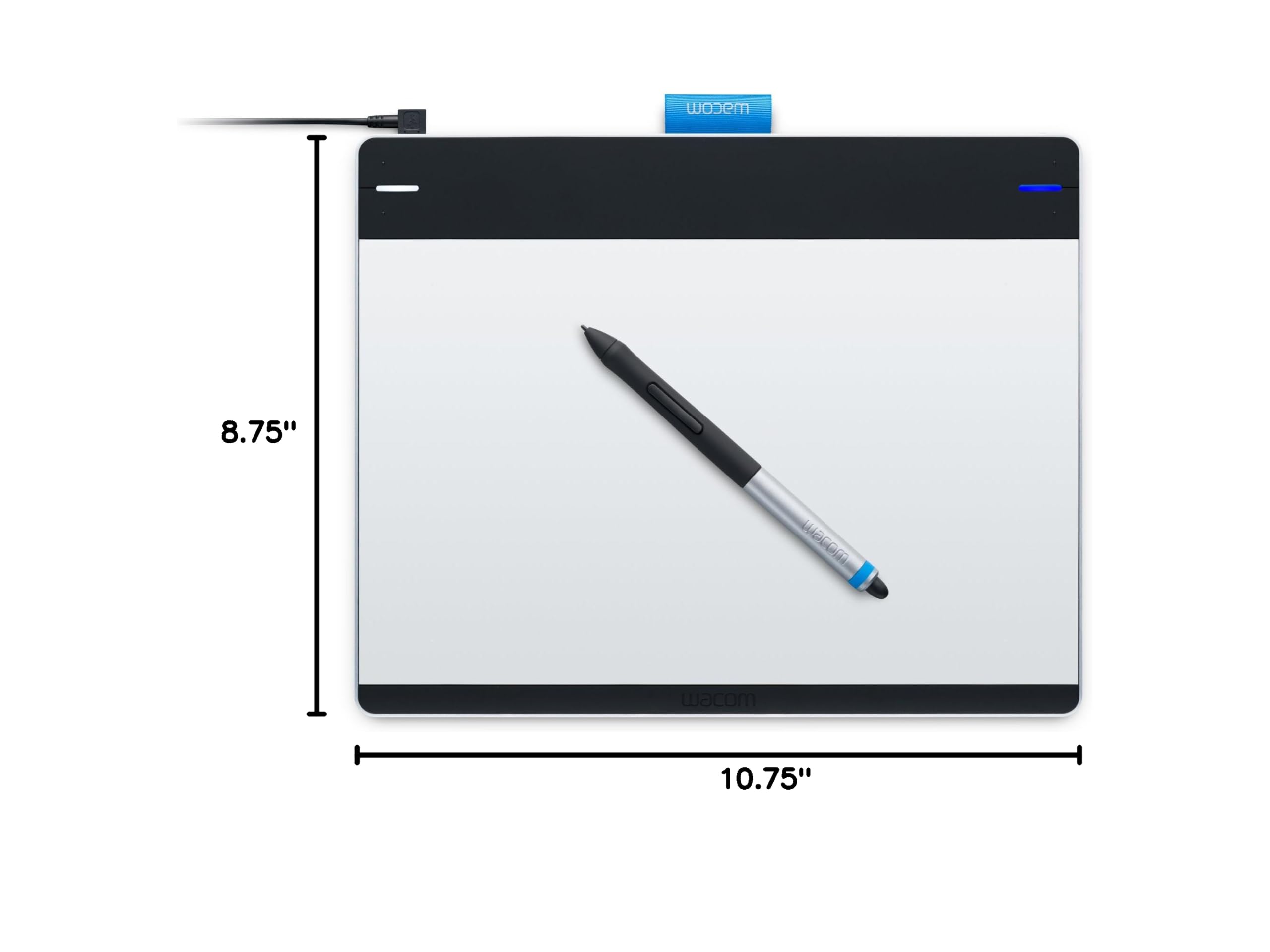
🎨 Elevate your digital canvas—create, control, and conquer with every stroke!
The Wacom Intuos Pen and Touch Medium Tablet (CTH680) is a versatile, professional-grade digital drawing tablet featuring a 10.75x8.75 inch active area, 4096 levels of pen pressure sensitivity, and multi-touch gesture support. Designed for both Mac and PC users, it includes four customizable ExpressKeys and supports wireless use with an optional accessory kit. Ideal for artists and photo editors seeking precision and portability, it comes bundled with creative software to jumpstart your digital artistry.
| ASIN | B00EN27UC2 |
| Best Sellers Rank | #344 in Computer Graphics Tablets |
| Brand | Wacom |
| Color | Silver and Black |
| Customer Reviews | 4.5 4.5 out of 5 stars (3,338) |
| Date First Available | September 4, 2013 |
| Is Discontinued By Manufacturer | No |
| Item Dimensions LxWxH | 10.8 x 8.8 x 0.4 inches |
| Item Weight | 1.14 pounds |
| Item model number | CTH680 |
| Language | English |
| Manufacturer | Wacom, Inc |
| Number of USB 2.0 Ports | 1 |
| Operating System | Mac OS, Windows |
| Product Dimensions | 10.8 x 8.8 x 0.4 inches |
| Screen Resolution | 4096 levels |
| Series | CTH680 |
| Standing screen display size | 216 Inches |
N**.
NO WIRES, NO HASSLE, NO PROBLEM!
This tablet is a revolution from the recent versions of the bamboo tablet it fell very good to use and comfortable to work with i recommend this to anyone who is an artist or just looking to spice things up with photo editing. DURABILITY/CARE:this tablet should last the average user depending on usage for a good 2 years with proper care and cleaning.I higly recommend keeping the black cotton bag that is mostly given with each model of the tablet it will keep your tablet protected and scratch free. you should also turn off your tablet when not in use as it save power and prevents any glitches with the framework. FEEL/USE: the tablet consist of an aluminum surface that is smooth to the touch and works as a mouse. the aluminum cover seems to be oil free so it should not require that much of a clean just very now and then should service. From using this tablet is seems a bit crammed but after 1 day or so it was so easy too get used to. INSTALLATION: installation is supremely easy just read the directions carefully dont rip everything off and pop in the installation disk. after installing the tablet you should really set your preferences for which hand you want to work with and what is best for you with the pen and touch features. NOTE: you have to buy the wireless acessory kit it dose not come with all models of the tablets and ranges for about $39.99 on both Amazon and the Wacom site.if you do not buy the kit you will be unable to use the tablet the kit includes a lithium battery, a wireless usb connector, and im guessing another battery for charging it. TABLET PRICES- small/touch-84.99 medium/touch-185.99 no touch/small-69.99 PLUS wireless accessory kit-39.99 and shipping and handling SOFTWARE- you are able to choose a free software bundle after installation do not not throw away the plastic with the CD installation disk you are able to choose from a few photo editing programs to get you started and used to the fell of the tablet. AUDIENCE: ANYONE!! CONCLUSION: this tablet is very intuitive and easy to use when editing or just drawing on various programs such as gimp or simple things such as mspaint you can count on this tablet to keep you in check plus being wireless people of all genres can finally enjoy the freedom of having no wires to getting in way and making your workspace clunky and can enjoy drawing and editing in peace.
S**R
User friendly, beginner tablet that won't break the bank!
Perfect for beginners and seasoned artists alike. This tablet gives you so much bang for your buck! For under $100 you get advanced levels of art production in a small and easy to use package. The pen is battery free which is a HUGE plus since you won't have to worry about charging it or replacing any sort of disposable battery. The stock product comes with a power cord which isn't the longest and if I had to pick one thing to complain about that would be it, BUT there is an easy fix for that, you can just purchase a USB extension cable to go along with it, this one is a very good one: AmazonBasics USB 2.0 Extension Cable - A-Male to A-Female - 9.8 Feet (3 Meters) . This will make the cord longer and give you more slack to play with. Alternatively you can purchase the wireless kit that wacom makes for this tablet to make all the cords unneeded. Wacom Wireless Accessory Kit for Bamboo and Intuos Tablets (ACK40401) However with this option you will have to worry about charging it from time to time. This tablet comes with everything you need to get started as well as some extra nibs for your pen if you need them. It works great with photoshop (I use photoshop cs6). There is no lag with it and there is no 'shaky' lines when drawing. This tablet can also be used as a track pad similar to what you may find on a laptop. It features multi-touch and works very well with my computer. It is also windows 10 compatible for those who are wondering! If you have any questions about this product, feel free to ask me and I will answer to the best of my knowledge! And if this review was helpful to you, please consider leaving a positive rating!
J**E
Super easy to use, and very powerful
I love this, and use it instead of a mouse most of the time. I got it with Photoshop in mind, but I use it for almost everything now. The price is almost unbeatable. Just the programs alone it comes with are worth the price of the tablet. I do strongly recommend the Wireless Kit because it makes it look so much neater and works great. The 4 programmable buttons can be programmed to do about anything, and can differ between applications. The two buttons on the pen are my favorite though. I always have one set to my Radial Menu, because I love the Radial menu and use it often because it is like 8 more buttons that are easy to access. This tablet is a great start to using tablets for photo editing or anything. This tablet alone comes with up to 4 programs, and Photoshop Elements (which comes with it) is worth $100 alone, and I do not know the values of the other programs, but they are worth more than $100 easily. It feels so natural to use the pen and tablet. It took a little getting used to because the cursor moves to the corresponding place on the tablet. I mainly use Photoshop CS6 which has many different features that can be adjusted by the pressure sensitivity. I love this tablet and would recommend it to any friend, and it was easily worth the money. (And put the money that you saved by ordering it on Amazon to buying that Wireless Kit)
E**O
You won't be able to use this as Wacom doesn't provide a driver that supports this device anymore. This was confirmed by their support. These shouldn't even be sold. Unfortunately, I have to return mine.
N**N
As a technical trainer, I draw a lot of diagrams on a projected screen. This tablet has proven to be an excellent and reliable tool. More than that, I have set aside my mouse and use this tablet as my primary input device. It is sensitive, precise, and highly configurable. For example, two fingers for a right click and three fingers for a drag. And I can have a different configuration for each application if I wish. Using this tablet has banished the prospect of sore fingers and carpal tunnel. Another selling point for my constant use is that the table is powered by its USB connection. So it is always ready. Finally, I do my training all over the place and this pad is eminently portable. A solid product with excellent supporting software.
A**Z
WACOM siempre tiene excelentes productos y este es uno mas de ellos. Detecta la presion de la pluma , multitouch, se adapta perfectamante con la familia Adobe y otros programas de dise;o. Lo he probado en Mac OS y en windows , en ambos funciona bien , pero funciona mejor la interface en Mac OS
A**R
you can turn on and off the touch pad (for fingers) which can be a problem if you rest your hand down while drawing. There is a little switch on the side. I have used this for a long while, about a year and the cord is starting to break. That is a cheap fix, and the tablet works very well despite this! I haven't had to change out the pens nub yet (in a year), and it comes with extra's in a little slot on the back of the tablet itself. I would reccomend this product. It has a nice feel, easy to learn and a good size, though get something larger if you use more arm to draw instead of just wrist, as you will run out of room (the corners of the tablet is where it reaches the corners of the computer screen, so large strokes may be too large when on canvas.) Overall, great product, I would definitely buy this again!
A**R
excellent !
Trustpilot
Hace 2 semanas
Hace 2 semanas