We remain fully operational. Our teams are working around the clock to ensure your deliveries continue safely.

Descargar la aplicación


Servicios al cliente
Sobre nosotros
Copyright © 2025 Desertcart Holdings Limited
Descargar la aplicación
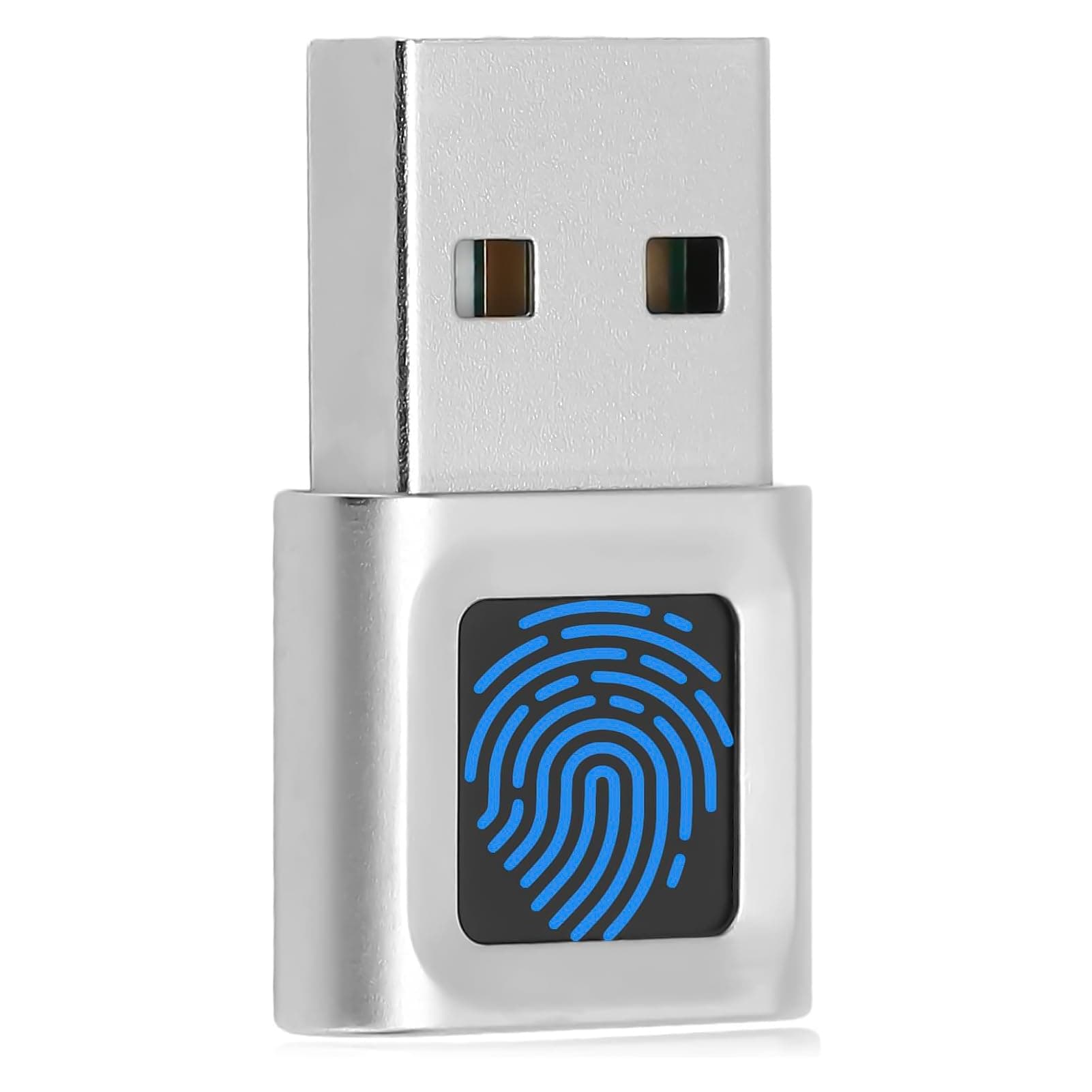
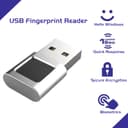
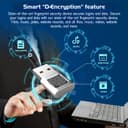
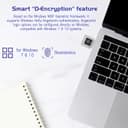
🔒 Secure your digital life with a touch—because your fingerprint is your ultimate password.
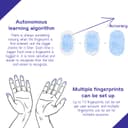
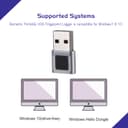
This USB Fingerprint Reader is a compact, zinc-alloy biometric dongle designed for Windows 10/11 PCs and laptops. Featuring 0.5-second 360° capacitive fingerprint recognition, it offers plug-and-play convenience with Windows Hello support. Its Smart-ID encryption secures passwords and files, while multi-fingerprint and multi-account capabilities provide flexible, enterprise-grade security. Enhanced by a self-learning algorithm, it adapts to fingerprint changes and prevents spoofing, making it an essential tool for professionals demanding fast, reliable, and private access.


| Best Sellers Rank | #26 in Security & Surveillance Biometrics |
| Customer Reviews | 4.0 out of 5 stars 335 Reviews |
H**.
Good Value. Very reliable.
Small, unobtrusive fingerprint pad. Very accurate. Works every time and provides useful additional security connecting through Windows Hello. Completely plug-and-play for easy installation.
L**W
Makes signing into Windows a snap
My ASUS laptop came with a built-in fingerprint reader in the upper corner of the touchpad. I grew to really like using that feature. In one of the updates for drivers a while back, the driver for the fingerprint reader on the ASUS failed to work and I could not recover the old driver. Why, who knows? Anyway, since I really wanted my fingerprint reader back, I bought an outboard reader to use for logins. It worked great. Recently I upgraded from the ASUS laptop being my main PC to an actual PC (albeit a mini-PC but it was faster and had more features/ports than the laptop) so I migrated the outboard fingerprint reader to the new PC which left the old ASUS back to being without a fingerprint reader. So, I went looking for a small unobtrusive USB reader and found this device. I figured I would try it and if it didn't work out, I'd return it and try something else. Let me tell you I was really surprised. Once I set it up (simply to do through Windows settings at SETTINGS > ACCOUNTS > SIGN-IN), this little reader is very fast and always gets the fingerprint on the first read. Best of all, it fits right into a USB 2.0 port on the left side of the laptop and all I have to do is simply move my left hand to the side of the keyboard and touch the reader opening with my left index finger (one of the fingers I set up to use - hint: always setup more than one finger so if you do something to the main finger and can't use it (bandaged, etc.), an alternate finger is already setup and you won't have to do it on the fly). Reader reads the fingerprint and Windows opens almost instantaneous. Life is good once again!!!
S**S
Used to...work consistently
I was wrong about this device. Purchased in Sep '23, they have stopped working. As stated below, I use two of these units, one of which is on a 4-port KVM switch, the other straight to a PC. Both units stopped working the same day. I have looked into fingerprint issues on the transducer screen (just take a look at your cell phone screen). I cleaned gently with lint-free cloth, etc., etc. A product lifetime of six months it not acceptable. On the KVM, all 4-PC's stopped responding, so it is not Windows Hello, or Windows at all. Re-programming the finger does not improve anything at all. C3 (Cheap C-h-i-n-a Crud). Previously: Installation was simple: plug into a USB port, wait a moment, restart the (Windows) PC. Device Manager shows (Biometric devices): FocalTech Fingerprint reader (at least for my two units). The device responds quickly. On occasion I don't touch it just right, but another quick touch gets me in. It's easier and much faster than typing a password. And the PW is safe from prying eyes. Those are the reasons I purchased this unit. I inserted one sensor into a 4-port IOGEAR KVM (DVI) switch. A single Fingerprint Sensor will unlock each of the 4-PC's as I switch between them. I learned that Windows Hello does not require a Microsoft account. After a couple of weeks of daily use, I can highly recommend this unit.
S**^
It's working for me!
Works perfectly, the fingerprint area is small but I haven't had any issues with my PC recognizing mine as you register your fingerprint a few times when you initially set up. It's working great for me so far!
D**V
I have two.
It works well in my windows laptops. Now I can login faster.
L**E
enhances my laptop security effortlessly
I recently purchased the USB Fingerprint Reader Mini Fingerprint Scanner for my laptop, and I have to say it's been a game-changer for my daily login routine. Setting it up was a breeze—just plug it into the USB port, and you’re good to go! It quickly and accurately reads my fingerprint every time, making logging into my computer super convenient. I love that it enhances security, so I feel more protected against unauthorized access. The device is also incredibly portable, fitting easily into my laptop bag. While it's great for logging into Windows 10/11, I found it a bit finicky with some third-party software. Overall, considering its affordability and the security it provides, I think it’s a fantastic addition to my tech arsenal.
J**N
Russian product; web site has been blacklisted
Initially, this device would not install on my Windows 11. The cryptic user's manual links to a Russian website where you can download the drivers. This site has been blacklisted, and my browser refuses to go there. Somehow, this doesn't sound like a good fit for a secure login. After another Windows update, the system finally recognized the reader, and it started to work. It takes several tries to read my fingerprint, but we'll see how it goes.
M**N
Great price and works well.
Quality is good. Worked great. Connectivity worked great. Good value. Easy to setup. Worked on Windows 11 Pro.
Trustpilot
Hace 3 días
Hace 2 semanas