We remain fully operational. Our teams are working around the clock to ensure your deliveries continue safely.

Descargar la aplicación


Servicios al cliente
Sobre nosotros
Copyright © 2025 Desertcart Holdings Limited
Descargar la aplicación
🚗 Unlock Pro-Level TPMS Mastery & Never Pay Dealer Prices Again!
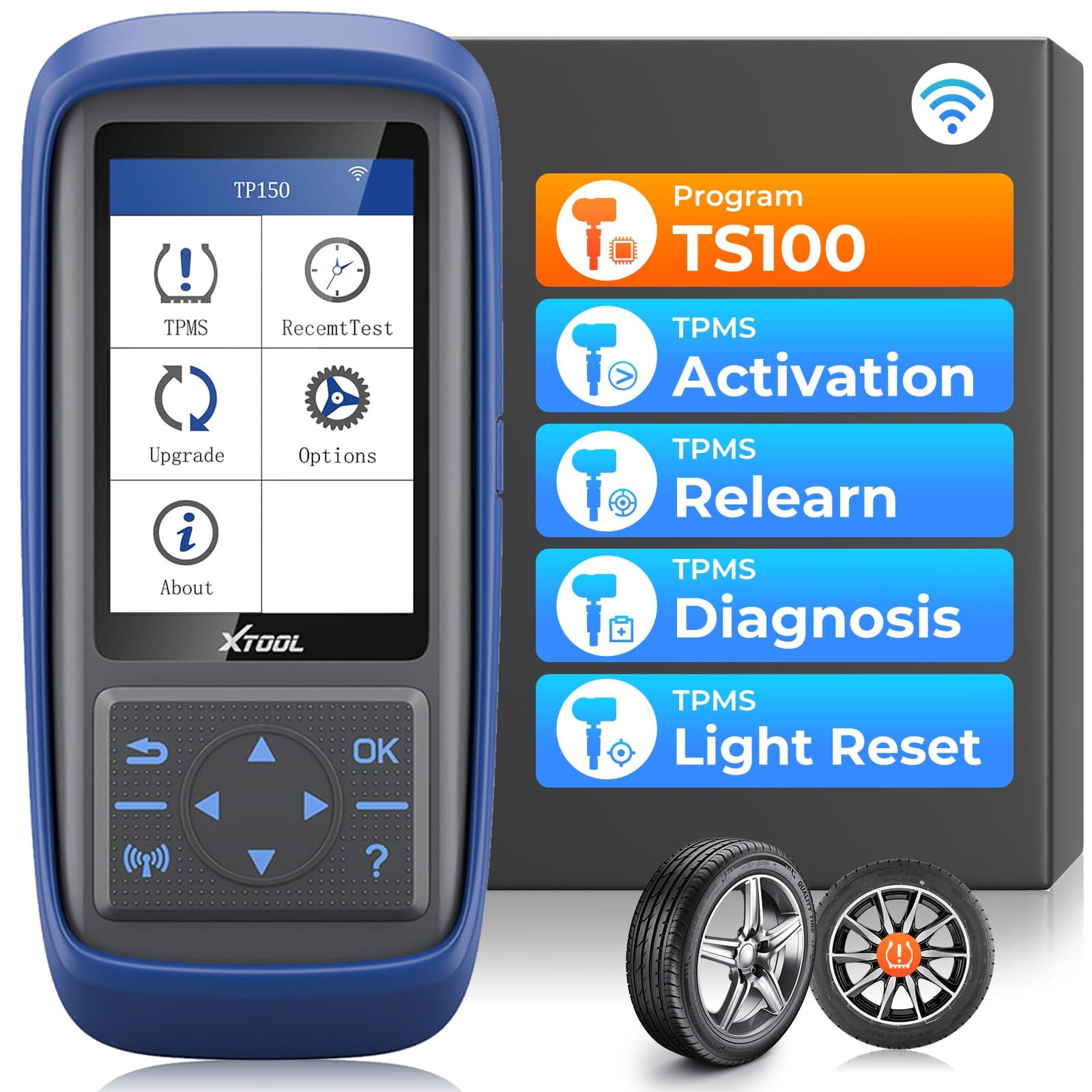
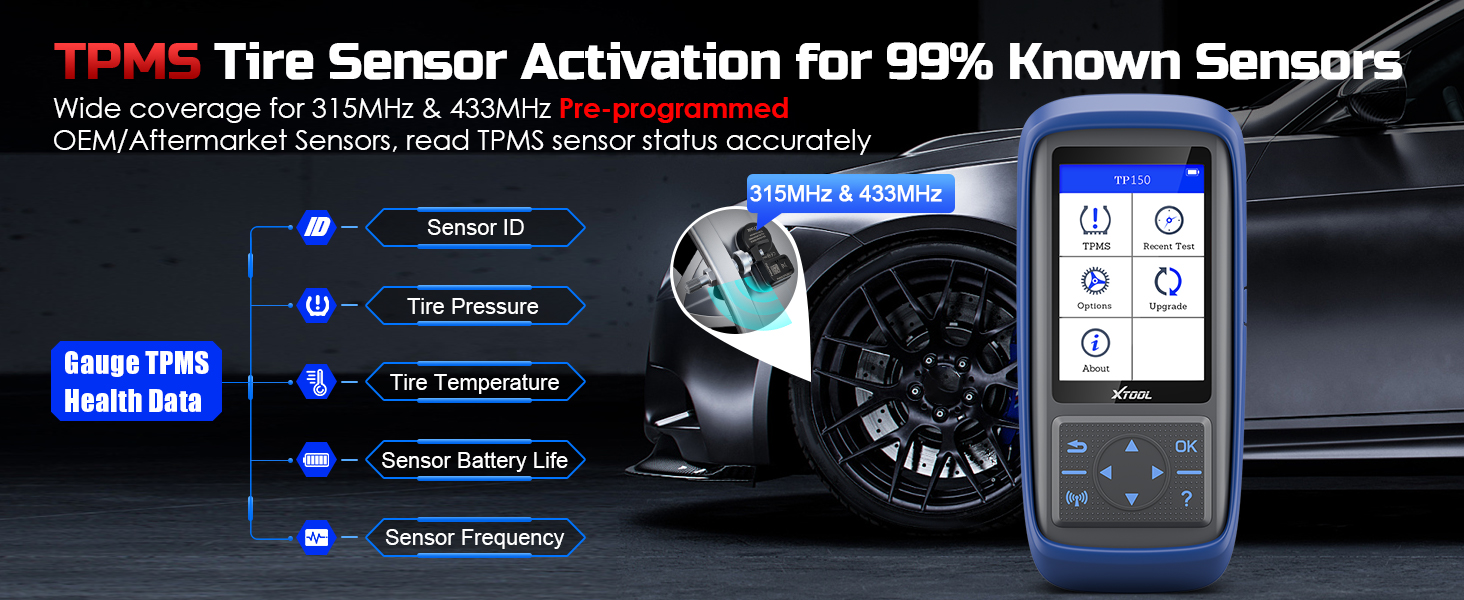
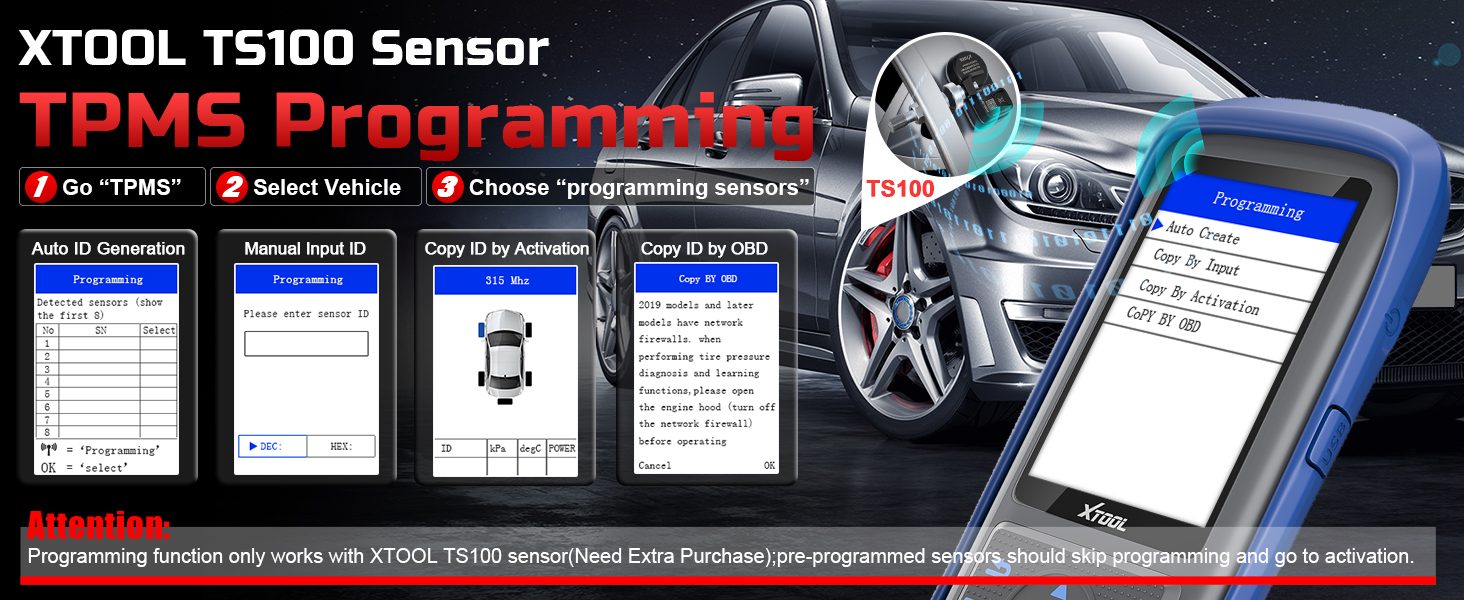
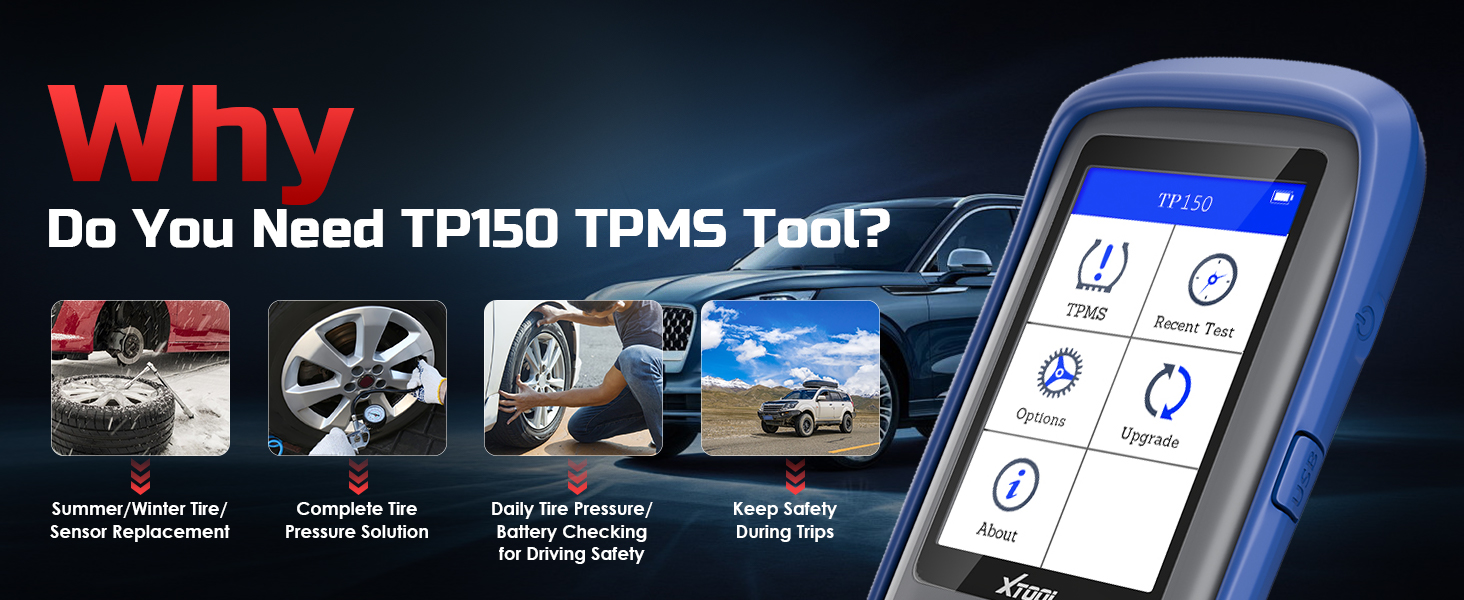
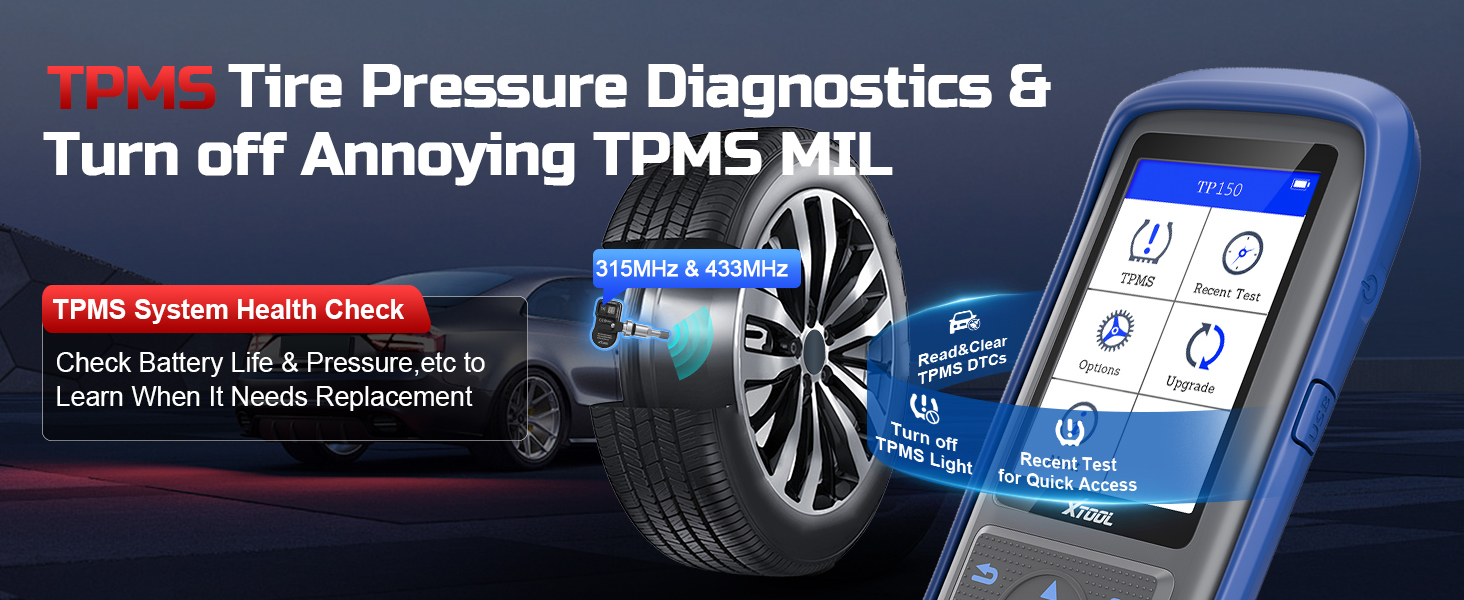
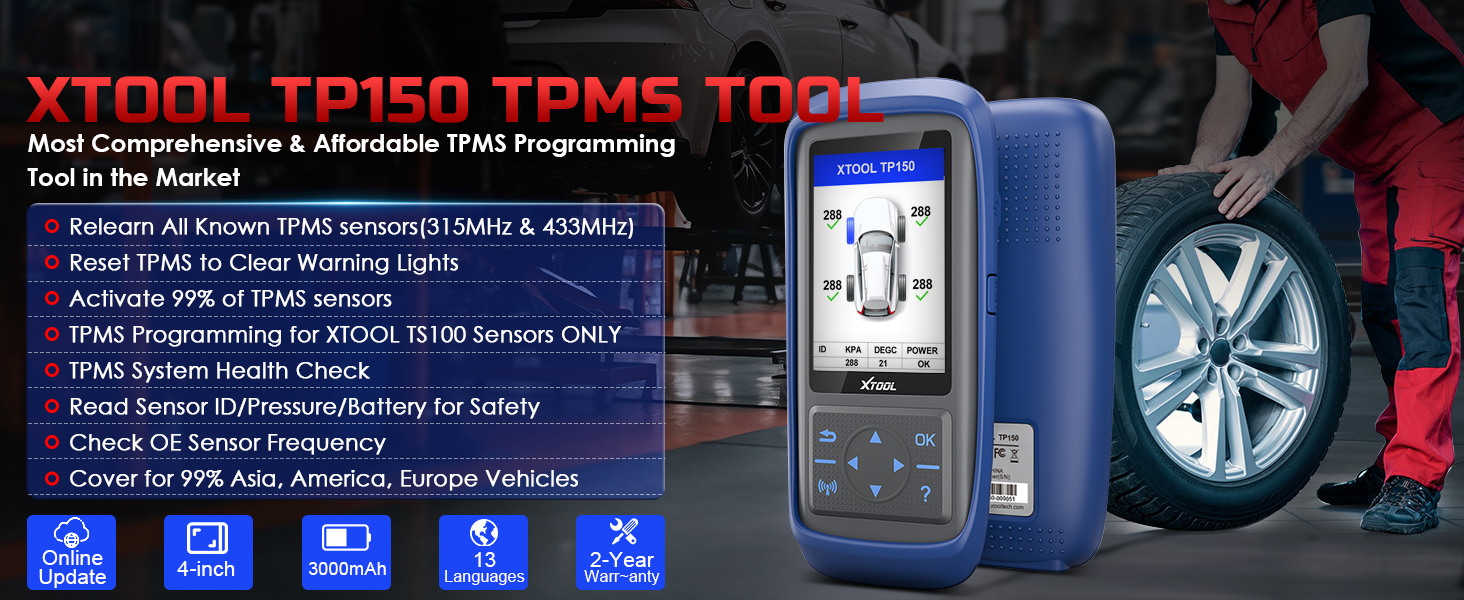
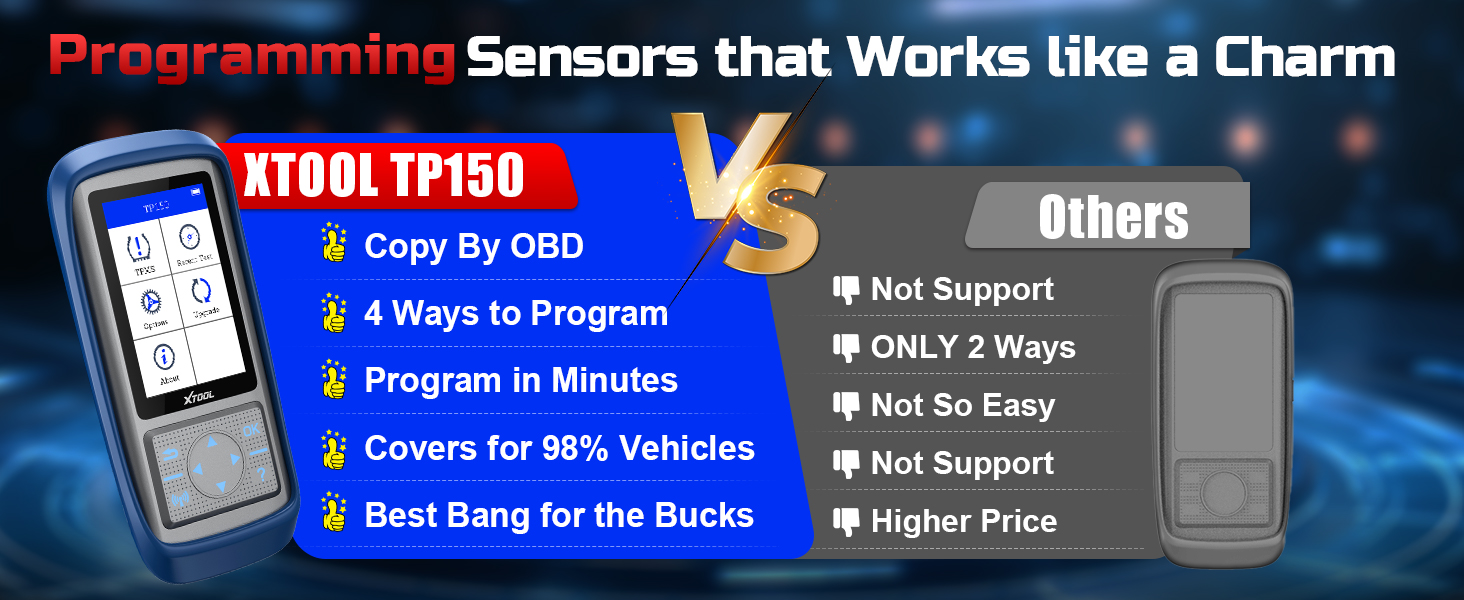
The XTOOL TP150 is a professional-grade TPMS programming and diagnostic tool designed exclusively for XTOOL TS100 sensors. It supports dual-frequency 315/433MHz sensors and offers four versatile programming methods to replace or clone tire pressure sensors. With broad vehicle compatibility spanning American, European, and Asian brands, plus real-time sensor diagnostics and DTC clearing, it empowers DIYers and professionals to maintain tire safety efficiently. Compact, durable, and backed by lifetime free updates, the TP150 is the ultimate cost-saving solution for multi-vehicle owners and tire shops.









| ASIN | B0BQ31D4J9 |
| Batteries | 1 Lithium Polymer batteries required. (included) |
| Best Sellers Rank | #11,200 in Automotive ( See Top 100 in Automotive ) #34 in Replacement Tire Pressure Monitoring System (TPMS) Sensors |
| Date First Available | December 14, 2022 |
| Item Weight | 2.25 pounds |
| Item model number | TP150 |
| Manufacturer | XTOOL |
| Product Dimensions | 12.6 x 8.66 x 4.33 inches |
N**K
After a lot of research, I found this to be the best bang for the buck!
I currently have 4 cars in our family, all of which I provide maintenance and repair on, among many others that belong to friends and family. The one thing that I have not messed with up until now, were the TPMS sensors. The most I could do was to test the sensors with a scan tool and attempt to reset them. However, once they have failed, there is no resetting. More than likely, the battery is dead and all you can do is replace the sensors. I decided to eventually take on this job myself as I have access to tire changing equipment. But my primary concern at this time is to purchase a reasonably priced tool that would provide the ability to access TMPS data and provide additional functionality moving forward. When I purchase diagnostic equipment, I like to be somewhat future proof as much as possible. I also wanted a product that I could use in conjunction with my high-end scanner, which happens to be an Xtool (D9). Although I have had excellent experiences with Xtool products and customer service, I am completely open to purchasing from another company if it would best meet my needs, without a doubt. It just so happens that the Xtool product line continues to offer the best balance in value, customer service and capabilities, so I decided to try this product as well. I knew, based on experience, that if I had a problem, or any questions they would work with me to resolve them! So, as indicated, I as always, did a lot of research and found The Xtool TP-150 to be hands-down the most affordable and functional TPMS scanner/programmer in its class. I didn’t want to spend a lot of money on a TPMS scan tool, so I decided to purchase the Xtool product. The TP-150 comes in a compact cardboard storage box. It has a solid rubber case for protection that is also removable. This is a great feature that is robust enough to prevent damage if you were to accidentally drop the unit. The first step each time you use the device in my opinion, is to check for and complete any software updates. You can do this either by connecting the device to a computer through a USB port, or via wifi. It is much easier and more convenient to connect to wifi for any current and future updates that may be available. One of the features that attracted me to this Xtool device is that it offers lifetime (COST-FREE) updates! Some companies charge a fee. The TP-150 supports several regions and multiple car brands both domestic U.S. and other countries along with multiple languages. It has an audible beeper that is optional and can be deactivated. I chose to keep mine activated as it helps with testing to hear the noise prompts throughout the process. It also has an optional auto-power setting that can be deactivated or set at ranges from 3, 5, and 10 (minutes), or to not automatically shut off. I found the no shut off option to be more feasible for my usage. I’ll just need to remember to turn it off manually after I’m finished! Here is a rundown of the device’s features. Xtool TP-150 supports (5) different functions: Check: Allows you to check each tire by prompting you to walk around the vehicle and point the device at each valve stem, which is where the TMPS sensor is mounted. It provides a visual display of each tire location which makes the process fun and easy. The results display the sensor’s data, current tire pressure and the current battery life which is extremely helpful information to know. Diagnosis: This feature allows the device to connect to the vehicle through the OBD-2 port and scan the ECU (car’s computer) for any error codes. It provides the sensor ID, tire pressure reading, temperature and power to the sensors. You can also clear the TPMS error code that appears on your dashboard. Programming: Is a feature that allows you to clone your current sensors that need to be replaced and write the data to Xtool’s (TS-100) sensors. It will not allow you to program any other manufacturer’s sensor, however I found that the Xtool sensors are among the lowest priced dual frequency sensors available on the market. I was happy to find that this feature has (4) programming methods that cover every possible scenario. Relearning: Is only used for vehicles that require it and when you are needing to replace multiple sensors, or during tire rotation. Once the sensors are installed on the rims and mounted on the car, the Relearn function captures the data for all sensors as you walk around the vehicle, and stores this information based on the tire location. You can then connect to the vehicles OBD2 port and write the new sensor data to the vehicle’s ECU. Activating: This feature is very helpful if you choose to use universal aftermarket sensors, or OEM sensors that require a (relearning) process. It allows the TP-150 to capture the original sensor’s data and transfer it to the new sensor. This seems to work best if the tire locations have not changed. Sensor Information: Is a very useful feature that allows you to view the the sensor specification that are specific to your vehicle. This includes both OEM and Xtool (TP-100) sensor information. There is also a Recent Test feature that stores any vehicles that you have recently tested. This prevents you from having to conduct another vehicle search. In testing my various vehicles, I decided to compare the results with what I received with the Xtool D9 scanner, and the information was in alignment with the scanners diagnostic report as expected. In addition, the TP-150 provides the current tire pressure reading, and level of battery life available. I found that for my son’s Honda Accord, it showed that the right-side front TPMS sensor was at the end of its lifespan and will need to be replaced in the near future, although the other (3) were still good. With the late model Mercedes, I found that all sensors were functioning and that the battery life was optimal as well.. One of the features that I/you would likely use most often, would be having the ability to use this device to quicky check the tire pressure on each wheel. It is much easier than using a tire pressure gauge! I also found that you are not required to use the Xtool TP-100 sensors unless you are (programming) new sensors. You can still use universal and (OEM) sensors by using the device’s Activation feature. I would certainly recommend this product to do it yourself, as well as professional technicians. I have found it to be of high quality, and very useful.
T**N
Must Have!!!
The TP150, is a great tool to have, very accurate, easy to use and understand, small manageable design, excellent compatibility, and easy to update software when needed. I replace a TMPS Sensor and needed to do the relearn process, at this point I did not have the TP150, I call around to several tire shops, and they wanted 180 dollars, are these guys crazy? I Purchase the TP150 and perform the relearn process perfectly, Excellent Tool.
T**!
Underdog 🫡
Before you give this thing 1 star switch it to America region if you’re in America, vise versa. And update it. Love this thing. Sensors only cost 25 bucks too!! Left it sitting in negative temps for months and it turned right on and was able to update with Same charge. Will be buying sensors soon!
A**R
Good inexpensive TPMS tool
I bought this tool to figure out why the TPMS light on my tacoma would not reset. I was able to activate and query 3 of the 4 TPMS sensors which told me which needed replacing. I ordered an OE sensor because I felt safer sticking with the original manufacturer. I built a tire lever rig to unseat the tire and replaced the sensor. So I cannot speak to the function of programming an XTool sensor. I'm sure it would work. My Tacoma would not relearn the new sensor with the TPMS button in the truck, but I knew it was working because I could query it with the tool. I'm guessing the Tacoma TPMS relearn button will just relearn sensor position after a tire rotation, but won't learn a new sensor (?). I just connected the the TP150 to the OBD connector and reprogrammed the TPMS on my truck with the tool - no problems. I hate paying a shop to do simple diagnostics, so I figure I've saved 1/2 the tool cost already. One gripe I have with the TP150 is that when you query the TPMS sensors, it does not indicate battery strength in volts. It just says "OK". Not very helpful to determine how much life is left on the sensor. The manual I downloaded from XTool website says it should display sensor voltage by pressing OK button after reading all sensors. Didn't work for me. I tried several times on multiple cars. I have updated the firmware twice, which is pretty easy to do. Still can't display sensor voltage. Since my truck is 8 yrs old, I'd really like to know what the sensor voltages are before I replace any tires. Much easier to replace TPMS sensor when the tires are off the wheel. Other than that, the TP150 works well.
T**S
The TP1500 can read all brands and models of TPMS sensors and can ODB program your ODB IDs
I recently purchased the [XTOOL TP150](https://www.amazon.com/review/create-review?asin=B0BQ31D4J9) to manage the direct TPMS on my 2022 Audi S8, and I couldn't be more impressed. I was using a second set of winter wheels with older 7PP907275F sensors, but my car wouldn't recognize them. Using the [TP150](https://www.amazon.com/review/create-review?asin=B0BQ31D4J9), I quickly verified that these older sensors were still functional and had healthy batteries, which helped me narrow down the issue. After some research and using the tool's data, I suspected that my S8 specifically required the 5Q0907275F model sensors to match the car's newer protocol. I reached out to Xtool customer support, and they were incredible. Caleigh from the Amazon service team was very responsive and thorough. After analyzing my tool's uploaded logs and VIN details, they confirmed my findings: the vehicle is coded for a specific sensor generation, and I needed to use the 5Q0907275F model number. With this confirmation, I bought a set of aftermarket TPMS programmed to the correct part number. I had them installed and rebalanced by a local gas station, and everything is now working perfectly. The TP150 is a powerful, user-friendly tool that saved me a lot of guesswork. Combined with their top-notch technical support, this is a must-have for any DIYer or car enthusiast. Highly recommended!
Trustpilot
Hace 5 días
Hace 1 semana