Desert Online General Trading LLC
Dubai, United Arab Emirates
Desert Online General Trading LLC
Dubai, United Arab Emirates

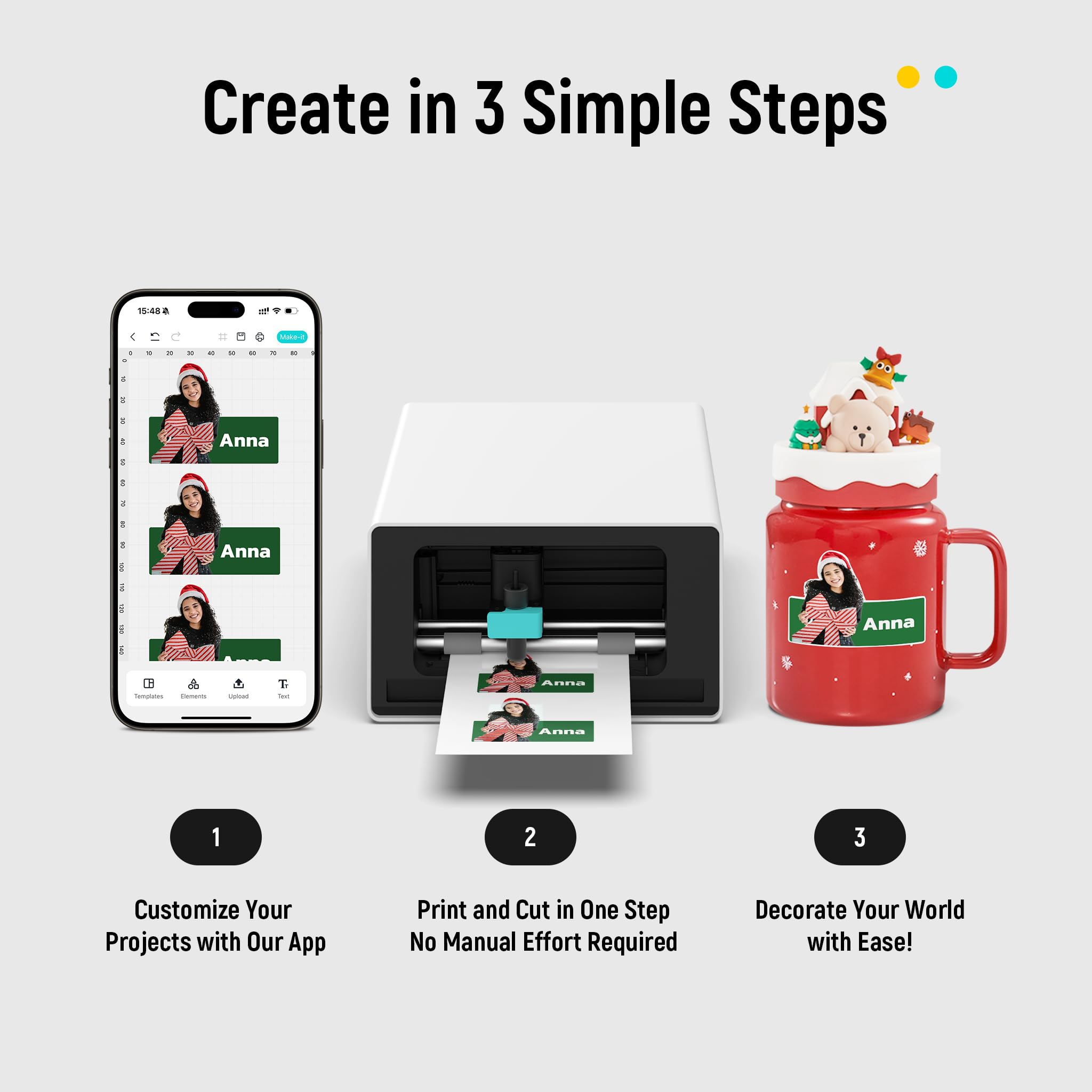

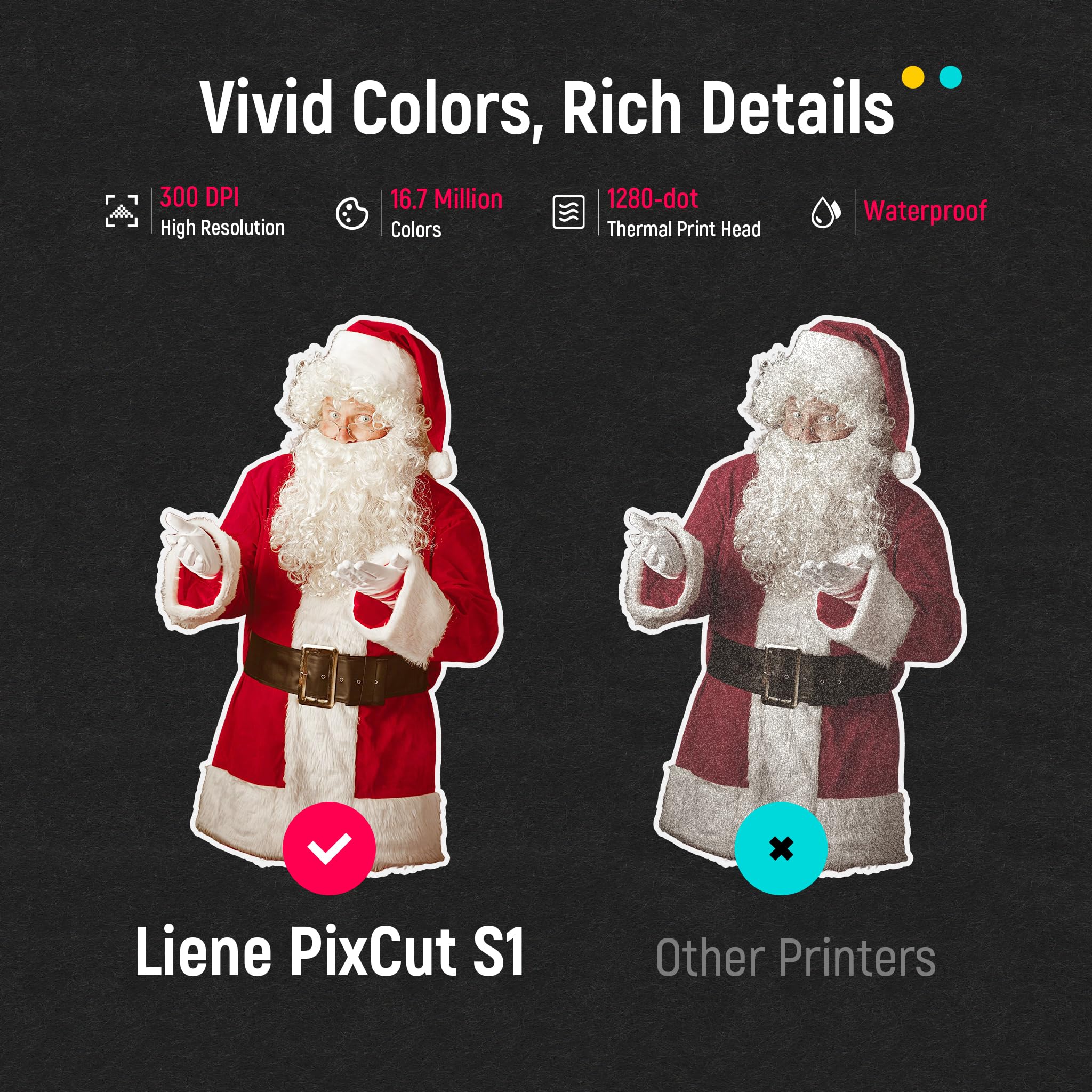

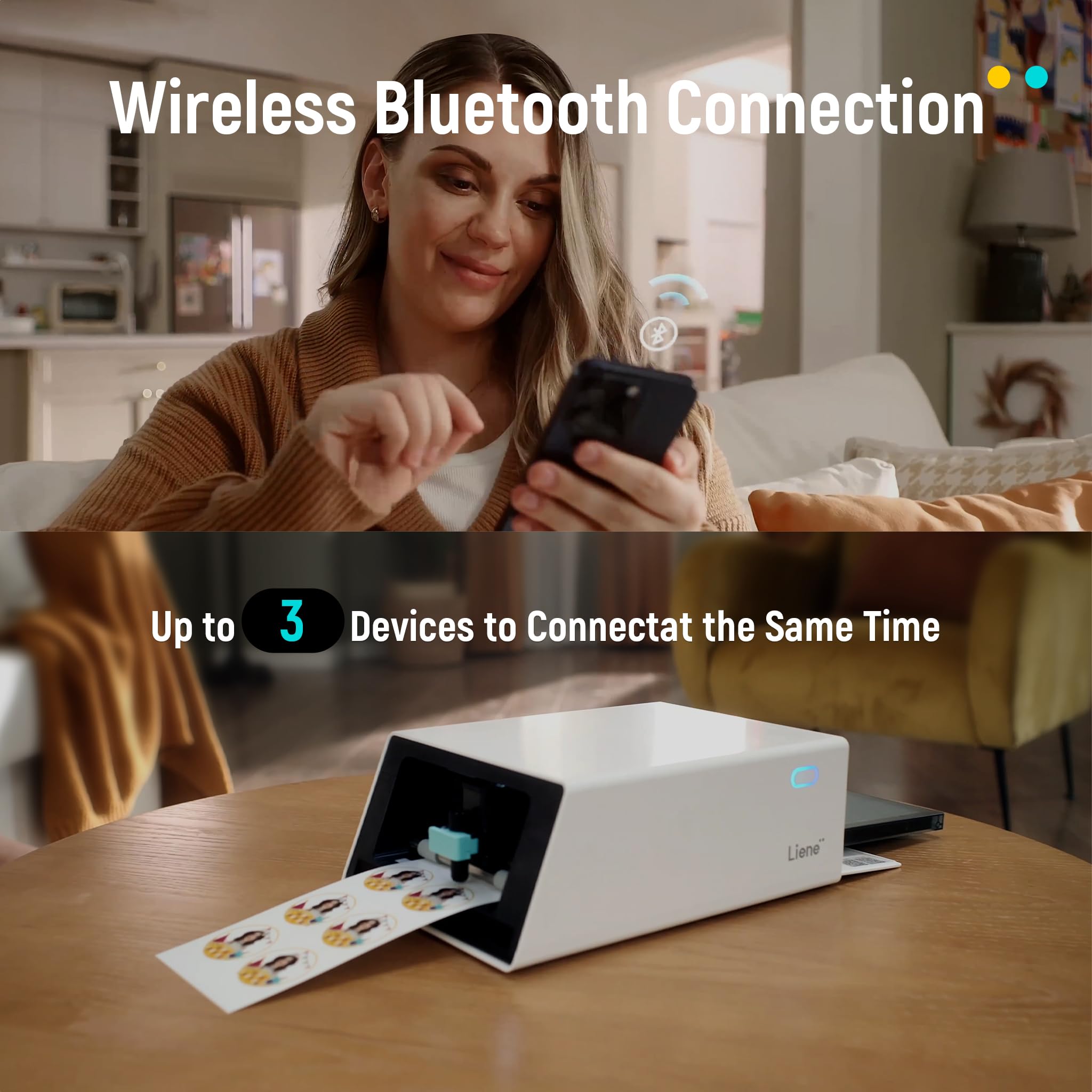
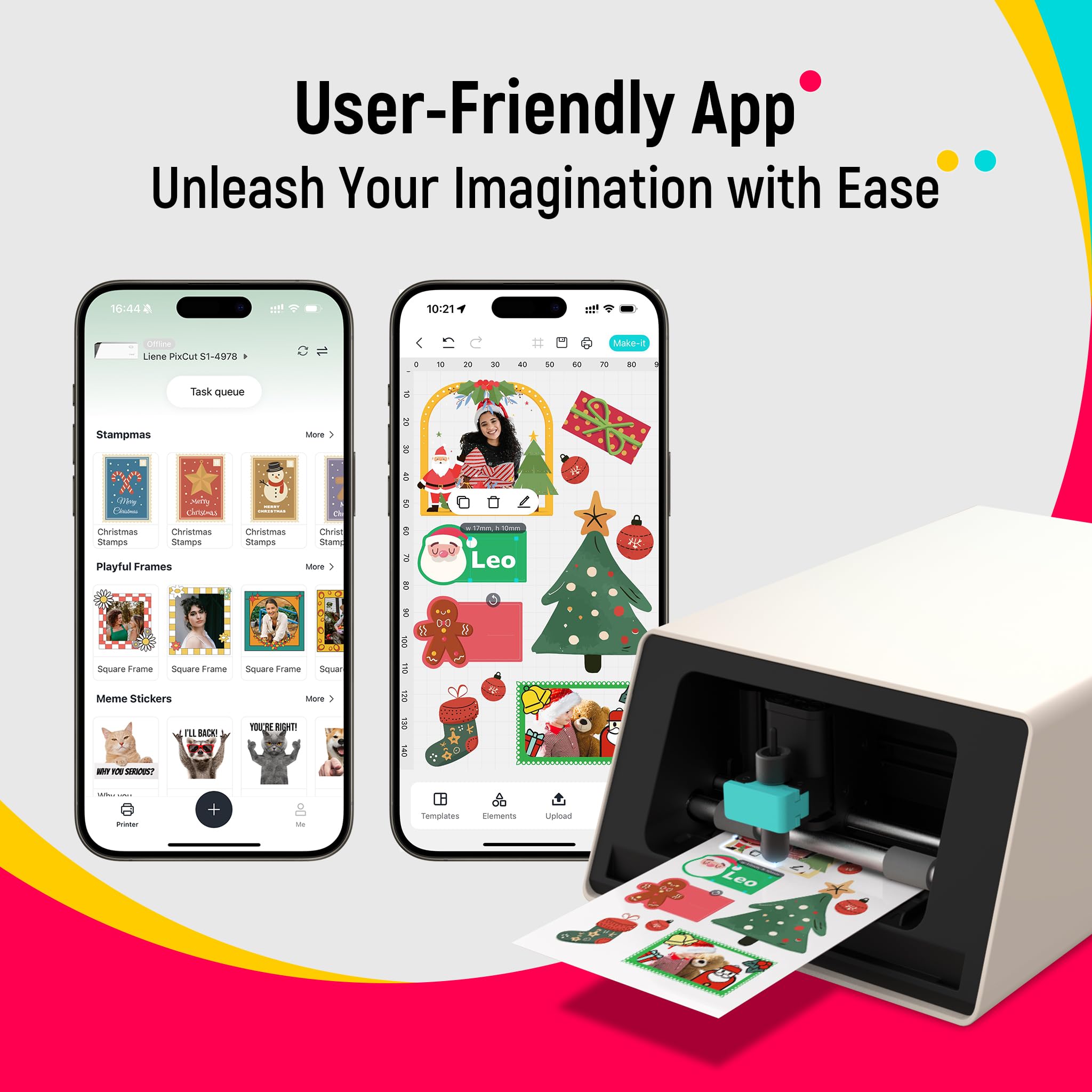
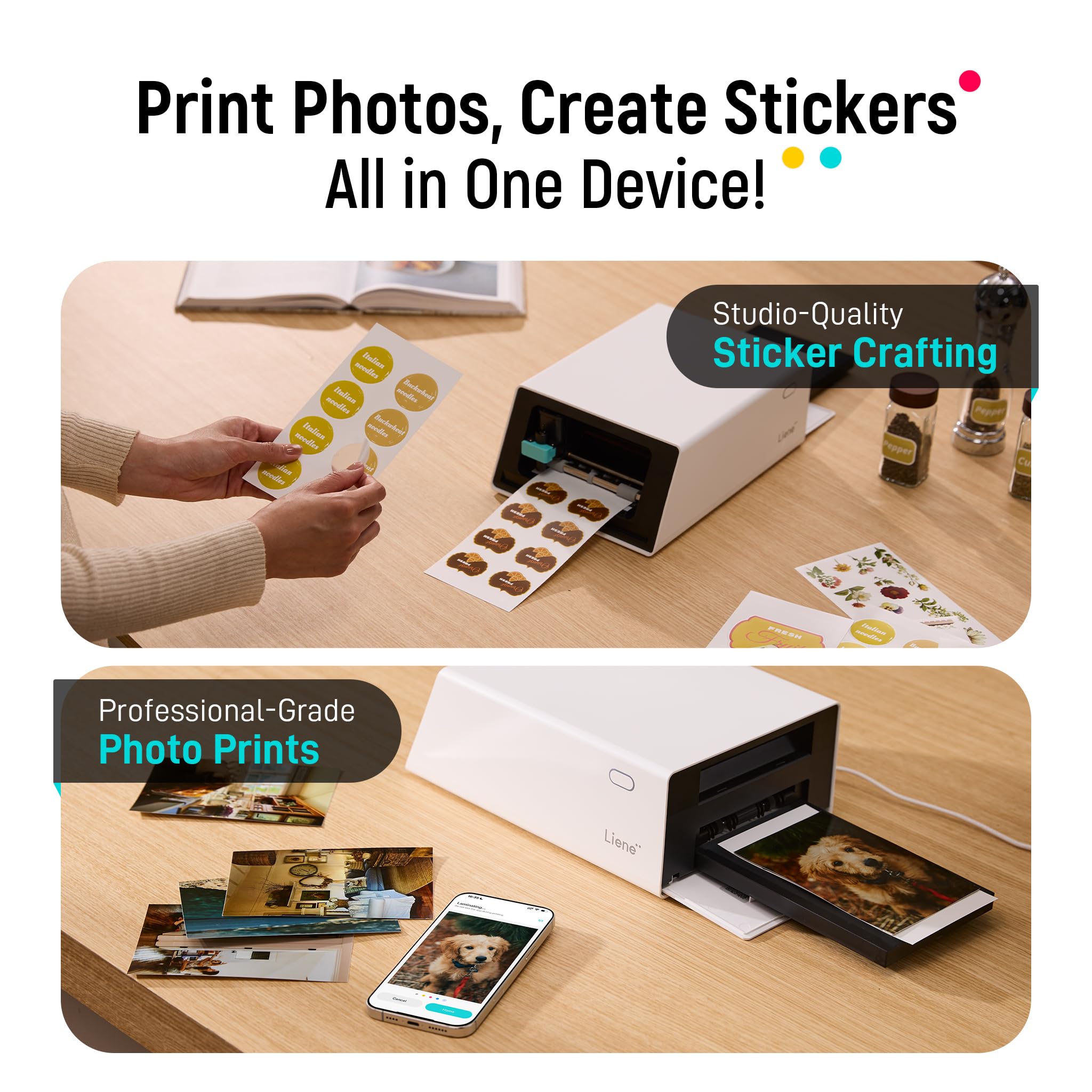
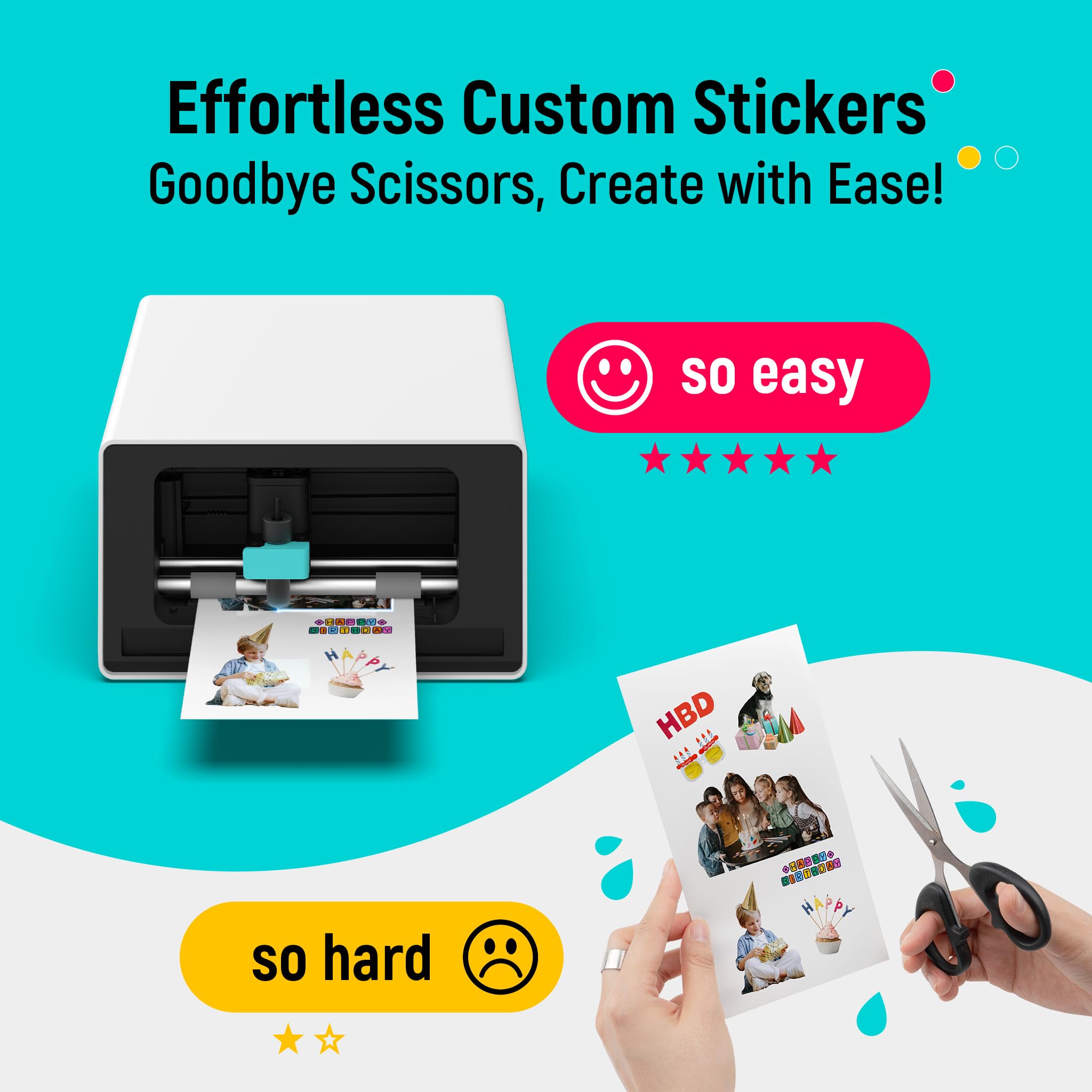

🎨 Elevate your DIY game: Print, cut, and create like a pro in minutes!
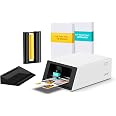
Liene PixCut S1 is a cutting-edge all-in-one printer and cutter that uses AI-driven image extraction and thermal dye-sublimation technology to produce vibrant, durable stickers and prints. Controlled via a smartphone app over Bluetooth, it enables fast, precise, and customizable creative projects with professional-quality results.
P**N
Professional Quality Stickers and Photos on Your Desktop
I come to write this review from a rather unique perspective. I played a predominant role in the development of desktop publishing technology in the 1980s. Desktop publishing brought professional-level printing and publishing capabilities to anyone with the need and resources to bring the technology within the grasp of the creator. So it is with the Liene PixCut S1. This compact desktop sticker printer enables virtually anyone to produce ready-to-use, trade-quality, kiss-cut stickers, easily, quickly, and on-demand.The machine, which has a footprint of only 8” x 11”, less than the size of a standard sheet of paper, takes up little desk or counter space. The provided iOS and Android software is easy-to-use, and provides a vast library of ready-to-use images, as well as an editor for custom designs. Liene has publicly committed to releasing desktop software versions for Mac and Windows.The image quality of the stickers is excellent, and comparable to any available from a commercial source, and at a lower cost. For example, ten 2” x 2” stickers are $1.70 each from one on-line printer, and $0.92 each from another printer, with a minimum of 25. The PixCut S1 prints on a 4” x 7” sticker paper at an estimated cost of about $0.10 for each sticker of about the same size.The printer is ready for plug-and-play out-of-the-box. Simply insert the dye sublimation ink cartridge, load the sticker paper, establish the Bluetooth connection, and send the file. The user is then able to see the printing and cutting process as it occurs. During printing the sticker sheet exits the rear of the printer as each successive color is applied, followed by a sealing layer of lamination, for surface protection. After printing, the sheet exits through the front of the machine, where the user can watch as the PixCut kiss-cuts precisely around each sticker outline.The PixCut S1 is a great device for a family with children. Children typically love stickers, and the opportunity to design and print their own creations is very enticing. The rest of the family can benefit as well, producing creator stickers for crafts, package labels for homemade goods, custom decorations for gift wrapping, and so much more.There have been some issues with the adhesive strength of their stickers, which Liene is addressing. The PixCut S1 is also able to print 4”x6” high-quality photos at about $0.47 each. All-in-all I am glad that I bought it.
M**B
Liene Sticker Printer and Cutter
What a cool little printer! Setup was easy and quick. Bluetooth connection to my phone was simple. The app was fairly intuitive - I especially liked being able to create iphone skins - although the templates were a little clunky to work through. I'd love to be able to rotate images slightly - not just 90 degrees at a time. I ended up popping over to photoshop to create the collage-type image I wanted to be able to fit to the skin - and then reimporting it into the app to check the cut lines.The colors are beautifully vibrant and the background eraser ("free for now"???) works really well. I hope that remains free.I can't quite figure out the timeout on the printer - how long before it turns itself off - I kept having to turn it back on after creating a new sticker in the app (because that took me time to get just how I wanted it). Then I'd have to reconnect to bluetooth - although sometimes it did that automatically and I discovered it starting to print when I didn't realize I had sent a sticker to the queue.It would be awesome if they included a second cassette so you don't have to change out your 4x6 photo paper and the 4x7 sticker paper and be able to just designate one cassette for each.The 4x6 photo prints are GORGEOUS.The cutting feature is super cool for custom stickers.This is going to be a fun gadget to pull out at family gatherings and especially when the grandson comes over!
C**Y
Love this printer but….
This product works really well. Quality of the print comes out great and it never fails to impress me (and my friends) that it cuts the stickers with precision. The app is user friendly but I haven’t explored it to its full extent. Never had any problems with connection. I’ve had other photo printers before and, in comparison to size, this one is slightly bigger but still compact enough to bring around if you need to. My only complaint is that the adhesive of the stickers are multi surface friendly. I definitely couldn’t stick it to my water bottles or the surface of my Magic Keyboard. But thats about it.
R**C
What a fantastic creative tool!
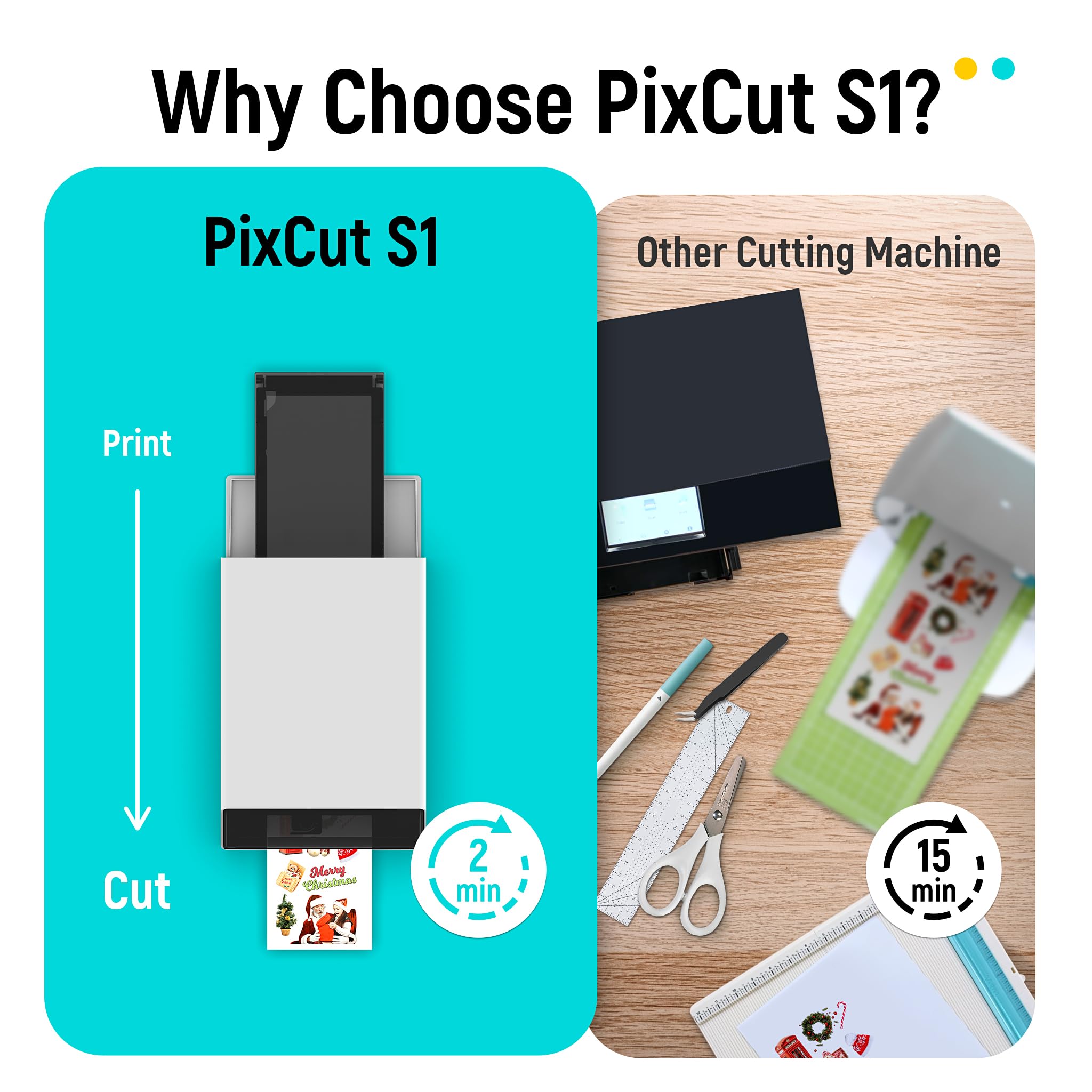
OK, I was a bit skeptical at first about this machine, because I use Cricut for these things, so why would I need another machine. Well, I think speed is the first reason, and you don't have to use multiple devices to achieve the precise cuts would be the winner! I am now officially sold simply bc of its ease of set up, plus it is smaller so I don't have to move it, and then speed. I don't leave the other machine set up because of it's size and the footprint it MUST maintain in order to operate as it should. So everytime I want to use the other machine, it was a whole project. This is not but this is absolutely changing now for sure! This machine is so cool how it prints, then feeds it back for cutting all on without mats or changing from printer to cutter. It is slightly larger than I thought it would be honestly, but it is still much more manageable on a spontaneous sticker or label emergency.The app takes a little getting used to, but like any other app when you first try, there is a learning curve. Once you get the hang of it, it's super intuitive. I am not 100% in love about the extended costs of the materials, even though they feel really high quality. Hopefully the price of the photo and sticker paper will go down in cost. Although I justify it the same as I do instant camera film which is: I love it so I will just grin and bear it. I am anxious to learn and play more with it, but being careful not to waste the materials that came along with it, so I am being conservative with them just until I know what I am doing 100% but so far this is super simple to connect and though my personal art could use fine tuning, I think I will love it for sure!
Trustpilot
Hace 4 días
Hace 2 meses