We remain fully operational. Our teams are working around the clock to ensure your deliveries continue safely.

Descargar la aplicación


Servicios al cliente
Sobre nosotros
Copyright © 2025 Desertcart Holdings Limited
Descargar la aplicación
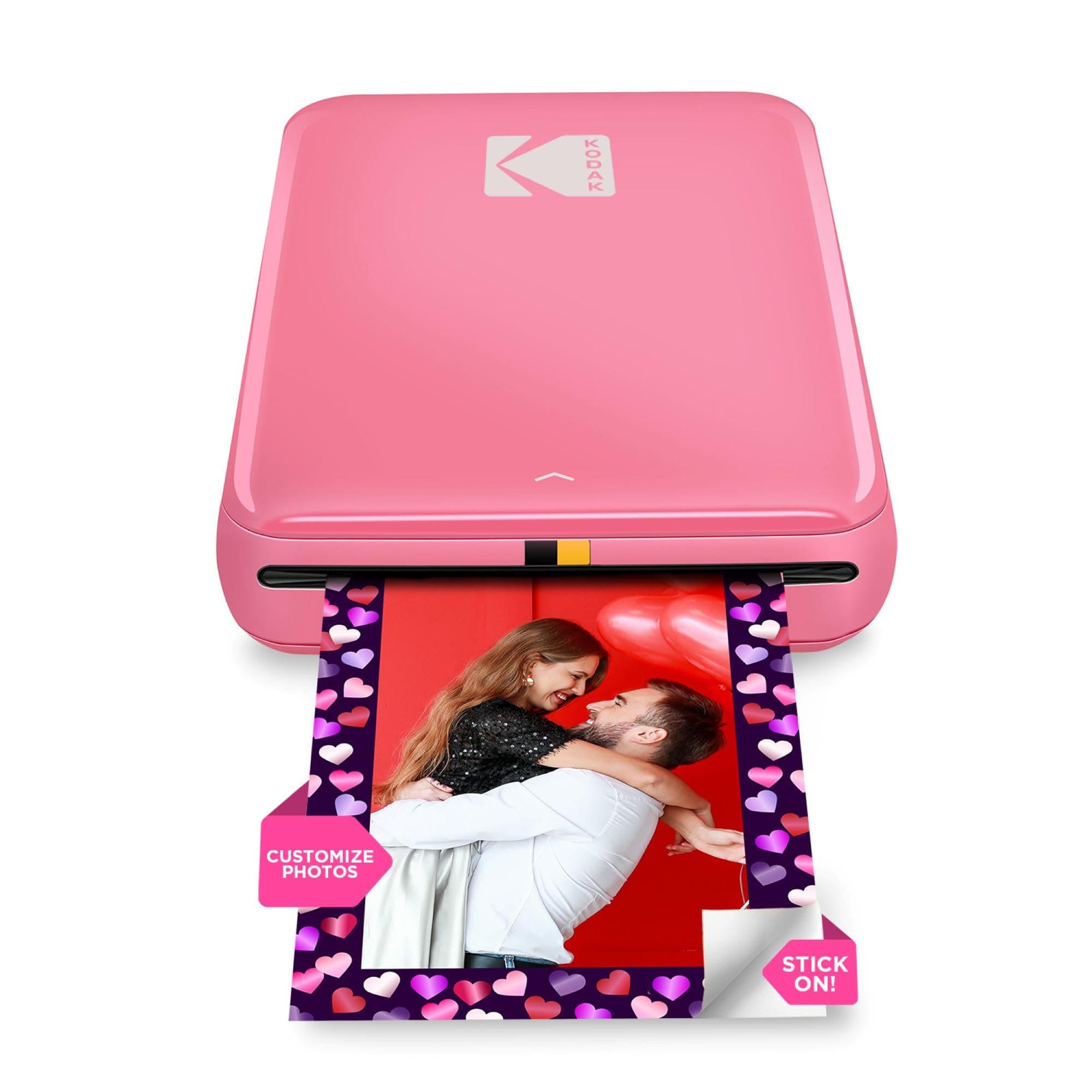
📸 Print your vibe instantly—stick it, share it, own it!
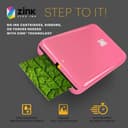
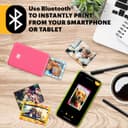
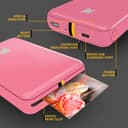
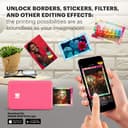
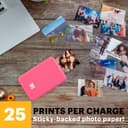
The KODAK Step Instant Color Photo Printer is a compact, lightweight device that wirelessly connects to iOS and Android smartphones via Bluetooth or NFC. Utilizing innovative ZINK zero-ink technology, it produces durable, vibrant 2x3" adhesive-backed photos in under a minute. The accompanying KODAK app offers a full suite of editing tools, enabling users to personalize prints with filters, stickers, and borders. Powered by a rechargeable lithium-ion battery, it delivers up to 25 prints per charge, making it the perfect portable printer for millennials who want to capture and share their moments instantly and stylishly.


| ASIN | B08YFJR71D |
| Are Batteries Included | Yes |
| Batteries | 1 Lithium Ion batteries required. (included) |
| Color Depth | 24 bpp |
| Compatible Devices | Printer |
| Controller Type | Mobile Application |
| Customer Reviews | 4.4 4.4 out of 5 stars (1,506) |
| Date First Available | November 15, 2023 |
| Dual-sided printing | No |
| Included Components | Printers and Accessories |
| Is Discontinued By Manufacturer | No |
| Item Weight | 68 g |
| Item dimensions W x H | 7.6 x 12.7 x 2.5 cm |
| Item model number | RODMP20AMZP |
| Lithium Battery Energy Content | 3.7 Watt Hours |
| Lithium Battery Packaging | Batteries contained in equipment |
| Lithium Battery Weight | 25 Grams |
| Max Copy Speed (Black & White) | 1 ppm |
| Max Input Sheet Capacity | 10 |
| Maximum Black and White Print Resolution | 313 dpi |
| Maximum Color Print Resolution | 300 dpi |
| Maximum Media Size | 2X3 Inch |
| Maximum copies per run | 1 |
| Number Of Lithium Ion Cells | 1 |
| Operating System | Android, Ios |
| Print media | Glossy photo paper |
| Product Dimensions | 12.7D x 7.6W x 2.5H cm |
| Scanner Type | Photo |
| Sheet Size | 2 x 3 インチ |
C**E
Brought this for my 12 year old daughter to start journaling and what a fantastic product. Easy to set up with the app and the print quality was far better than I expected from other reviews. Does the job perfectly. Super happy with this, it only arrived a couple of hours ago but it’s already printed about 20 pictures and they look fab! Would recommend!
E**.
Easy to use and connect to mobile app. It’s about the same size as a small portable hard-drive, and lightweight. Picture quality is great, not brilliant but perfectly fine for a relatively cheap mini photo printer. If you’re looking for something that prints top quality photographs, then a printer that uses non-zinc paper, like ones made by Canon would be better, though they are pricier. To place the photo paper in: Slide back off the printer and place the paper in with the blue calibration card first facing down and then the photo paper on top (back facing down - ie. plain white side facing up) App is downloadable on the AppStore using the QR code found in the quick start guide. There are several other Kodak apps, so make sure it’s the Kodak Step Prints app. NB: if you don’t have the QR code to hand, then simply connect to the printer via Bluetooth via your mobile settings (press and hold power button on the side of printer until white light shows) and it will take you to the AppStore link. Charges via USB, but no plug adapter is included, so will either need to plug directly into a USB charge socket, or use any other plug adapter (phone, camera etc) that has a USB port. Can’t speak for Android, but have had no problems connecting to the app using iOS. There size of the photos are 2x3, so may need to edit photos, but can do so easily in the app which has a useful indicator of what will be printed. There are other editing tools within the app and the ability to add borders too. Also included with the pack are five sticky borders that you can stick onto the photo. Very pleased with this so far! Only downside is that there are only five photos sheets included so will need to purchase more! Edited to add more info: Still going strong several months later - occasionally a thin line will appear on the prints. If this happens, just recalibrate the device with the calibration card. Also, the printer will take any 2x3 zinc paper so it doesn’t have to be the Kodak stuff. Only thing to note here is that you’ll need to keep the original blue Kodak calibration card as the other cards (i.e. Canon do not work).
L**S
Hög kvalitet på korten. Bra app för redigering.
C**E
It does not print with other photopaper brand and the print quality is not good Hopefully to receive a refund
O**O
Muy práctico y recomendable, alta calidad de las fotos
Trustpilot
Hace 4 días
Hace 2 meses