
Descargar la aplicación


Servicios al cliente
Sobre nosotros
Copyright © 2025 Desertcart Holdings Limited
Descargar la aplicación

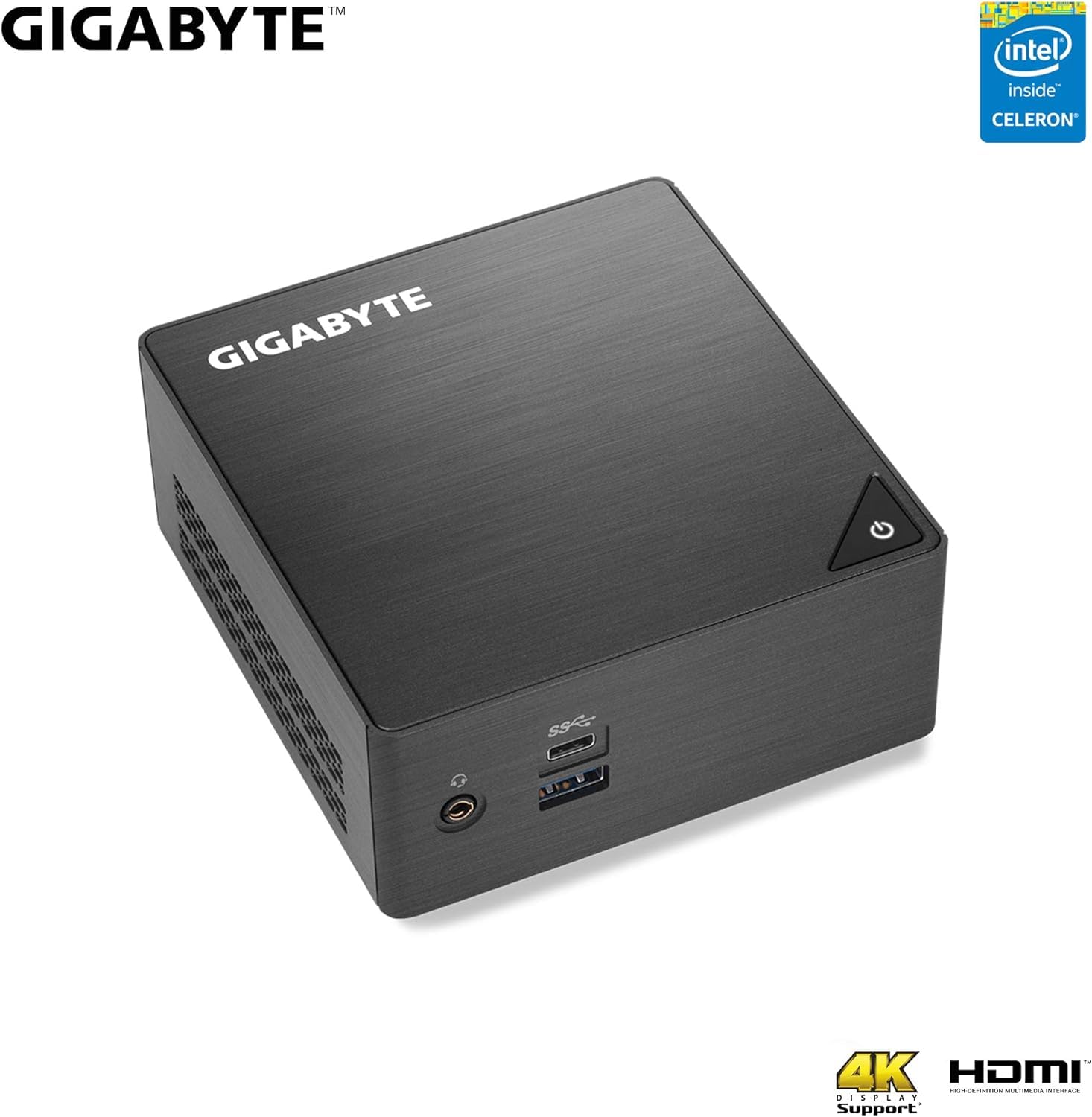


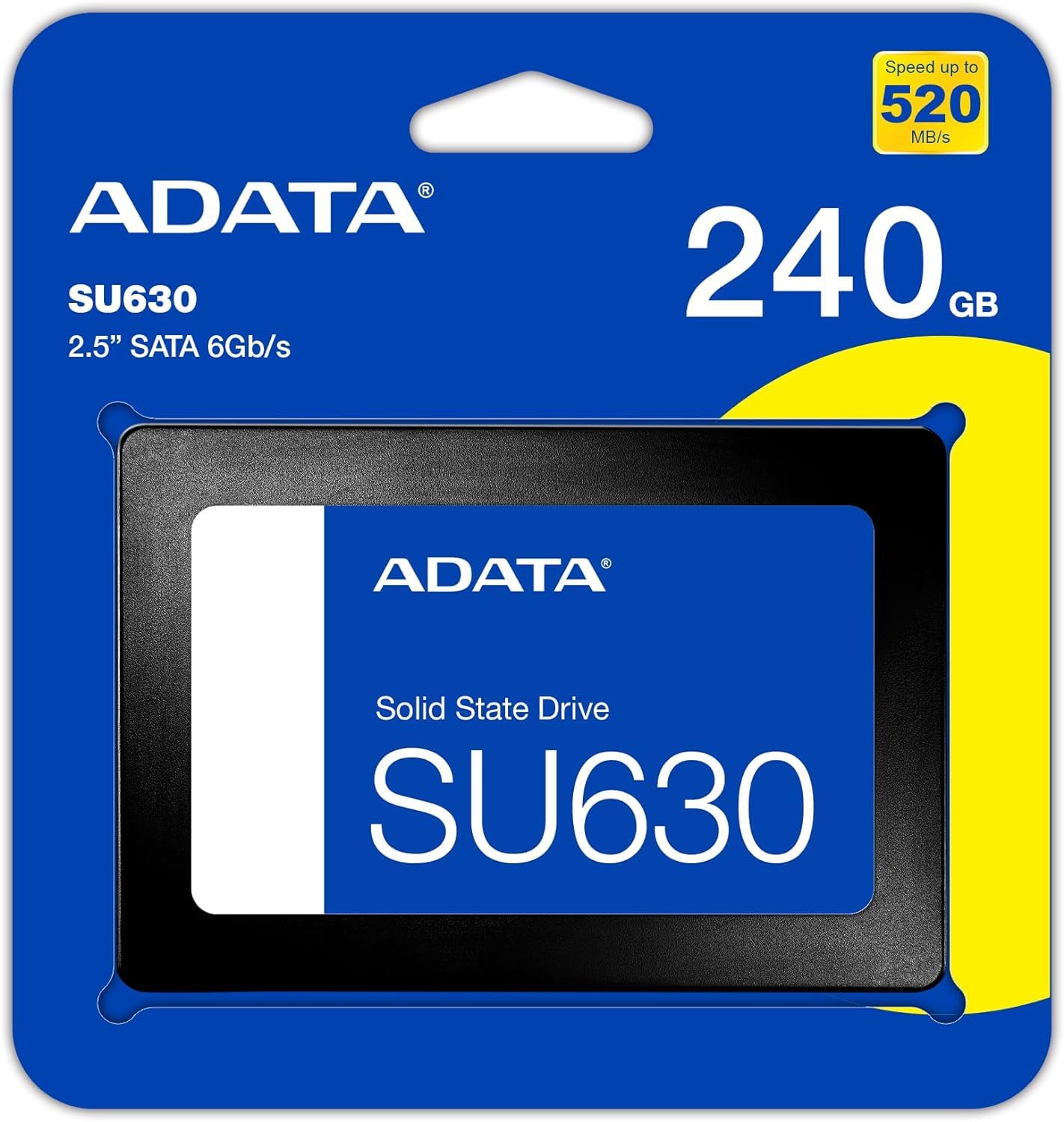
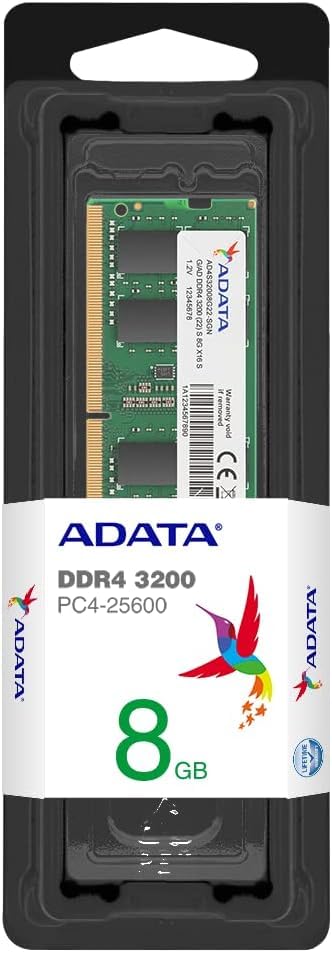
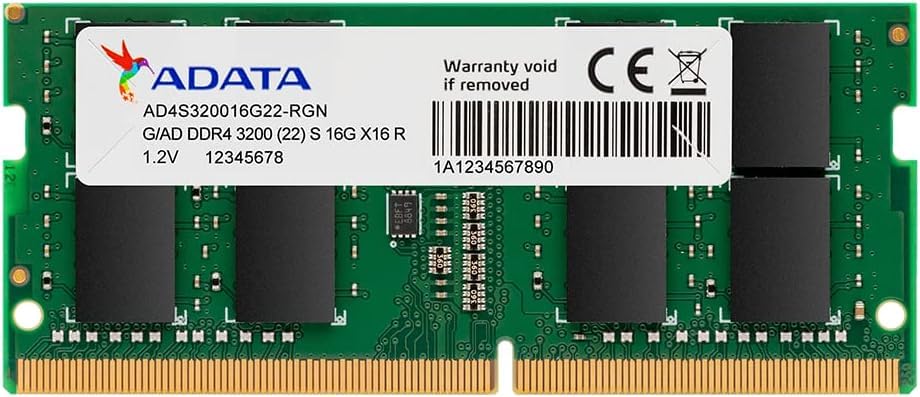
🚀 Compact power, limitless potential — your desk’s new MVP!
The GIGABYTE GB-BLCE-4105 is an ultra-compact mini PC powered by an Intel Celeron J4105 quad-core processor, featuring dual storage options (M.2 SSD and 2.5" SATA HDD/SSD), 8GB DDR4 RAM, and Intel UHD Graphics 600. It supports dual 4K displays via HDMI 2.0a and Mini DisplayPort 1.2a, offers robust connectivity with 4 USB 3.0 ports (including USB-C), Gigabit LAN, and dual-band Wi-Fi with Bluetooth 4.2. Pre-installed with Windows 10 and VESA mount compatible, it’s designed for professionals seeking a sleek, powerful, and versatile desktop solution that fits anywhere.


| Standing screen display size | 0.01 Inches |
| Screen Resolution | 3840 x 2160 |
| Max Screen Resolution | 3840x2160 |
| Processor | 1.54 celeron |
| RAM | 8 GB DDR4 |
| Hard Drive | HDD |
| Graphics Coprocessor | Intel UHD Graphics 600 |
| Chipset Brand | Intel |
| Card Description | Integrated |
| Graphics Card Ram Size | 0.01 MB |
| Wireless Type | 802.11ac, Bluetooth |
| Number of USB 3.0 Ports | 4 |
| Brand | GIGABYTE |
| Series | GB-BLCE-4105 |
| Item model number | GB-BLCE-4105 |
| Operating System | Windows 10 |
| Item Weight | 13.8 ounces |
| Product Dimensions | 8.15 x 6.63 x 5.06 inches |
| Item Dimensions LxWxH | 8.15 x 6.63 x 5.06 inches |
| Color | Black |
| Processor Brand | Intel |
| Number of Processors | 4 |
| Computer Memory Type | DDR4 SDRAM |
| Hard Drive Interface | USB-C |
A**D
Best bang for your bucks, super compact PC
Originally I was going to build a unit. I needed something basic just for streaming videos, youtube, browsing, etc on the TV screen in our family room. This was a deal I couldn't pass, I got it for $99 just last week and I wish I bought a second one for my kid's room! I was a little afraid as someone left feedback about the video quality not catching up with the audio, however I didn't see any of that. This 65watt (max) PC beat out the one it replaced (600W Intel Q9550 build) in every way and if I had installed an M.2 SSD I would have seen a slighter improvement, but I was too cheap so I am reusing the 2.5" SSD from the old PC. I've been able to stream 4K video without any issues. Even though I have no intentions to use this for gaming I decided to install a couple of games just to see how it handles. I installed Live for Speed and Need for Speed payback demo. I'm enjoying it !(haven't played games in ages). It probably won't fair well with more advanced graphics games but who knows! If you're looking to do everything except the advanced graphics games then this is the box for you. It has enough USB A ports and one C which was a plus for me. The only downside I see so far is the fan noise. I could hear the fan. It's tolerable but I wish it would have been a fan-less system hence the 3 stars on the noise. It came with a VESA mount that I used to mount on the wall, it's perfectly mounted behind the TV for a clean setup. I could not get the USB wake feature to work with my current wireless mouse/keyboard. I noticed that some people purchased an 8Gig kit (2x4gb) Single Rank RAM for this, I went with one 8GB Crucial Dual Rank Memory so that I can always upgrade in the future. if you go with Dual rank that is your best bet.
D**F
IMHO, this is a very economical way to get a Celeron J4105 compact box up and running
Pretty good design. Uneventful installation and setup.Memory: Crucial 16GB kit (8GBx2), 260-pin SODIMM, DDR4 PC4-19200 (https://www.amazon.com/gp/product/B019FRDAY6)Boot disk: Crucial P1 1TB 3D NAND NVMe PCIe M.2 SSD - CT1000P1SSD8 (https://www.amazon.com/gp/product/B07J2Q4SWZ)Storage: external USB3 attached Western Digital Red 4TB NAS Hard Disk Drive - 5400 RPM Class SATA 6 Gb/s 64MB Cache 3.5 Inch - WD40EFRX (https://www.amazon.com/Red-4TB-NAS-Hard-Drive/dp/B00EHBERSE) in Vantec 3.5" SATA 6 Gb/s to USB 3.1 Gen II Type-A HDD Enclosure (NST-370A31-BK) (https://www.amazon.com/gp/product/B00WT99GNW)OS: Ubuntu 18.04 LTS (installed using a USB stick, burnt downloaded ISO image with Etcher.)Usage: always on distributed compute and storage (while not burning too much energy). So I don't care about the fan at reboot :-) and frankly it is not that loud and lasts something like 2 sec. Removing stars because of this looks to me quite radical.Video on a 1920x1080 is excellent. Desktop usage is good (i.e. email, browsing and probably Office).Regarding 4K, multi-monitors and ultimate gaming experience, read the other reviews. However note that the graphics come from the CPU (Intel® UHD Graphics 600) so, if this is what you are looking for, seek another system with a discrete graphical card and a more powerful CPU.Picture: original setup with a 1TB SSB (which I recycled to another system) I then switched to the 1 TB nvme mentioned above. Note the 16GB of memory (could have gone with 32GB)
B**D
Gradually increasing decompensation leading to complete organ failure
When I first booted up the computer wouldn't boot from my old (but updated) Debian server SSD, no biggie, I figured I'd just disable Secure Boot, which I have done many times. But no matter what I did I couldn't enable CSM mode, and I tried disabling Secure Boot, trusted Devices, etc., but CSM remained greyed out. In fact, when I contacted Gigabyte they responded that this box would only do Secure Boot. Why even have an entry for CSM if you can't enable it? I'd never encountered that before. Also, I couldn't seem to toggle within the UEFI BIOS with the keyboard tab key, only the mouse would work to take me between fields, and I had to actually swap mice and use a mouse pad to allow me to navigate because the mouse barely worked in UEFI, it was fine in my OS. OK, annoying, but I'm not dinging the box for that.I installed a M.2 NVME and did a fresh install of Ubuntu 20.04. Everything worked well and the box was quiet. It seemed to play 4K video, and I was happy. But every hour or so my TV would flick off for a few seconds, but no big deal, it would come back, I thought it was probably the TV. Then I noticed that when I booted I would just get to the splash screen, but not to my boot manager, grub unless I rebooted the box at least once and then twice. Annoying, but again, I am not holding that little buginess against the box.I ordered a 2 TB SATA hard drive to hold date, I was actually unhappy to learn that the box would only hold a SATA drive of 9.5 mm or smaller, not a 15 mm drive, so no drives larger than 2 TB. OK, minus 1 star for me, making the thing a quarter inch wider would be well worth the increased capability for a small server.But when I installed the SATA drive it wasn't recognized by my operating system, which is odd, because the other 1TB SSD had showed up just fine. I'd installed it correctly, I thought maybe the new drive was messed up, but I pulled it from the system and it was immediately recognized and formatted by another Linux computer. Not good. Then I tried firing up the BRIX again without the drive plugged in, and it was the end of the world. No matter what I did the box wouldn't POST again, not on my 40" TV, where I wanted the box to live, not on my monitor, not with HDMI, not with DP, not setting the monitor for the output, not in auto-scan mode, not swapping the RAM to a different slot, not after removing my M.2 drive. It just wouldn't light up anything. Double plus ungood. Luckily it did this with the 1 month Amazon RMA period.Now I have the RAM and 2TB hard drive, but a failed system, I can't decide whether to have them send me a replacement or to refund my account. If it would just work it would suit my needs. I guess I will try a replacement and hope for the best. At the first sign of additional (non-UEFI) weirdness it goes back to /dev/null and I'll find something else.
Trustpilot
Hace 2 meses
Hace 2 días