Desert Online General Trading LLC
Dubai, United Arab Emirates
Desert Online General Trading LLC
Dubai, United Arab Emirates





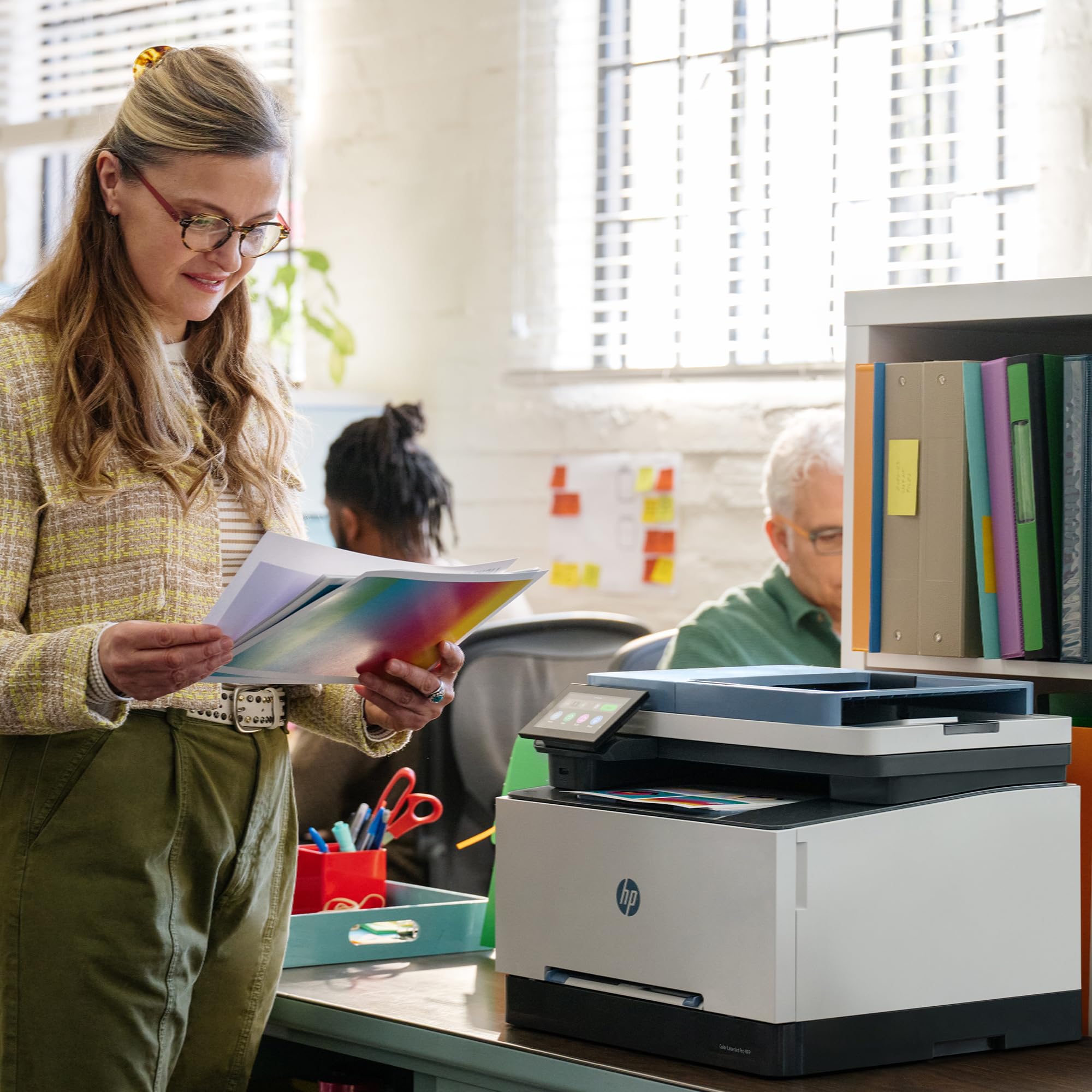
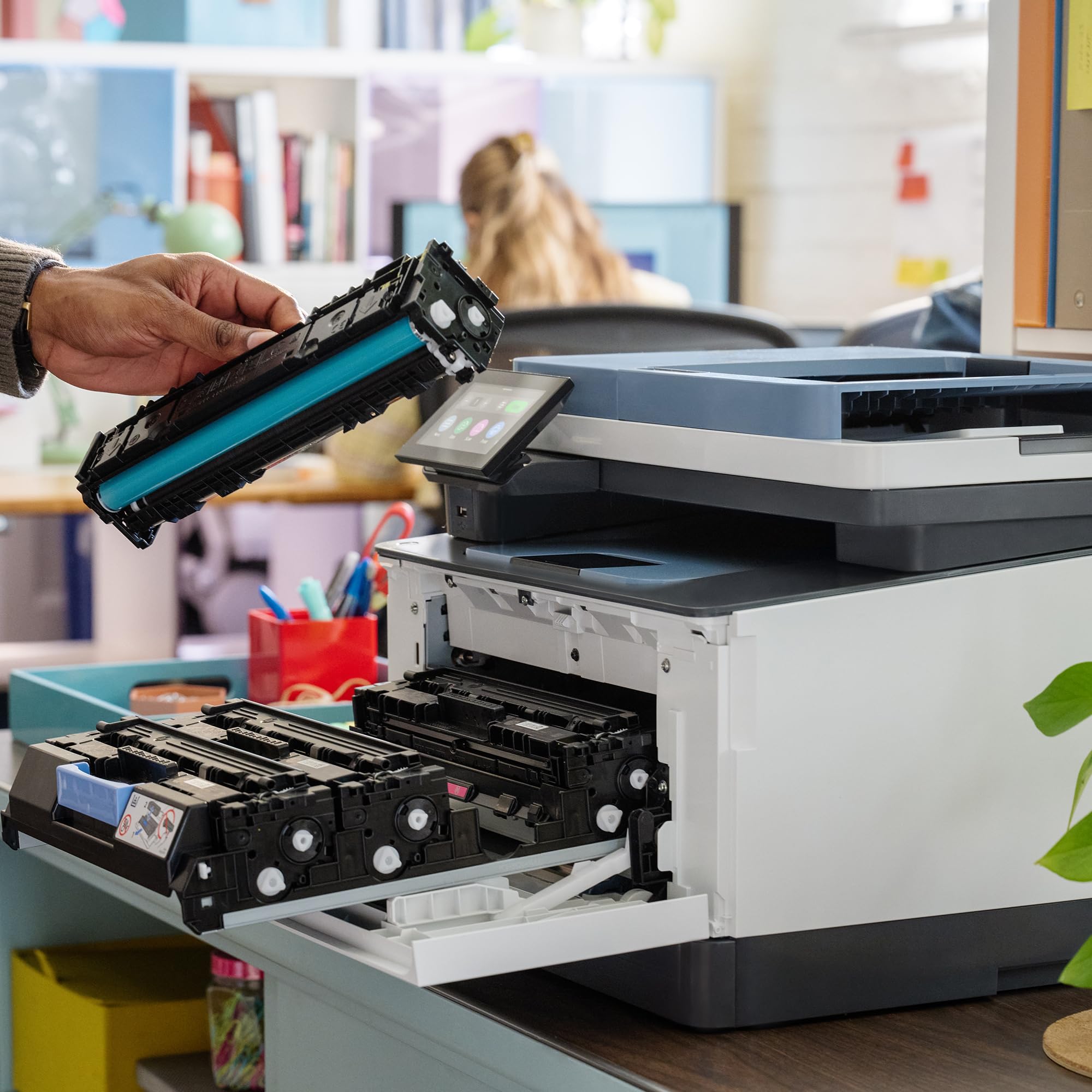
🖨️ Elevate your SMB workflow with speed, style, and wireless freedom!
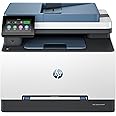
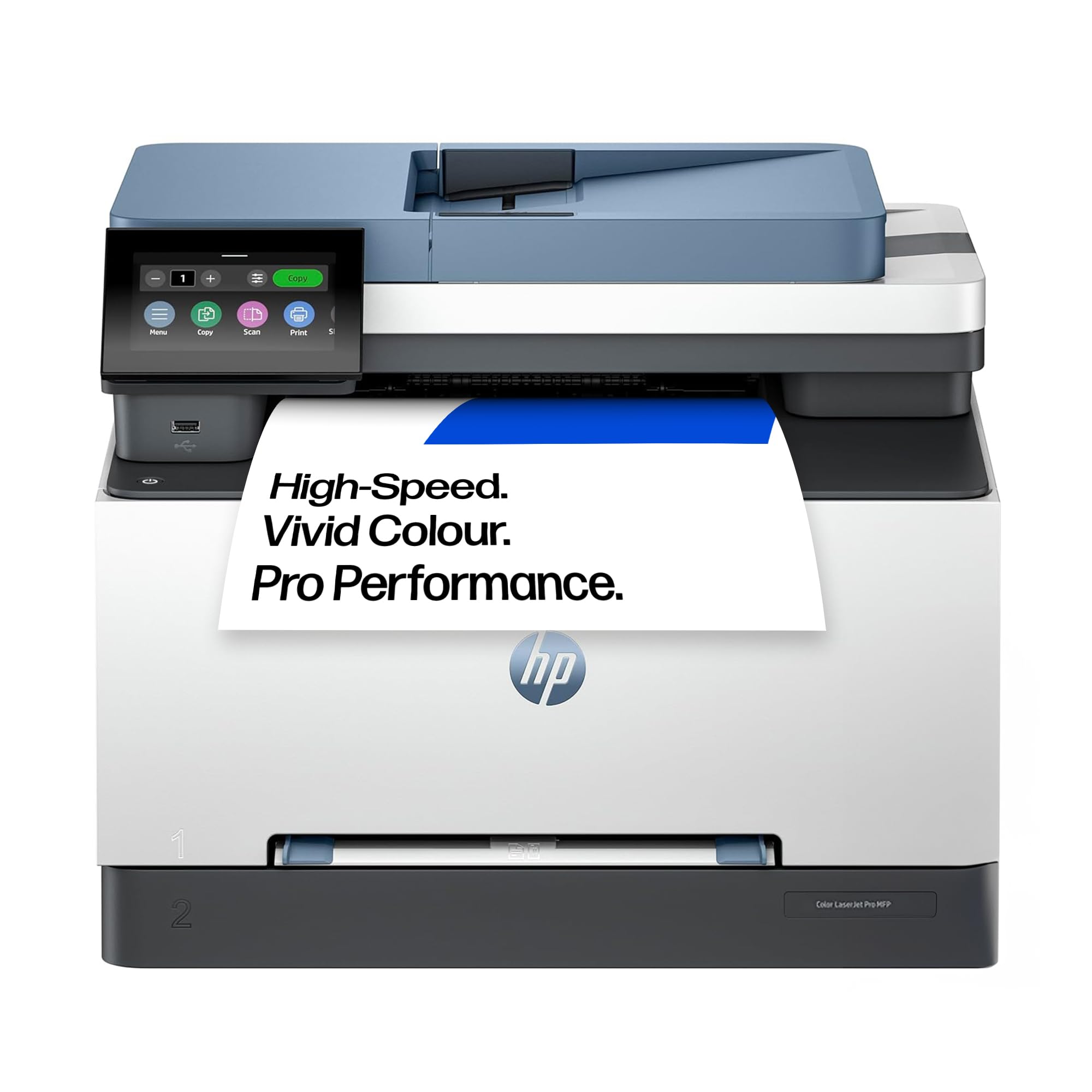
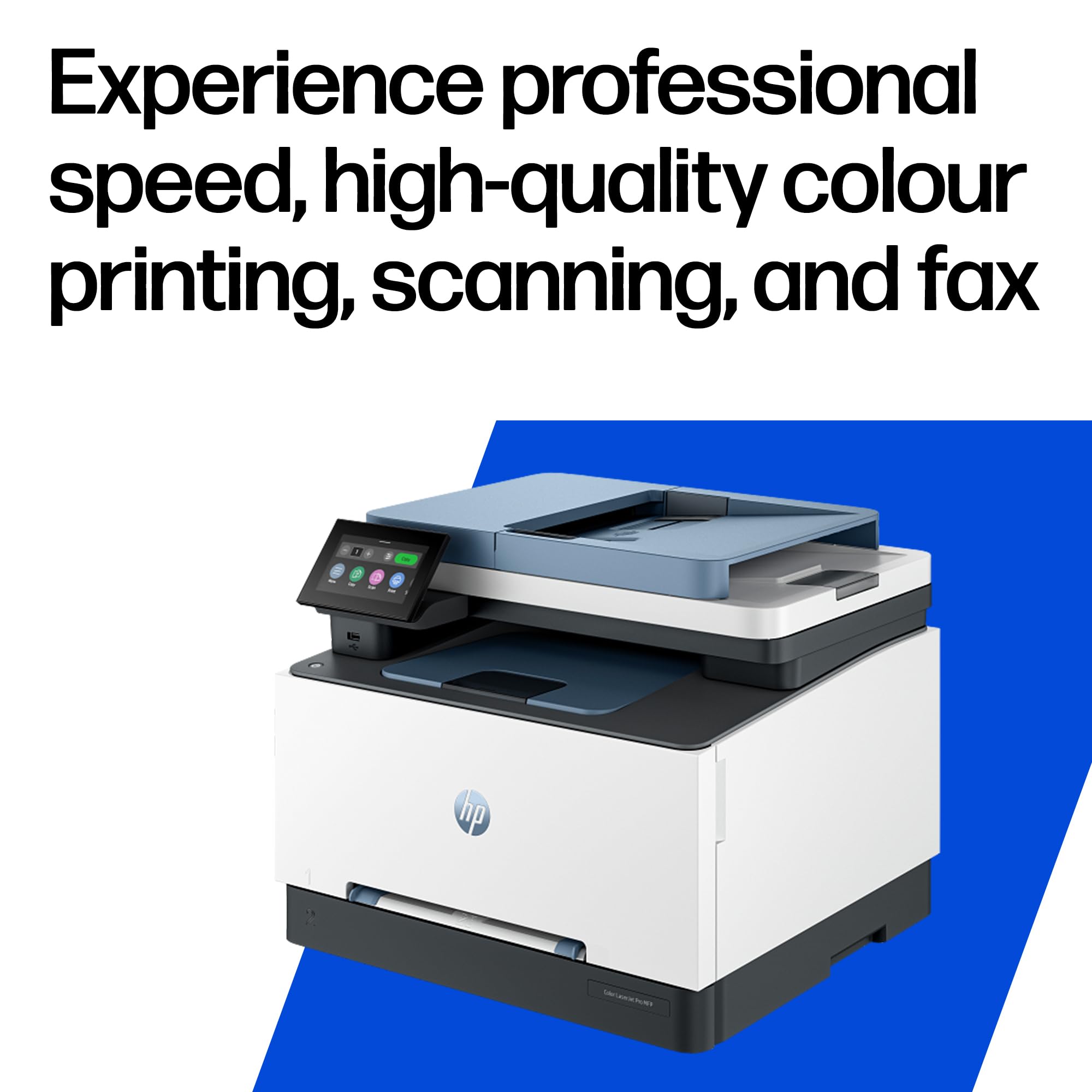
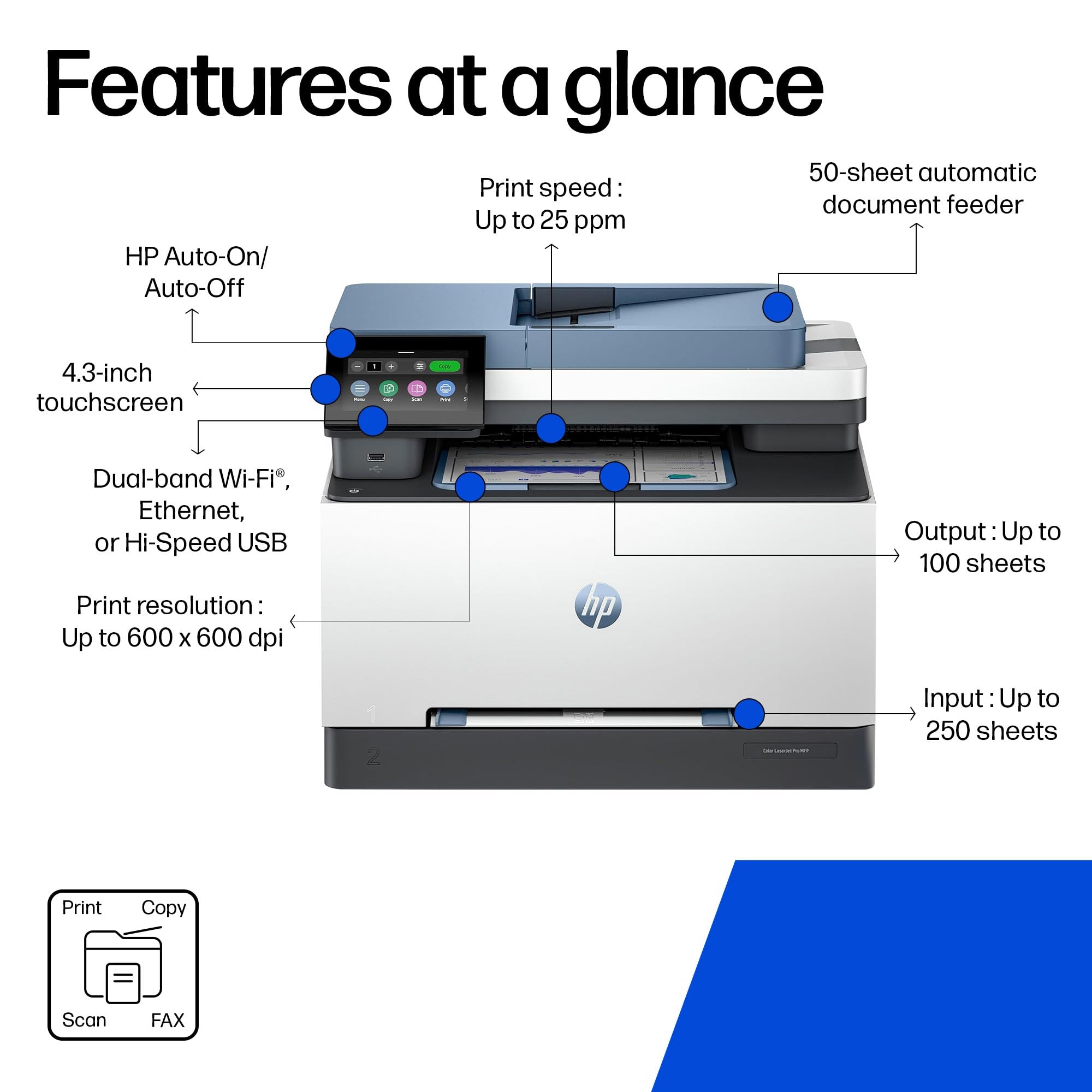
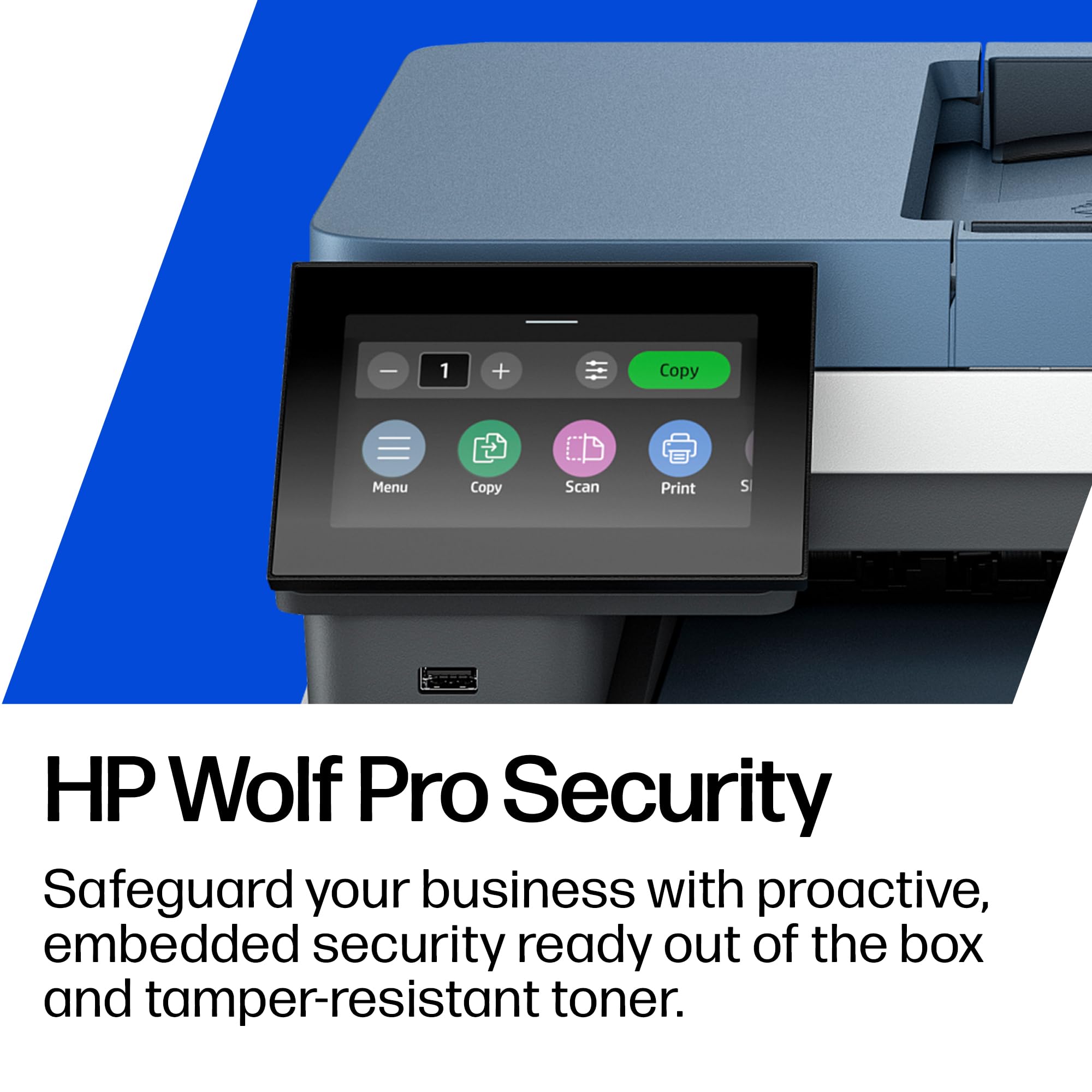
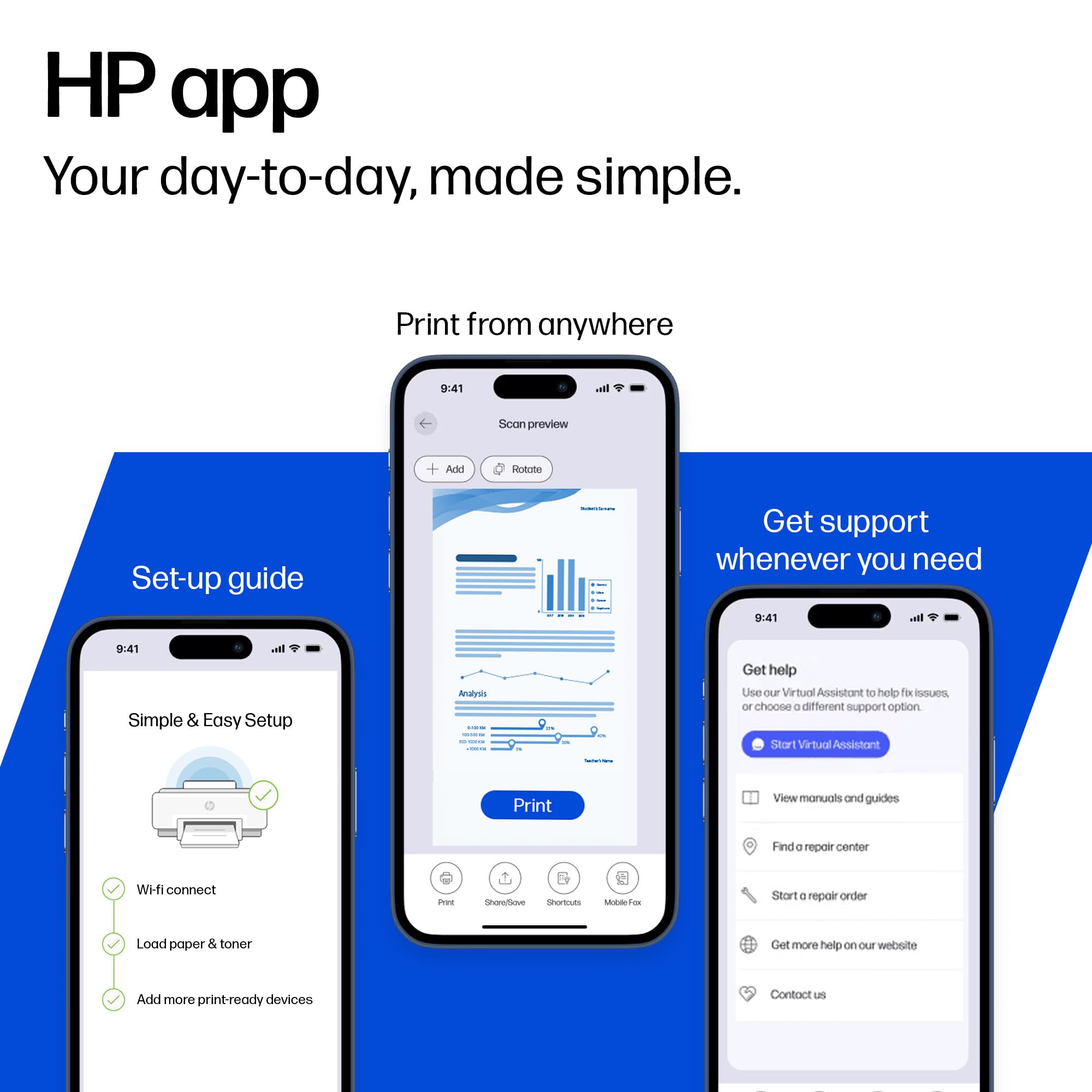
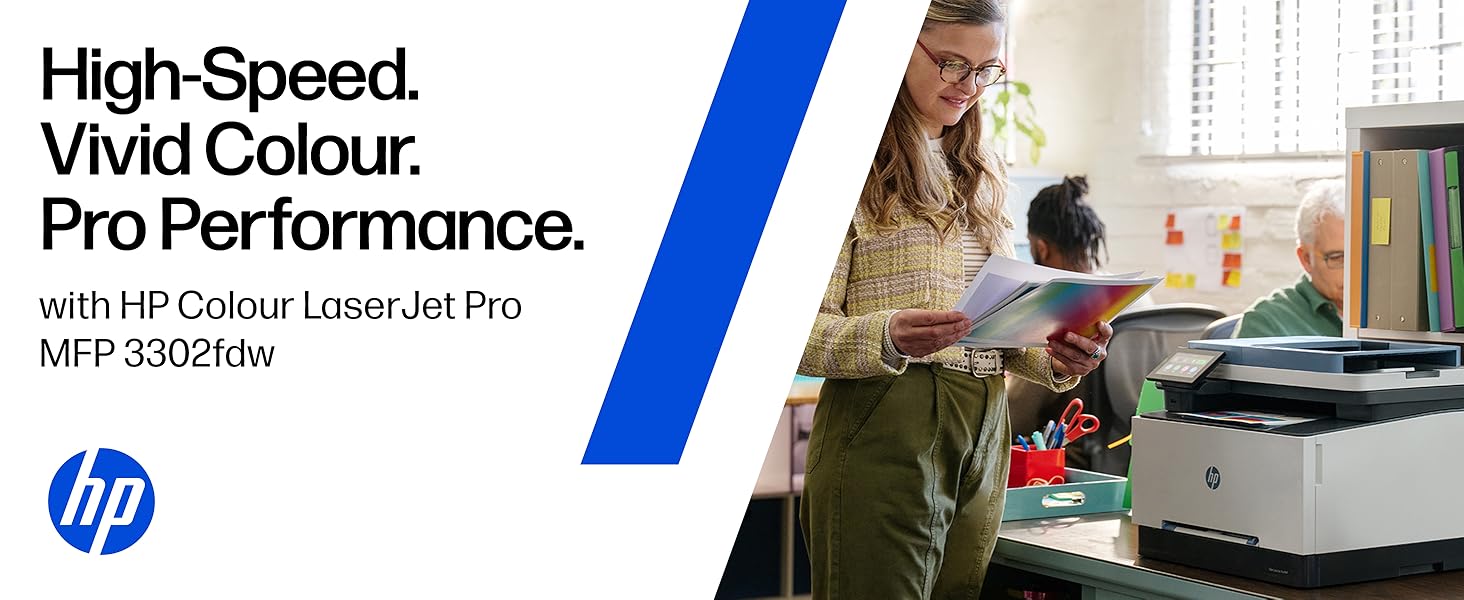
The HP LaserJet Pro MFP 3302fdw is a compact, wireless all-in-one color laser printer designed for small to medium businesses. It delivers fast 25 ppm printing in both color and black, supports two-sided print and scan, and features a large 251-sheet automatic document feeder. With mobile printing capabilities, a front USB port, and an intuitive touchscreen, it streamlines multi-function office tasks with professional-quality output at 600 x 600 dpi resolution.


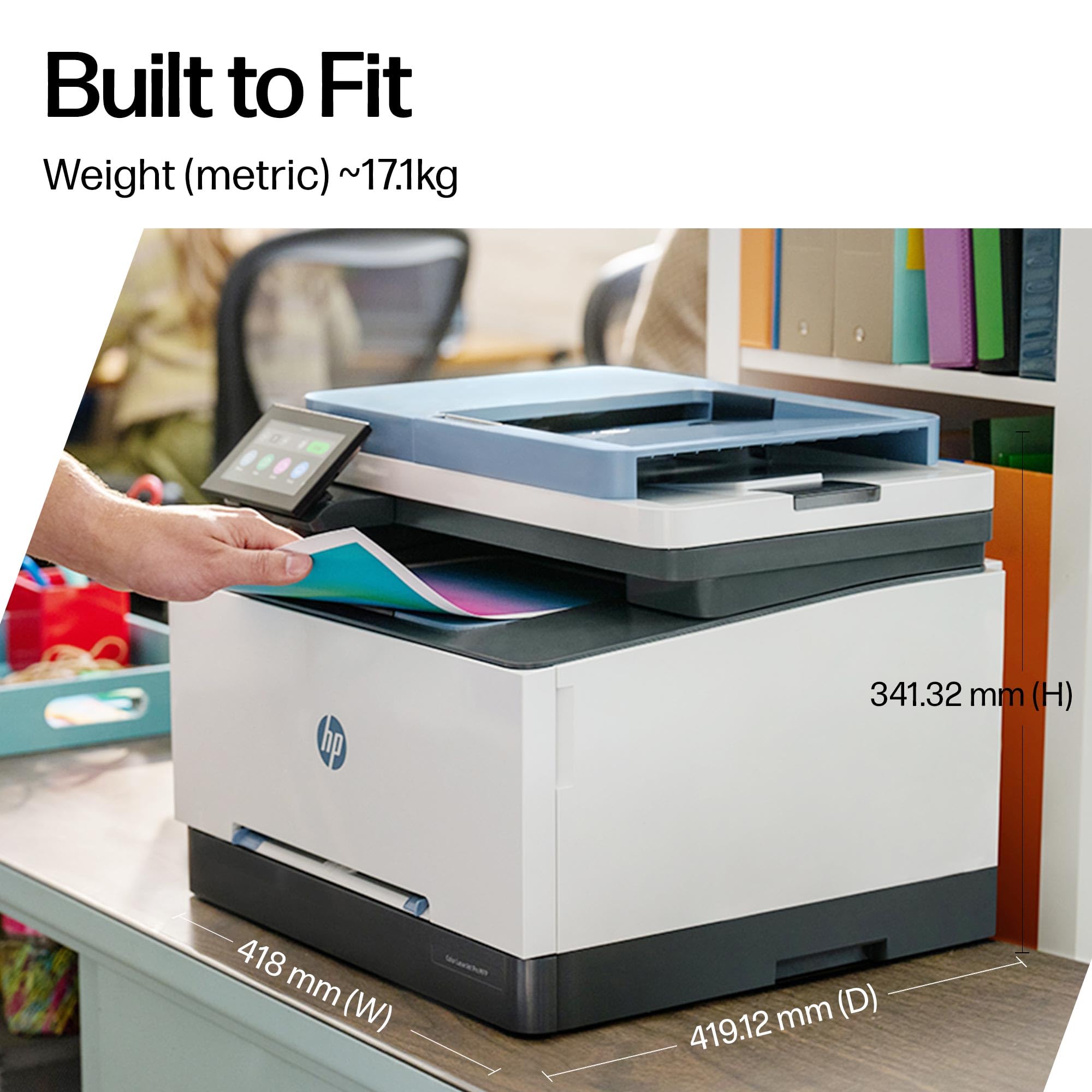
| Product dimensions | 4.19D x 4.18W x 3.41H metres |
| Controller type | App |
| Maximum Supported Paper Size | A4 |
| Included components | Color LaserJet Pro MFP 3302fdw |
| Print media | Card stock, Envelopes, Labels, Paper (plain), Transparencies |
| Scanner type | ADF Scanners |
| Max input sheet capacity | 251 |
| Max copy speed (black and white) | 25 ppm |
| Compatible devices | Laptops, PC, Smartphones, Tablets |
| Maximum colour print resolution | 600 x 600 dpi |
| Sheet size | A4 Centimetres |
| Maximum black and white print resolution | 600 dpi |
| Warranty type | limited warranty |
| Colour depth | 24 bpp |
| Dual-sided printing | Yes |
| Maximum copies per run | 251 |
| Wattage | 416 watts |
| Manufacturer | HP |
| Model Number | 499Q8F#B19 |
| Batteries | 1 AAAA batteries required. |
| Shape | Round |
| Material Type | Plastic |
| Number of Items | 1 |
| Size | One size |
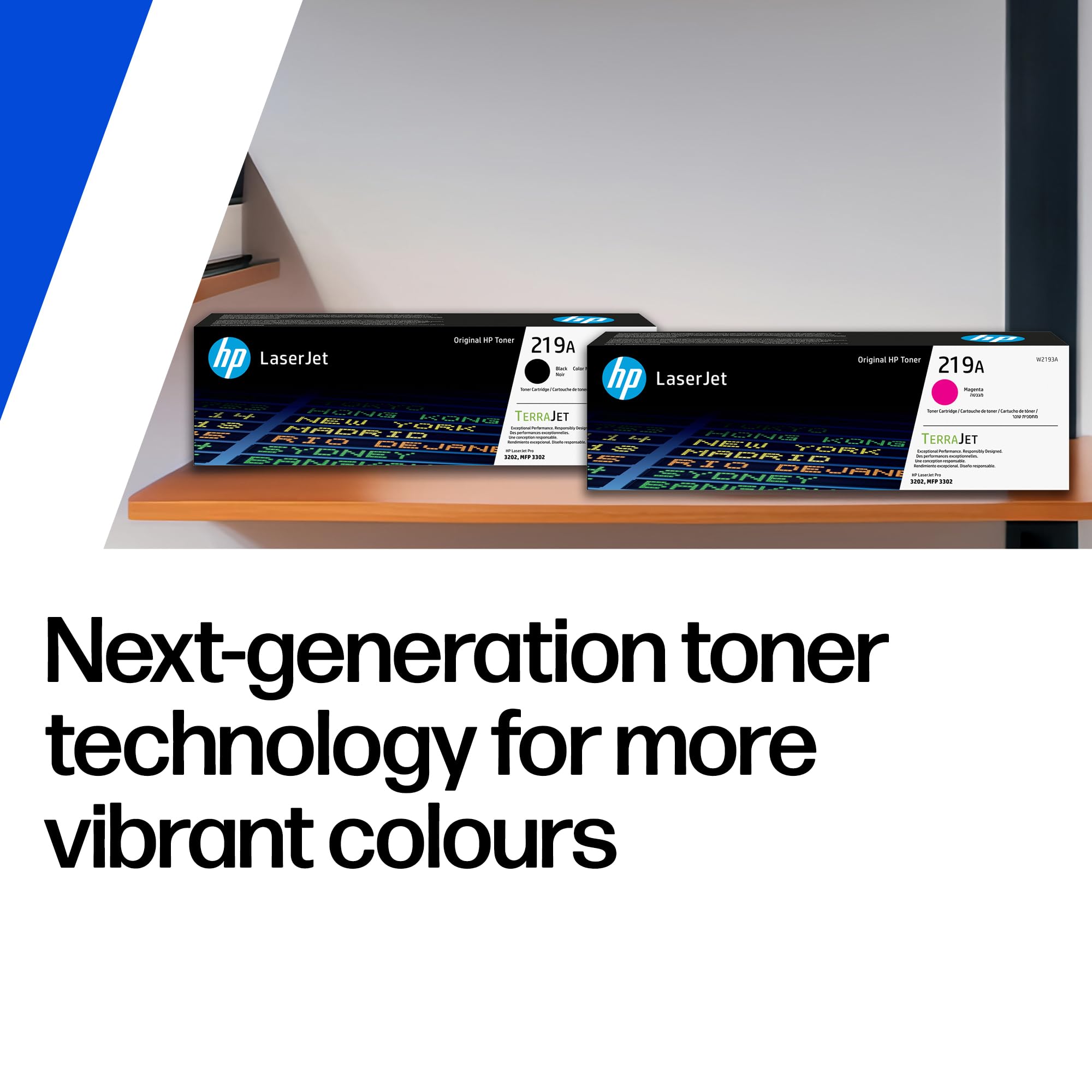
| Ink Colour | Black, Cyan, Magenta, Yellow |
| Manufacturer Part Number | 499Q8F#B19 |
| Item Weight | 1 g |
D**O
Innovative Printer
Best quality printer
M**Y
Works well, fast, quiet
Prnt speed is very good, most importnt for me is that wen I send a print it just prints within a few seconds from sleep. The previous printer went through a long warm-up routine when it cam eout of sleep. I havenet needed new toner yet; I know some people have complained about the cost and the propritory chipping, but I note several third party recyclers if ythat s your thing. I use the photocopy function more than I expected and 2-sided scanning function is so surprising and fast. Installation was simple, mine is a wired network so literally plug in then load up the software from the website. A bit more advice on the various doftware options might have been nice
M**D
Good value and quality printer, but expensive consumables.
So far, so good!This is a good printer from one of the top technology companies. It's designed for reasonable home or small workgroup use although I've only had it a week so not had much use yet. The Printer is a very useful size, not too big and not too small, and sits on a stand next to my computer table for convenience. The colour scheme is attractive and the copy/scan function adds to the duplex printing that it also does. Apparently it also scans to email but I haven't set this up or used it yet, but that's a very useful function. Some test prints I did show really good, clear and crisp print reproduction from the new terrajet print technology, but it's not the quietest printer I've heard (not a complaint).Unboxing was straightforward and setting it up on my home wifi network was very simple and the connection has been stable too. The colour LED control is very good and responds quickly to touch controls, again it's very simple to use with helpful graphics.Originally I was going to order the higher spec' 4203fdw printer, but that had a ridiculously long waiting period so I cancelled that and ordered this one instead, as it was on spring discount, and so far I don't have any regrets. Other reviewers are also generally happy with the printer.The only downside is that HP have locked the printer into using it's own printer cartridges (which is hard to spot prior to purchase- hence the four star review), which means you have to replace them with the vastly more expensive HP cartridges instead of having the freedom to buy your own consumables from other suppliers, so be warned!Otherwise, a great printer- so far!
M**S
Software on this machine has a lot of bugs and HP Support can't fix it either!
The media could not be loaded. Initially I was excited about this product. Liked the print quality, was initially fairly straightforward to set up. Was excited about it and couldn't understand the negative reviews... Until the moment I ran into a problem.HP Support, let me tell you, is shockingly bad. I mean, this is HP, right? It should be amazing for such a big company. But it's not, it's absolutely terrible! Eventually I got someone on WhatsApp to respond to my issue, but after they tried to help with basic stuff I'd already tried, they simply abandoned me. No goodbye, no passing me on to someone else... Nothing. Just straight abandonment!So what issue did I have? Well, everything is programmed through the touch screen console. There is only 1 physical button: On/off. As I mentioned, managed to set this up beautifully in the beginning. However, when we switched home networks, I needed to reprogram the printer to switch from the old WiFi home network to the new one. Seems simple enough right? Wrong!This is an impossible task, so impossible, even support cannot help you. It requires a username login and password, none of which were set up by you in the first place and they can't get past this either. It must be some kind of software bug. After you've set it up on a network, you can't *reset* it onto another network in the future, it's LOCKED onto the first one you program it with. Yep, believe it! I'm quite technically minded and I couldn't do it. Even tried resetting the network and tried resetting it to factory settings (This doesn't work properly by the way).The printer might be a good one physically (I was happy with it), but the software running it is buggy and has not been thought through properly. And as you rely on that software to work the printer (there is only one on/off button remember), if the software is buggy, you're completely up the creek without a paddle! Especially when you need it to do something their software engineers haven't considered when they were programming it.That's about the size of it. Nice looking printer, reasonable price I think too. Prints lovely, initial set up is pretty much a breeze... But running into future problems is likely and the software on it right now in July 2024 will need firmware upgrades because it's shabby and buggy... And is it really worth the hassle?
M**N
compact, good quality kit
looks good and not very big fits on my shelves at side of desk, prints very good quality, not tried scanner yet . fast delivery,
C**T
Fast
Easy set up
P**L
Great all round printer
Once set up worked a treat
J**S
HP Color LaserJet Pro MFP 3302fdw
Had loads of problems with setting up, the information in the booklet is not very good.The touch panel is a bit temperamental. when we finally loaded the drivers, the scanner settings is set at a default of only 300dpi but keeps going to 200dpi on the basic set up. Wireless connectivity, very happy with and good quality on the print. When we registered the printer on the HP site on the 13th June we were only given 10months and 10 days of warranty, which concern`s me.The delivery was very quick.
Trustpilot
Hace 2 semanas
Hace 2 semanas