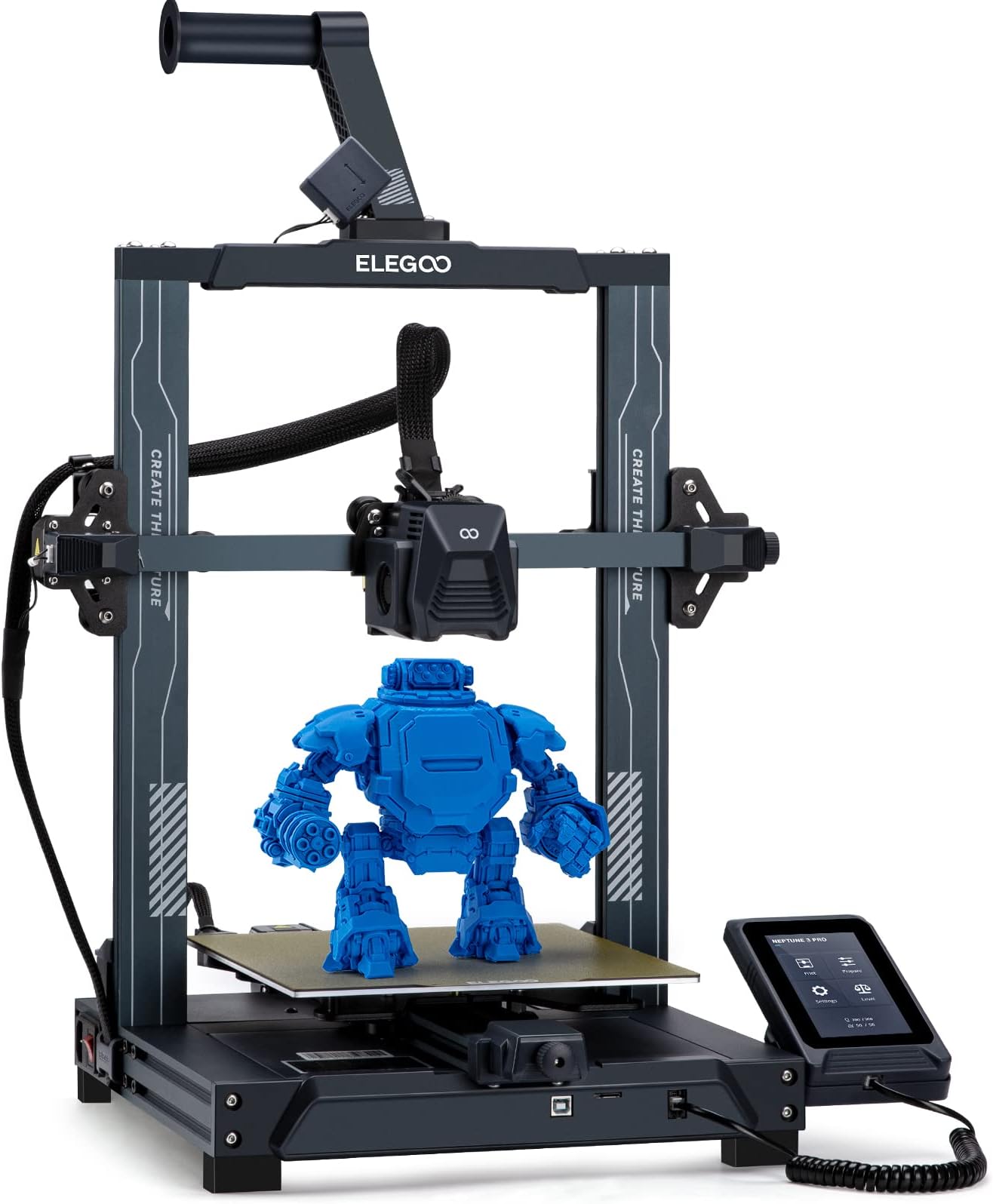
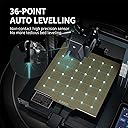
I did a LOT of research before buying this printer. It was actually a close call between spending a fortune on the superb Bambu X1C which is a truly amazing piece of kit, or doing the sensible thing and going for this entry-level printer as a starter to see how I get on with 3D printing. Well, I'm truly amazed at how good the Elegoo Neptune 3D Pro is - it may be entry-level pricing, but it's certainly not entry-level engineering. It's built beautifully out of solid materials which really feel like they have been made to last. You have to put it together, but Elegoo have supplied a how-to video on the supplied SD card which makes it extremely easy for anyone to build in very little time. I was printing my demo model within an hour of breaking the seal on the delivery box! And then I wished I'd ordered some more filament because you can't print much more than the demo with the sample supplied, but thankfully Amazon came to the rescue again and I had more filament within 24 hours! It's incredible that the printer comes set up to print perfectly straight out of the box. The factory had even levelled the print bed but I decided to run the levelling routine after I'd built it just to be absolutely sure it was spot-on, it only takes a few minutes to do, and then you're good to go. When I went to give this purchase a review after owning it for 3 weeks, during which it's gobbled up a quarter of a reel of PLA+ filament and done about 17 hours of printing, I saw it only has one review... How is that possible? Must have been reset or something. Anyone getting one of these will just want to rant about how good it is! And no, I didn't get it free or have anything to do with anyone or anything related to the product, I'm just an extremely happy buyer! I went straight for PLA+ filaments for the extra strength over PLA, and the Elegoo own-brand ones are available on Amazon for an amazing price, just £14 a kilo and the print quality is superb. I wouldn't mind paying a bit more for Overture or eSun etc but why do that when you can get it for Elegoo price? Well ok some of the colours are out of stock but if you want black or white to get going with then the Elegoo stuff is brilliant. I used TinkerCAD (Autodesk) for my first few designs, and these came out perfectly using Elegoo's supplied custom version of Cura slicer. I thought it would take me ages to learn how to use them but no, watch a few tutorials and you're good to go. I've even started using the freebie "personal" version of Fusion360 which is extremely powerful and takes over from TinkerCAD which has quite a few limitations for more complicated models. The original demo Buddha supplied was printed with the supplied PLA filament sample at the recommended 200C and that was perfect. When I put PLA+ into the printer, I notched up the temp to 205C which is the bottom end of the temp range for PLA+ and again it printed perfectly. Frankly I'm afraid to change the temps or mess with anything because I can't see anything in my models which could possibly be improved, and if it ain't broke, why fix it? Heheheh! I bought a pack of eSun vacuum bags which come with spare valves and a pump, just to make sure that my filament doesn't absorb too much moisture as I don't print vast quantities of stuff and the filament that's not on the machine is going to sit around for a while. PLA isn't TOO bad on moisture absorption, but a long time could change that and it's a pig to dry filament so just keep it dry :o) What else can I add? Well one negative is that it's quite tricky to change filament mid-print. With the current firmware and the included Elegoo Cura slicer, you'd have to mess with the gcode using scripts and I haven't quite nailed that yet. It's quite possible this will be addressed with future software/firmware updates as it's mainly a procedural process rather than a hardware limitation, although it will still require manual changing of the filament at the appropriate time - if you've got the money for a Bambu then of course you can get a multi-filament unit for it which does it all for you, but that facility costs a lot more money! So for anyone wondering whether or not to dabble in 3D printing, this is THE machine to start you on the road. The price is amazing, and the build and results are better than you could have hoped for at anywhere near that price. And if you get stuck, you can ask their tech support - the only question I needed to ask so far (can I use PLA+ as it's not listed in the materials) was answered by a very friendly agent within one working day, you can't ask for better than that!