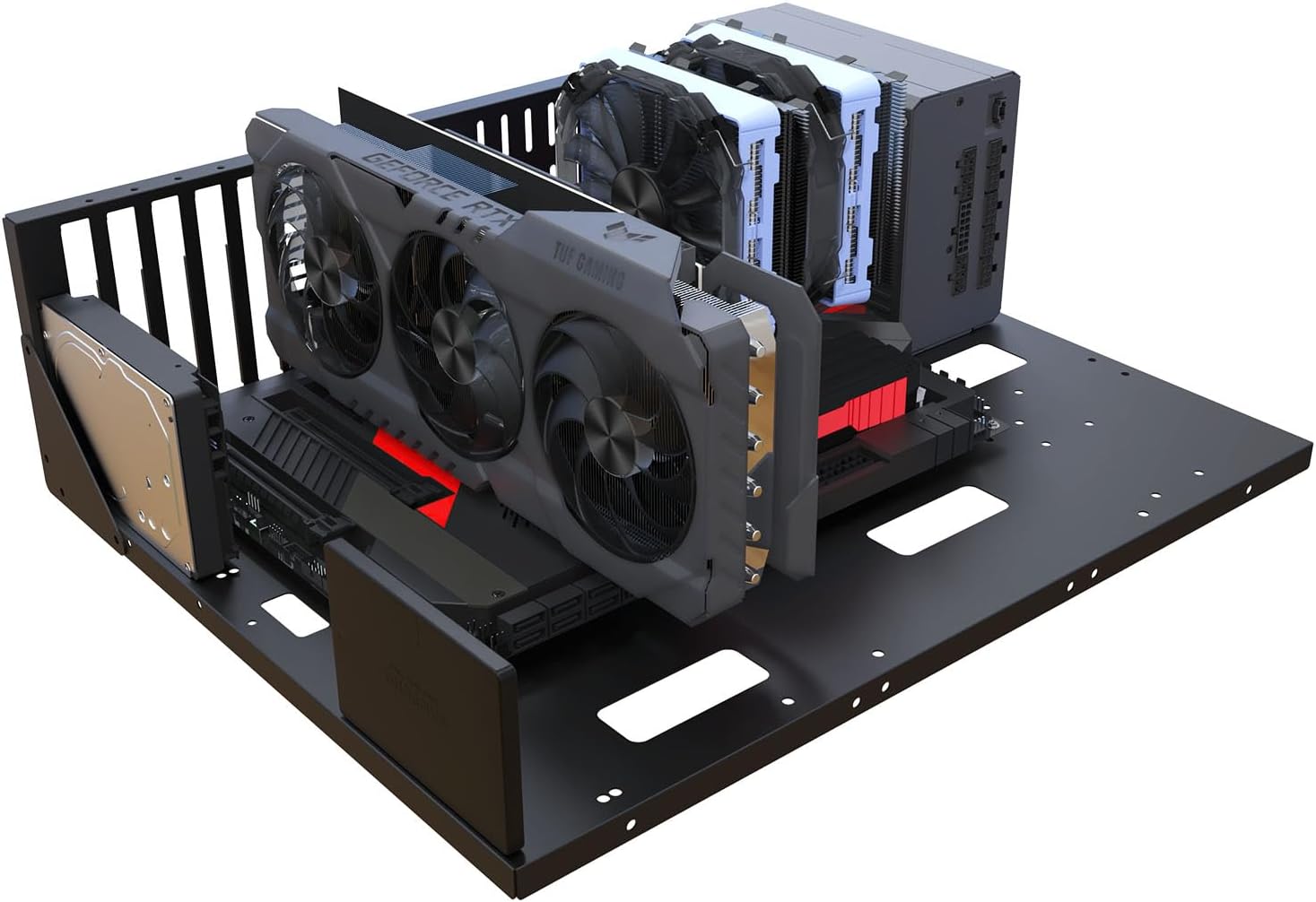
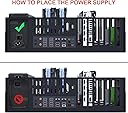




TGDGAMER Tempered_Glass Open Computer Case,Two-Way Server E-ATX Motherboard Tray Test Stand, Test Bench, E-ATX Mid Tower,Full PC Case,Atx Case,Matx Case,Itx Case,Computer Motherboards Test Bench
Details
- BrandTGDGAMER
- Motherboard CompatibilityExtended ATX
- Case TypeFull Tower
- MaterialTempered Glass
- Power Supply Mounting TypeBottom Mount
Details
- BrandTGDGAMER
- Motherboard CompatibilityExtended ATX
- Case TypeFull Tower
Description
🖥️ Build Bold, Test Fast, Stay Ahead!
- PLUG PLAY READY - Equipped with 4 USB ports for quick peripheral connections and testing
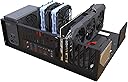
- OPEN AIR TEST BENCH - Two-way server tray design ensures optimal airflow and easy hardware swaps
- LIGHTWEIGHT PORTABLE - At just 1.42 kg, this mid-tower test bench is perfect for on-the-go pros
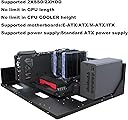
- ULTIMATE COMPATIBILITY - Supports E-ATX, ATX, mATX, and ITX motherboards for versatile builds
- CRYSTAL CLEAR TEMPERED GLASS - Show off your components with premium, durable tempered glass panels
The TGDGAMER OPEN-E-ATX is a sleek, lightweight open-frame computer case designed for professionals who demand flexibility and speed. Compatible with E-ATX to ITX motherboards, it features premium tempered glass panels and a two-way server tray for easy hardware testing and optimal airflow. With 4 USB ports and a portable design, it’s the ultimate test bench for cutting-edge PC builds.
Specifications
| Asin | B0CPLWLXN3 |
| Brand Name | TGDGAMER |
| Case Type | Full Tower |
| Cooling Method | Air |
| Customer Reviews | 4.0 4.0 out of 5 stars (20) 4.0 out of 5 stars |
| Enclosure Material | Tempered Glass |
| Fan Size | 120 Millimetres |
| Hard Disk Form Factor | 3.5 Inches |
| Internal Bays Quantity | 4 |
| Manufacturer | TGDGAMER |
| Manufacturer Part Number | OPEN-E-ATX |
| Model Number | OPEN-E-ATX |
| Number Of Items | 1 |
| Power Supply Mounting Type | Bottom Mount |
| Supported Motherboard | Extended ATX |
| Total Usb 2 0 Ports | 4 |
| Total Usb Ports | 4 |
Reviews
User
Great product !
Sturdy well made on spec Thank you.
User
Just as described
This serves as a great test bench for new products before adding into a closed case. I have actually found myself using this instead of a traditional case for some time now since its open and great for silent air cooling. Definitely recommend!
User
Well built
Well build and solid.
User
Sturdier than expected. Nice little test case.
Surprisingly sturdy case with lots of mount options. Great for a test bench setup, that's what I'm using it for.
User
It is open to work on my server
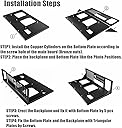
A little history of why I bought this:I have a TrueNAS server for the last 7 years. I needed to upgrade the old tech in the system. I have two ssds for OS and Jails with eight hdds for files. I had all but four hdds shoved in a small pc case. When I put the mATX board in the case I couldn’t fit anything back in the way I wanted. So I purchased this to have space and then two simple cages for the two sets of four hdds. It fit and I can access most everything with ease. I need to figure out a plexiglass enclosure to keep dust out later.So putting it together: easy as it gets. Four bolts on each side. Done.Putting the MB in the case: not as easy. The off sets were hard at times to get threaded. I felt like I was going to mess them up. Then putting the MB on those you have to pay close attention to which screws you’re using as some work and others are too big. I ended up ruining a stand off because of that.Power supply: easy but it only uses the lower two bolts and the bar goes through the middle. It looks odd.Ssds: there are a few places to install these. One place is right behind the power supply. I liked the idea of that location however having the wires pointing towards the MB the wires run right into the memory on the MB. Meh. I only had two sticks of memory so I was able to put one ssd there and one farther back behind the power supply with a 3.5 adapter I already had. Kind of bad planning.Hdds: I didn’t install hdds on this but there are a few places to put them but they are in cages on the side of the case.Miscellaneous observation: I wish it had feet. I had random things in the bag like three plastic pins of sorts. No note on the instructions and only three. I am confused still to their purpose in life. I kept them just in case.Would I buy after the experience? Yeah. There was a plexiglass version that I liked better but it has been out of stock for a long time.
Common Questions
Trustpilot