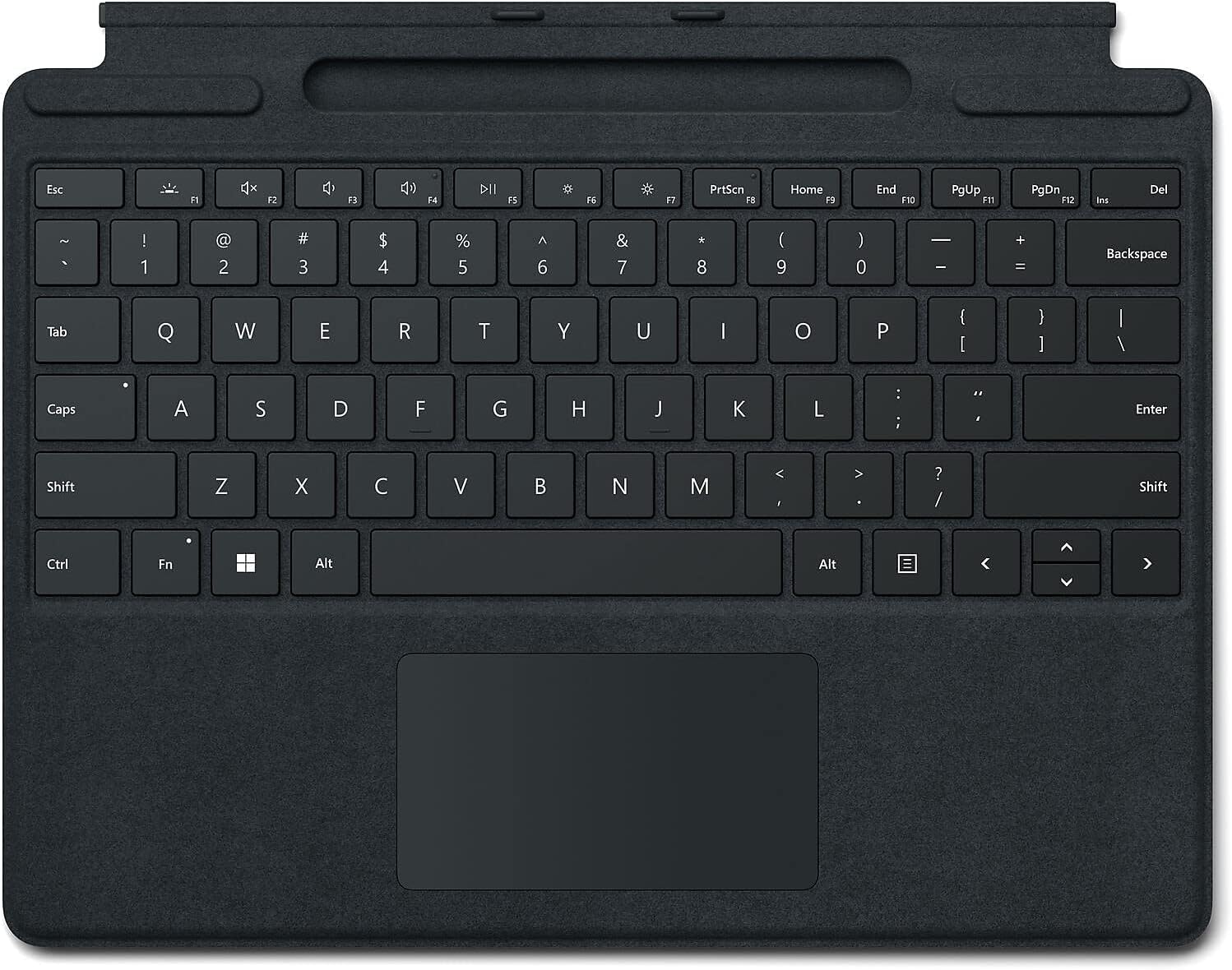
My big complaint with Surface Pros is the keyboard. There are no third-party options for keyboards powered by the Surface Pro (I purchased this one for a new SP9). So, if you want a good keyboard designed well for the SP9, this is the only option I found. Pros: It attaches to the SP9 magnetically and stays attached well, yet it's easy to disconnect. It weighs very little. The responsiveness of the keys is good. The keyboard is backlit which comes in handy when working in low-light situations (see cons about backlighting as well). It fits perfectly on the SP9 and is not impeded by the aftermarket protective case for the SP9. The layout positioning of the keys is excellent. Back in the day, the original SP3 keyboard had terrible key positioning which slowed me down - but Microsoft fixed that a while ago and it's all good now. Cons: Expensive - OEM accessories are often expensive - but you usually have aftermarket options to keep pressure on the original manufacturer to keep pricing reasonable - but not with this keyboard. Backlighting doesn't always work. The backlighting fades off too soon, and there are no settings to keep the backlighting on. The function keys are small and hard to read. The kickstand is difficult and awkward to pull out, but it otherwise works fine. However, most protective cases I found eliminate the ability to use the kickstand (so I suggest making sure your protective case has its own kickstand). When using the SP9 with the keyboard on my lap, the palm of my right hand slightly bends the keyboard and messes with the "right-click" function of the touchpad (making it work as intended less frequently). I like to type and use the mousepad without having to think about it, but the somewhat flimsy keyboard causing the right-click option not to work consistently causes me to stop and think about how to use the keyboard at that moment, and that breaks my train of thought. Bottom line, I bought it, it does the job, but I'm not loving it.