
DOWNLOAD THE APP


Customer Services
Copyright © 2025 Desertcart Holdings Limited
DOWNLOAD THE APP
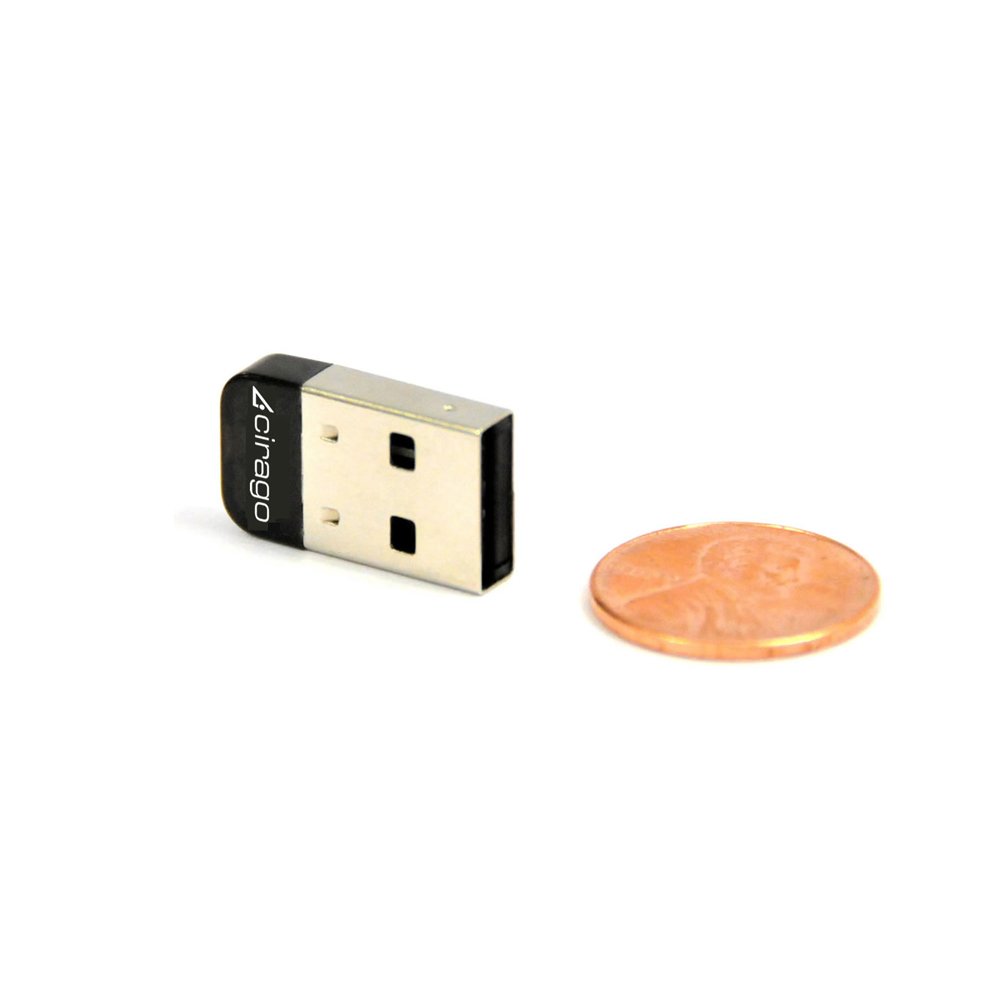
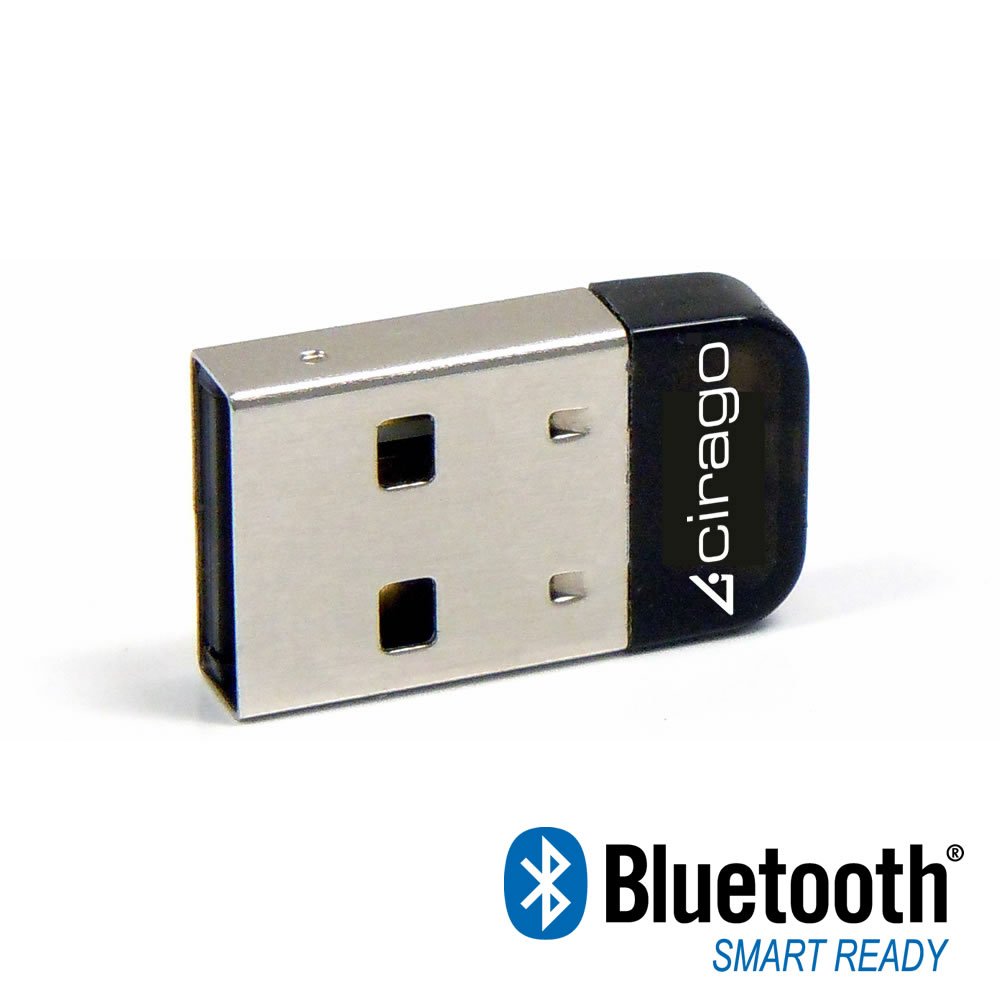

🔗 Unlock seamless Bluetooth power — small adapter, big connectivity!
The Cirago BTA8000 Bluetooth 4.0 USB Mini Adapter upgrades your PC with cutting-edge Bluetooth 4.0 technology, delivering faster data transfer speeds up to 3 Mbps, ultra-low energy consumption, and enhanced AES encryption for secure wireless communication. Its compact design supports backward compatibility with older Bluetooth versions and offers an impressive 82-foot transmission range, making it the perfect plug-and-play solution for professionals seeking reliable, efficient, and secure Bluetooth connectivity.
| ASIN | B0090I9NRE |
| Best Sellers Rank | #783 in Bluetooth Network Adapters |
| Brand | CIRAGO |
| Customer Reviews | 3.8 3.8 out of 5 stars (44) |
| Date First Available | October 6, 2017 |
| Is Discontinued By Manufacturer | No |
| Item Dimensions LxWxH | 0.8 x 0.25 x 0.4 inches |
| Item Weight | 0.64 ounces |
| Item model number | BTA8000 |
| Manufacturer | Cirago |
| Product Dimensions | 0.8 x 0.25 x 0.4 inches |
B**R
Works with Xcode 4.5 iOS simulator and OS 10.8.2 MacBook Pro 13" mid-2010 and iPad 4 with Retina display
I bought this to do iOS development work. I did NOT install the drivers that came on the 80mm mini CD-ROM. I followed Apple's Technical Note TN2295 to the letter and was happy to see the blue LED glow then flash slowly when I turned on Bluetooth via Settings in the iOS simulator. After much struggling I was able to get my test bed project to work with it. The LED glows and flickers vigorously when the CBCentralManager test bed project executes the "scanForPeripheralsWithServices:" method. The system connects almost instantly with my CBPeripheral test bed project running on my iPad 4. However, when I reverse the rolls and run my CBPeripheral test bed project on my Mac via the iOS simulator, the LED does not fire. The code runs just fine but there is no visual indicator that the hardware is responding to my CBPeripheral code when it is executing the "startAdvertising:" method. I am very new to Bluetooth development and I am not sure if this is my code or just the way BLE works. The only odd thing have I encountered so far was a console warning, "CoreBluetooth[WARNING] Unknown error: 1309", which can be fixed by turning the Bluetooth setting on and off in both devices. This may or may not have anything to do with this particular device. I have only had to do this once in a week or so of development work. I have not tried using it with UIBackgroundModes yet. In short, if you are doing Xcode Bluetooth development and want a Bluetooth 4.0 Low Energy device that will most likely work with it, try this one. My rig: MacBook Pro 13" display mid-2010 OS 10.8.2 Xcode 4.5 iOS iPad 4 with Retina display iOS 6.0.1
P**R
Good Connectivity, Plug & Play on Win10, that blue LED tho LOL
Updated May 5, 2024 I purchased this Bluetooth adapter on August 29, 2023. I installed it on an older Windows 10/Linux Mint laptop a couple of days later, and it worked well. Unfortunately, the audio quality began to degrade in mid-April of 2024. At first I thought it might be the Bluetooth earbuds I'm using, so I paired another set of buds. Unfortunately, the sound was still distorted. I'll have to replace this dongle. tl;dr - downgraded from 5 Stars to 3 Stars because the adapter failed after only eight months of audio-only duty. _______ I'm not concerned about the blue blinking LED because the Cirago adapter is going inside my laptop. If I had to keep it outside the laptop then the blue blinking light would be annoying. I like this little Bluetooth adapter because it's perfect for my application: I'm installing it under the keyboard an old IBM T61 notebook that doesn't have BT. I tried the TP-Link micro USB Bluetooth Adapter, but it made the keyboard bulge up a little when I reassembled the laptop. If the blinking blue light is a deal breaker for you then give the TP-Link adpater a try. They don't have any LEDs at all. Or do like Click & Clack and put black tape over it. :-)))
K**A
Works with new Bluetooth-equipped Xbox One controllers!
I bought this to use with an Xbox One Wireless controller, as the latest models feature a Bluetooth transmitter. Installation with Windows 10 was plug-and play, and the device uses the standard Windows Bluetooth software for configuration. Pairing with the controller was simple and works perfectly, afterwards the Xbox One controller appears in the Game Controllers menu as "Bluetooth XINPUT Compatible Device".
K**T
Decent construction, but it just won't work.
Running 64-bit Win 8.1 It acted like it installed via plug and play, but couldn't find/add any of my Bluetooth devices just using the windows drivers. I installed the 64 bit drivers from Cirago's website and was able to search/connect/pair to a couple of bluetooth speakers but not play any audio to them. I was attempting to tether my phone to my laptop with the bluetooth tethering option of FoxFi or EasyTether and couldn't do it with either one. Bottom line is that this adapter won't do anything it's supposed to and is useless to me.
A**N
Bright, blinking blue light
It seems to work fine, but like most similar devices it has an obnoxious blue light that seems so serve no purpose. It blinks constantly, several times a second. As far as I can tell the light indicates nothing other than "I'm an annoying bright light!". I wish manufacturers would learn to stop throwing LEDs on every device, they're annoying. The light is extremely bright, and the blinking makes it all the more distracting. Keep this in mind before purchasing.
B**D
It works great, but the blue light is pointless and super ...
Almost gave it 3 stars. It works great, but the blue light is pointless and super duper bright. Like, this sort of complaint may sound silly, but I can't sleep without covering my laptop with something if it's in the same room. May be useful as a beacon in a plane crash. As for the BT functionality, 5 stars.
H**T
Cirago Bluetooth 4.0 USB Mini Adapter (BTA8000)
* Purchased in may 2013 currently running it on windows 8.1 pro. * Easy plug n play. Does not need software. Installing takes a minute at the most. Upon plugging it in you will see the blue light flashing. Go to pc settings and under the devices menu under sub menu "other devices" it will appear as CSR8510 Nanosira M2272. If you have older built in Bluetooth less than version 4 on your laptop you can disable it from the device manager. Connects to speakers , headsets etc. Reception is quite good. You can listen in the other room . Range varies say I can listen on my headset more than 100 feet outside my house. * Other operating systems tested on Windows 7 pro, 8 pro. Tested Headset : LG Tone Wireless Bluetooth Stereo Headset Speaker receiver: Sewell Cicada by Sewell - Bluetooth Music Receiver You can use other Bluetooth receivers like the one from Logitech model no 980-000540 to connect your speakers. Update 3/12/2016 Currently using with windows 10 pro. Easy plug and play no drivers required. Plug the device and it takes some time to get installed. Go to settings .... devices .... connected devices and you will see the device getting installed with the name CSR8510 Nanosira M2272.
Trustpilot
3 days ago
2 weeks ago