
DOWNLOAD THE APP


Customer Services
Copyright © 2025 Desertcart Holdings Limited
DOWNLOAD THE APP
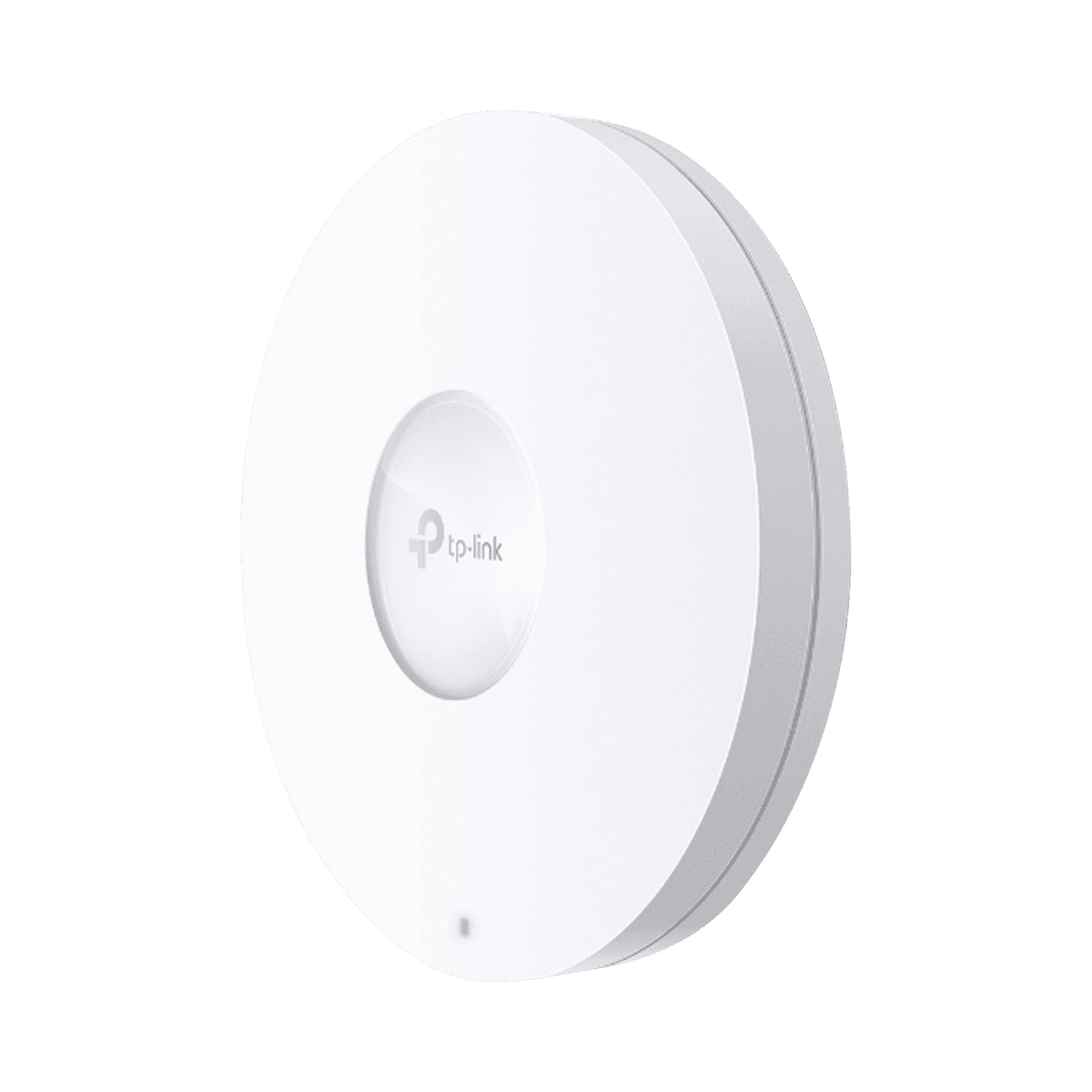
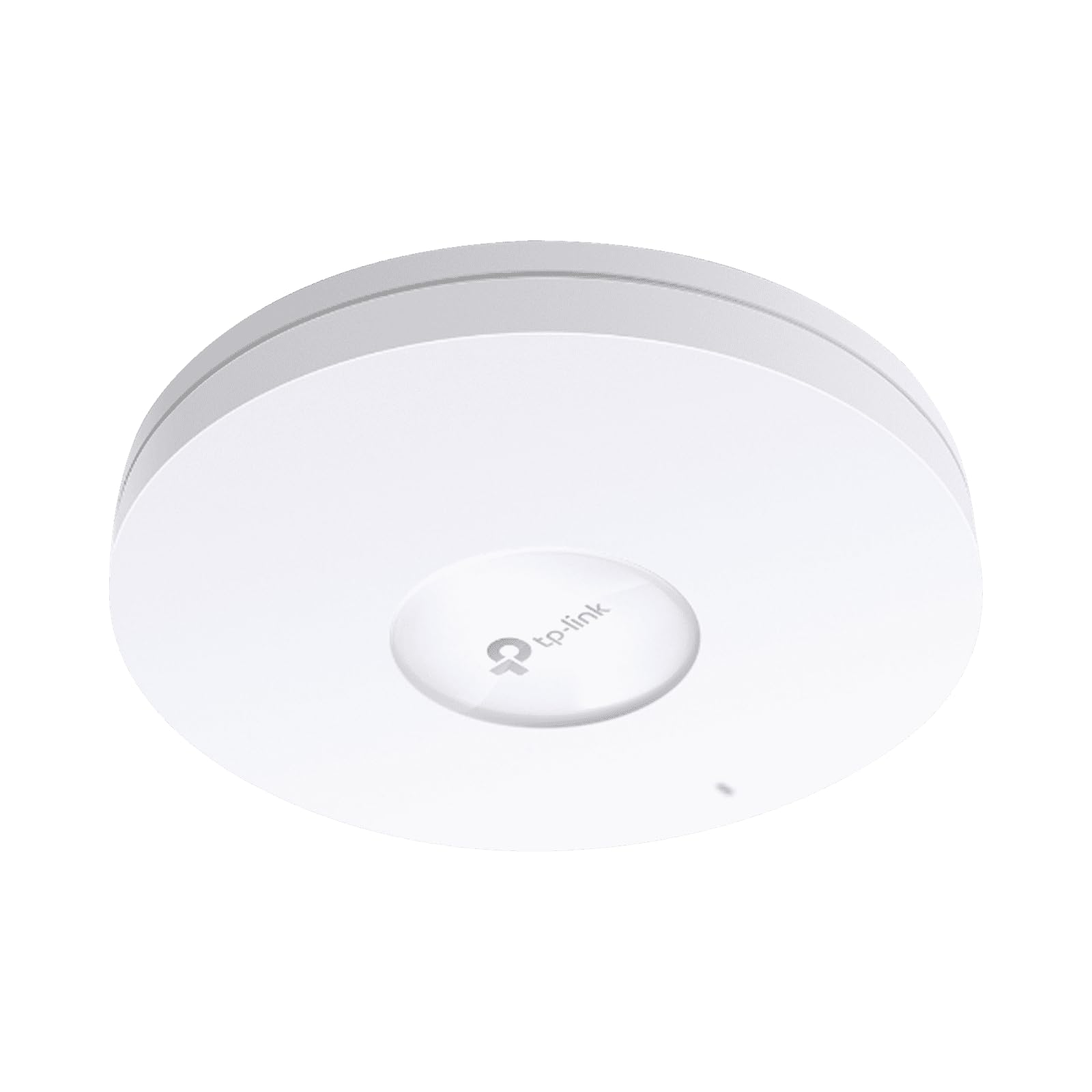
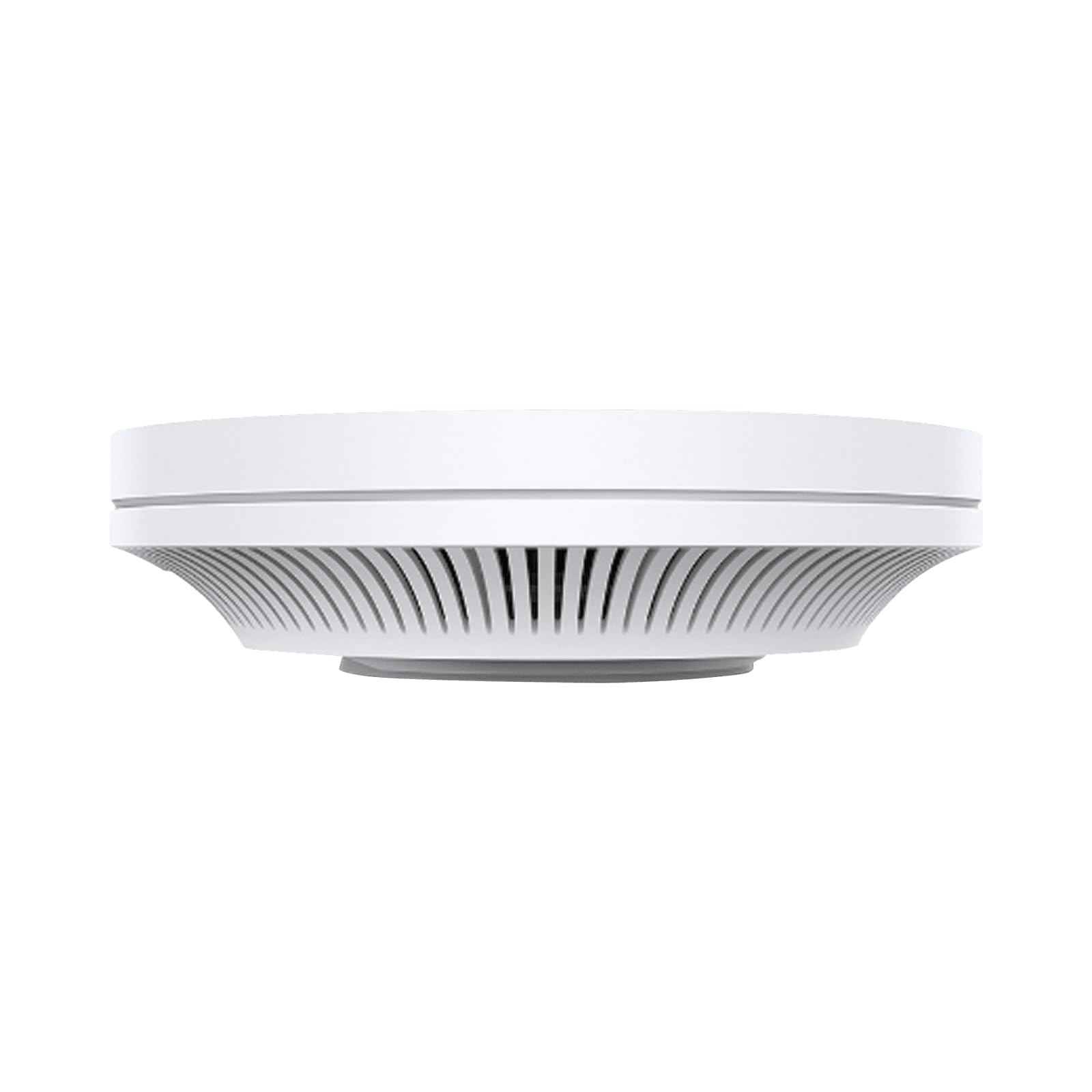
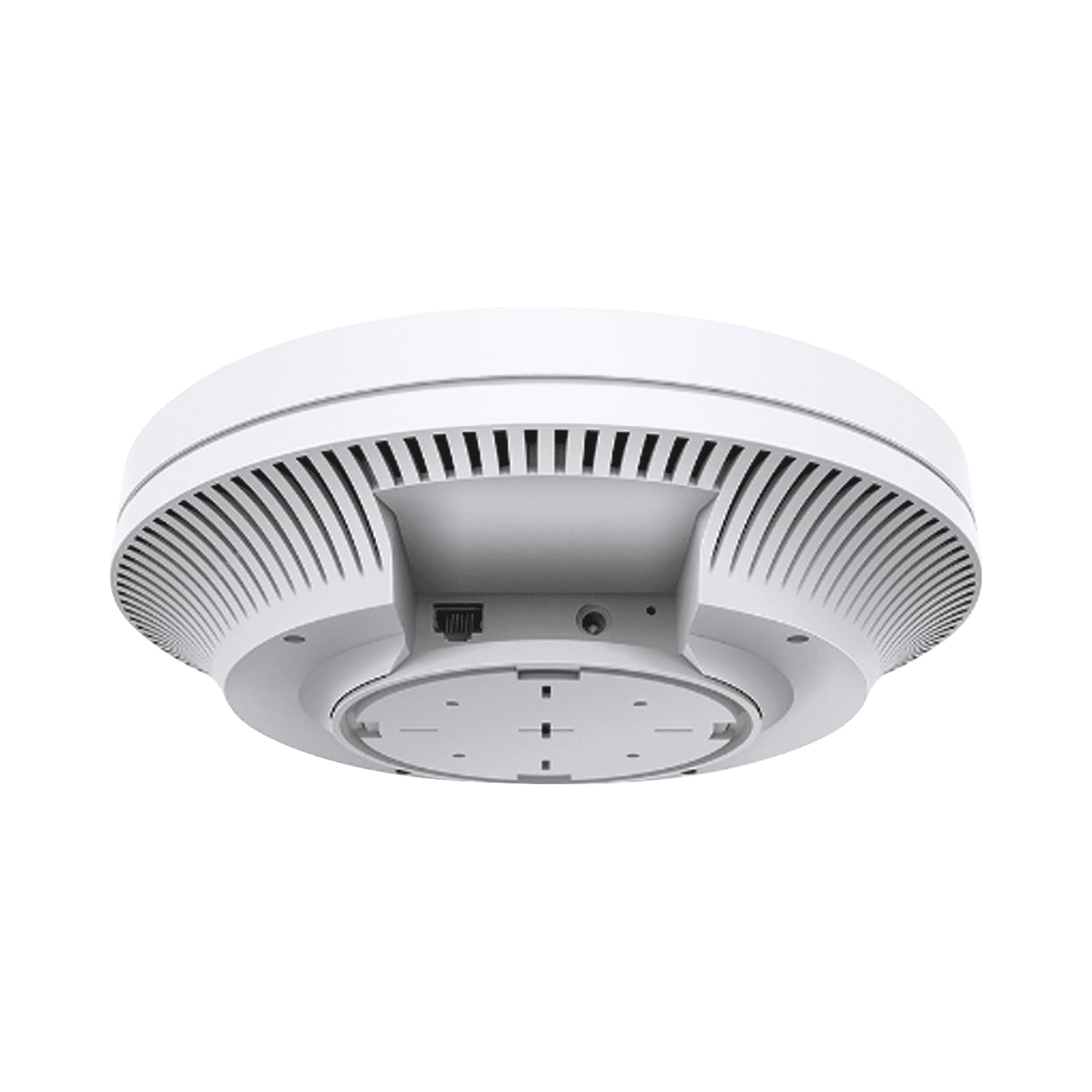
⚡ Elevate your workspace with lightning-fast, cloud-controlled Wi-Fi 6 power!
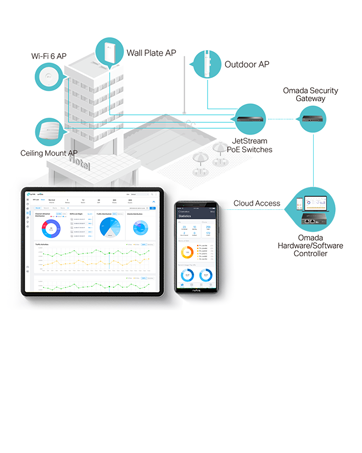
The TP-Link EAP620 HD is a high-performance AX1800 Wi-Fi 6 access point designed for high-density environments. It delivers ultra-fast dual-band speeds up to 1800 Mbps using 4 spatial streams and advanced OFDMA and MU-MIMO technologies to support up to 4× more simultaneous connections than Wi-Fi 5. Integrated with Omada’s Software Defined Networking (SDN) platform, it offers flexible cloud-based management via the Omada app, enabling centralized control from anywhere. PoE+ support simplifies installation, while a limited lifetime warranty and 24/7 technical support provide enterprise-grade reliability at a competitive price point.




| ASIN | B08TRPMC69 |
| Best Sellers Rank | #1,054 in Computer Networking Wireless Access Points |
| Brand | TP-Link |
| Color | White |
| Customer Reviews | 4.5 4.5 out of 5 stars (241) |
| Date First Available | January 27, 2021 |
| Item Dimensions LxWxH | 9.59 x 9.59 x 2.59 inches |
| Item Weight | 1.59 pounds |
| Item model number | EAP620 HD |
| Manufacturer | TP-Link |
| Operating System | TP-Link OS |
| Product Dimensions | 9.59 x 9.59 x 2.59 inches |
| Series | EAP620 HD |
| Voltage | 12 Volts |
| Wireless Type | 802.11ac, 802.11ax, 802.11b, 802.11g, 802.11n |
I**R
Very respectable performance for power users at a very respectable price
I gave up waiting for other more established 802.11 equipment manufacturers to deliver Wi-Fi 6 devices that didn't break the bank. As a network engineering veteran with 20+ years experience in an enterprise environment, I tend to have pretty high standards for the feature sets in equipment I recommend for home use, small businesses, etc. and don't believe that one should have to pay an enterprise premium for a network with just 1-2 small devices in it. The TP-Link EAP620 HD certainly lived up to expectations. Installing a single one is a breeze - no controller is needed, the settings are self-explanatory, and everything I needed to migrate from an older 802.11ac access point with multiple SSIDs (separate wireless LANS, in my case each mapping to different VLANs), with the existing cabling and power-over-Ethernet+ (PoE+, 802.3at) configuration, etc. worked perfectly on the first try. Mounting it in the ceiling is fairly easy, although I might have preferred a solid metal mounting plate vs. the washers this one came with; still, it's a very sturdy mount and wasn't difficult to install even with an insulated attic above the ceiling. I have yet to spend much time with an Omada controller configuration and multiple access points, but everything I've seen so far suggests that it's at least as friendly as competing offerings that use controllers. I'm sure that true enterprise-grade devices from companies like Cisco, Juniper, HPE Aruba, etc. would outperform this configuration in an environment with hundreds of access points, thousands of users, and constant client device roaming, but for an office of modest size - say 20 or fewer access points - Omada should work just fine. I especially like how I have a multitude of controller options, from dedicated hardware appliances to software virtual machines to OCI ("Docker") containers to a pay-as-you-go cloud offering. This flexibility further expands the potential market for TP-Link going forward. Time will tell if this unit lasts as long as previous "not-so-SOHO" gear did, but if initial impressions are any indication, I expect to be very happy with my home Wi-Fi performance for many years. Succinctly: there are very few other devices I know of that can compete with the ease of use, performance, and expandability of the TP-Link EAP620 AP at this competitive a price point.
D**W
Huge Improvement
I upgraded from a Tenda wireless mesh system to these EAP620s and, so far, it’s been a huge improvement. These wired access points are much better than any wireless extenders I’ve ever used before. I was having issues with Zoom meetings and VOIP calls and now everything runs very smoothly. I love that these are PoE capable because I just ran Ethernet throughout my attic so I could drill holes in the ceiling next to the EAP620s and didn’t have to plug them in to an outlet. I had absolutely no experience doing anything like this before but, after some research, it was an easy process that anyone who can navigate an attic could handle. My only complaint is that these are much bigger than I thought they would be. They’re about as wide as an average sized paper plate but having them on the ceiling is absolutely worth it for the much better network.
R**T
One highly-configurable monster!
To be transparent, my company is an authorized TP-Link reseller, and we can get these through our supply channel. I didn't feel like messing with that, and unless we put in a big order, Amazon has the lowest prices. I've installed these at warehouses, hotels, manufacturing plants, and many businesses. I don't even have this thing mounted correctly yet, and I get a stronger signal from this in the basement than I do the router right above me (router is on the first floor, this WAP is on the second floor, sitting on a table, pointing up). I'm waiting until it gets a little cooler in the attic to mount this properly. I use the TP-Link controller software on my computer. If had had more than a few, I'd put in the OC200 cloud controller, but the software version will do fine. Having AT&T 4G internet, I need to limit the three teenagers from using 1TB a month of data. I can have multiple wireless networks and limit the download/upload speeds. I can hide my unthrottled network and my home automation network while letting the kids see the normal wifi. When they really download a lot, I can block access by device. Need 40GB of Xbox updates? Nope! Blocked! Go take that to your real dad's house that has good coax internet. This isn't as simple as your Spectrum wifi where the password is posted on the back, but the features are amazing. I'm an IT professional, so keeping the firmware updated and tweaking the settings are not an issue. Yes, this is meant for airports, hotels, and businesses. The price point says that; however, if you struggle with wifi signal in some parts of your hours, this thing is powerful enough to have you covered.
N**A
Effective and sold, but big and pricey
We purchased these for home use as other options were out of stock at the time. These have worked perfectly for us providing a stable wifi connection for all of our home devices and allowing us to work from home with better wifi coverage by keep an AP at each end of the house.
I**.
Great Coverage around the home!
We purchased 3 of these units to have proper coverage through our 2-level plus full basement home, and found that we only needed 2 units to achieve that goal. Management takes a little learning (minimal) but overall a great product and seamless for home that and small business with some nice Enterprise-like features on competitive known brand name Access-Points.
S**X
Works very well
The range of this guy is impressive. Goes through a thicker wall better than the previous generation. Better/stronger signal. It’s a bit cumbersome to try and make a mesh network with this guy though. You’d need a dedicated server and to download the tp link server. Or alternatively buy a specific tp link device to manage it. If you only need one you’ll be good not much to do and just a small amount of options but overall very user friendly to set up
S**Y
Got two of these HD models and I love the OFDMA features of the AP's. I needed to fix some channel utilization issues that were high which is why I bought a HD model and that fixed my high utilization issues completely! Got two of these serving my home completely blanketed in multi-gig performance and value with excellence! Gotta recommend this to anyone who wants to get decent Wi-Fi 6 without breaking the bank!
R**N
شغال كويس جداااا
J**T
I love this ceiling mount wifi access point. The initial plan was to mount in on the ceiling but I did not have the required tools for that. I just plugged it in my bonus room and my internet access is excellent. My online video calls have been stronger than ever. This is basically plug and play. Ever since I bought this equipment, I have been advertising it to friends.
A**R
I have this AP in my garage to cover that section of the house, but it wouldn't be (my) wife approved for the main living area. I am getting around 3x speed difference from my bell h3000 series modem/AP. If installing in a visible area of the house, I would recommend going for the v3 version of the product that is a small fraction of the size. I professionally install networking gear for my IT firm (mostly cisco) but at home, I've been running Omada-conntrolled hardware for years and have been very satisfied.
T**I
This WIFI access point says that it will deliver speeds that it unfortunately cannot deliver. The signal is good enough to broadcast throughout whole house and small property but ultimately is not stable enough for streaming video games - even locally across your own network. For general purpose, Netflix YouTube or any other streaming service this will be perfectly reasonable. But under Speedtests it was just simply unable to sustain a high bandwidth or seemingly reach the data rates that were advertised. If anyone has tips though - let me know how you worked through. I have tried changing the wifi ranges and turned off my routers 2.4ghz radio altogether not to have it interfere but nothing changes much. 2.4ghz on the tlink is 100mbps stable, the 5ghz range will top out for me around 200mbps on MBP(2019) or iPhone max xs - I should be able to get 400-500mbps on those devices.
Trustpilot
3 weeks ago
3 weeks ago