
DOWNLOAD THE APP


Customer Services
Copyright © 2025 Desertcart Holdings Limited
DOWNLOAD THE APP

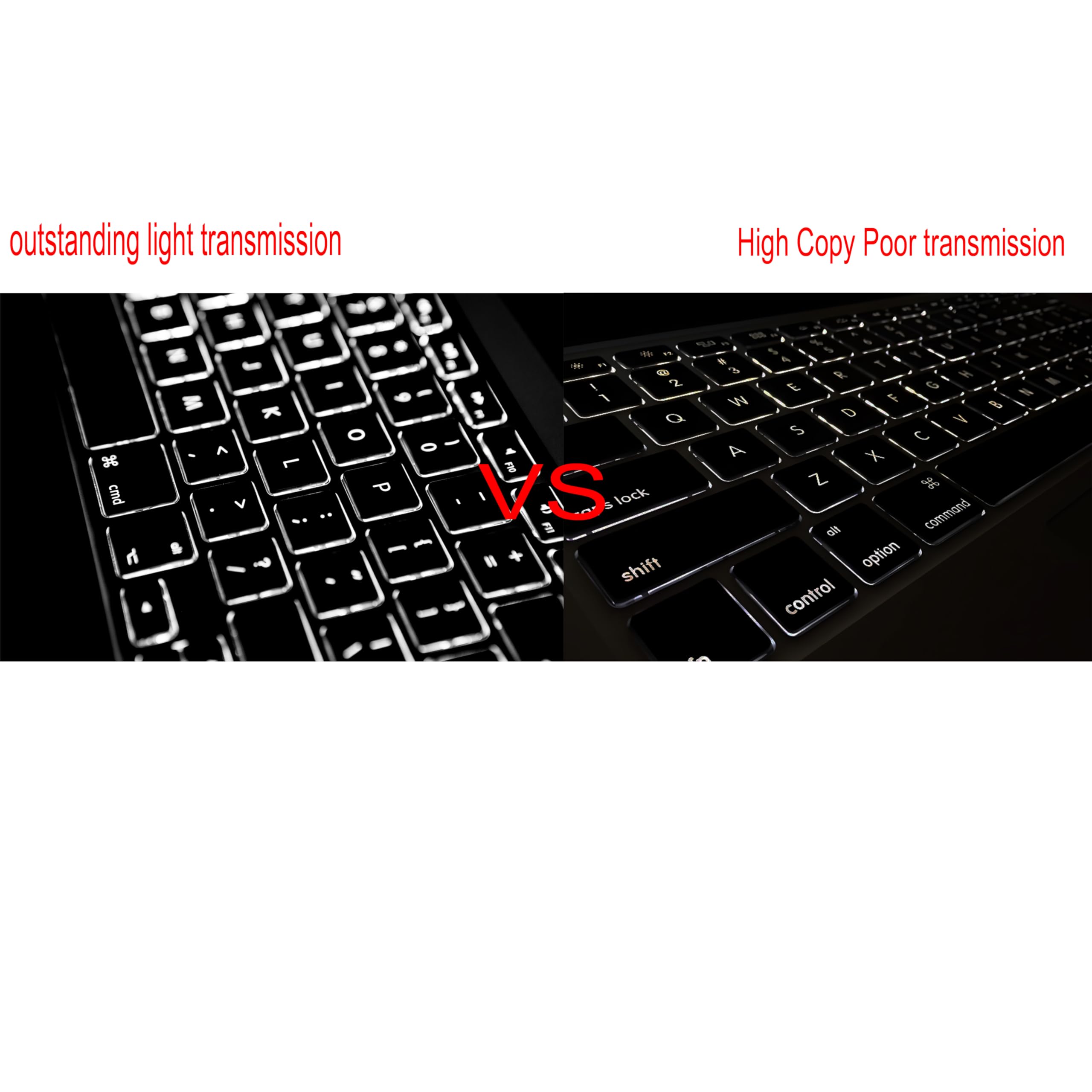


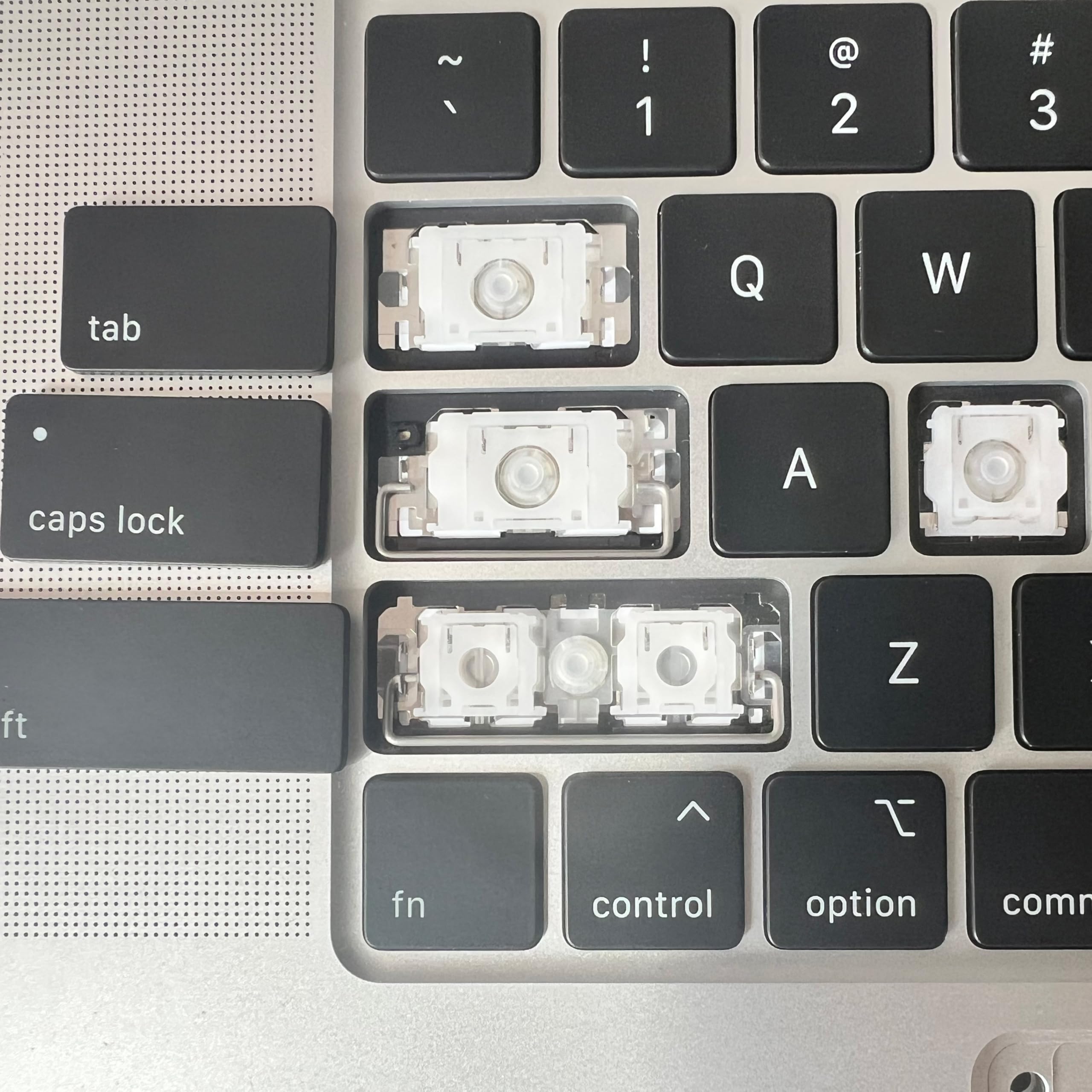
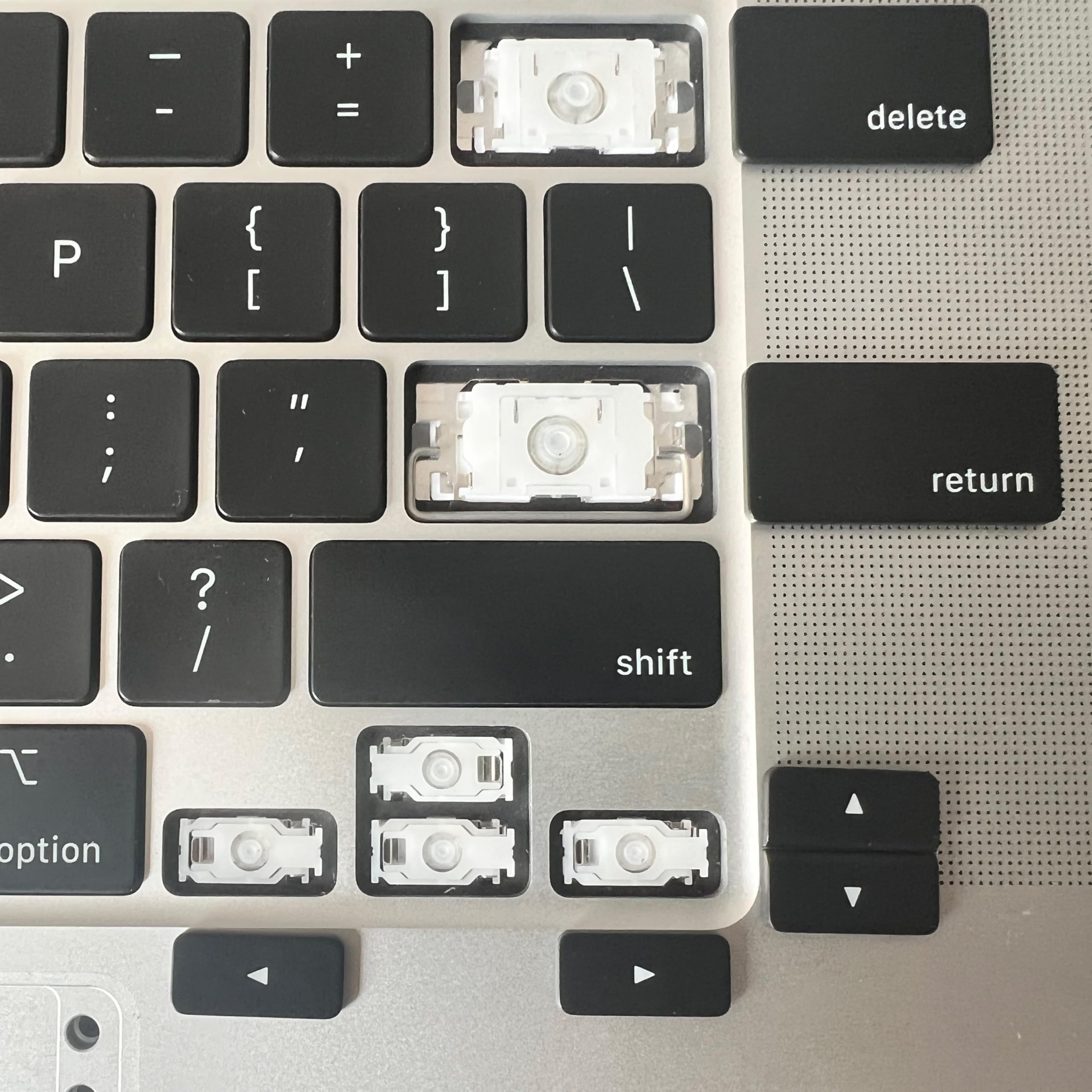
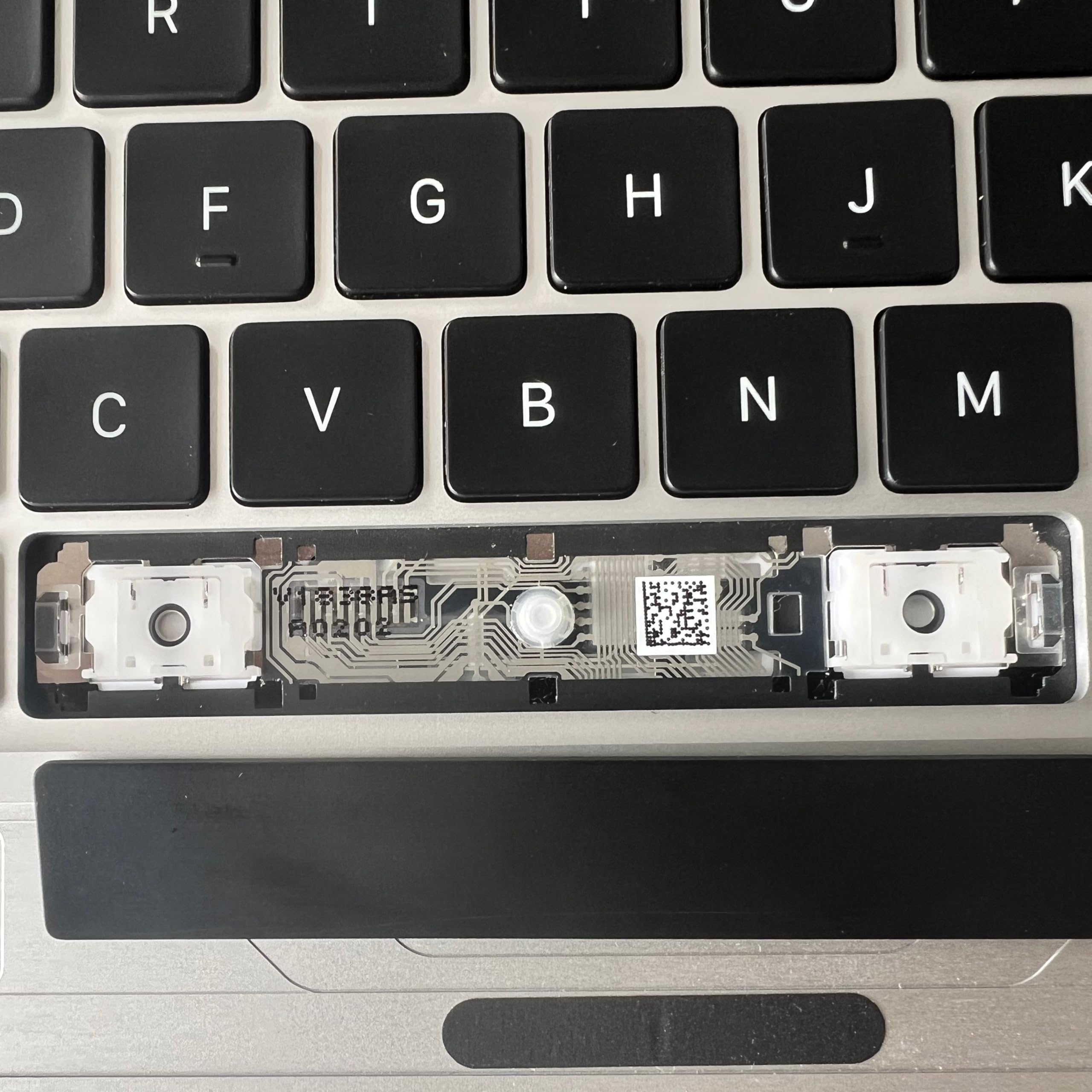
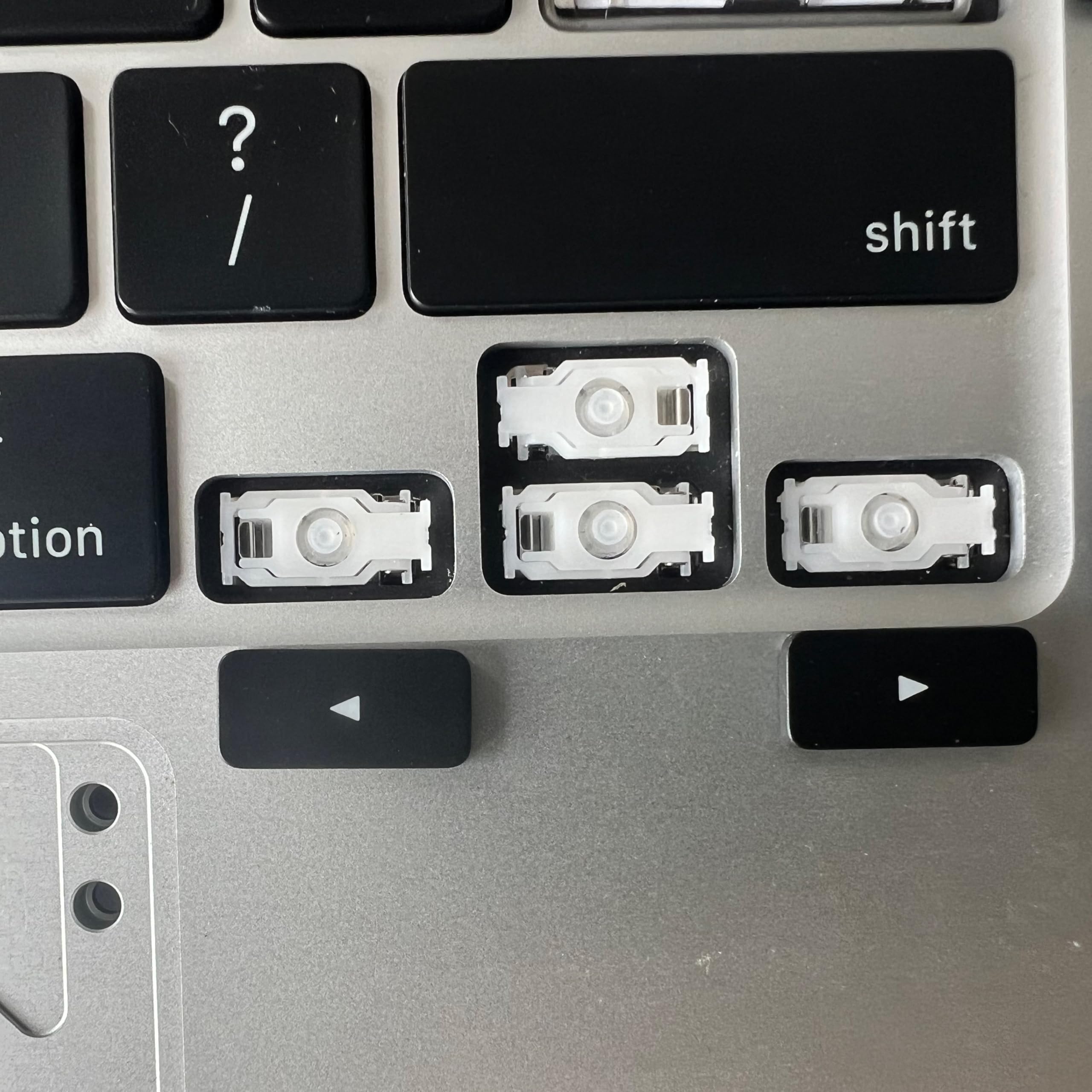
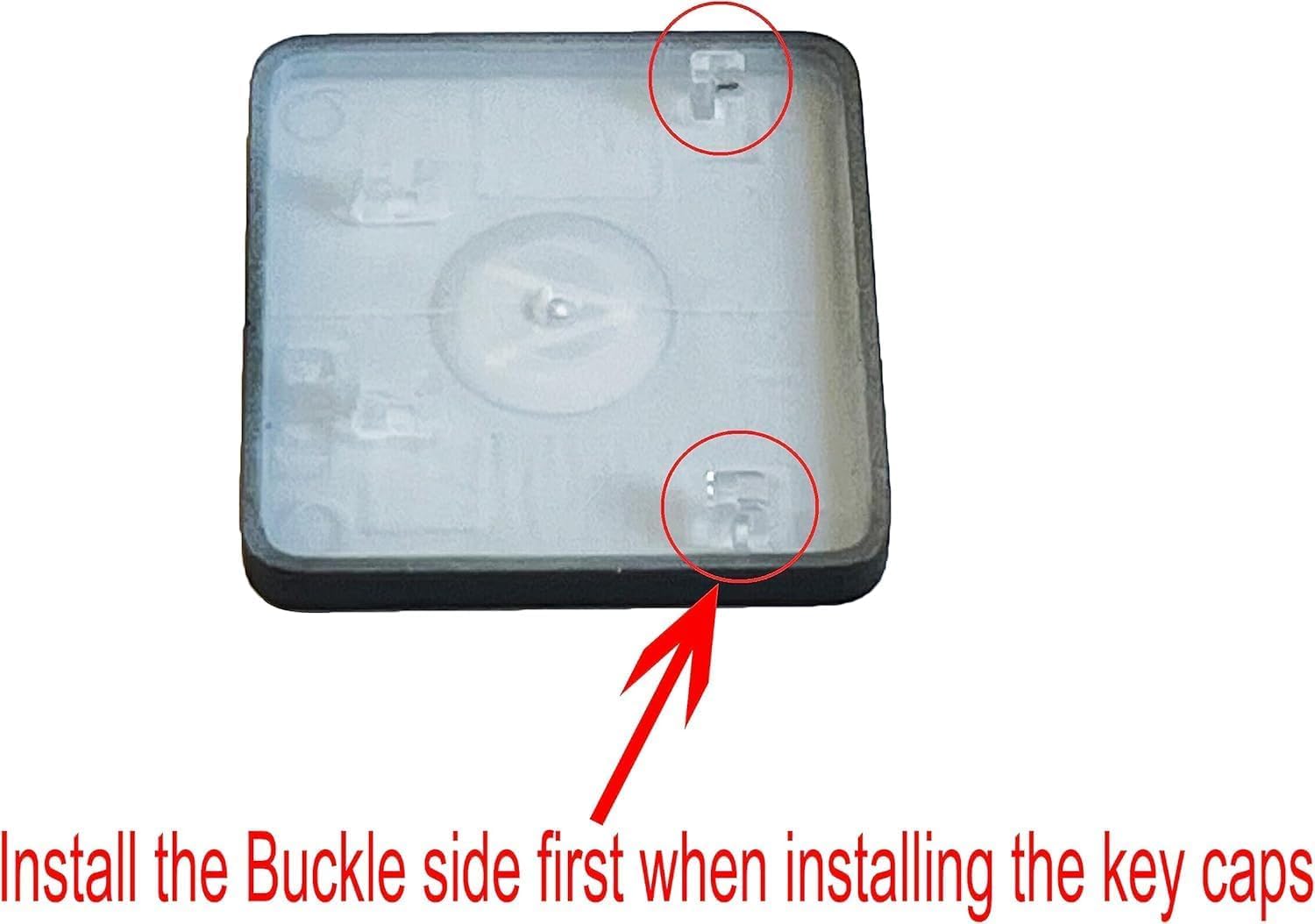
⌨️ Upgrade your MacBook Air’s keyboard game — because every keystroke counts!
This Bfenown replacement US keycap set is designed specifically for MacBook Air Retina 13.3" M1 models (2020-2021). It includes a full set of premium-quality keycaps that ensure optimal backlight visibility and a perfect fit without needing to dismantle your laptop. Installation is simple and fast with the included tool and video guide, restoring your keyboard’s like-new feel and performance while saving you from costly repairs.


| ASIN | B091HGB3R9 |
| Are Batteries Included | No |
| Best Sellers Rank | #128,169 in Computers ( See Top 100 in Computers ) #3,844 in Computer Keyboards |
| Brand | Bfenown |
| Color | Black |
| Customer Reviews | 4.4 4.4 out of 5 stars (86) |
| Date First Available | 12 May 2021 |
| Hardware Platform | Laptop |
| Item Weight | 40 g |
| Item model number | KY-A2337-ST |
| Manufacturer | Bfenown |
| Operating System | mac |
| Product Dimensions | 27.94 x 11 x 0.18 cm; 40 g |
A**R
These key replacements were perfect for my needs and indistinguishable from the original OEM keys. They clipped right in to the scissor mechanism of the MacBook Air. Very impressed with the way the packaging and presentation. I was truly expecting a bag filled with the keys, but received a long slim box. Inside was a protective wrapped piece of sticky card stock with all the keys nicely laid out in the qwerty layout. Easy to find and remove the ones I needed to replace. Thanks for an excellent product
B**N
I had to replace a key because I had broken it after taking it off to clean underneath it. It was exactly like the original and I can't tell the difference between the keys. I was able to do the installation after watching a youtube video explaining the method.
J**N
bought for tab, stayed for F2 and F3. fits m1 MacBook Air perfectly, but I can only vouch for those three keys.
R**L
It's always lovely when food falls on your keyboard because you're working through lunch and you end up with jelly all over your keys- lesson learned: let's not do that again. Then you get excited because you clean it and all appears to be good. Fast forward a day or two and ONE KEY- ONE KEY.... is sticking. That's okay, you tell yourself, how many times will I actually use the X key? Fast forward a month- the answer is A LOT and now the key is fully stuck. Okay let's take it off and clean it.... put it back on..... this is good.... key falls off- BROKEN. Okay now that you've heard the required retelling let us get to the good part. Ordered these keys because why pay $10 for one key when you can get them all and have "extras" for under $20. I put the key on and guess what? Key sticks... WAIT THERE IS MORE... take the new key off and spy it... the dreaded jelly still lives. Cleaned it off and put the new key back on and it works flawlessly. Seriously, okay, these keys work just fine. It looks the same. It's fully functional. The only complaint I have is that it's quieter than the other keys (I like clicky keys okay?). But that may not even be the replacements fault... it could very well be the product of a poorly timed lunch break. Order the keys, y'all. Easy to put on (just do it carefully and watch the video) and they function and look exactly like the original. Plus extras for future poorly timed lunch breaks-let's be honest!
J**E
Important - make sure you know how to install these keycaps. I broke a couple of my original ones which is why I needed this set in the first place. There is a 'hook' end and a 'clip' end. The clips are on the south edge (towards spacebar) of the alphabet keys while the hooks are on the north edge (towards the screen). Some of the other keys like shift, enter, and space, etc. will obviously have different construction, but the number and alphabet keys are set up in the way I described. To remove, you pop the southern clip end first with the included pry tool and then you can remove the key by grabbing and pulling from the south end. To install, it is the reverse action. Push the keycap in north side first at a 45 degree angle so that the north end 'hooks' can catch the tiny plastic nubs that are attached to the laptop. And then you can press down on the key on the southern end so that the clips click into place. If you reverse these steps and do them incorrectly, prying the keys out on the north end to remove them or pushing down on the north end when installing, you risk breaking the fragile hook pieces. If my instructions are confusing, I highly recommend looking up videos for 2020 MacBook Air (A2337) key removal and installation. For my actual review thoughts - the keys might be slightly cheaper in feeling in comparison to the originals, it's hard to tell. They look pretty much identical in my opinion. My original keys were all greasy and worn down from about four years of regular use, so these are easily an improvement. For under 20 bucks, these replacement keys are great, and if I can get a couple of years of use out of them before they get all shiny and worn out it will be worth the purchase. They might be a little 'rattly' compared to the originals when everything in installed, but like I mentioned before, my 2020 MacBook is about four years old now and it's hard to tell if the rattle is just from overall use and age of the underlying plastic switches. I recommend these. Just make sure your model of MacBook matches.
Trustpilot
4 days ago
1 month ago