We remain fully operational. Our teams are working around the clock to ensure your deliveries continue safely.

DOWNLOAD THE APP


Customer Services
Copyright © 2025 Desertcart Holdings Limited
DOWNLOAD THE APP


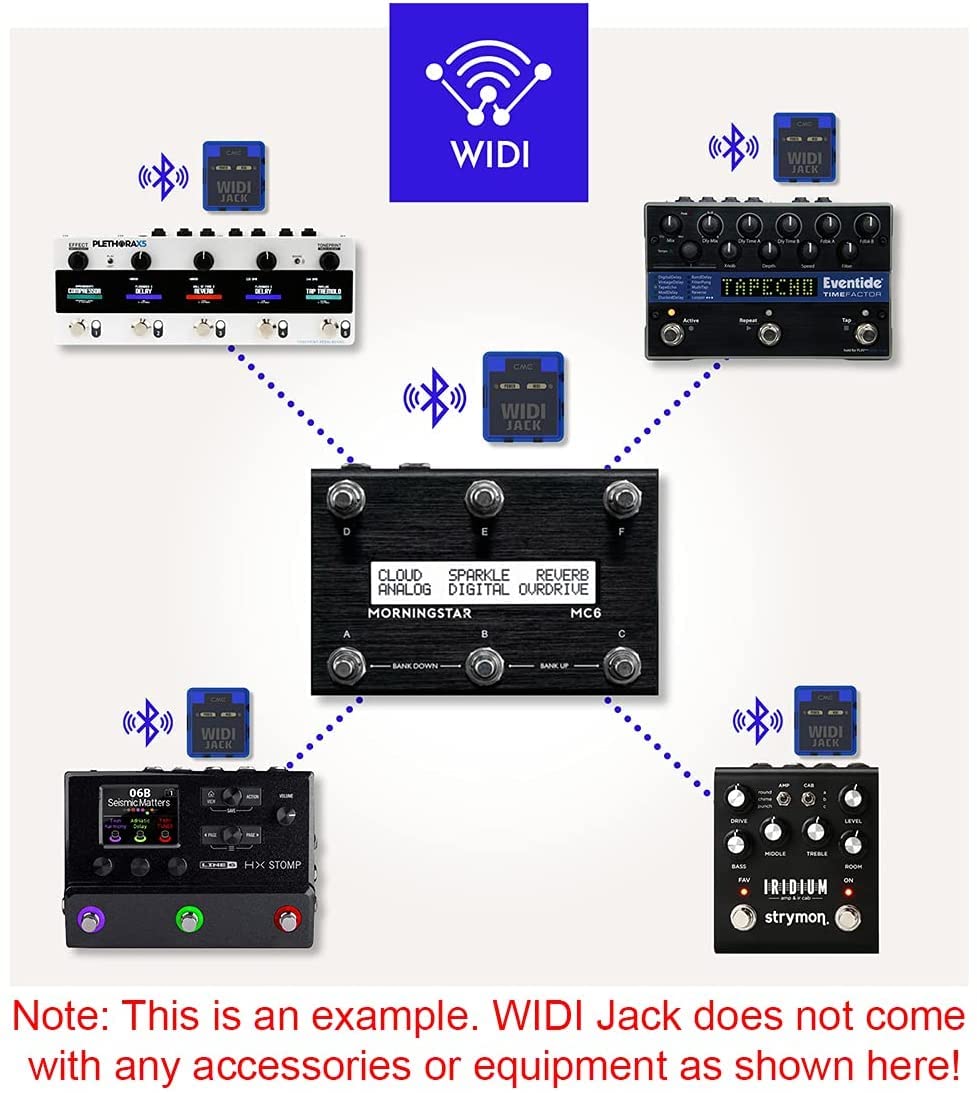
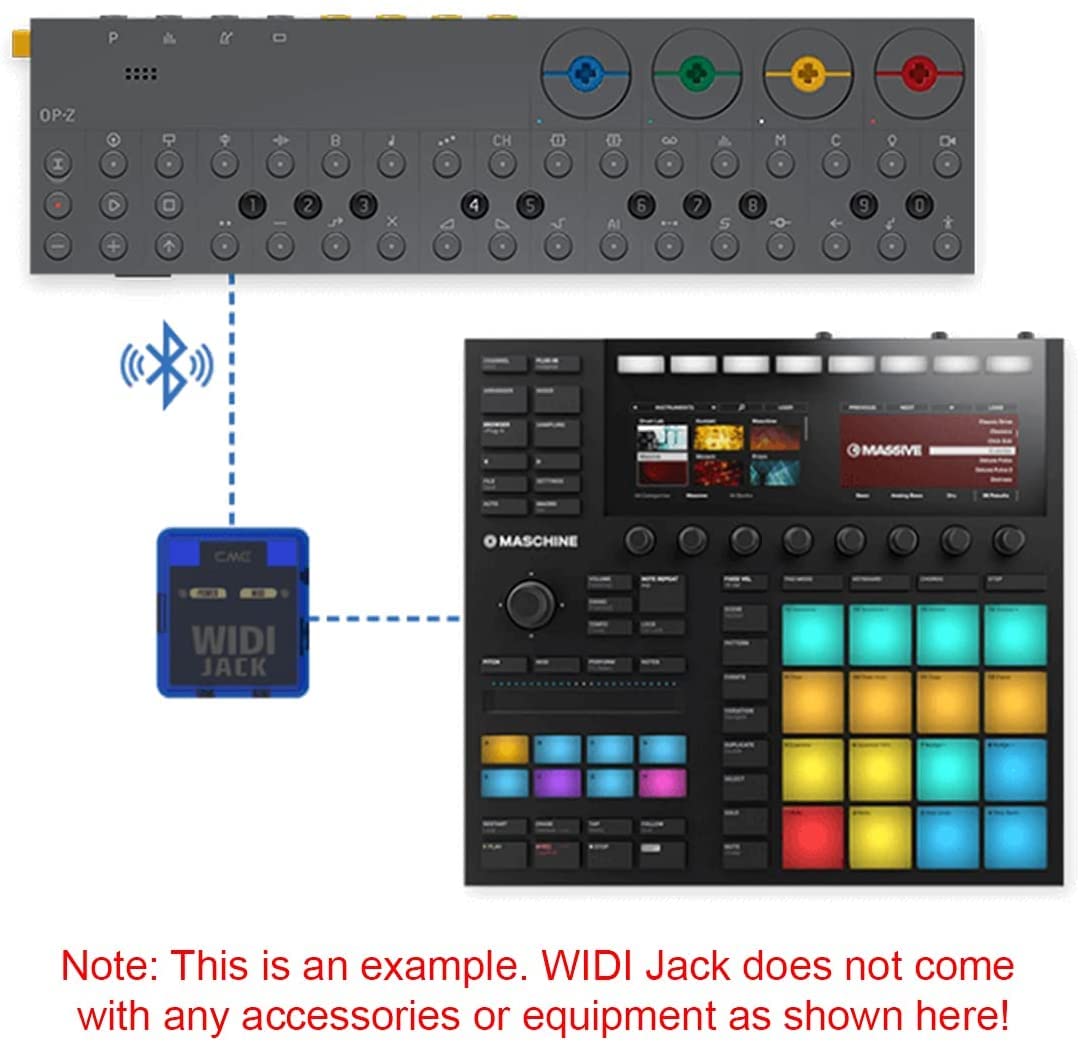
🎹 Cut the cords, not the creativity — wireless MIDI freedom for the modern pro!
The CME WIDI Jack is a compact Bluetooth 5 MIDI interface that transforms traditional MIDI devices into wireless powerhouses. Featuring ultra-low 3ms latency, a robust 65ft range, and plug-and-play compatibility with major OS platforms, it includes DIN-5 cables and is powered via MIDI Out or USB-C. Perfect for synths, keytars, pedalboards, and keyboards, it offers personalized performance tuning through the WIDI App, making it the ultimate tool for clutter-free, professional-grade MIDI connectivity.


| ASIN | B09K46681M |
| Best Sellers Rank | 1,799 in Musical Instruments & DJ ( See Top 100 in Musical Instruments & DJ ) 8 in MIDI Interfaces |
| Compatible Devices | ['MIDI DIN-5 Instruments', 'MIDI Peripherals'] |
| Customer Reviews | 4.4 4.4 out of 5 stars (1,454) |
| Date First Available | 22 Oct. 2021 |
| Hardware Interface | Bluetooth 5 |
| Item Weight | 65.1 g |
| Item model number | WIDI Jack |
| Operating System | iOS 8 or later, OSX Yosemite or later |
| Product Dimensions | 4.9 x 2.1 x 2.1 cm; 65.2 g |
| Supported Software | Various MIDI and audio related software for iOS, macOS, Win10/11, and Android |
| Wattage | 37 watts |
M**I
Great little device.
Worked straight out of the packaging, no setup! Brilliant. Undetectable latency in live playing, much better than expected. Pricey, but worth it.
D**S
Trouble-free and cable-free MIDI connection
I've used this in a CME setup with macOS, iOS, and Raspberry Pi, and it's always reliable, and no noticeable latency. Wireless MIDI is fun, especially if you're playing a keytar!
R**Y
Brilliant but don't expect to update easily with Android!
Used on an Alesis Vortex Wireless 2 as the built in wireless is unreliable. 2 x widi masters required for tx and rx. Expensive but brilliant range and reliability. The cons. Forget updating it using Android easily. Two devices failed to even see them. The third newer device simply would not connect consistently coming up with a message to clear the Bluetooth cache and try again. The fix is to hold the button whilst inserting into the midi out port until the unit flashed green, then red. At that point the device is detected by the app as being in update mode. You can manually select the widi master device and update the firmware. It still won't detect in the app in normal operating mode but the update completes, the units pair and then you're away with reliable, very low latency widi. Highly recommended if you can get past the hard work that I had to figure out for myself. I hope this helps some folk. Rob.
J**K
What a great gizmo!
Got the CME WIDI Thru6 yesterday. Connected it to my two midi enabled devices (Line6 HX Stomp and a BeatBuddy) with the short CME midi cables I also ordered. Paired via bluetooth to my iPad and it just worked! No messing around; no fiddling with what cable goes where. Simple and effective and just what I'd hope for. After downloading the WIDI App and connecting via that, the WIDI Thru6 went through a pretty quick firmware update - this meant I had to reconnect the Bluetooth but, other than that, all is good.
C**E
Wireless Midi? Go on then!
Wireless Bluetooth on a digital kit surrounded by wires may seem like a funny option, but one of my soundcards doesn't have MIDI. Anyway this took a little while to sort out because my Macbook is on High Sierra and for some reason it wouldn't find it in the Audio MIDI Setup tool. I sucessfully paired this with my other machine running Catalina so I knew it wasn't a failed unit. I then downloaded the app from the Apple Store and connected to the device. I upgraded the firmware on it to the newer firmware, which still didn't work, so I reflashed it with the older one. For some reason this worked and I was then able to connect using the Apple Audio MIDI Setup tool. You have to go to the Bluetooth section in order to see it and connect. Once connected it was so, so simple to hook into Ableton and I was up and running in no time. One thing is that if you don't use it, it will go to sleep and you have to re-connect in the MIDI Setup tool, so just add this to the finder bar and you'll have easier access next time. Latency is really good! I couldn't really feel anything too untoward, and it's really opened up this drum kit to more options using Komplete, Battery, Contact and of course Ableton's Drum Rack/Sample triggering... Make sure you download the manual and watch a few of their tutorial videos on YouTube. They're really simple but get you up and running...
A**E
Best Bluetooth midi adapter on the market
Great product from a Great company. The first order was delivered to the wrong address, and they promptly sent a new one. The WIDI adapter has a good, solid wireless MIDI connection and very low latency. I've used Yamaha, Quicco Sound, and WIDI beats them both.
M**N
Very happy with this gadget!
Very happy with this bit of kit. Have it hooked up to a fairly old Yamaha electric Piano (YDP 140). I was concerned when ordering that it may not work, but it works perfectly. I use it to link my Piano to my Ipad, where I can play through GarageBand and various other apps, with not noticable latency at all. Make sure you read the instructions, this does need a seperate free app downloading to work, and does not work with the default Bluetooth connectivity in the iPad. But once the App is running it works seamlessly with all apps tried so far. Bit pricey, but well worth it!
G**T
Not for Windows 11
Don't bother if you have windows 11. It will sometimes connect, but mostly not. You need to mess around with Korg drivers to even start trying to get it to work.
S**N
These Widi links are a marvel, allowing me to connect a stone-age but wonderful Yamaha keyboard to the latest and greatest computer equipment. I did however have an issue installing them - my iPad would not recognise them. There was excellent and immediate support from the manufacturer and from the Facebook user group so I was able to identify the problem quickly - good support is rare these days so I think the manufacturer should be praised for doing good support. The issue turned out to be a) firmware needed to be updated and b) all other bluetooth profiles must be deleted before installation ( in my case it was an Apple Pencil causing the problem). So you must delete all existing bluetooth connections, then install and run a firmware update on the WIDI, and then re-install the other bluetooth profiles on top. Everything now works and is of high quality. Recommended.
N**K
good
V**R
I replaced an old thru box (1 in 2 out) with this box and it replaced that box with no problems and has given me extra outs. Where this box really shone was the BLE input. I used an android app to send bluetooth midi and it integrated flawlessly. Very happy with my new setup.
S**S
Ewi 4000s/ iPad parfaite transmission du signal midi latence imperceptible
B**S
Have set this up for the following; ✅ Ableton midi to my Line 6 HX Stomp XL ✅ iPad/TouchOSC midi to iConnectivity Playaudio1U ✅ Use up to 4 Widi Masters at the same time without the need for separate hub
Trustpilot
1 month ago
1 week ago