

Desert Online General Trading LLC
Dubai, United Arab Emirates
Desert Online General Trading LLC
Dubai, United Arab Emirates



🔥 Elevate Your Workspace Anywhere with OLED Brilliance!
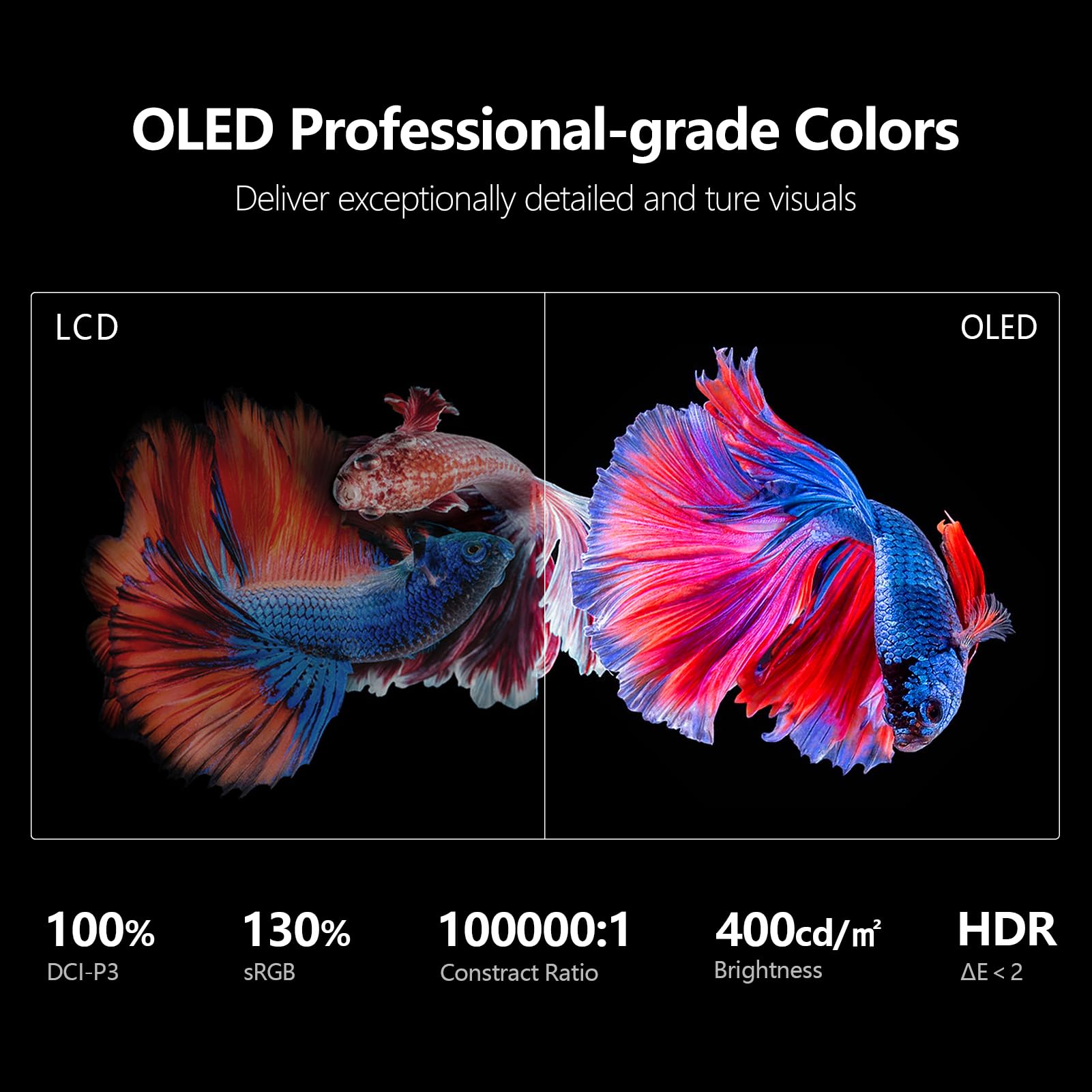
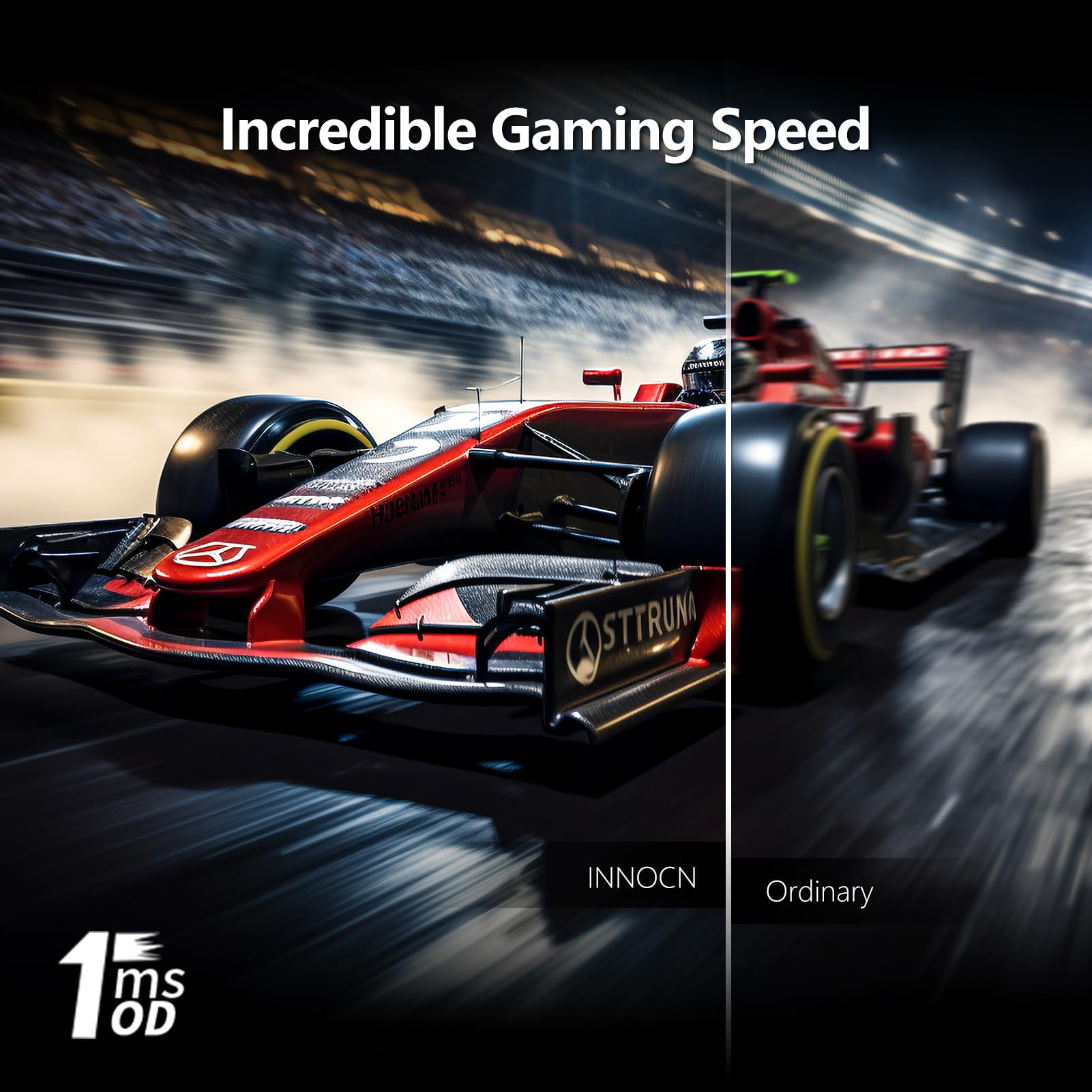
The INNOCN 13.3" Portable OLED Touchscreen Monitor delivers stunning FHD visuals with 1ms response and 100000:1 contrast. Featuring a built-in 2800mAh battery for up to 4 hours of use, ultra-slim design, and versatile USB-C/HDMI connectivity, it’s the ultimate second screen for professionals and gamers on the move.


| Response Time | 1 Milliseconds |
| Viewing Angle | 178 Degrees |
| Brightness | 400 Candela |
| Color Gamut | 130 |
| Has Color Screen | Yes |
| Picture Quality Enhancement Technology | HDR |
| Refresh Rate | 60 Hz |
| Display Type | OLED |
| Display Technology | oled |
| Aspect Ratio | 16:9 |
| Screen Finish | Glossy |
| Contrast Ratio | 100000:1 |
| Item Dimensions D x W x H | 0.28"D x 12.2"W x 7.9"H |
| Item Weight | 1.65 Pounds |
| Screen Size | 13.3 Inches |
| Total USB 3.0 Ports | 2 |
| Total Usb Ports | 2 |
| Total Number of HDMI Ports | 1 |
| Is Electric | Yes |
| Power Consumption | 0.5 Watts |
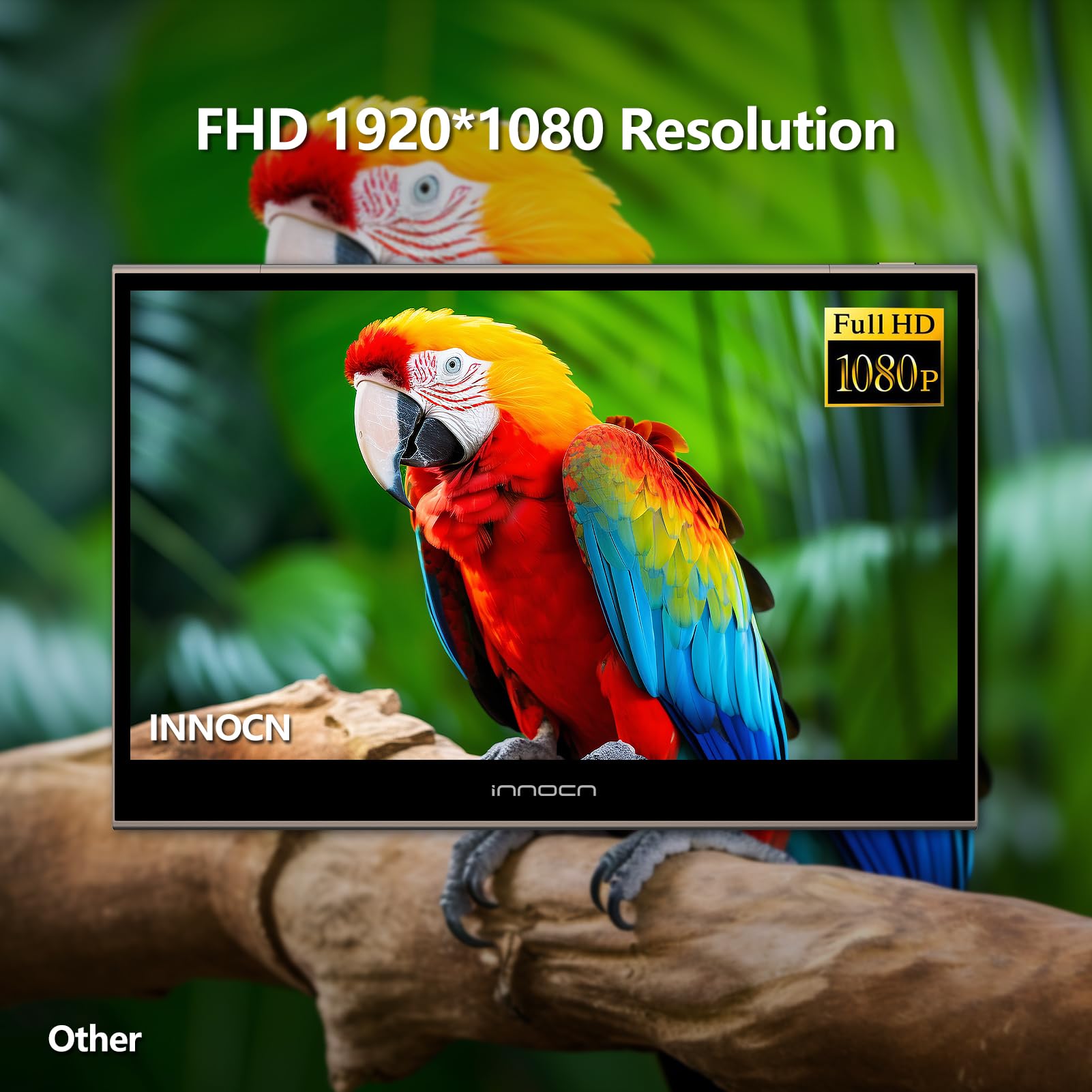
| Display Resolution Maximum | 1920 x 1080 Pixels |
| Native Resolution | 1920x1080 |
| Resolution | FHD 1080p |
| Item Shape | Flat |
| Color | Brown |
| Mount Type | Desk Mount |
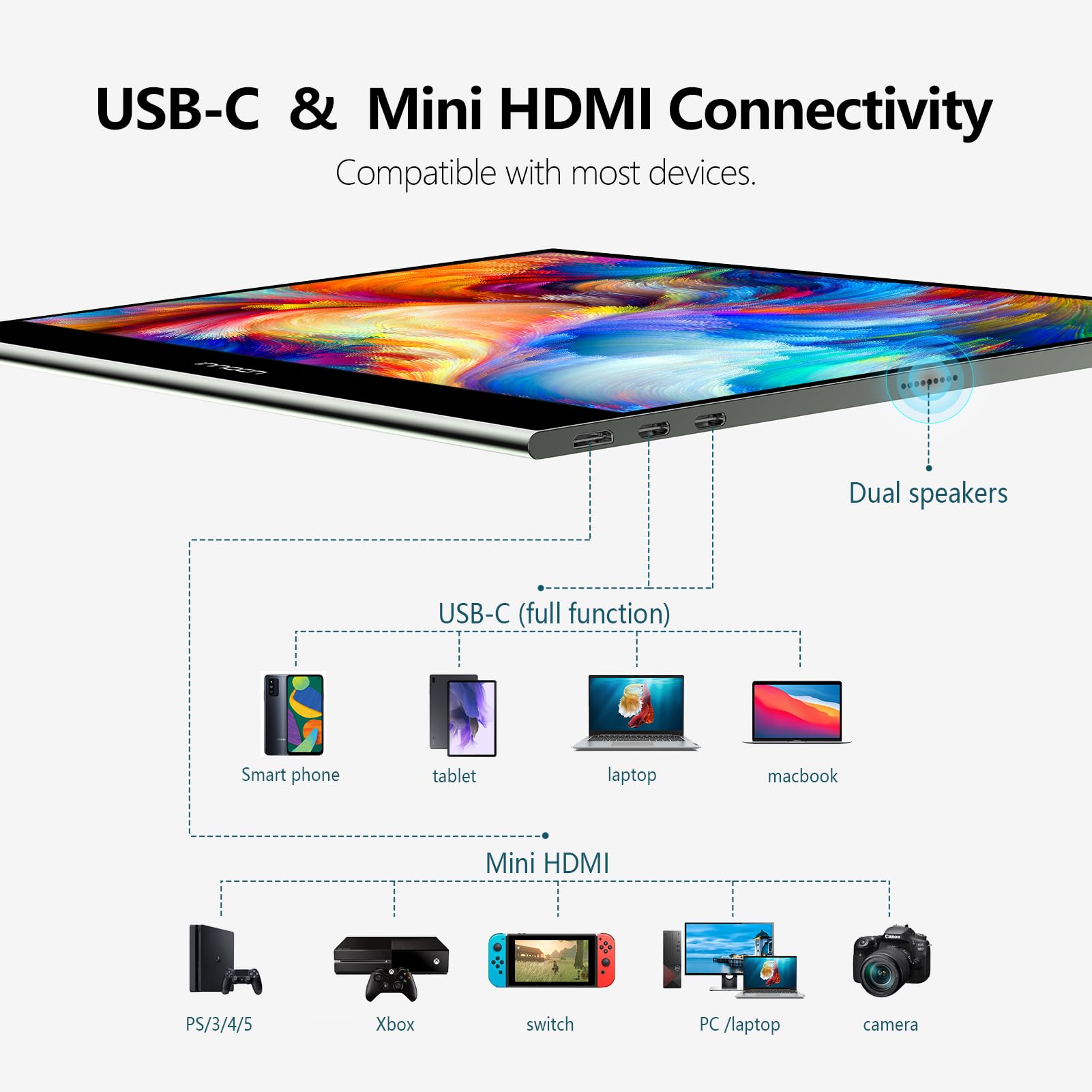
| Compatible Devices | Laptop, Gaming Console, Desktop, Tablet, Smartphone |
| Special Features | OLED Backlit, Portable, USB Type C, Blue Light Filter, Touch Screen |
| Specific Uses For Product | Desktop, Gaming, Business |
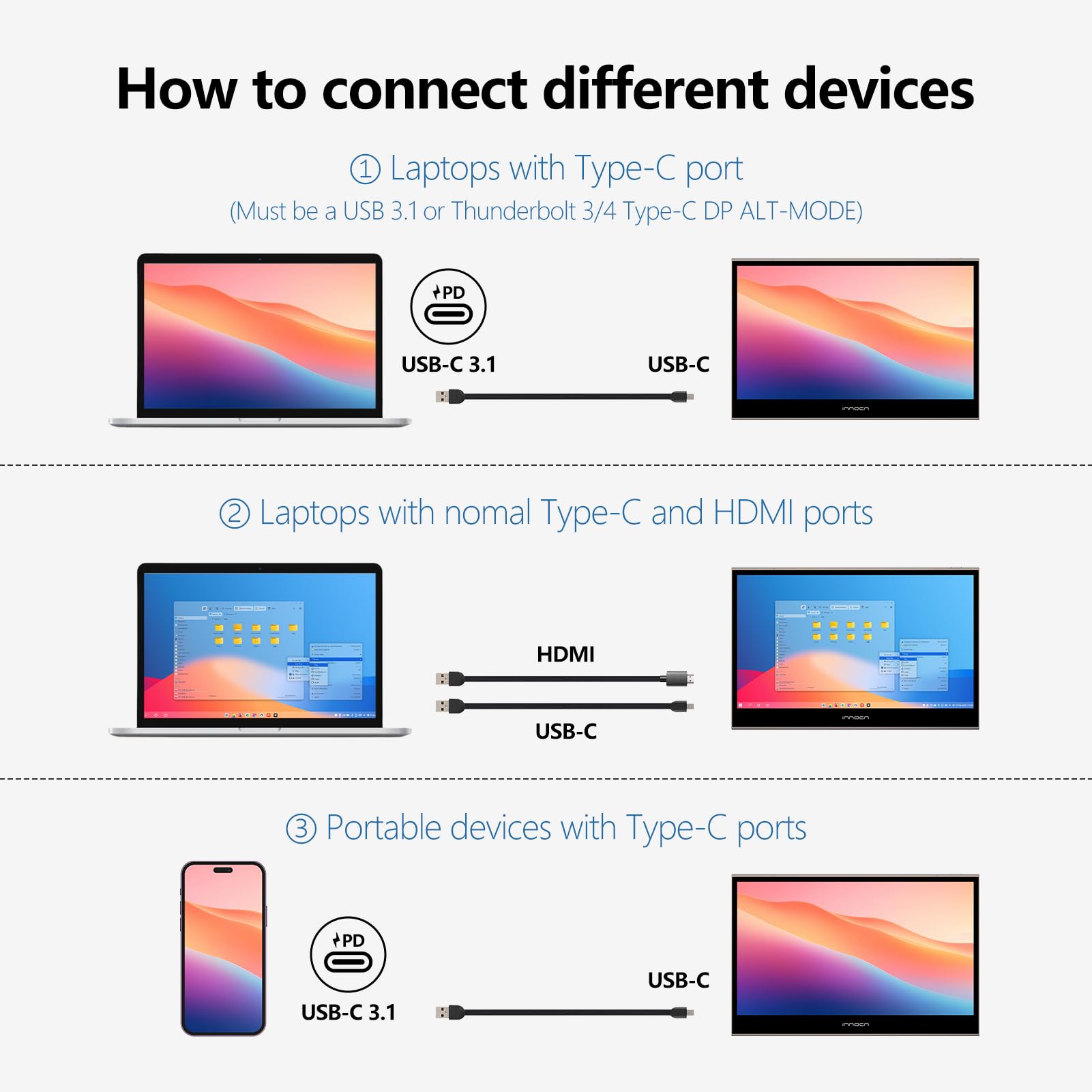
| Hardware Connectivity | USB 3.0 Type C, mini HDMI |
| Connectivity Technology | USB Type C, Mini HDMI |
T**T
Excellent value, especially for an OLED "trial"
Fantastic product for the price. When I bought it it was on a %40 discount which made it a no brainer. I didn't technically need a portable monitor, but I bought this as an OLED "trial". You've probably seen those 27" LG QHD 240hz screens already but those are $1000 (insane price gouging), but you as a consumer have likely never had an OLED monitor, so the question remains: will you burn-in that super nice and expensive screen? I wasn't willing to experiment with my money. At $150, this INNOCN is the perfect test: I use it for gaming at %100 brightness and it will blow you away with the quality of the colors and contrast. Looks great during the day, and mind-blowing at night (actually TOO bright for me though, so at night I set it at %47 brightness). The rest of the workday, I have it display my week calendar at %10 brightness - OLED blacks guarantee that there's still plenty of contrast to remain easily readable, and this way I can test if I'd burn-in an OLED monitor after months of use. If it burns? Ah well, $150 isn't an excessive loss. If it doesn't burn? Then I can buy the nice 27" QHD OLED versions that are starting to come up (I don't want/need a 34 inch or a 45 inch ridiculousness).A couple interesting things I've noticed:- %20 brightness on USB-C video is fine at night. During the day, it's not enough, plug in the USB-C power cable as well (and this comes from someone who does not enjoy bright screens, my eyes are sensitive).- INNOCN does something weird with near-blacks in dark images as you change brightness. I noticed that at %47 brightness all detail is retained in a near-black situation, but if you go to %48 instead of making the whole image brighter, it makes near-blacks darker, thus crushing them... it's strange. There seem to be a few "brightness zones" within which the screen manages contrast as you go up in brightness, so I've found 3 perfect levels for my use: %10 induces black crush, but I only use it for a black background calendar, so it's fine (this is my test to see whether the white text at %10 would burn-in after months of use). %37 preserves near-blacks and adds a good a mount of brightness. %47 is as high as you can go preserving near-blacks while increasing brightness. Any higher than that, and blacks get increasingly crushed until about %70 (weird mixture of crushed-blacks but brighter image). After %70 blacks start raising again (along with overall brightness) but it's not a "%47 brightness equivalent but brighter" until you hit %90 to %100. So, I recommend setting the first 3 of 6 "modes" (which seem to do nothing other than change brightness, as I've set them all at %47 and they look virtually the same) at something like %10, %37, %47 for different lighting conditions, and the last three modes at %100 since anything between %48 and %99 messes with near-blacks. Your mileage with near-blacks might vary here, depending on the image displayed.Despite that weirdness with brightness and black crush, it's an excellent screen with a very high DPI - 1080p at 13" (170dpi) is actually higher than 4k at 27" (163dpi)! Everything looks fantastic in it, and if you're as wary as I am to buy a nice but way too overpriced 27" QHD OLED, this is a perfect way to enter the OLED monitor wave and make sure you won't burn-in these nice screens. Added benefit - the stand is quite helpful, as gaming on 13" isn't as nice as on 27", but I can just bring the INNOCN way closer to me and it's fine (though I still use my 27" for gaming regularly, so that tells you 13" can definitely feel too small). The near instant response time of OLED is super noticeable, and despite being 60hz it feels like my 95hz 27" Pixio but with better image quality (I also have a 165hz Gigabyte and despite the added smoothness that VA smear is super annoying, I'd rather have less hz but on a clearer IPS image... same logic applies to the INNOCN - perfectly clear and contrasty 60hz > blurrier 90hz with sub-par IPS contrast).If you find it at the deeply discounted $150, I say go for it. You'll get a taste of OLED monitors, see if you can "safely" use it without destroying it, and then you can move onto bigger and better OLED screens. My money is too hardly earned to gamble away $1K on a nicer screen that might get destroyed in less than a year. Looking forward to taking this INNOCN on a trip, so that I can use it as a second screen for my M1 Macbook Air.
M**.
Great portable OLED screen
This monitor looks great and feels very premium. I tested the one "USB-C cable only" on a few devices and didn't have success on all. Here are my results:Single USB-C connectivity 9/10:2022 ASUS M16 - Works perfectly with just one USB-C cabe2019 Razer Blade 15 Advanced - Could not get any picture with USB-C only2016 Macbook Pro (touchbar) - Works perfectly with just one USB-C cableSound 4/10:The speakers are not great and don't have much bass at all, but I did notice they get louder if you connect the power cord to the monitor. I find myself just using the speakers on whatever device I've connected to it.Picture Quality 10/10:This thing looks amazing! You can't beat OLED quality. The colors are nice and vivid and the blacks are perfect.HDR Using just USB-C 5/10:This monitor has an HDR setting you can turn on via the monitor UI settings. It does make the picture quality look better, however, Windows 11 does not see it as an HDR capable monitor for streaming HDR or normal HDR. It would be great if it did so I can play Elden Ring with HDR turned on in game.Using mini HDMI 9/10:Windows 11 detects this as an HDR capable monitor for HDR and streaming HDR. Elden Ring has the option to turn HDR on in-game but it doesn't do anything and when you navigate back to the settings menu it has HDR turned off again. Youtube video playback in HDR looks amazing.Magnetic Stand 10/10:The included magnetic stand works great and can even hold this monitor up on my desk or my bed. It only magnetizes near the center of the back of the display, so if you want to get it close to the back of a desk you'll have to deal with not being able to angle it much.Overall, I'm loving it so far. It's a fantastic monitor with an amazing OLED screen that feels very premium. I wish they would make more accessories for this like an elevated magnetic floating desk mount, screen protector, or a soft protective cover. I will keep testing and will update if any impressions change.
H**N
Depends on your use case. Great picture but brightness concern.
First of all, I like the build quality. It feels solid. I also like the metal kick stand as it takes up little space on the desk. I am using this as a secondary palette toolbar monitor on a desk.For reference, I have one of the first Asus 15.6" USB-C Zen, a Lenovo 14" M14, and a no-name LCD 13" I got that has USB-C and micro HDMI. So I have a few portable monitor and this one by far is the best one in terms of quality. The blacks are deep and it is very color accurate. Compares well with my iPad Pro.Now for the negative. The brightness only goes 20% via one USB-C cable. I am assuming it does not have enough bandwidth/power to fully lit the screen. If you plugin in another USB-C cable or use a battery bank, you will get full 100% brightness. Even at 20%, it is still fairly good. But I can see this bothering people. However, since I am using this on my desk, I have it connected to a M1 Mac Mini and it works great. My hub is proving the additional power to the second USB-C port to give it 100% brightness. Again, for me, even at 20%, it still looks good and I would prefer this over the other monitors. And after watching some reviews on other monitors, this seems to be an issue with a lot of portable monitors.It is much nicer than my M14 Lenovo which I dearly love and this one has HDMI if you need it in a pinch. My Asus and M14 are only USB-C only. But if I have to use this as a portable monitor, I think I am going to stick to the M14. Also, the kick-stand isn't ideal for portable use taking it to a coffee shop. On a desk, it is fine.So what I am saying is, if you need a good quality somewhat portable monitor that will mostly sit on your desk, this is a good deal.
Trustpilot
1 day ago
3 days ago
2 days ago
1 month ago