Some deliveries may take a little longer than usual due to regional shipping conditions.

DOWNLOAD THE APP


Customer Services
Copyright © 2025 Desertcart Holdings Limited
DOWNLOAD THE APP

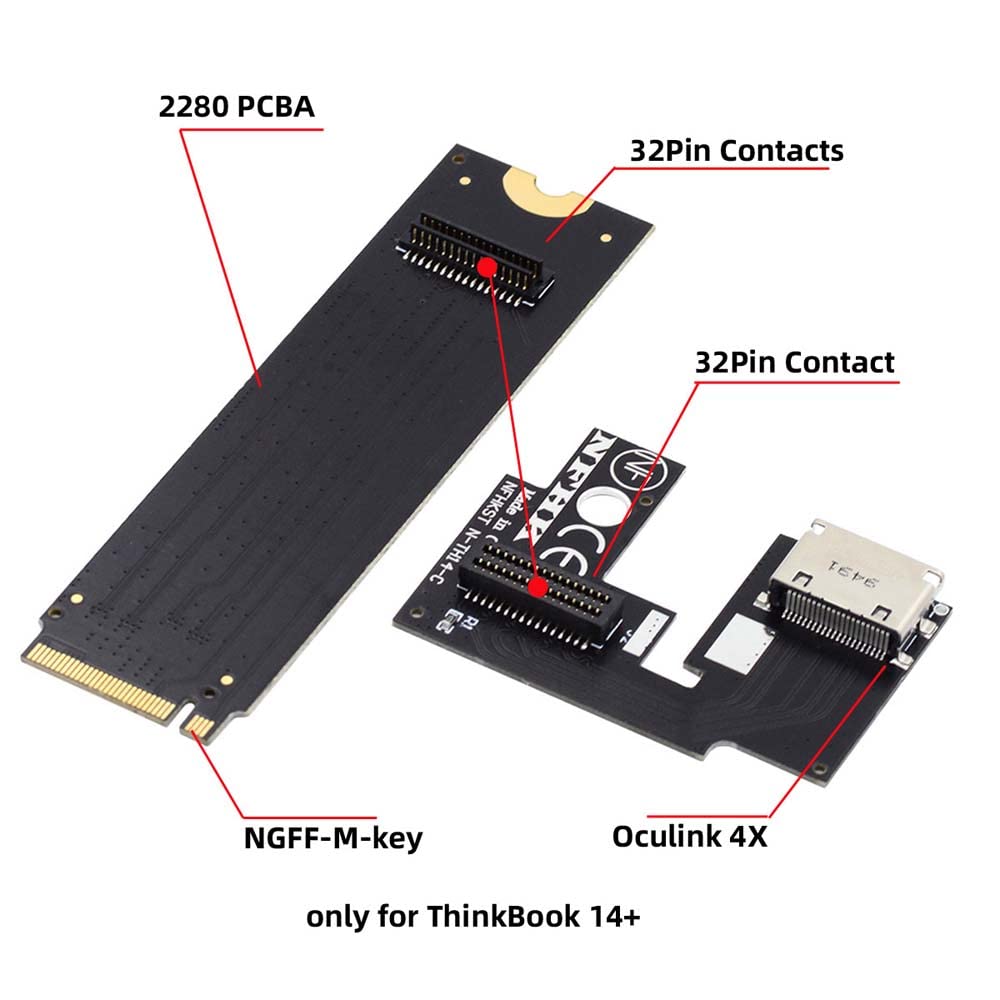


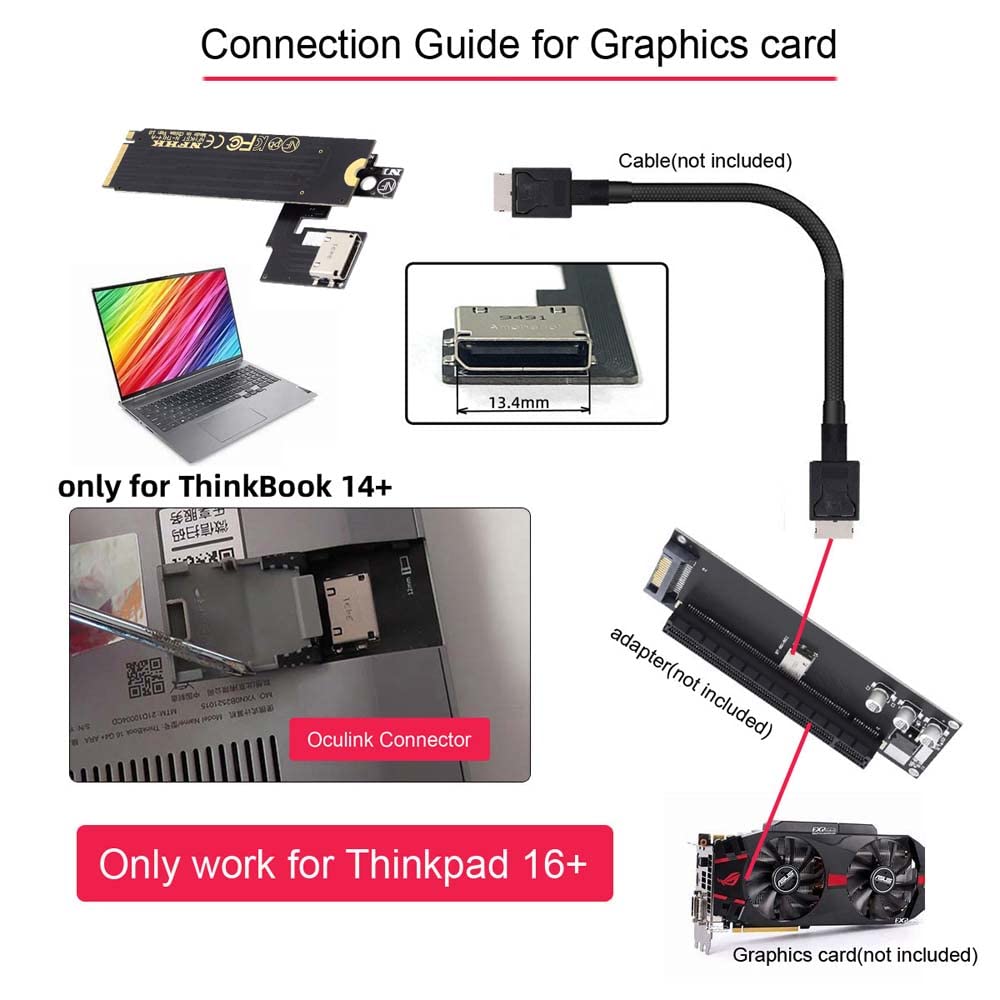

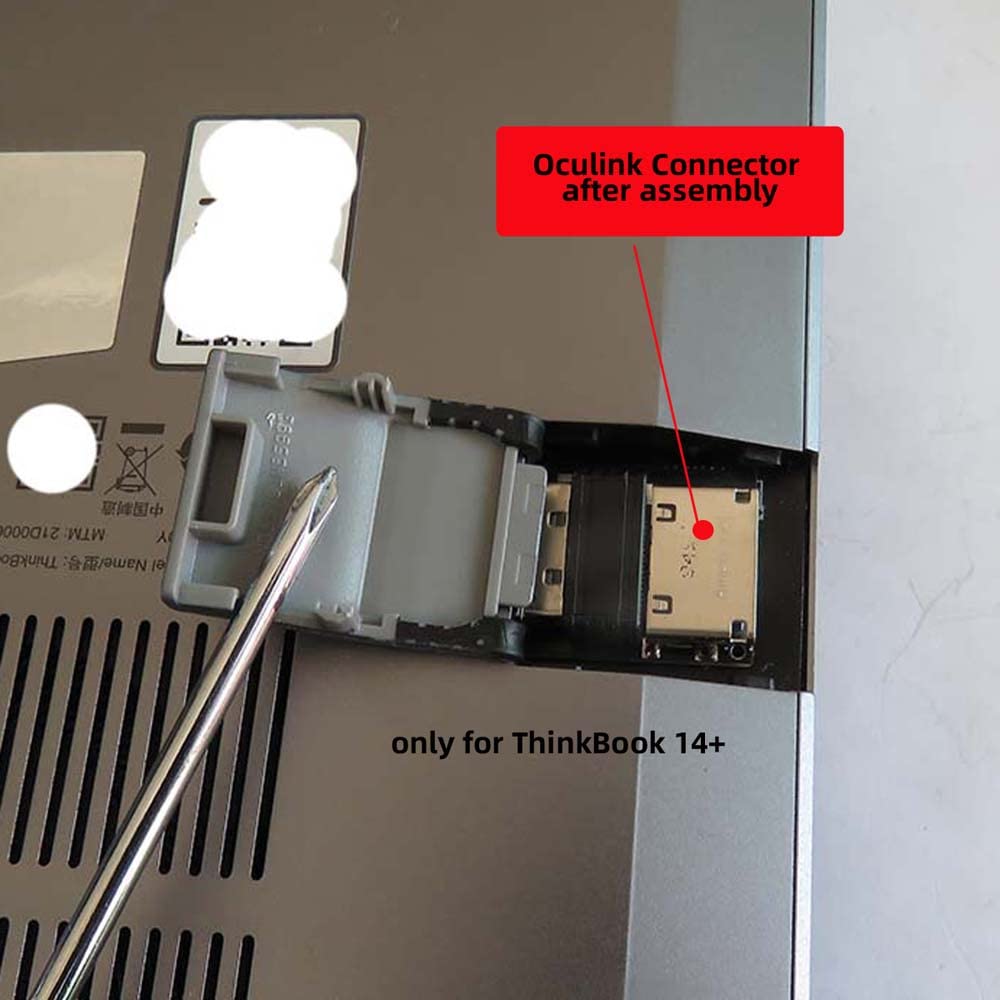
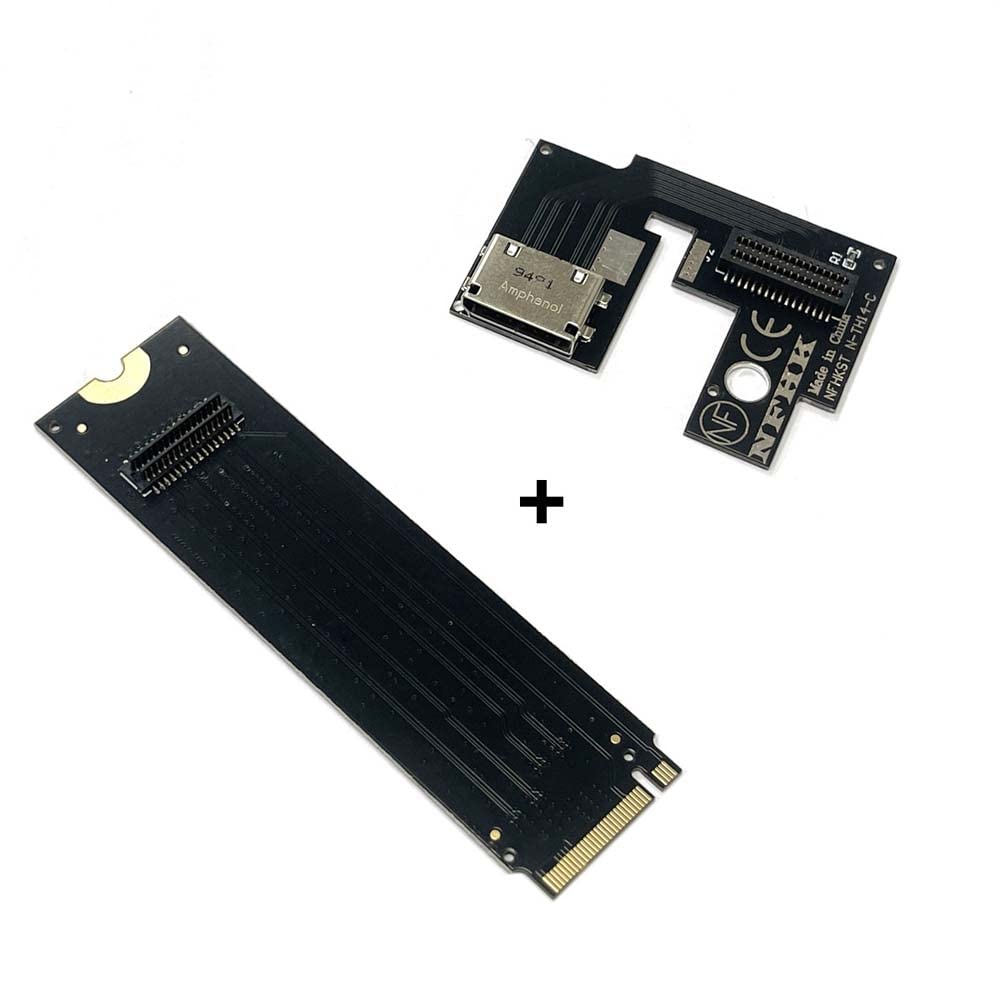
🚀 Elevate Your Tech Game!
The Cablecc PCI-E 3.0 M.2 M-Key to Oculink SFF-8611 SFF-8612 Host Adapter is specifically designed for the ThinkBook 14+ laptop, enabling high-speed connections for SSDs and external graphics cards. With a data transfer rate of up to 32 Gbps and support for NVMe 1.2, this lightweight adapter is perfect for professionals seeking enhanced performance and efficiency.


| Manufacturer | cablecc |
| Part number | SF-065-CC |
| Item Weight | 30 g |
| Product Dimensions | 10 x 10 x 1 cm; 30 g |
| Item model number | SF-065-CC |
| Style | for 14+ Thinkbook 2022-2023 Type-2 |
| Finish | Pci express |
| Item Package Quantity | 1 |
| Batteries included? | No |
| Batteries Required? | No |
V**G
Great piece of kit
Great product, works flawlessly
C**.
Adds a TON of performance to my ROG Flow x16 2022 with an RX 6700xt!
Y'know it's weird, gpuz says it's only running at pcie 3.0 x4, but the real world performance gains I'm seeing from using it with a used 6700xt i got for 250 instead of my laptops mobile 3060 is craaaaaazy. I can finally play half life Alyx comfortably, and max settings at that, every game I've thrown at it runs at 100fps or more on my ultrawide 1440p monitor with max settings. I bought an open pc case on amazon that interfaced perfectly with the mounting holes on this board and it feels super sturdy. I never could get my gtx 1650 to work with this board (driver issues and many BSoDs) but it was nearly hitchfree using AMD. I just had to disable the igpu, install new drivers from amds website, then re-enable the igpu, absolutely no problems. To cut the hole in my laptops casing I used double sided tape to mark the spot then carefully cut with a dremel. I filled the port with painters tape then filed it down with my dremel so it doesn't stick out too far, worked like a charm!Incredibly satisfying purchase, and i feel like such a giganerd having this thing. JUST DO IT!!
L**
Parfait
M'as permis de jouer en VR sur un mini PC ser5 pro.
T**N
It works.
It works even with my Minisforum UM773 mini pc @ pcie 4.0 with AMD 6700xt GPU.But PCB is very thin, need to be careful while plugging and unplugging cables, especially the power cable. But in most cases, it will be fixed on a base.Unlike most m.2 to PCIe converters, it does not provide 3.3v from the motherboard, but it uses 3.3v to check if the system is on or off. While maybe this is better for signal clarity and the health of the connectors and the lines that carry this power if you are using the same power supply to power both card and motherboard via 12v lane like me, I have to turn the switch on on the card and this makes the card which I plugged in (GPU for this instance) stay on all the time. I'm using the power supply's on-off switch to be sure not to waste any electricity and to turn off the RGB lights on the card. And when I click on shut down computer I need to wait until it powers off. This is a problem if you remote connect your PC like me.
C**N
Ottimo
Perfettamente funzionante
S**R
Works just fine for other laptops, doesn't seem to be limited to only GPD Win Max 2
You can find support for this eGPU dock on EGPU.IO (search for Oculink EGPU tutorial). After following the steps, I was able to plug in a GTX 1080 to my old gaming laptop with GTX 1650.Performance was very good.3DMark Time Spy Score: 7300+In this synthetic result, there doesn't seem to be any degradation in performance. In gaming, the result is exceptional (1440p gaming is possible).I am also able to run games on the internal laptop display without issues.Even though it is running off NVMe M.2 port, some laptops might not be compatible. Look for experience of other users to confirm, or simply buy the adapter & test with a borrowed graphics card to make sure it will work for your laptop.
Trustpilot
1 month ago
2 weeks ago