We remain fully operational. Our teams are working around the clock to ensure your deliveries continue safely.

DOWNLOAD THE APP


Customer Services
Copyright © 2025 Desertcart Holdings Limited
DOWNLOAD THE APP
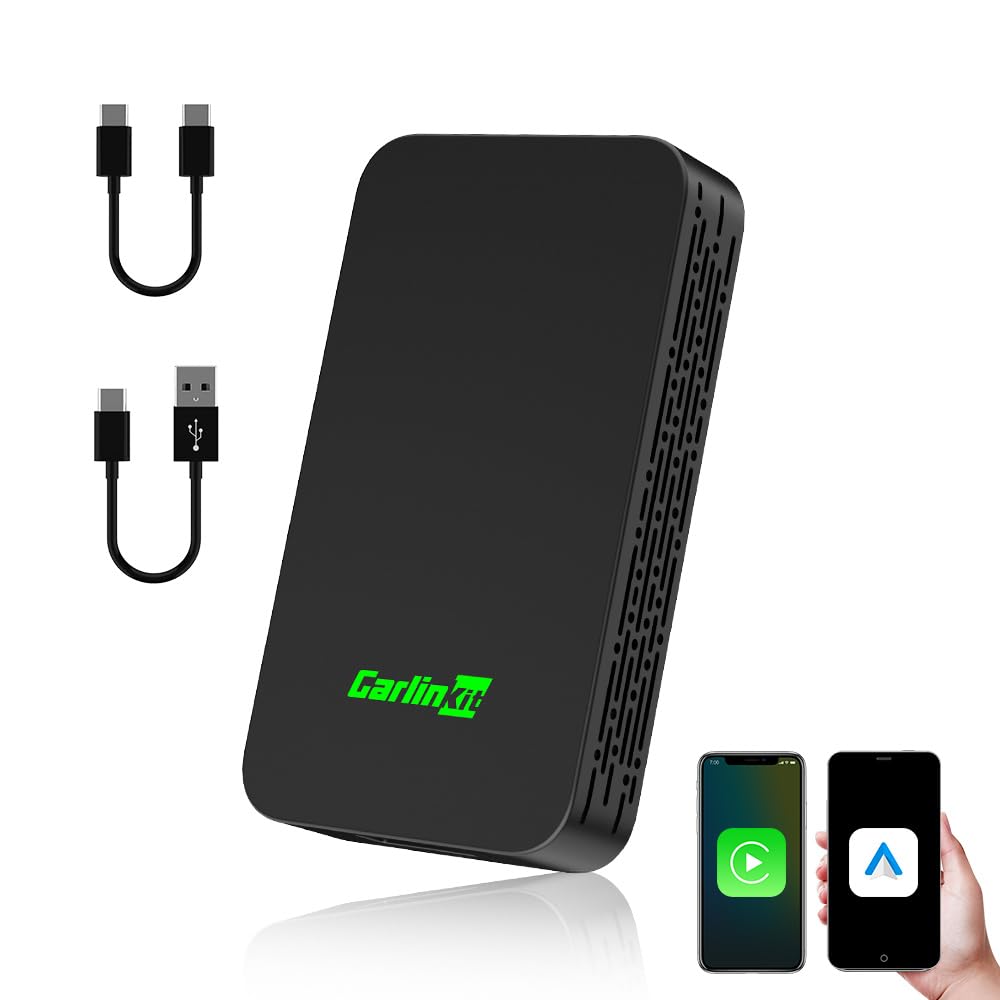
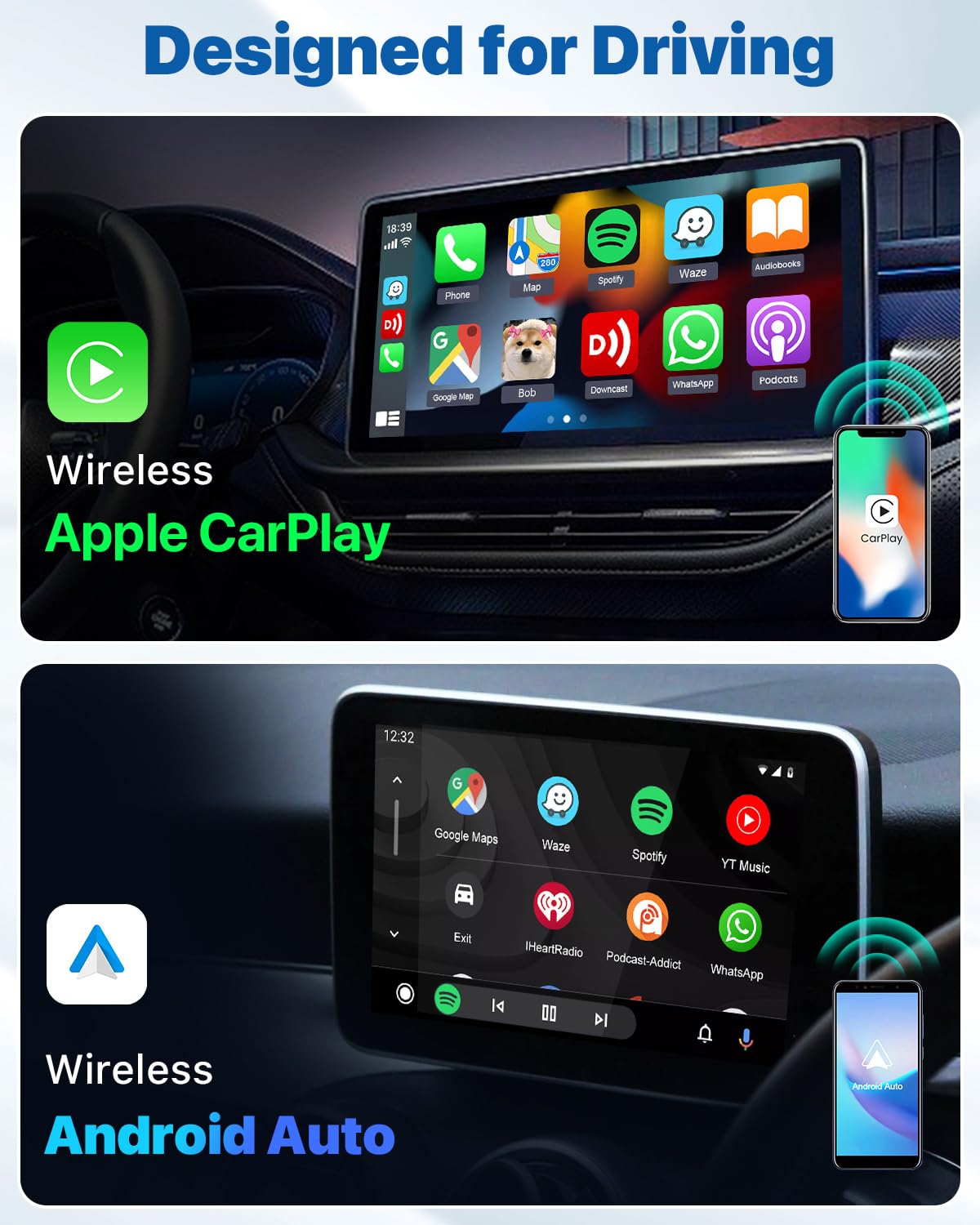
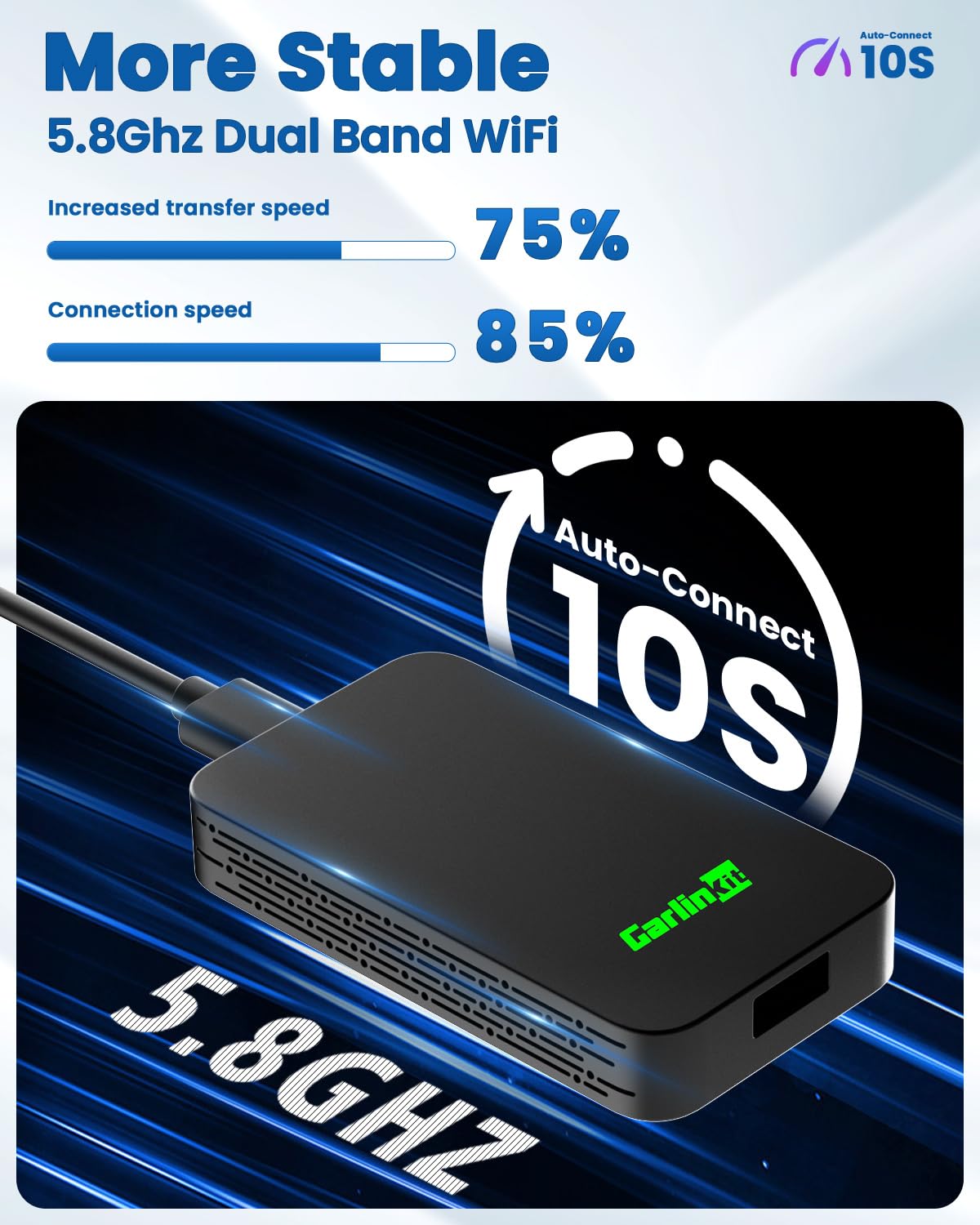
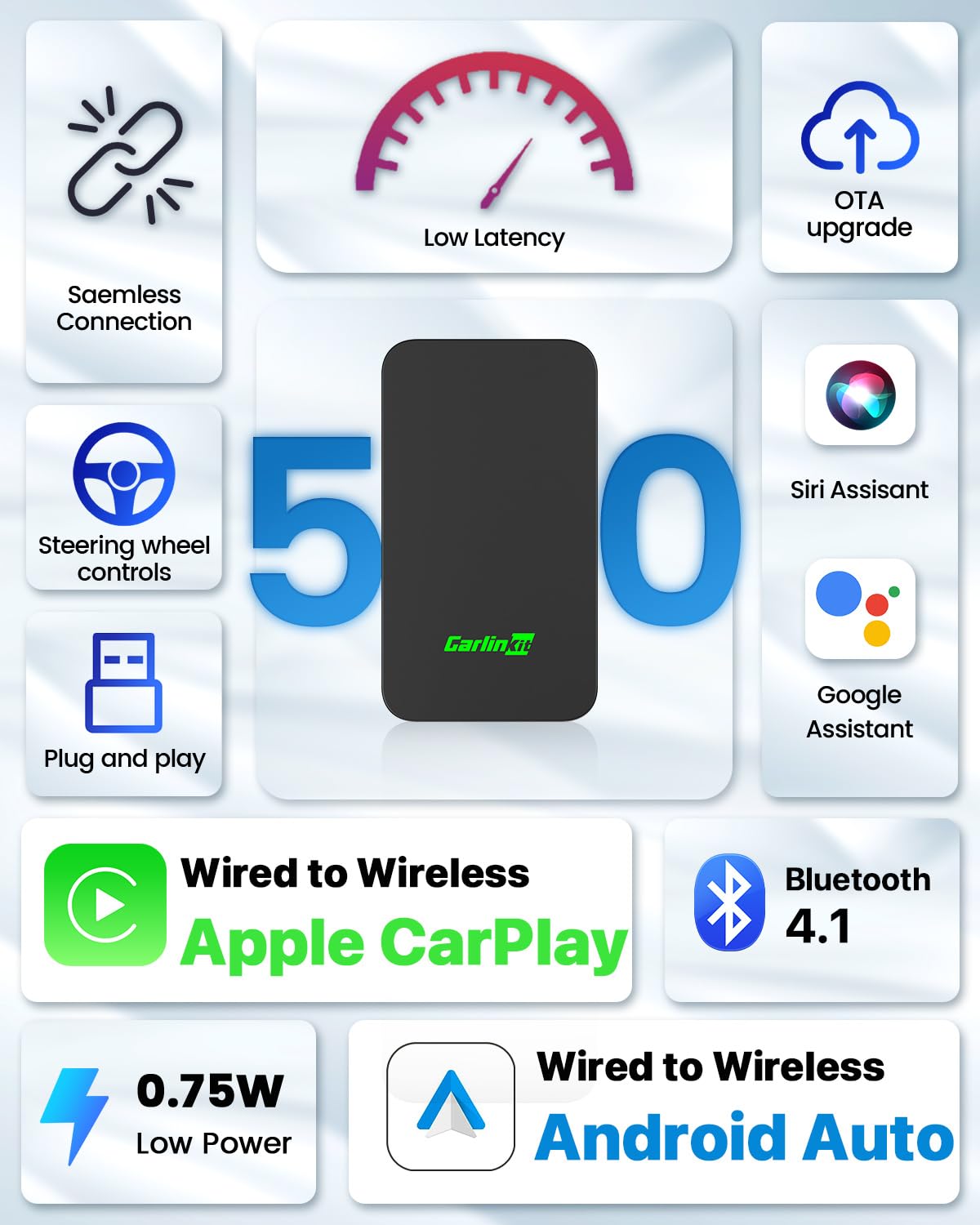
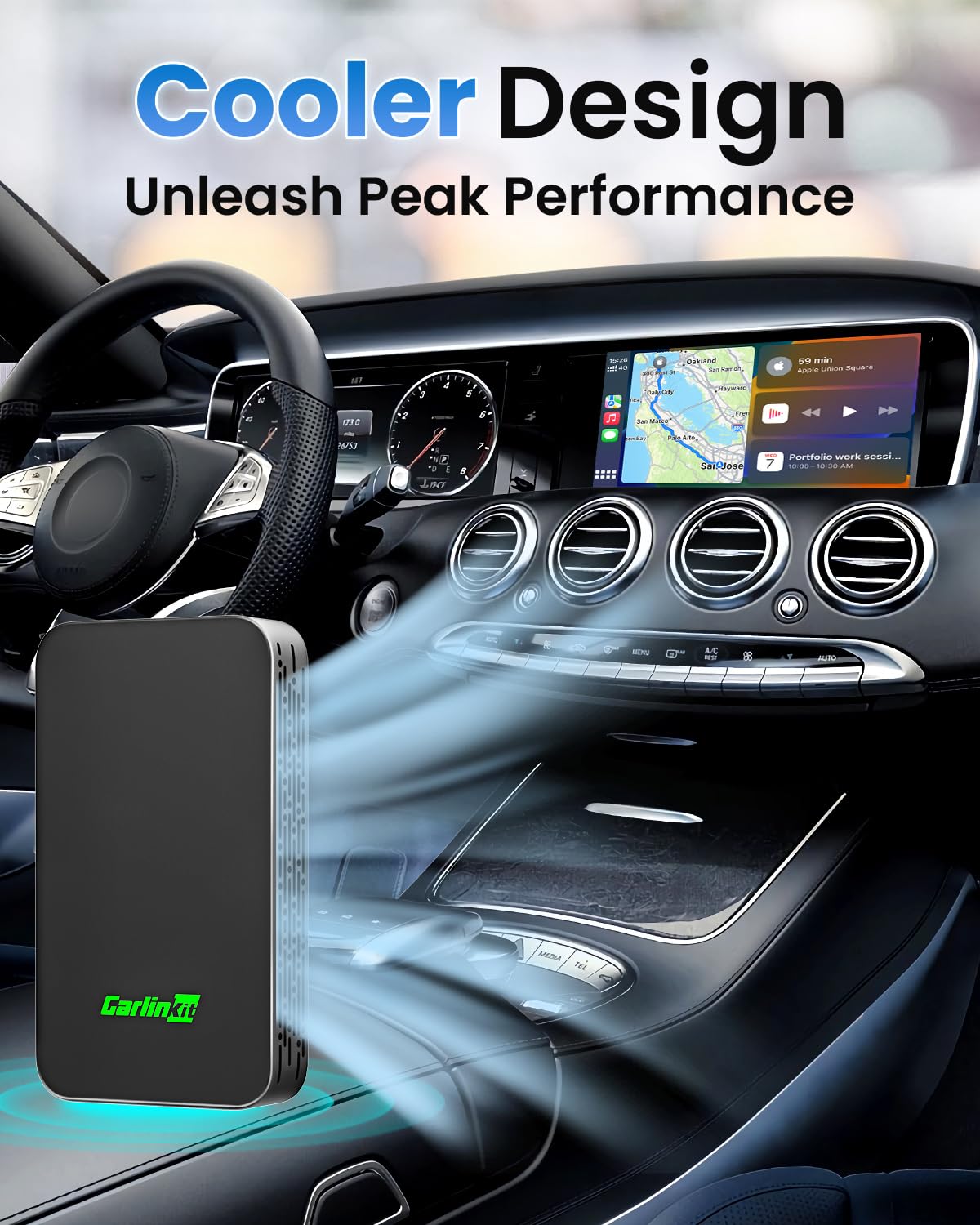
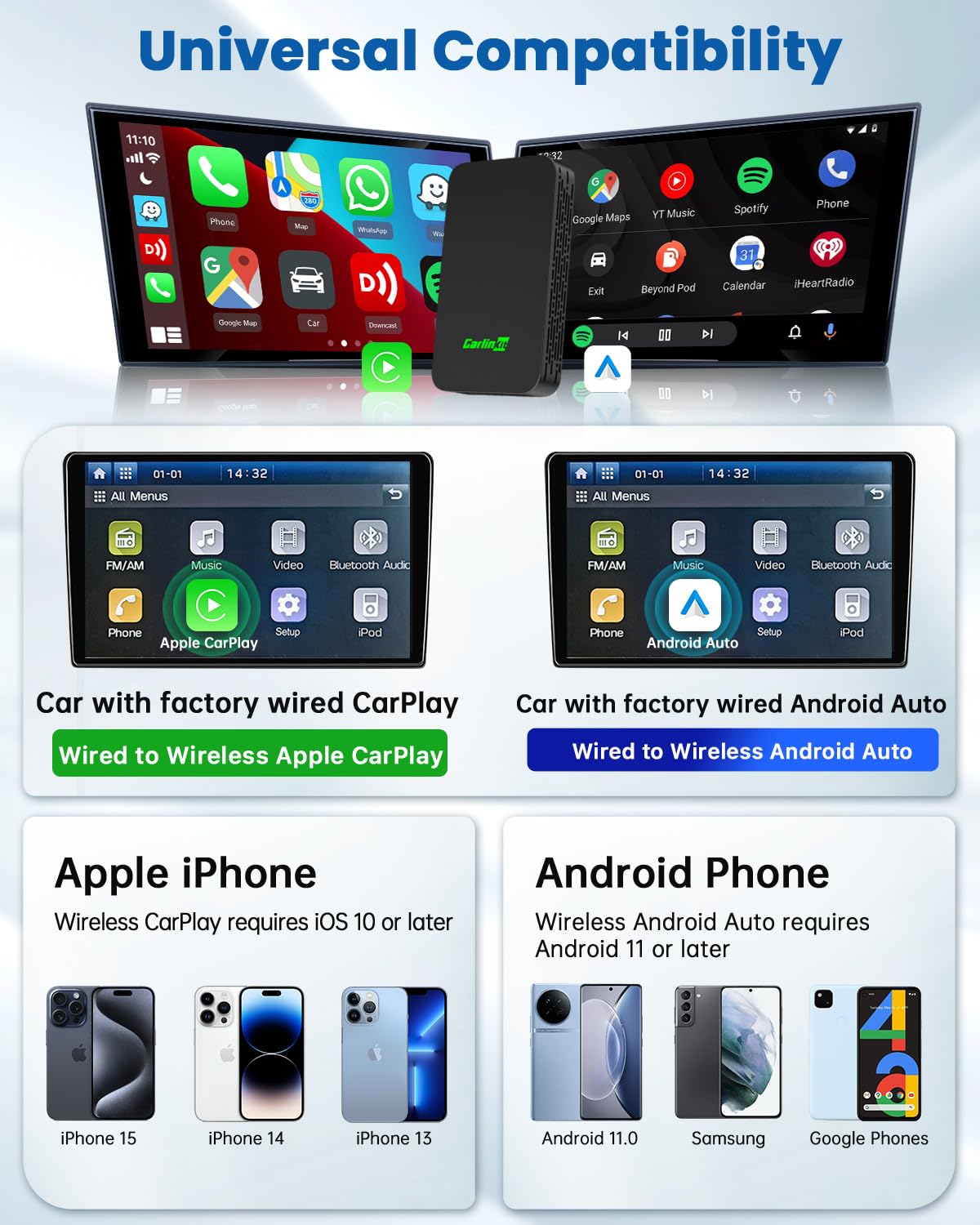
🚗✨ Drive Wireless, Stay Connected, Never Look Back
The Carlinkit 5.0 Wireless CarPlay Adapter transforms wired CarPlay and Android Auto systems into seamless wireless experiences. Featuring plug-and-play setup, 5.8GHz high-speed transmission, and OTA updates, it ensures crisp audio and low latency while preserving your car’s original controls. Compatible with most wired CarPlay/Android Auto cars (excluding Tesla, BMW full lines, and select models), it also adds dynamic LED lighting synced to your music for a modern in-car ambiance.


| ASIN | B0DBLFJWRF |
| Best Sellers Rank | #1,209 in Car Audio & Video Input Adapters |
| Customer Reviews | 3.8 3.8 out of 5 stars (204) |
| Date First Available | August 15, 2024 |
| Item Weight | 1.23 ounces |
| Item model number | CPC200-2AIR |
| Manufacturer | Carlinkit |
| Product Dimensions | 2.99 x 1.69 x 0.47 inches |
S**W
Works great for most people most of the time.
The reviews are always so mixed on these devices, it’s hard to know what your experience is going to be. Here is mine: It worked great with my iPhone 14 Pro Max (at first). It starts fast, it was easy to install. The only problem I had was that if I plugged my phone into a USB port on my car to charge, my car would cut out from Carlinkit and try to recognize my iPhone directly rather than via Carlinkit. I had the same problem plugging the USB cable into the USB out on Carlinkit, so I presume it’s a USB pass-through or bus. The fix was easy enough, just use a cigarette lighter. You could also use a wireless charger plugged into the USB, because that won’t make a data connection with the iPhone. However, September 2025, I believe there was an iOS update (maybe not, maybe it was random). Subsequently, my phone has struggled to connect with Carlinkit. And when it does this, Carlinkit seems to not broadcast its identity to my car’s head unit, which makes sense, but it also makes it a little difficult to tell that the problem is the connection between the phone and the Carlinkit, not between Carlinkit and the car. When this happened, it was only connecting about 25% of the time. I did some research and apparently there is a hidden menu after you connect to Carlinkit on an IP address, 192.168.50.1 or something like that. Form that web interface you can change a lot of settings to try to make the connection work. I found some options that fixed my problem, but now the car’s head unit is asking me all the time if I want to allow this device. So I need to go change some more settings I guess 🤷
N**D
Excellent Adapter w/USB Passthrough "Bonus"!
This adapter worked great in converting my system from wired to wireless Android Auto. Setup was simple and the system connects quickly and seamlessly every time I start my car. While the unit is a bit larger than the dongle style products, that issue is offset by the included USB passthrough connector, which is a great bonus that allows me to not lose my USB port, since I only have two.
D**P
Good while it worked. Died just under a year old.
Good while it lasted. Worked as advertised - better than most I have tried. I did have to unplug and replug the device into the usb about once every couple of weeks. After about 10 months It started to disconnect and reconnect on its own while it was plugged in and I was driving. Then yesterday it disconnected and would not reconnect anymore. I did all of the typical stuff with deleting the bluetooth connection and forgetting the wifi network etc. but I think the wifi part of it just died since it doesn't show up in the network list of my phone anymore. Just under one year old. Rest in peace Carlinkit 5.0
K**R
Carlink
This device worked great when we first got it. It was used in a daily driver for 5 months with no issues. For the last month the device started to have finicky connections and has now stopped connecting at all. Cannot find a way to reach out to reseller of the item to request assistance.
D**X
About as good as you can expect
Upgraded from an older adapter, different brand. This one is more stable and connects easier and doesn’t freeze up like my old one did. It is prone to interference while driving. Always happens in the same geographic locations so something is up. I have adjusted the frequency of use and it’s better but not infallible. Works pretty good especially if found on a good deal.
A**Y
Best wireless Carplay dongle I've had.
I researched which brand and model before getting this. The menu to select which device to use is extremely helpful and the device pairs to the last paired phone. Pairing is seamless and has been very consistent. No perceptible lag or latency, or at least not enough to be annoying. There's even an option to force the device selection menu, but I haven't needed nor wanted to set that. Got this for a great price compared to other sellers, so I was skeptical it would work as well as it has. I initially bought two for two similar cars. Ended up buying a third to replace an older dongle that was much more limited in functionality and connectivity consistency. Also, the device is much smaller than it appeared to be, so that was a plus. Highly recommend. Caveat: The included USB-C cable did not work, so I had to use an existing cable I already had. It took a few minutes to discover that and exclude the device from being at fault.
D**D
Just what I was looking for
This works exactly as advertised. The initial hookup was easy, and I’ve had no problems with it at all. It survives temperature fluctuations without skipping a beat. I now have reliable Apple CarPlay in my car, and it’s wonderful !
K**U
Using with Android Auto Has Audio Playback Issues
I bought this to use with Android Auto on a Volvo V60. I was able to set it up and connect fine, however I soon noticed that when playing audio, there are random intermittent (but fairly frequent) split-second audio hiccups. Did some searching and found that the manufacturer suggests going to the web UI (which was a major pain, as you must do so while the phone is connected to the device's WiFi but Android Auto is NOT started) and changing the media delay from the default 1000ms to either 1500 or 2000. I did so, and then found that using either of those settings caused Android Auto to stop working altogether - as soon as it tried to play audio, it would cut out after a split second, and then the entire Android Auto would become disconnected. Changing it back to 1000ms fixes that problem, but then leaves me with the original audio dropouts, which is unacceptable. And I did check to ensure that I was on the latest software version. So, returned.
J**J
It actually works. Its been an year now using this product. Its very smooth and connects instantly. Used Andriod Auto.
S**Y
I’m not a true audio equipment critic but it sure sounds great. Connects automatically now when I turn my vehicle on and stays connected without a problem. It is a bit laggy compared to a cable I guess? Change song and it keeps playing the old one for about a second or two…….. video watching would probably be horrible but that’s not what I use my car stereo for. Calls don’t seem to suffer from this same lag for me.
A**R
First connection worked fantastic. After that it didn’t connect, second device same error… I have followed all the trouble shooting to no avail
A**L
Upgraded version is better. Good buy.
M**T
If you are using a phone from the iPhone 17 series or are planning to buy one in the future, I definitely do not recommend it. I tested it with many different iPhone 17 series phones in various cars, but you can’t stay connected for more than 1 minute, and when the connection drops, you have to restart the vehicle to reconnect. I tried to get technical support from the company but received no response. Since it’s been over a month since I bought the device, I can’t return it either. I suggest staying away from it.
Trustpilot
2 weeks ago
3 weeks ago