
DOWNLOAD THE APP


Customer Services
Copyright © 2025 Desertcart Holdings Limited
DOWNLOAD THE APP

🚀 Print Fast, Print Smart, Print Like a Pro!
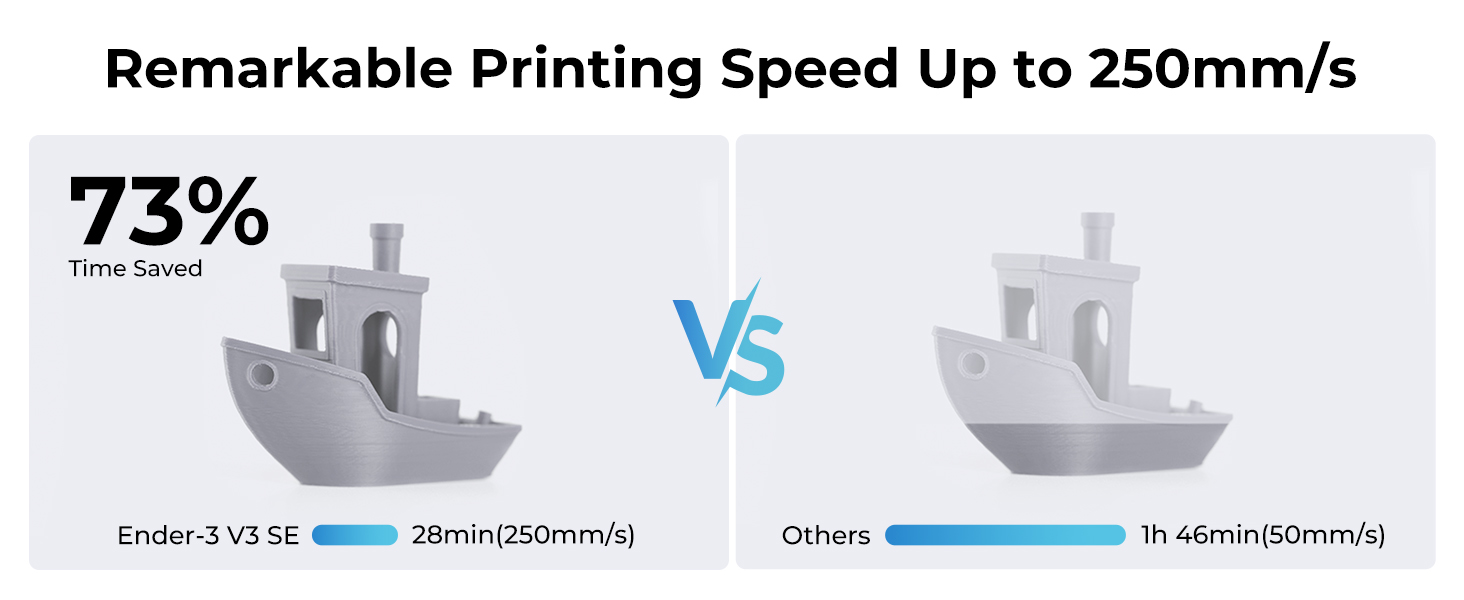
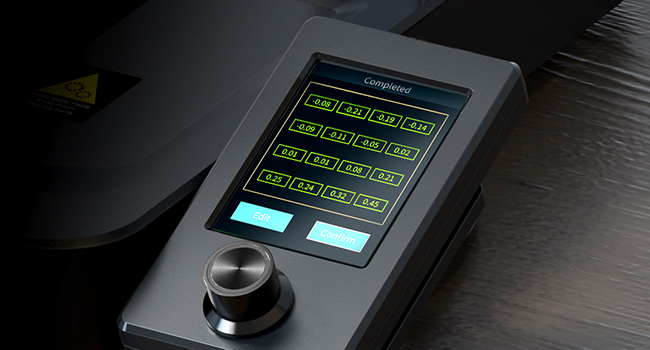
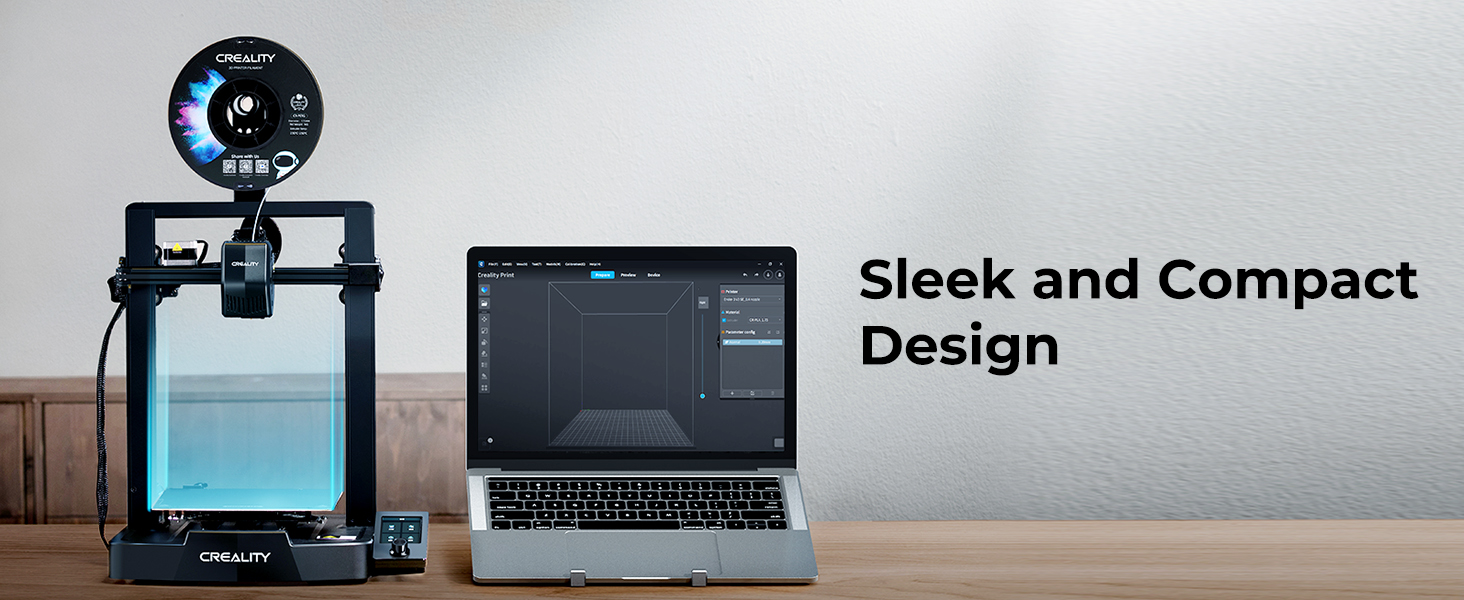
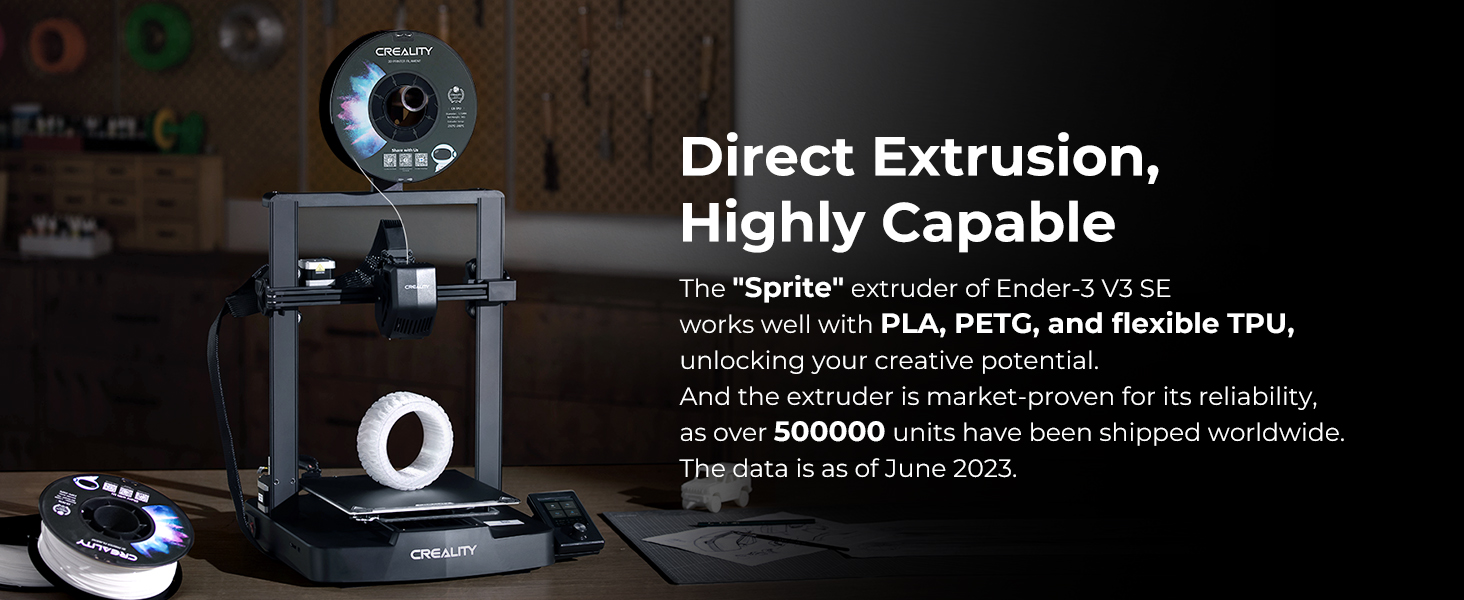
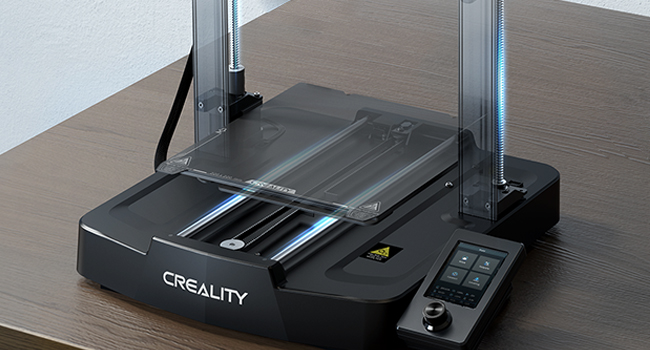
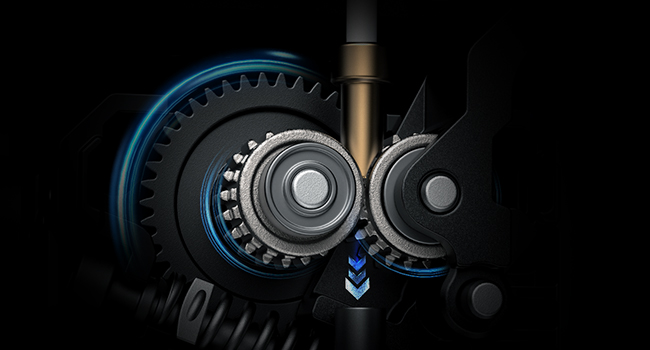
The Creality Ender 3 V3 SE is a next-gen FDM 3D printer boasting a blazing 250mm/s max print speed, CR Touch auto-leveling, and a reliable Sprite direct extruder. Its dual Z-axis and reinforced Y-axis deliver stable, high-quality prints up to 8.66 x 8.66 x 9.84 inches. Equipped with a 32-bit silent mainboard and effortless filament loading, it’s designed for both beginners and pros seeking fast, precise, and quiet 3D printing.




| ASIN | B0DD7F2BH9 |
| Best Sellers Rank | #7,583 in Industrial & Scientific ( See Top 100 in Industrial & Scientific ) #17 in 3D Printers |
| Customer Reviews | 4.1 4.1 out of 5 stars (1,104) |
| Date First Available | August 15, 2024 |
| Item Weight | 19.8 pounds |
| Item model number | 2024 Creality new Ender 3 V3 SE upgrade |
| Manufacturer | Creality |
| Product Dimensions | 19.29 x 14.33 x 13.74 inches |
G**.
Good printer, large build volume. Good for PLA with stock setup.
I ordered this printer in April 2018. This is not my first printer, so I am familiar with 3d printing and have been at it for several years. I decided to get this printer because I heard a lot of positive things about it, and it has a large build area. Overall this printer is pretty good for the price. I would recommend it, except for one critical issue (that I am hoping is remedied). The printer that I received has a "fatal flaw" because of a bad capacitor on the motherboard. The 5v regulation on the motherboard has a high ripple. This is because Creality used the wrong type of capacitor on the most recent motherboards (v2 and v2.1). What this means: you will see the temperature reading vary from 3-5 C when you are printing, and even a bit (1-2C) when you are sitting idle. When printing under 220, the printer will still print ok, though you may see some variation in your layers due to the temperature oscillation. Another real concern is when you try to print above 230C (which is required for filaments like ABS or PETG) . My board can't even heat over 230 C because of this capacitor issue. If you google "CR 10S temperature issue" you can learn more about this. I am attempting to get a replacement board from the seller who I bought through on Amazon. They have asked me for a video of the problem. The seller claims to be in touch with the manufacturer (Creality) so I am hopeful I'll get a replacement. If I do get a replacement board, I will come back and update my review. I'm hoping this issue gets resolved, and I believe Creality will eventually start shipping printers with the correct capacitor, possibly in version 2.2 once that is released. My recommendation would be to double check that the issue has been resolved before buying this printer, unless you only plan on printing PLA or don't mind the hassle of getting a replacement board and opening up the case. Apart from the above issue, the printer is very good. The quality of prints are excellent even with the stock hot end/extruder. I've successfully printed PLA, Flex (TPU), and TPEE. You can also do a lot of small upgrades that will make the printer work a lot better. For example: add a Capricorn tubing so you can print flexible filaments easier. You can also upgrade to a "drop in" all metal extruder like a microswiss or a genuine e3d v6 (custom mounts are required) if you want to print higher temp filaments. I also recommend getting a nice build surface, like BuildTak. I picked up a 3 pack of "Athorbot" build sheets, which is just like BuildTak, but a lot cheaper- it is working great. People have reported issues with warped glass beds. My glass bed turned out to be fine. I used a dial indicator gauge to check my bed for variation, and it was quite flat. If your bed is not flat, you can get a 6 pack of mirror tile (12x12") for very cheap as a replacement. One other thing that I'd like to point out is around safety. I don't recommend printing over 210 C with the stock setup. This is because the PFTE tube (bowden tube) goes all the way into the hot end, through the heat block right up to the nozzle. This design is actually really good for constraining the path of the filament, but unfortunately that has a dangerous side effect. After 210C, the PFTE tube will begin to release toxic gasses that can be harmful to pets (especially pet birds). After 240 C the stock PFTE will deform and cause you printer to jam. Capricorn tubing will allow you to print up to 300C, but you will still have toxic off gassing. If you are just printing PLA, the stock setup is great. If you want to do much more than that (PETG, ABS, Flexibles, etc.) you should consider upgrading, and will need to make sure you have a good motherboard. Update: a few weeks after I requested a replacement board, the seller was able to send me one. I’m very pleased and the issue I had is no longer a problem! Raised my review to 5 stars because everything seems to be working great now.
A**W
Excellent first printer
The ender series of printers have come a LONG way! I started on this and used it to learn a lot. Some of the quirks and issues with the ender series printers cause you to need to do things like take apart the hot-end, replace pulleys, etc. While this may seem like a nuisance at times, it ends up teaching you a lot in a very short period of time. After a while on this machine I upgraded, and I'm armed with all the knowledge I gained from the ender. Excellent printer for the price, easy to use and learn on!
A**R
WARNING DO NOT BUY
Printer worked great for one roll of filament and then when I got to the end of the second one I turned it on to make a print and only the graphics loaded to the screen and no menu, I contacted Creality because the return window closed three days prior to this and three days later they got back to me asking if I could reflash the firmware, I watched the video for this and it is incredibly complicated process, this printer is not worth the hassle even at under 200$ BUY ANOTHER BRAND AWFUL AWFUL EXPERIENCE UPDATE: things have gone from bad to worse. First they tried to get me to update the firmware which requires a special type of SD card that I finally got right after purchasing three of them, that did not work. Then they sent me a new motherboard. I installed that and the machine booted to screen that had a menu with a header that was in mandarin and no other text. I guessed correctly that this was a language selection menu. After scrolling through three different selections I finally found English and booted it up. The interface was not the same as the new printer and not in a better way. I printed a benchy to test it and it work, great. The next print I tried to make the printer once again did not boot and was once again useless. This happened two days after the return window closed and it’s now been a month of me dealing with the company trying to get it fixed and nothing. It seems as though the company is trying to do the absolute minimum to get the printer barely working again and it has been nothing but a waste of time. ONCE AGAIN DO NOT BUY.
L**C
Package received in good condition. Found item was well packed. Assembly was straightforward although instruction could be clearer. Worked flawlessly from the onset.
D**O
Cumple espectativas y de calidad
M**U
Comme promiere imprimante 3D j’aime bien, facile d’utilisation, très bien expliquer pour le montage, l’ajustement du plateau dois se faire aux 3-4 pièces, j’apprécie vraiment, bonne qualité
M**K
Great first printer for people that like to tinker with things. Tons of online videos and stuff to help. The best 2 I've seen have been a very detailed video of assembly, and the suggestion of not modifying it for the first 100 hours of printing, so if you need tech support, it will be about the printer, and not caused by modifications you made. I did have to move the z-stopper down about a centimeter, as it homed out way above the print bed, but that was easy to do.
C**S
I’ve had this for over 2 months now. It did take me a few failed attempts and some YouTube videos to get everything dialed in but once you understand the fundamentals it prints perfectly.
Trustpilot
3 weeks ago
5 days ago