We remain fully operational. Our teams are working around the clock to ensure your deliveries continue safely.

DOWNLOAD THE APP


Customer Services
Copyright © 2025 Desertcart Holdings Limited
DOWNLOAD THE APP
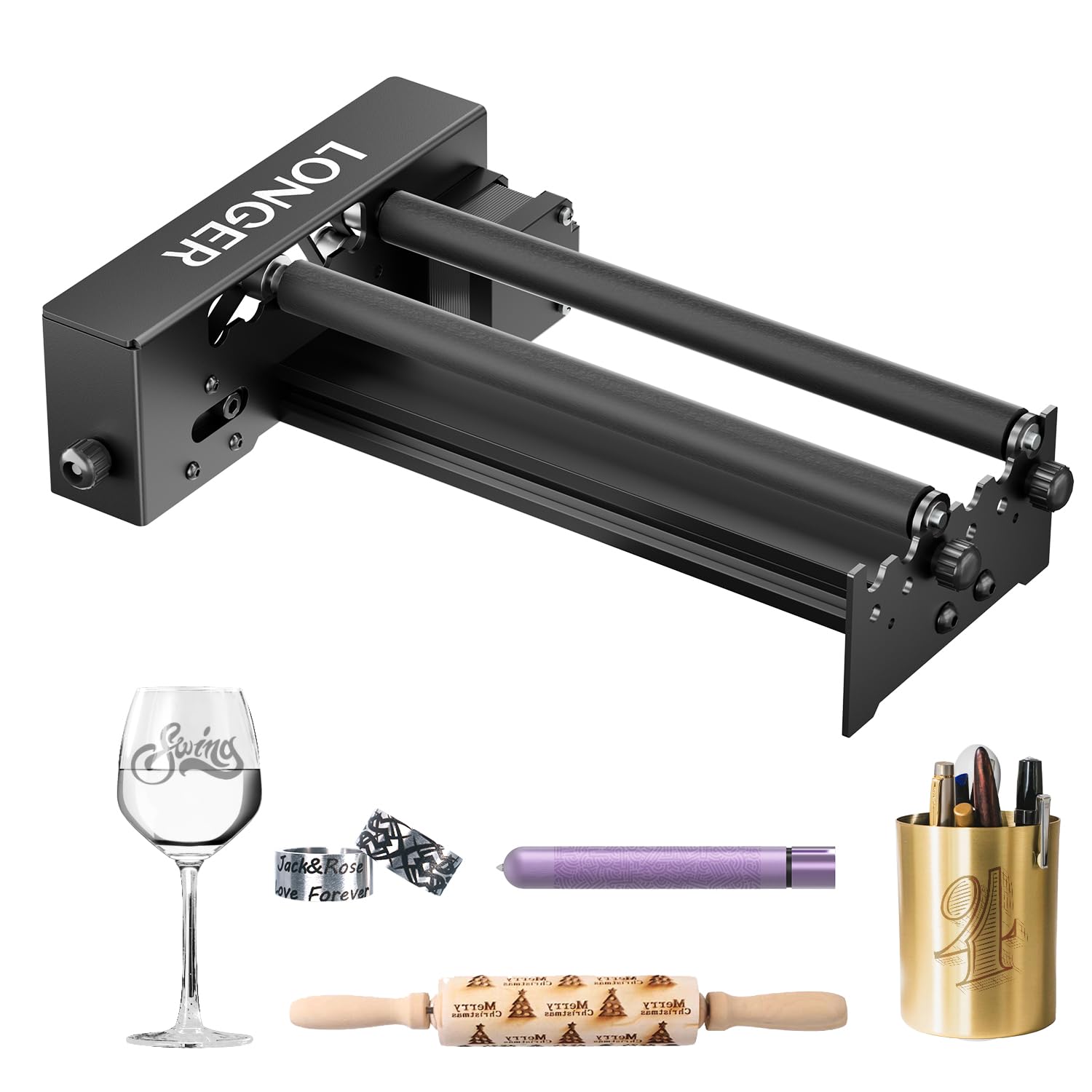
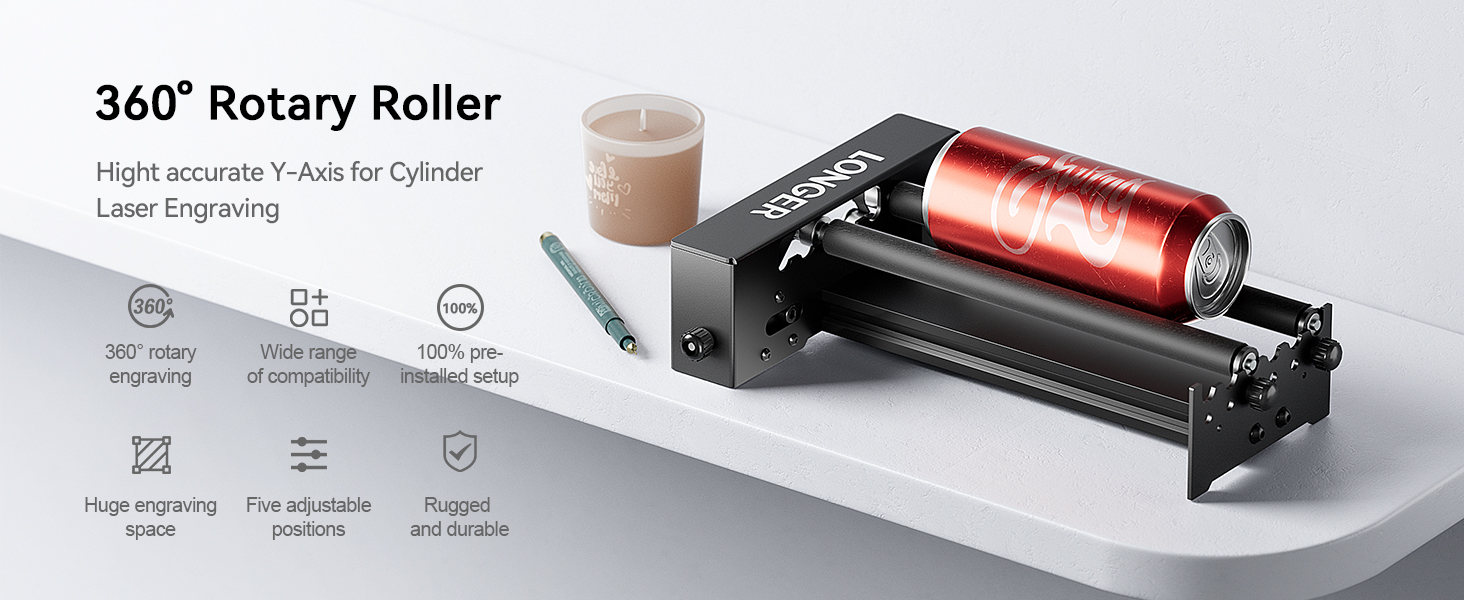
🔄 Elevate your engraving game—because your designs deserve the full 360° spotlight!
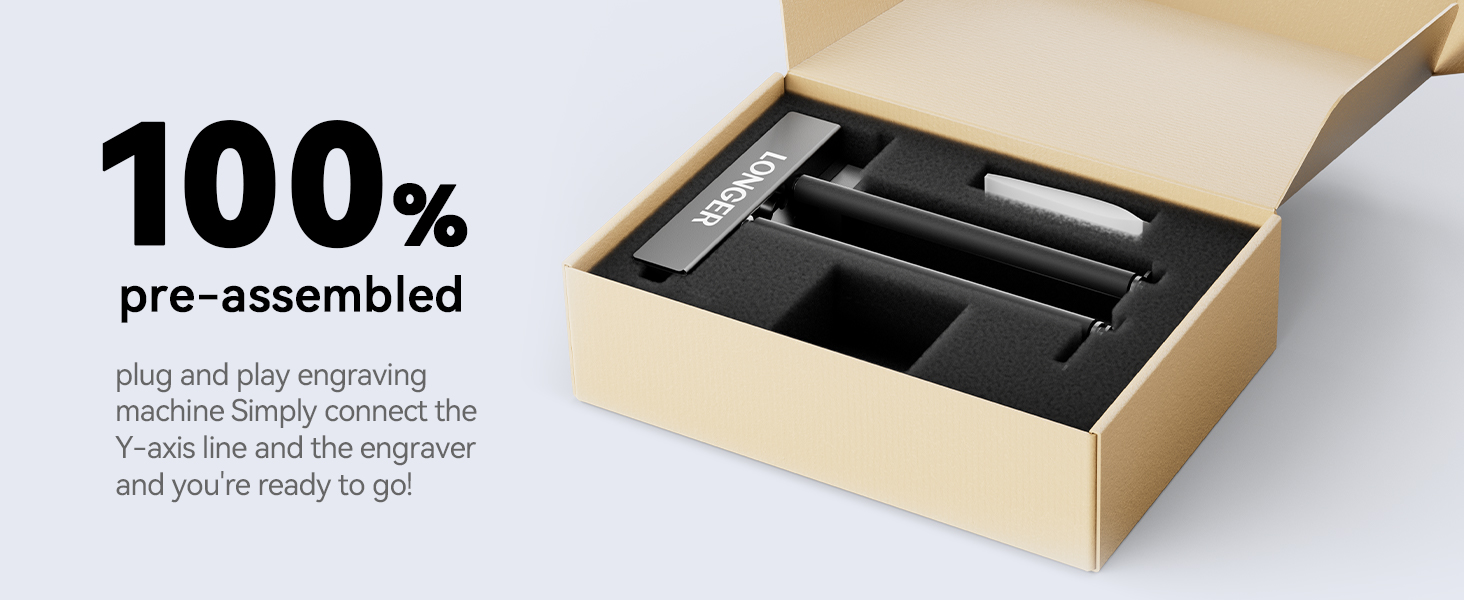
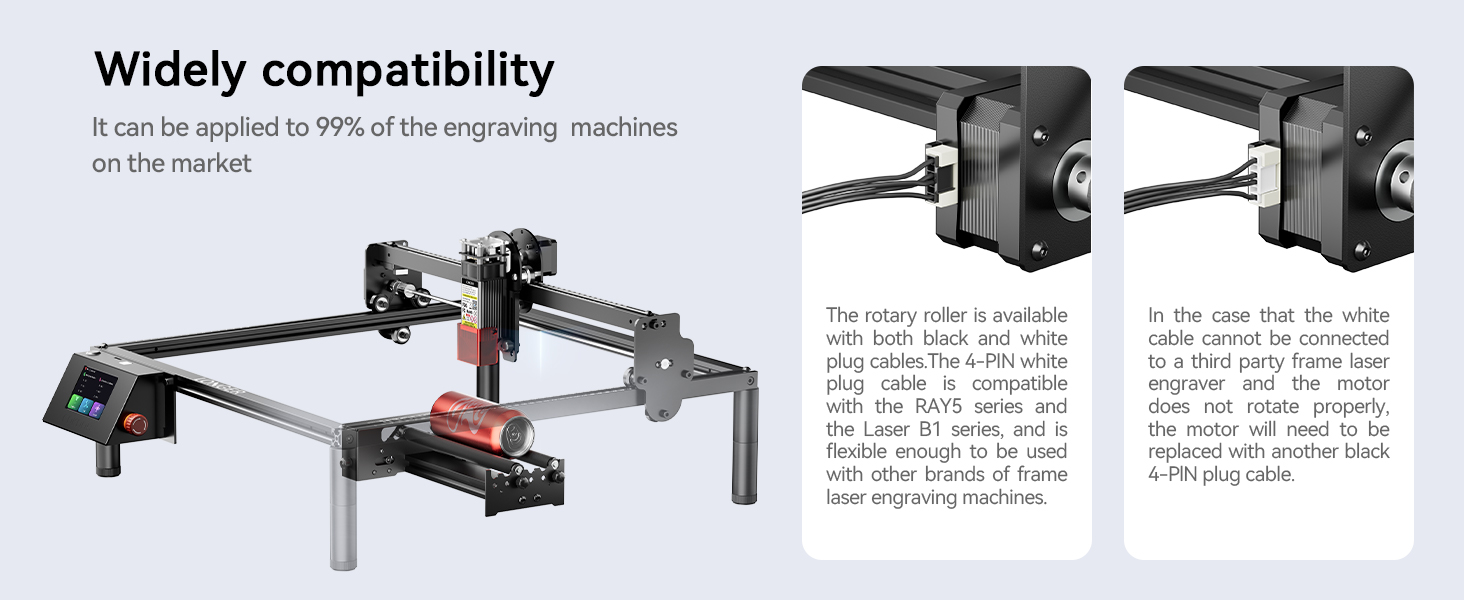
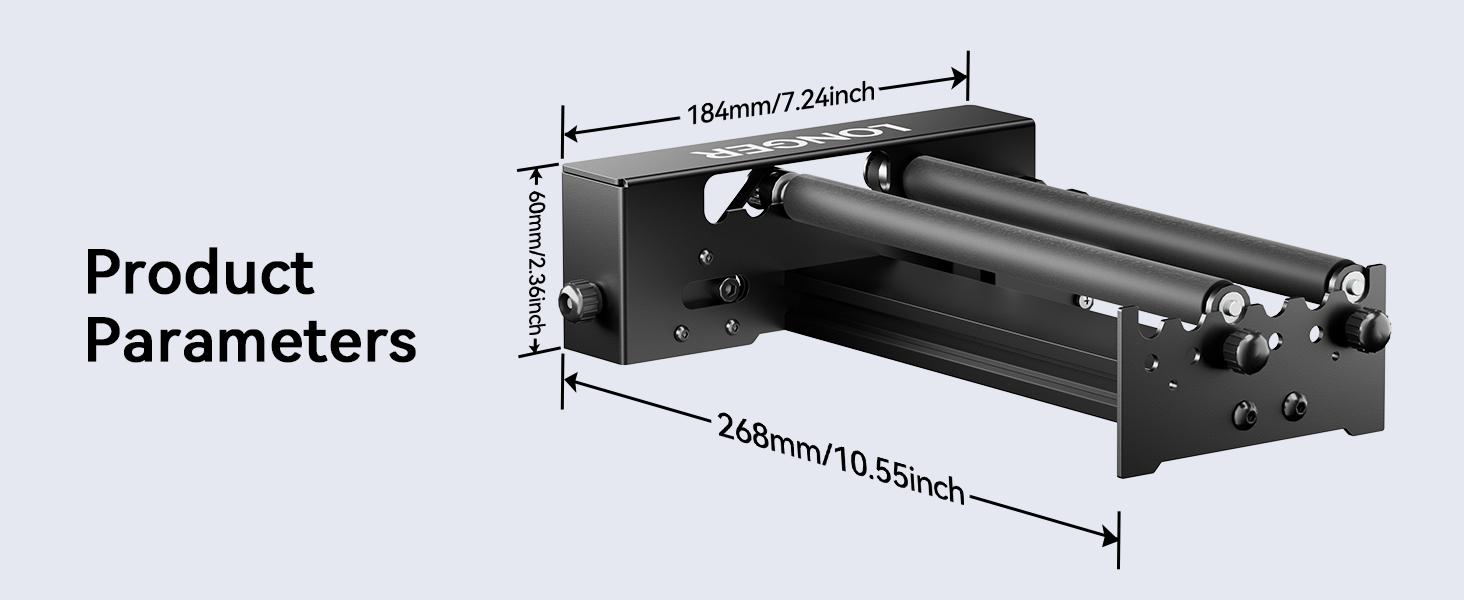
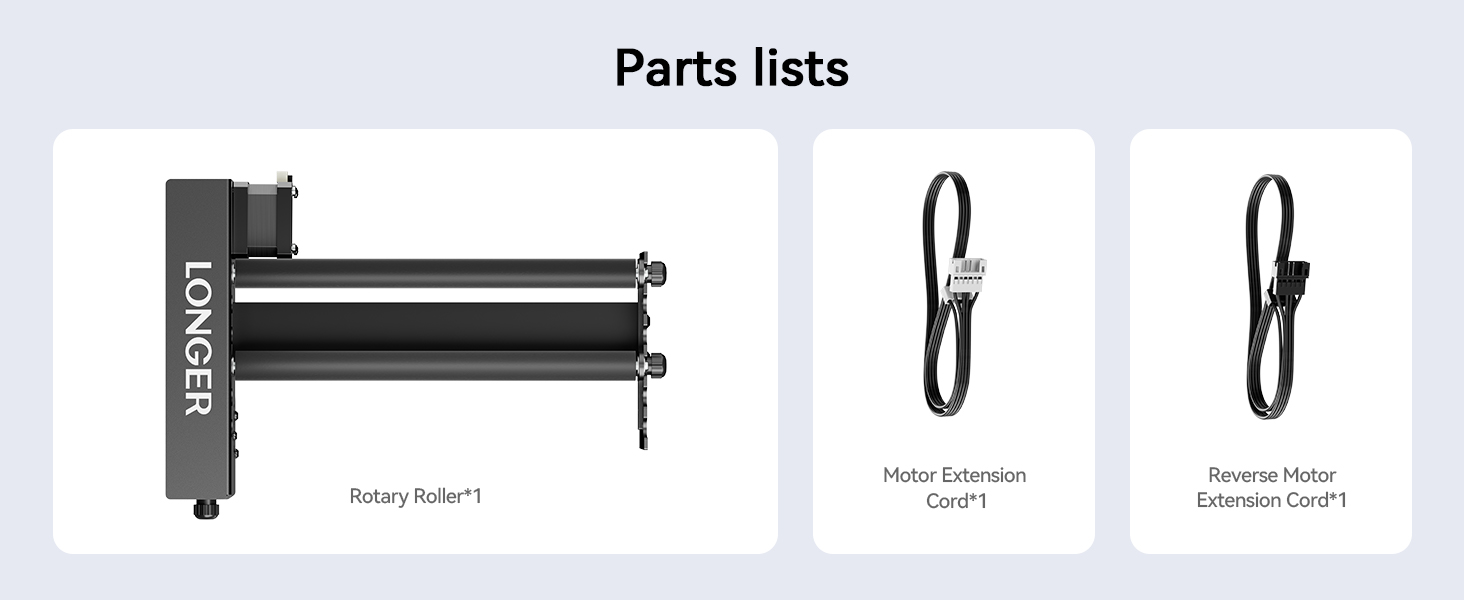
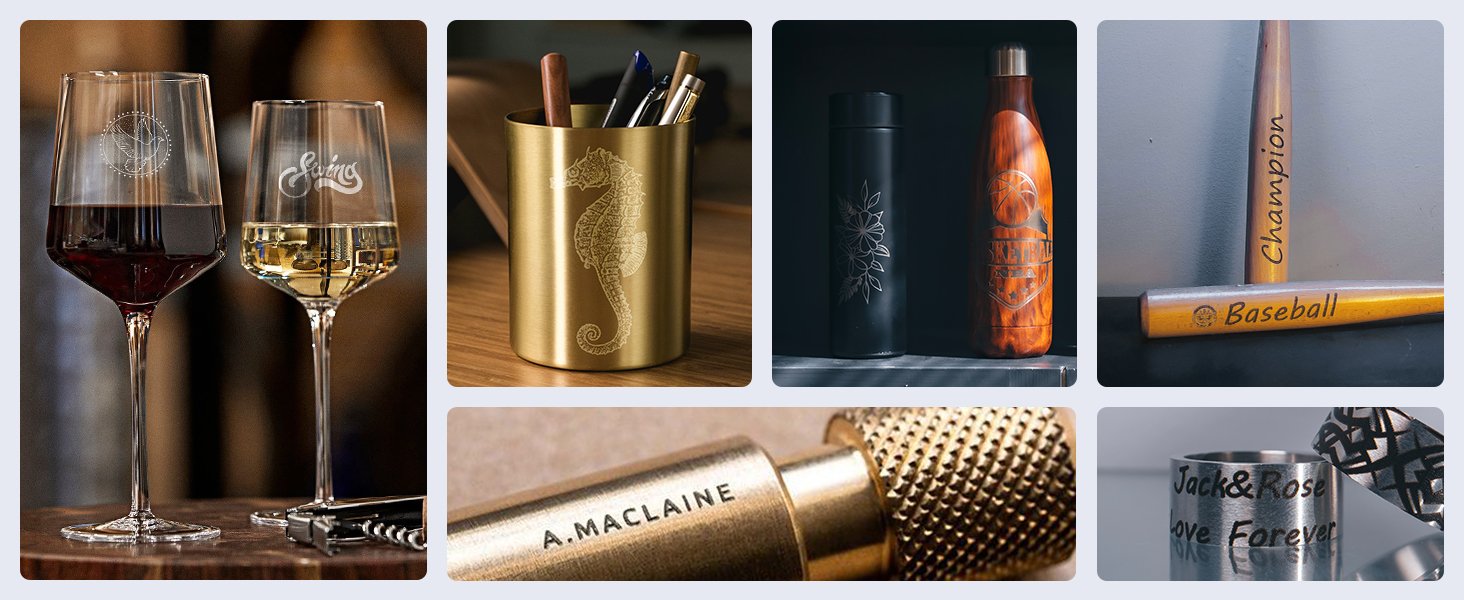
The Longer Laser Engraver Rotary Roller is a robust, metal-built rotary accessory designed for laser engravers, enabling 360-degree engraving on cylindrical objects ranging from 6 to 200mm in diameter. Featuring dual wiring for broad compatibility, a plug-and-play setup, and a durable anti-slip rubber shaft, it’s engineered for both hobbyists and professionals seeking precision and versatility in engraving cups, bottles, cans, and more.


| ASIN | B0CRT5QZT2 |
| ASIN | B0CRT5QZT2 |
| Batteries Included? | No |
| Batteries Required? | No |
| Color | Rotary Roller |
| Customer Reviews | 4.3 4.3 out of 5 stars (67) |
| Customer reviews | 4.3 4.3 out of 5 stars (67) |
| Date First Available | 19 May 2024 |
| Date First Available | 19 May 2024 |
| Item Package Quantity | 1 |
| Item Weight | 1.47 Kilograms |
| Item model number | Laser Engraver Rotary Roller |
| Item model number | Laser Engraver Rotary Roller |
| Manufacturer | LONGER |
| Manufacturer | LONGER |
| Material | metal |
| Part number | Laser Engraver Rotary Roller 01 |
| Product Dimensions | 34.8 x 25.48 x 8.53 cm; 1.47 kg |
| Product Dimensions | 34.8 x 25.48 x 8.53 cm; 1.47 kg |
| Size | Rotary Roller |
D**T
Works as expected and is a great value for the money. This stand has made it much easier to use my roller with my engraver and get great results
J**E
If you don't have a chuck rotary then you are missing out. This thing has made doing cups and travel mugs so easy.
S**M
This is exactly what I've been needing to balance my rotary. It is well built and holds position well. It is a great value for a ready-made solution.
K**A
The only thing this roller does is go up and down. It does not extend to make it wider.
S**E
I have the rollers rotary which is useless if you have an odd shape so I thought the claw would be awesome. The chuck is well made and solid with the exception of the little bit of play that is in that actual chuck piece. I have tightened all of the screws but there is still a bit of a bobble which is why I docked a star. The directions are useless and I had to search YT for a video. Here is what I figured out that should have been in the manual... There are multiple cords. If you have the Nano, you need the c connection cord and the longer y axis cord. The shorter white ended cord is for the Longer Ray lasers. If you plug the wrong cord in, it won't work. The little level is cool and very useful. There are 3 ways to hold your object. There is the single claw for larger items. The double claw is for smaller objects and if you're engraving jewelry like a ring, there are metal pegs for that. Once you get the wiring right and the right claw, then it works fine, other than the slight bobble. Luckily my design was a small area on a champagne glass. If the design had to go all the way around, you would definitely have a messed up design because of the bobble. So I won't be getting rid of my rollers which I'll use if my object is smooth and even.
Trustpilot
1 month ago
1 month ago