

Desert Online General Trading LLC
Dubai, United Arab Emirates
Desert Online General Trading LLC
Dubai, United Arab Emirates
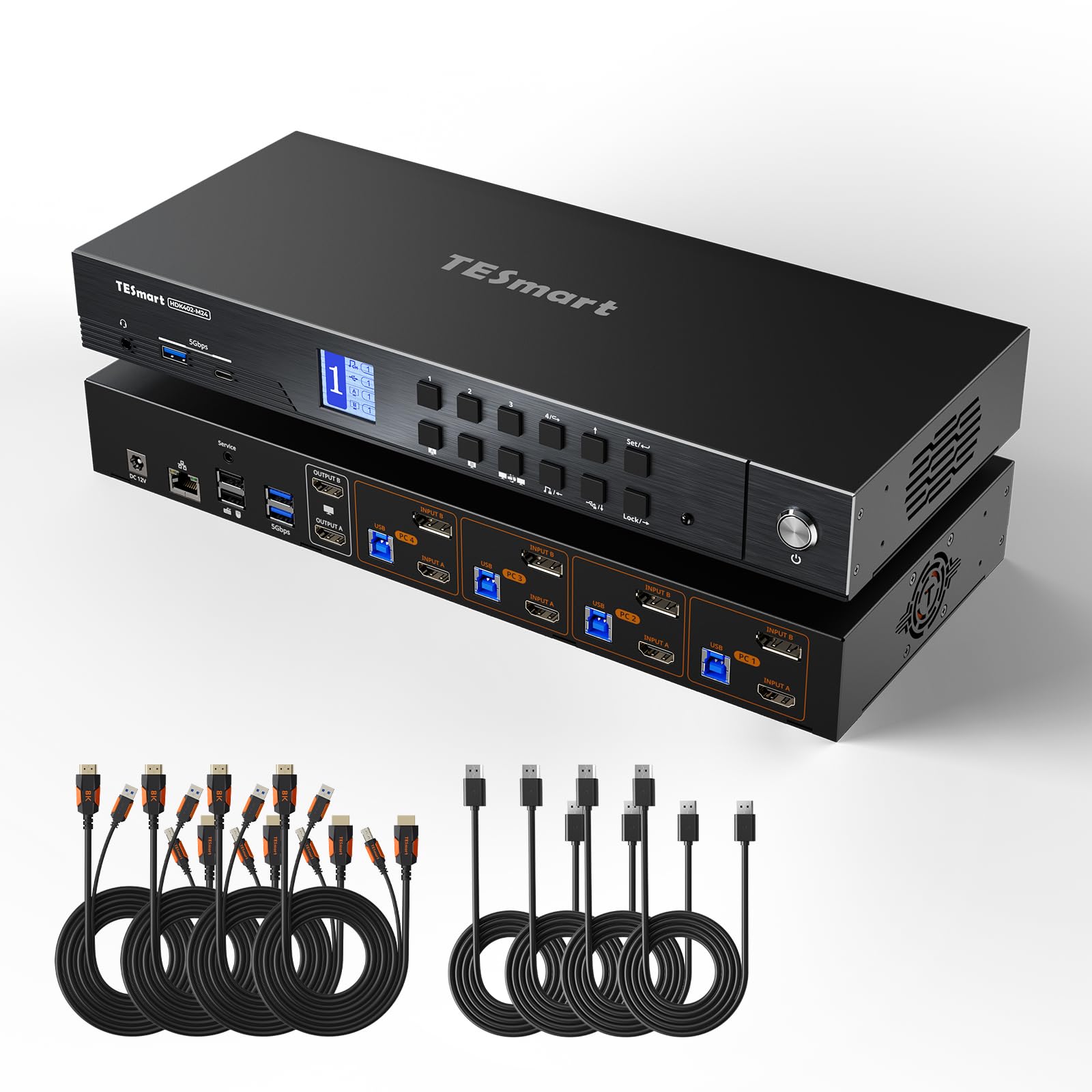


🚀 Elevate your multi-PC setup with lightning-fast 4K power and seamless control!
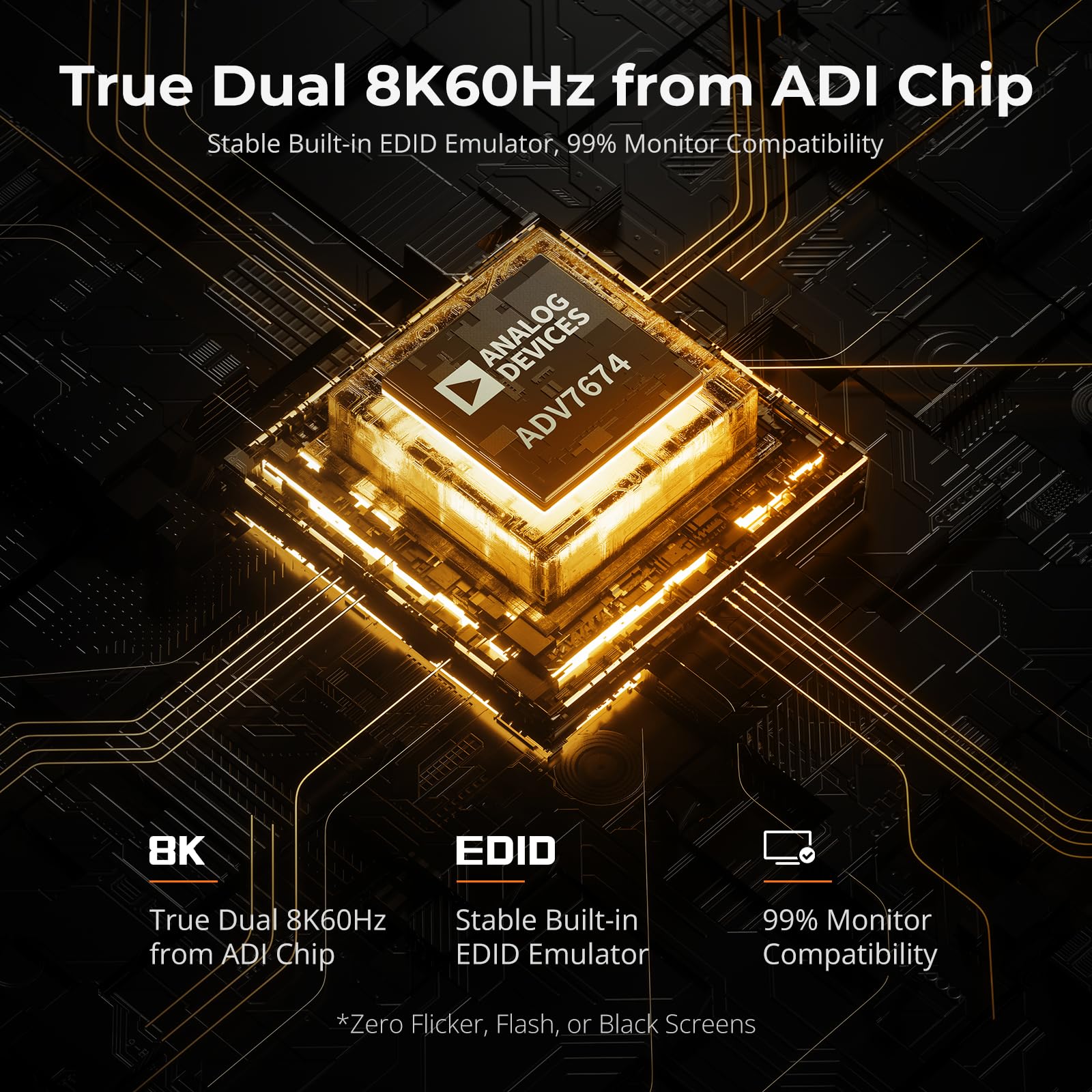
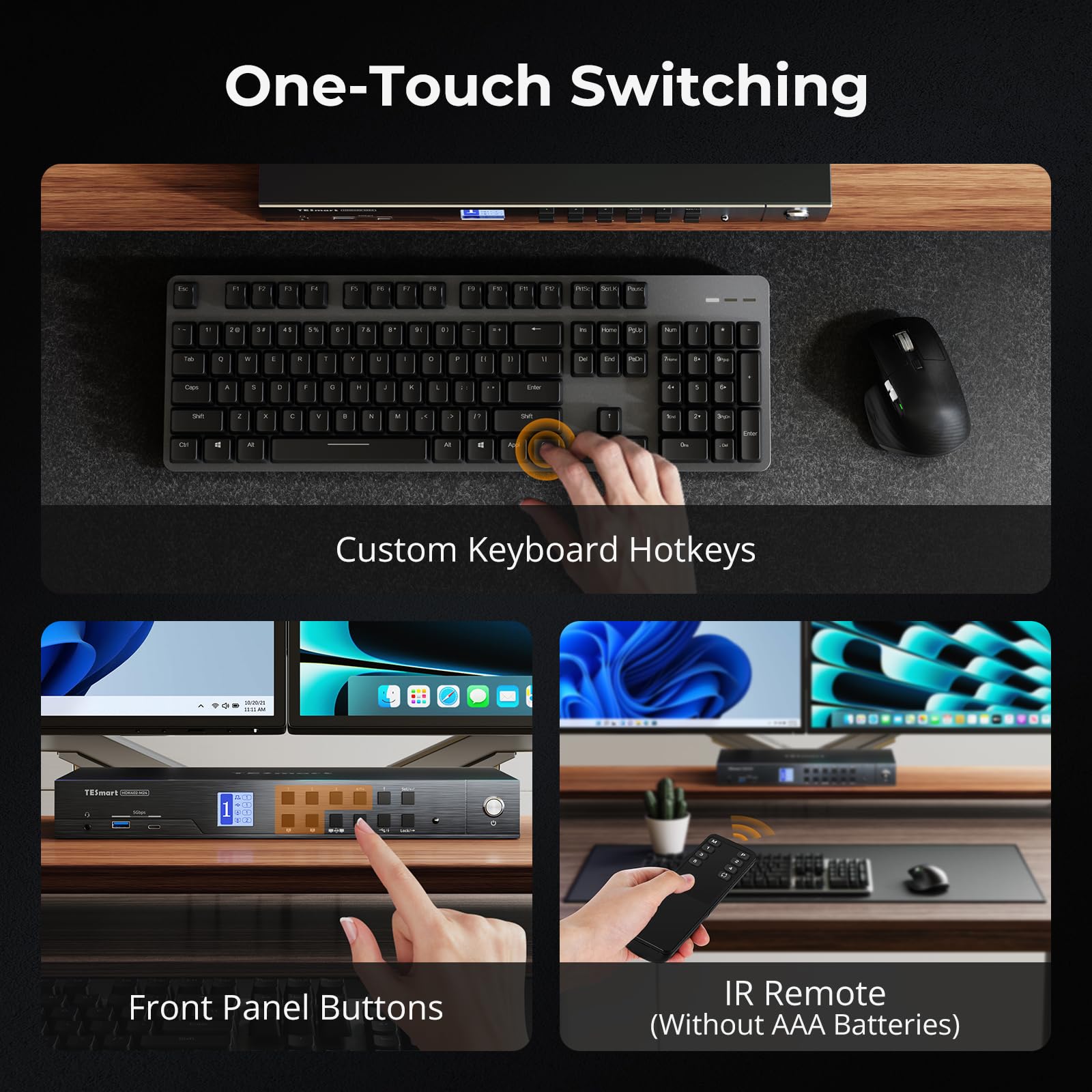
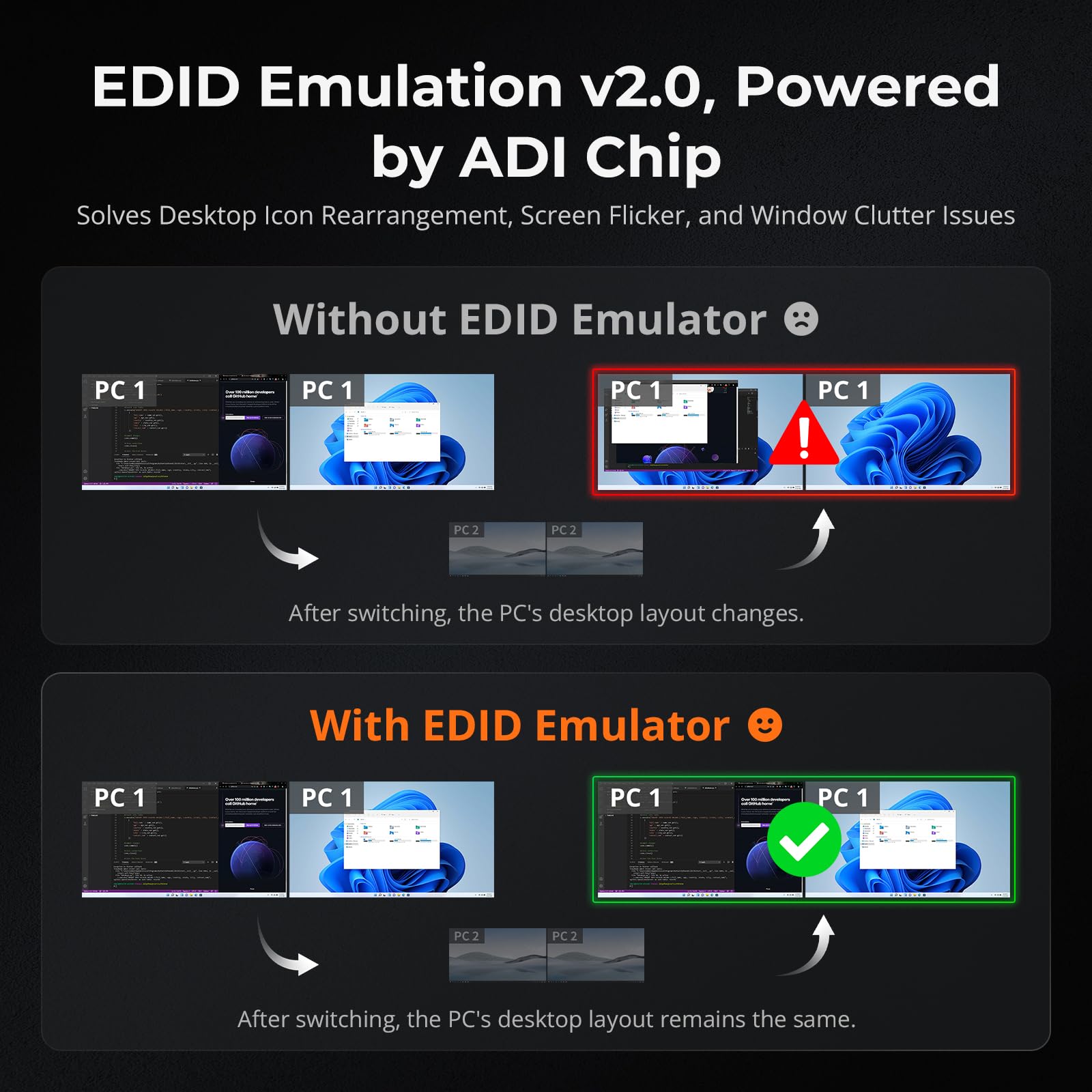
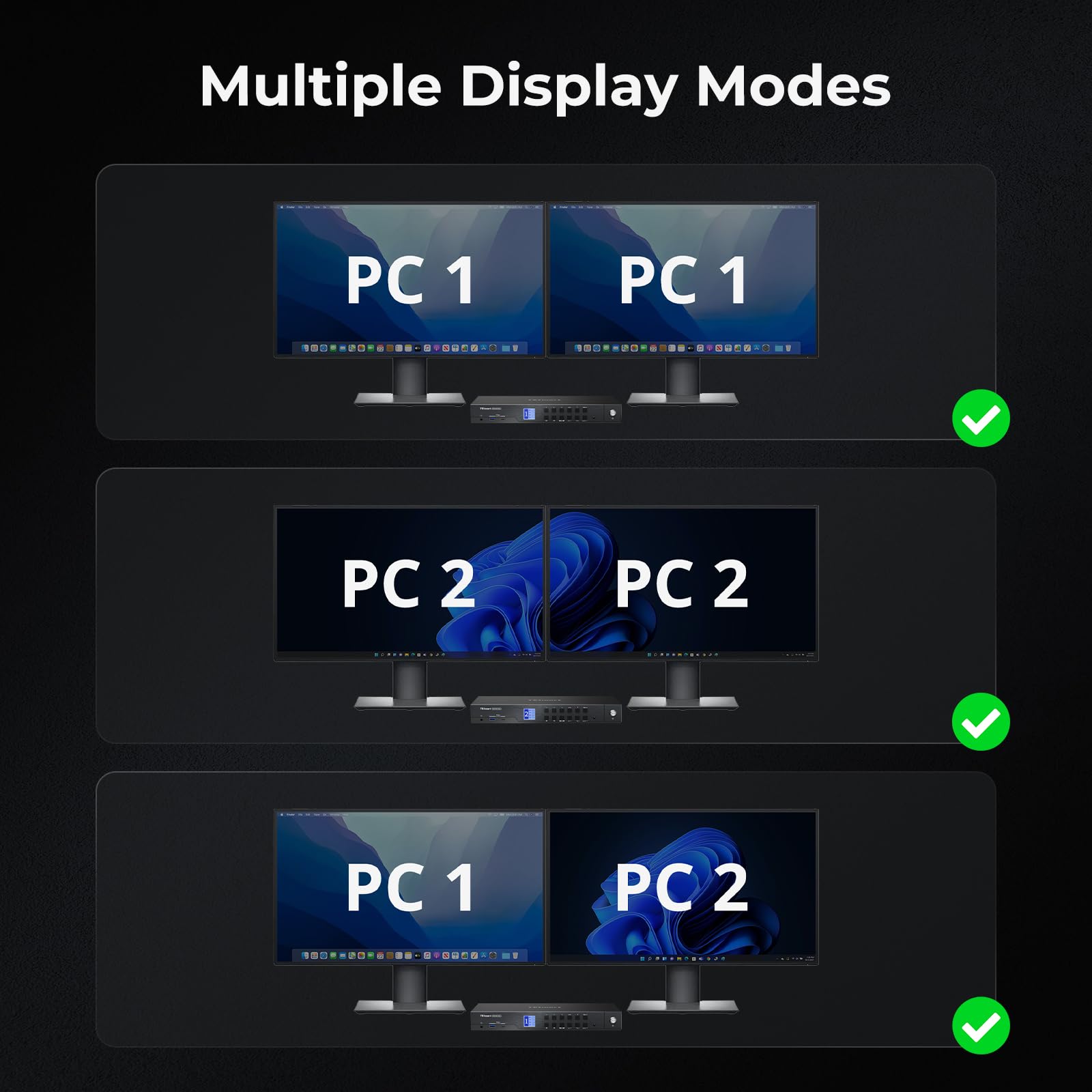
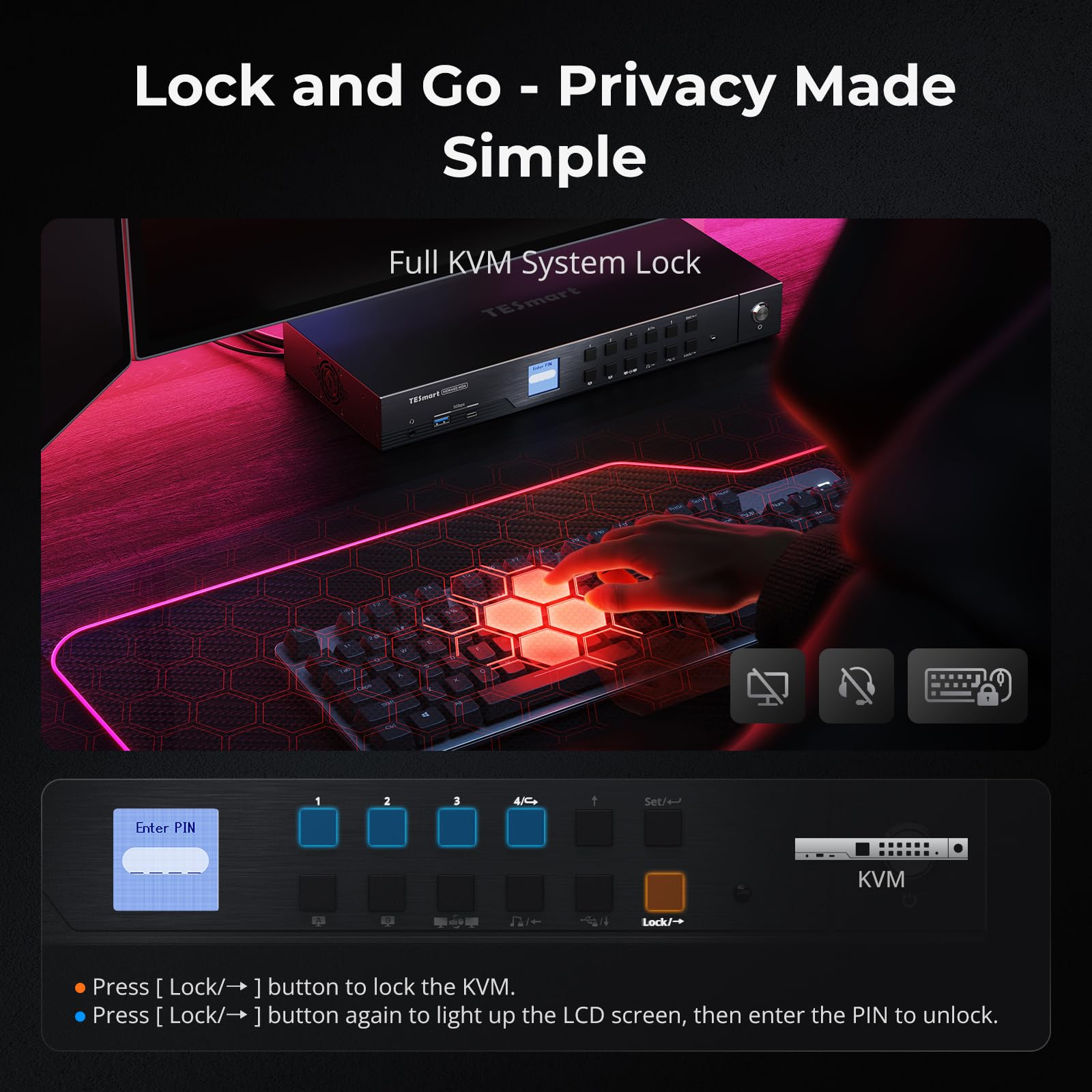
The TESmart 4K@144Hz KVM Switch enables professional users to manage up to 4 computers with dual 4K displays at 144Hz, supporting HDMI 2.1 and DisplayPort 1.4. It features advanced EDID emulation for smooth transitions, USB 3.2 Gen1 ports with power delivery, gigabit Ethernet sharing, and multiple switching methods, making it an all-in-one docking and control station designed for high-performance multitasking and immersive visuals.

S**Y
Everything works perfectly.
At first, I was hesitant because of the price.I was also skeptical that it would work as I wanted.I'm very satisfied.I'm using an LG monitor with a 5120x1440 DQHD resolution.I logically split the monitor into left and right halves using PRP (either 1:1 or 2:1).I use three PCs,with the main program on the left and auxiliary programs on the right,and I work alternately between PC, Mac, and Linux.Everything works perfectly.Pros: It has all the features I need.Cons: It sometimes freezes at the login screen when switching between mouse and keyboard.
C**J
Great Product, Excellent Support pre-Purchase! Would buy again.
5* product for sure. 5* Customer Service. Had a while responsive conversation prior to ordering with Kelly from TESmart and gave me all the info I needed to get the correct KVM. Currently hooked up to Samsung 49 in ultra wide monitor and working great right out of the box. I just need to get on top of my cable mgmt =)
S**E
Needs improvements but would buy again if they are fixed
First off, this is an expensive KVM, no doubt about that, but if you are looking at this product, I'm willing to bet I know why you are here: high resolution and EDID. I have 4 monitors in my setup with my main monitor being 4K@144Hz (two monitors were used with KVM and two were left on my primary computer). Trying to find a KVM that allows me to switch between multiple computers AND keep the resolution was high on my list. I wanted to love this and it is very close to being where it needs to be but there is one large flaw they need to work out:Pros:* Great build quality - it is a metal case and seems to be a quality build.* EDID - switching screens and maintaining position, resolution, etc. is key.* Easy switching - I don't want to press button, I want to keep my hands on the keyboard. They do provide multiple ways to switch computers, which is also nice, so you can pick what you want.* Super easy to setup - four computers with multiple cables, yeah, you'll want cable management but they are all there.* Quick switching - you ever have a cheap KVM where you do the keyboard shortcut to switch and you need to wait 2 seconds for the switch to go through? That isn't this. This worked really well.Cons* Different size cables - I'm not knocking any stars off for this, just that my computers could be closer or further away than yours. I ended up buying 10 foot cables because my fourth computer was too far to use the standard cables.* It beeps/chirps every time you switch - This was just annoying. I would really like them to provide a way to mute this but looking through the manual and online didn't show me anyway to do that.* Switching issues - This is where I deducted the three stars. After using the switch for a week, I had to "restart" it multiple times a day because it would just stop switching or the Hz would drop and require me to go into the settings and say "4K@144Hz" again. Another switch, back to 60Hz, back into the settings to switch back. This became frustrating because that is the main purpose of this device. I returned the KVM for this specific reason.I have bought other KVMs that promised something similar and were sooooo much worse (I would give those zero stars, if possible) but since the main reason you spend $600+ on a KVM is so it can switch between computers flawlessly. If they can fix this issue, I would buy from them again.
A**N
Allows me to use multiple computers and monitors
This KVM switch helped me manage multiple computers and monitors. It has smooth transitions between devices that maintain my workflow and allows me to use a dual monitor setup to enhance my productivity. I switch between devices using hotkeys and the consistent display quality keeps my tasks uninterrupted. The network connectivity integrates well and I appreciate the minimal lag during intensive work. It also keeps my desk organized and the included cables simplify my setup drastically.
D**A
Very nice KVM dock
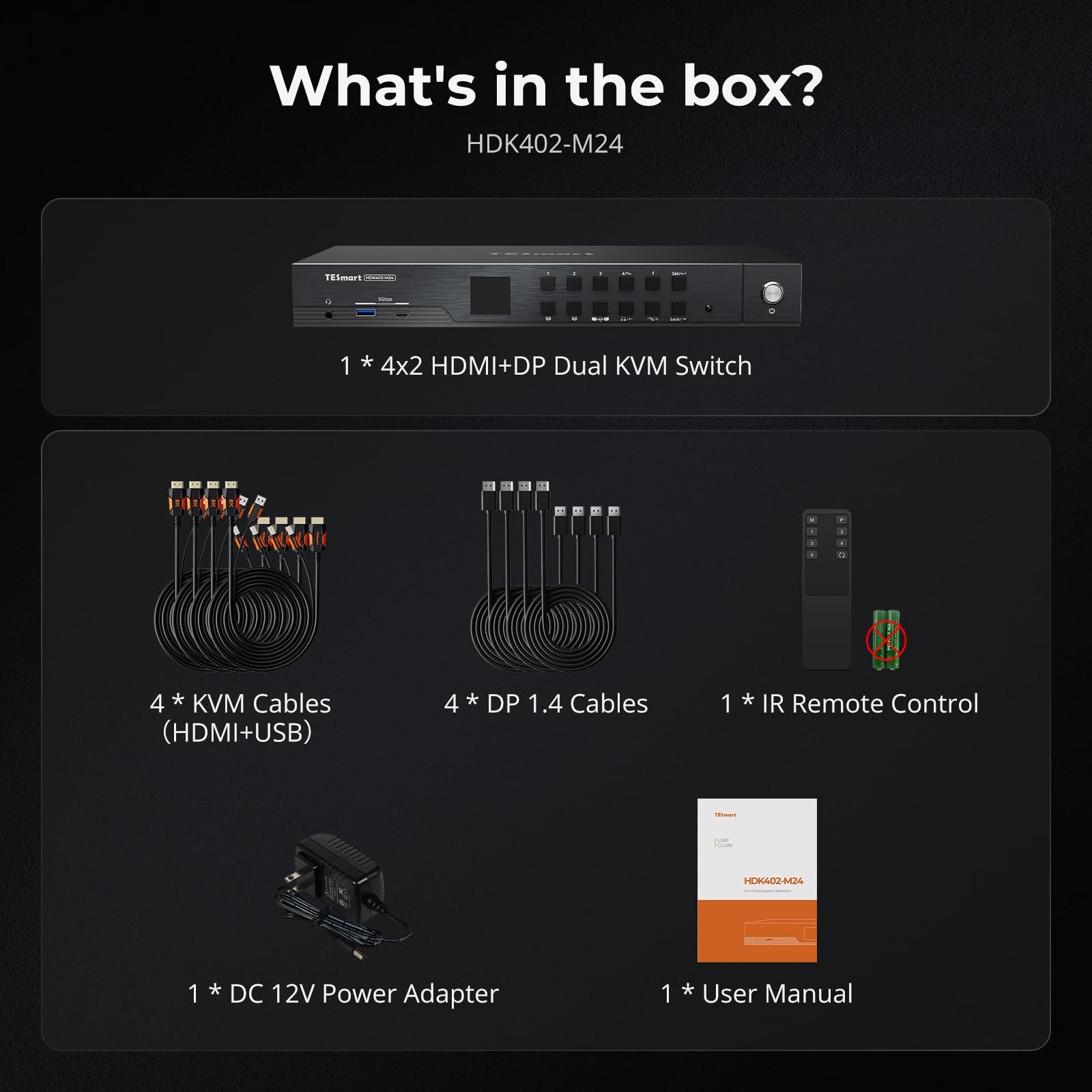
This KVM docking station is a beast. I used this for my dual computer setup I have in my office. I have two monitors and like having a monitor dedicated to each of my laptops. This docking station does that while allowing me to switch to having either laptop display on both of my monitors. This is the main feature I wanted, but here are a few other thoughts:- I love the different options for switching. It’s a small feature, but I like that I can use a hotkey, reach out and click directly on the KVM dock, or use the remote to switch inputs for the screens.- I appreciate the quick switching between connected machines. I used separate docks before and both of my laptops were always connected to both monitors through either HDMI or DP.- I am not a huge gamer with amazing monitors, but I am sure this works as described. It allows for HDMI 2.1 or DP 1.4, HDR, G-Sync, FreeSync, support Dolby Vision, etc.- It comes with 4 HDMI KVM cables, 4 DP cables, and an IR remote. That is great. This could easily come with one set of cables and force you to buy the other cables separately.- It’s nice that I can share the Ethernet connection between the different devices through the dock.Overall, this is a great docking station that has saved space, reduced clutter, and improved my efficiency. This will be in use for a long time.
M**
Seems well made
This thing is high techI purchased it for my husband he hasn’t used it itI will update once he does
A**X
Great KVM
The is a pretty awesome KVM switch. This is my first KVM that supports two monitors seamlessly. I got this KVM primarily so that I can either use both monitor for a single PC or share the monitors between PCs. It handles switching between resolution of the different computers seamlessly. The ability to share out an Ethernet port is a nice feature as most new laptops no longer comes with a built in NIC. Switching between devices, so far, have worked consistently (unlike cheaper KVM). No issues, best KVM I've used at home or at work.
Trustpilot
5 days ago
4 days ago