Some deliveries may take a little longer than usual due to regional shipping conditions.

DOWNLOAD THE APP


Customer Services
Copyright © 2025 Desertcart Holdings Limited
DOWNLOAD THE APP
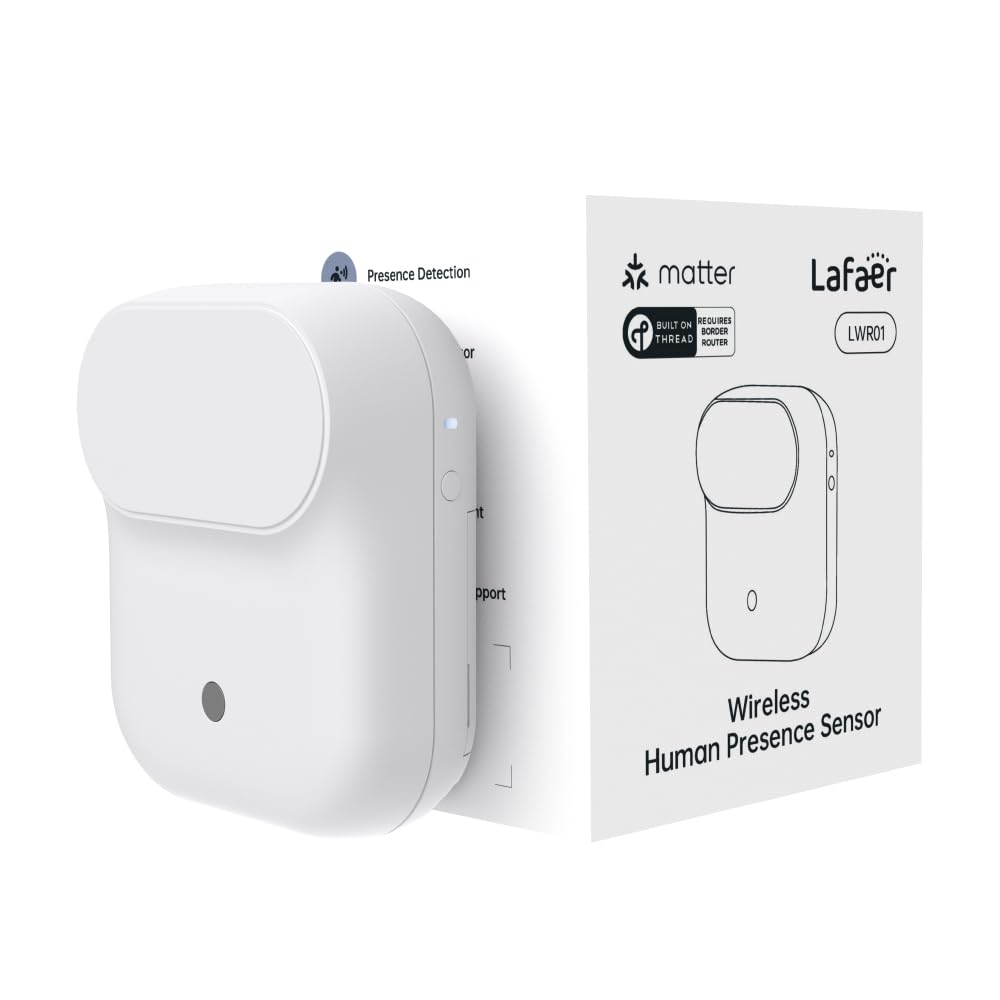
🏠 Elevate your smart home presence game—detect everything, miss nothing!
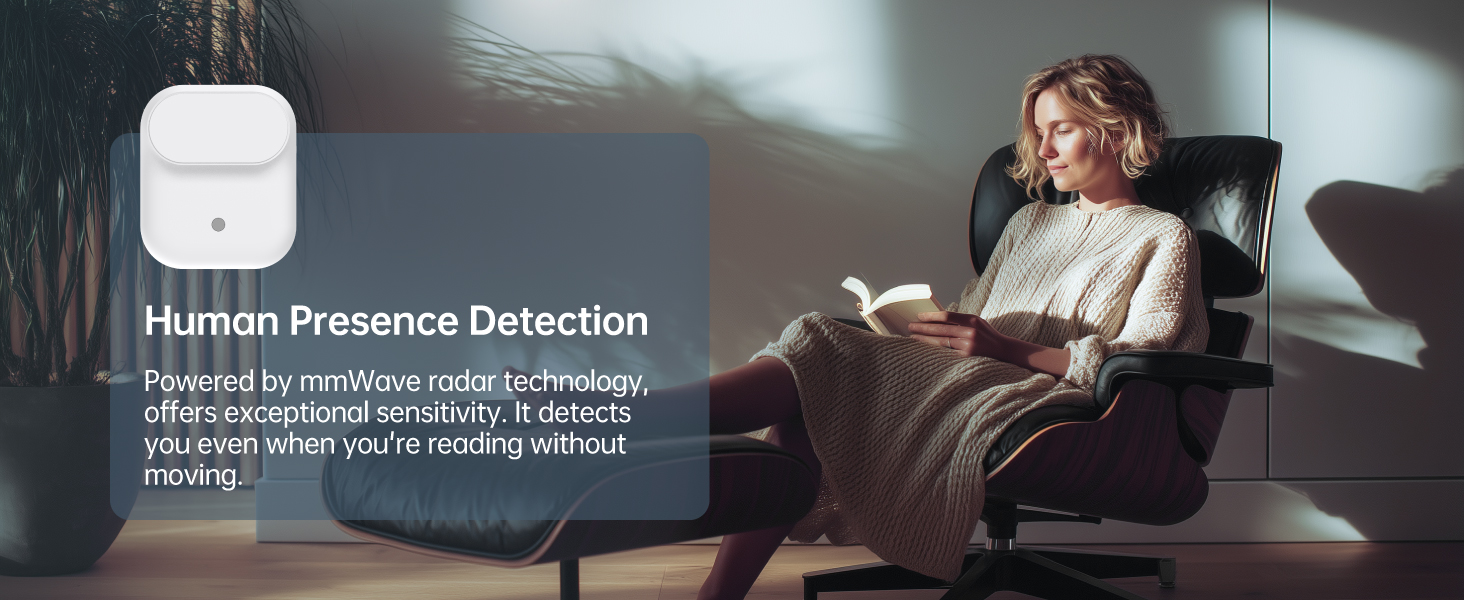
The LAFAER Wireless Human Presence Sensor LWR01 leverages advanced mmWave radar technology to detect both motion and stillness up to 6 meters away. Designed for modern smart homes, it supports Matter over Thread for seamless integration with major ecosystems like Apple HomeKit, Alexa, and Google Home. Its IPX3 splashproof rating and over one year of battery life (with optional USB-C power) enable flexible, wireless installation in diverse environments. The built-in ambient light sensor optimizes automation by preventing unnecessary lighting, making it a smart, energy-efficient addition to any connected home.




| ASIN | B0F9YVNJ1C |
| Batteries | 2 AA batteries required. (included) |
| Best Sellers Rank | #44,483 in Electronics ( See Top 100 in Electronics ) #156 in Motion Detectors (Electronics) |
| Brand | LAFAER |
| Date First Available | May 27, 2025 |
| Item Weight | 3.2 ounces |
| Item dimensions L x W x H | 3.35 x 2.83 x 1.46 inches |
| Item model number | EC-LWR01 |
| Manufacturer | Eternal Cyber Limited |
| Material | Plastic |
| Mounting Type | Wall Mount |
| Output Type | Push Button, Digital |
| Product Dimensions | 3.35 x 2.83 x 1.46 inches |
| Sensing Distance | 6 Meters |
| Specific Uses For Product | home automation, home security |
| Style | Modern |
| Upper Temperature Rating | 40 Degrees Celsius |
A**L
Excellent Presence Sensor for Smart Homes
I installed the Lafaer LWR01 at the top of the stairs in my two-story home, pointing downward, as shown on my pictures… and it has been working incredibly well. It reliably detects anyone going up or down the stairs, even when they move quietly. For this use case, it’s been close to perfect. The sensor is highly configurable. You can define how long presence detection remains active, adjust sensitivity, set detection ranges, and even choose when it should trigger. I especially like that it can be configured to activate only in darkness, during specific hours, or within a defined distance. It also includes a performance mode, which adds even more flexibility depending on your needs. Integration with my smart home has been flawless. My entire home runs on the Apple ecosystem, and the LWR01 integrates perfectly with it. I can’t speak to how it behaves without at least one HomePod acting as a Thread/Matter hub, but in my setup it works seamlessly. Notifications reach all my devices instantly Apple Watch, iPhone, iPad, Mac, and even HomePod so no matter what I’m doing, I never miss an alert. Installation and setup were extremely simple. The fact that it runs on batteries makes it incredibly practical, since I can install it almost anywhere without worrying about power outlets. As long as the sensor has a good connection to the nearest HomePod (which isn’t an issue in my case), placement is very flexible. Overall, this sensor exceeded my expectations. Between its accuracy, configurability, battery power, and rock-solid Apple Home integration, it has become one of my favorite smart home devices. I liked it so much that I plan to buy additional units to cover other areas of my home. Highly recommended.
J**.
Needs thread border router.
Cannot be installed without a thread border router on your network, otherwise, it seems fine.
K**K
Doesn’t deliver on its promises
I heard about this product a while back and was excited by the idea. Automate things to turn on when someone is in the room and off when they leave. Simple, right? That’s literally the entire promise. In reality, it behaves just like the Ecobee sensors it claims to improve on. Yes, it detects you, but then it seems to go into a long nap before checking again. Supposedly this thing polls far more frequently, and I even dug through the app to tweak every relevant setting. I lowered the unoccupied delay to the minimum of 20 seconds. I tried their AI “self-adaptation.” I enabled high performance mode. None of it made the slightest difference. I’ve been out of the room for over 30 minutes and the app still insists someone is present. Either my house is haunted or this product just does not work. Bonus frustration: after a shower, my robot vacuum was running and I noticed the wall mount had somehow ended up stuck to my bath rug, several rooms away from where the sensor was installed. The mount design is so poor it simply fell off the wall and onto the carpet. Save your money. I genuinely don’t know who is buying these and finding them satisfactory. My guess is this will earn a “frequently returned” label sooner rather than later.
A**R
What an Improvement Over PIR!
How great to have a sensor that doesn't keep turning the lights off if you are not moving all the time! Setup is a breeze if you meet the requirements. I have Google Nest WiFi Pro router and Google Home app and setup was fast and flawless, much easier and faster than some other Matter sensors. Highly recommended. UPDATE: I have two of these in use and they work well. But after a little less than two months in use, they both went offline the same day. I first tried removing and replacing the batteries to reboot them. Nope. New batteries brought them back. So battery life is far less than the 1 year stated.
P**K
Good but limited wireless range
Works well if placed relatively near the Matter home hub (e.g. AppleTV, Alexa , etc.) but the range is not great. If it is placed far from the nearest Thread hub, this device doesn't have the reach so it doesn't work.
M**L
practical
nice product
A**R
Works okay, just not 100% consistently
This sensor has a cool idea behind it, but using it day to day feels like you're testing something that's still being worked on. Setup was quick and it paired with my Home Assistant without any hassle. The design is clean and modern, and I liked that it comes with different mounting options plus the choice of using batteries or USB-C power. That makes it easy to put just about anywhere. The biggest downside is consistency. Motion triggers worked pretty well, but the human presence detection was unpredictable. Sometimes it acted like someone was always there, and other times it didn't update when it should have. That made automations feel unreliable. The light sensor sounds useful, but depending on your setup, it doesn't really add much in real use. It also seems to work better when plugged in with USB-C, which kind of defeats the idea of long battery life. It's a decent sensor with good ideas, but I think it needs more software fine-tuning before it feels truly dependable.
D**A
Not reliable all the time
I own about four of these devices. The bad : it’s extremely buggy! Sometimes it work and other times it won’t. It seems like it doesn’t work most of the time. The good: when it does work it’s fantastic! I would give it ten stars when it works. Overall you cant 100 percent rely on this product. I wish I could…..
K**R
Difficult to mount due to its size and drops out of the network from time to time
E**Y
Works well, quick to detect my presence.
M**H
Works very well. I bought it for my bathroom because regular motion sensors don't seem to work through glass and my lights would turn off when showering! The mmWave radar has no issues with the glass and it works exactly as I hoped. Matter over Thread is awesome for compatibility, I have it paired to both Apple Home and an Ikea Dirigera hub at the same time, and everything is sweet. Runs on two AA batteries but can be hardwired via USB-C makes it super versatile too. My only small complaint is the mounting hook sticker is slightly larger than the base of the unit so the edge of the sticker is slightly visible. Not a big deal really and it would be easy to trim with some scissors.
P**E
I've been looking to get a good presence sensor for a long time, but just didn't want to wire anything up, especially in the bathroom. Along came Lafaer with the LWR01, and my bathroom is finally set up with automations that are fast and reliable. What you get in the box is fairly simple. There's the sensor itself, a 2m USB C cable with an L shape connector for convenience, 2 sticky pads for mounting to walls, and wall mounting screws. There's some paperwork included with some straight forward instructions, but if you've set up a matter device before, you'll know the drill. There's a QR code on the paperwork to get the Lafaer app, something I'd recommend as it let's you configure the device more deeply. Set up was super easy, as soon as the batteries were in, it popped up on my phone asking if I wanted to add the device. I added the device and then once set up is complete, I downloaded the Lafaer app and connected the sensor to the app as well. This all took about 2 minutes. The settings for the sensor can be accessed through the Lafaer app. From here the device occupancy status can be seen, as well as the light level in the room. The labelling is a bit weird for the presence sensor. It shows the occupancy status as "None" for when the room is empty, and "Show" if there's someone in there. I think it might be a translation thing or something. The small LED light can also be disabled from here. The LED isn't really of much use in normal cases so I just turned it off. Self Adaption is another option in the app. Completing this 2 minute process will allow the sensor to learn the room, helping to optimise the sensor and avoid issues like false presence detection. There's an identify button which will flash the units LED light to let you know which one you're selecting in the app, useful if you have multiple and have mixed them up. The advanced settings are really what you want this app for. From here, you can set up the sensor range, having it ignore things that are outside of a certain range. For example, I had mines placed facing the bathroom door, and when people walked past, the lights would turn on due to them being detected. With the range detection setting I was able to set it up so that it didn't trigger unless someone stepped into the bathroom. There's also additional advanced range detection settings where you can control the detection thresholds for each detection range, making it more or less sensitive at specific distances. There are also options for controlling the timeout for the sensor. This is great for controlling how long you'd like your automations to run for. For cupboard lights, 20 seconds is fine, but maybe you'd like a couple of minutes instead. The choice is yours. There's an option to disable the automations unless it's dark in the room. This is perfect for simplifying automations on your chosen platform, since you don't need to set a condition for the light level, you can just have the sensor decide how bright is too bright, and then it simply won't report the occupancy status during that time. A thoughtful thing here is that if the sensor triggers an automation for lights, and the room becomes bright, the sensor will continue to operate normally. This is important as illumination is probably the most common automation that this type of sensor gets used for. There's a setting for a high performance mode as well, which consumes more power, and you can choose if you want this setting on or off for each power mode (battery or USB). I tried setting out and compared the sensor with it on and off, but I couldn't seem to find any difference. I'm not sure what the high performance mode changes specifically, but I'm guessing there will be certain circumstances where it will be help or improve something. Response times on the sensor are near instant. With the LED light enabled, jumping out in front of the sensor has the LED trigger so quickly that I almost miss it. The automation follows behind that which takes about 1 second to complete. When I'm walking into the room, the lights are on before the door is fully opened. In my testing I was able to find situations where the sensor would trigger when you don't want it too, like when the sensor is facing the door and people walk past. The sensor can see through some surfaces like walls and cupboard doors, so placement is important. This can be resolved with the right configuration, but it's also important to consider where people are going to be, and what automation you want to happen, and then place the sensor in a location that best works with that need, and then change settings on the device if that's still needed. It's too early to give an opinion on battery life, it's supposed to last about a year. I messed around with it a fair bit, testing the high performance mode for a bit, and it still shows as full, which is a good sign I guess. I'll be happy if it can do 6 months. Overall I'm very happy with it. It works exactly as expected, set up is easy, and the connection is reliable.
S**K
Très bon appareil Matter over Thread, fonctionne très bien avec Home Assistant. Permet ENFIN de fonctionner sur 2 piles AA car la première détection utilise un capteur PIR (donc de mouvement) et une fois cette détection faite ce module utilise un radar qui va lancer une détection de présence (et non plus de mouvement) toutes les 20s minimum (c'est réglable). La distance de détection est réglable par l'application smartphone (Matter ne sais pas gérer des paramètres non prévus par ses spécifications), de 1,2m à 6 mètres, l'énorme avantage est de pouvoir l'installer dans de petites pièces et surtout étant donné que la première détection est effectuée par un PIR (mouvement), aucun souci de fausses détections intempestives quand vous vous trouvez dans une pièce adjacente car les ondes radars (présence) traversent les murs. Pour les commentaires des personnes qui perdent la communication avec le module, ne pas oublier que Thread est un réseau maillé (comme Zigbee & ZWave) et qu'à partir d'une certaines portée la force du signal se dégrade, il faut donc avoir plusieurs modules Thread (alimentés par courant) sur la route... Pour finir, ce module fonctionne aussi alimenté par un USB-C ce qui permet d'avoir une réaction encore plus rapide.
Trustpilot
2 weeks ago
1 week ago